Short Video Distribution System Build Log: Vue Frontend, ThinkPHP Recommendation Feed, and Multi-language Customization Notes
Short Video Distribution System Build Log: Vue Frontend, ThinkPHP Recommendation Feed, and Multi-language Customization Notes
Disclaimer: This article is for technical education and demonstration only. It is not professional or financial advice. Any real-world deployment must comply with applicable laws and regulations.
Last week I helped a friend who runs a local lifestyle content account get this system running. What he had was a framework someone else had half-customized — Vue on the frontend, ThinkPHP on the backend. The admin panel came with a long list of menus, and half of them opened to blank pages. My job was to get the environment working first, then map out which modules actually function, and hand him a customization checklist along the way. I hit a fair number of snags, so I’m writing it all down to save the next person some time.
How the system is structured
The backend uses ThinkPHP’s multi-app mode, with interfaces split into app/api and app/admin. Token validation and cross-origin handling sit in middleware. The frontend is built with Vue3 + Vite, and routing uses dynamic permissions — after login it pulls the menu tree from the admin side and then calls addRoute. The database is MySQL 8.0, and Redis holds the temporary weights for the recommendation pool plus login sessions.

The table schema is reasonably disciplined: content, users, follow relationships, and interactions all live in separate tables. A few tables are badly redundant though — the content table, for example, crams tags into a single string field, so real tag-based search would require splitting that out. I didn’t rush to change it and instead handled compatibility at the business layer.
Hands-on testing: what runs and what’s just a shell
Content feed and recommendation slots
The homepage feed uses a mixed “time + heat” sort, with heat weights stored in a JSON config in the admin panel that you can edit. In testing, the sorting logic is genuinely implemented rather than hardcoded simulated data — that already puts it ahead of many half-finished projects. The collaborative filtering part, however, is just function definitions with no callers, so real personalized recommendations are on you to build.
Multi-language and frontend experience
The frontend i18n directory is already set up with zh-CN and en language packs, and button labels switch correctly. But content entered through the admin panel has no multi-language fields, so you’ll need to add a translation table yourself. The player uses a native video tag, and long lists stutter on scroll — after swapping in a virtual list, smoothness improved noticeably.
Admin controls and payment interface
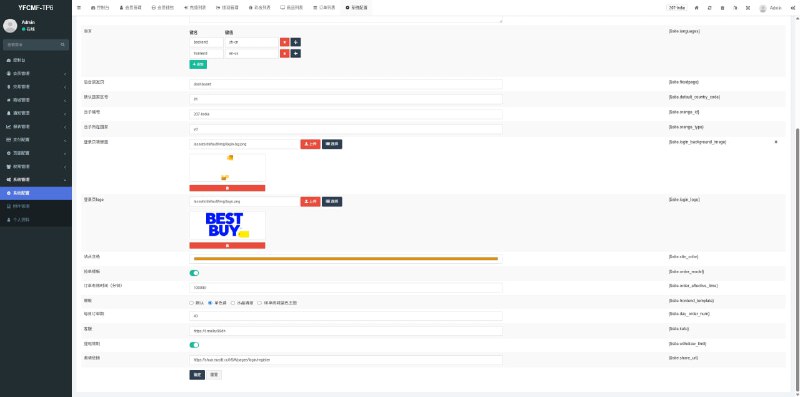
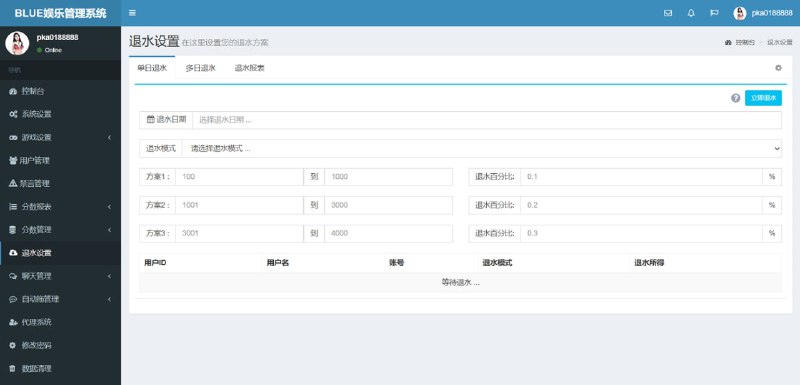
The user management, content moderation, and report handling modules in the admin panel have working interfaces — real CRUD. On the payment side, only a unified order entry point and a callback verification function remain; the channel config fields are empty and need to be wired up per the official docs. I filled in signing and async notification verification using standard templates and got the sandbox environment running.
One warning: the worst trap in a half-customized codebase is something that “looks present but has no interface behind it.” Walk through every admin menu once with F12 open and check whether requests come back 404 or with mock data — ten minutes there can save three days of rework.
Deployment essentials and the snags I hit
Environment setup
PHP 8.1 is the recommended version; 7.4 runs but throws deprecation warnings on a few array functions. Configure rewrite rules using ThinkPHP’s standard pattern, drop the frontend build output under public, and handle cross-origin headers in Nginx for better stability. Redis is mandatory — login sessions won’t work without it.
Customization notes
First, create a git branch before touching any code; this system has almost no comments, so a bad edit is hard to trace back. Second, interface response formats are inconsistent — some wrap results in a data field, others return arrays directly, so it’s best to normalize them in middleware. Third, video upload uses chunked upload with the slice size hardcoded as a constant, so changing it means editing source. Fourth, admin menus are database-driven, so remember to insert a record into the menu table when you add a page, otherwise the frontend route won’t hook up.
One more detail: the upload directory needs its own permissions. With the default www user in the hosting panel, video chunk merging fails and the log only shows an empty error — I spent a while chasing it before realizing it was a permissions issue.
Who this is a good fit for
It suits teams that already have content operations scenarios and need a distribution foundation they can get online quickly. The frontend structure is clear, so a UI redesign is cheap; the backend interfaces are layered neatly, so adding business modules isn’t hard. It does not suit people who want something ready out of the box — this is a half-finished product, and plenty of admin features are display-only until you complete them. If the budget is tight and you want to skip building from zero, this foundation is a reasonable deal.
FAQ
Q: Many admin menus open to blank pages — is that an environment problem?
A: Usually not. Those modules only have frontend pages with no matching interfaces; they’re placeholders left over from the partial customization. The quick check is F12: a 404 or hardcoded simulated data means it was never implemented.
Q: How much work is it to connect another payment channel?
A: Not much. The unified order entry and callback functions already exist — add a channel class following the signing rules, fill in the config in the admin panel, and it works. Just make sure the async notification does signature verification and idempotent handling.
Q: Is the recommendation algorithm ready to use?
A: The heat-weighted sort is ready; the personalized part is just empty functions. You’ll need to build it yourself, and I’d start with simple tag matching and heat decay rather than jumping straight to a model.
Q: How do I add multi-language fields to frontend content?
A: Add an associated translation table to the content table, key it by content ID plus language code, make the admin entry page a tabbed interface, and have the frontend request the version matching the current locale. The scope of change stays manageable.
This article only documents a technical deployment process. Please comply with laws and regulations; any illegal use is prohibited.
Disclaimer: This article is for technical education and demonstration only. It is not professional or financial advice. Any real-world deployment must comply with applicable laws and regulations.
#Source Code Deployment #Vue #ThinkPHP #Recommendation Algorithm #Customization Notes
-
 Alipay QR Code Scan
-
 WeChat Scan Pay