Building an Online Vehicle ETC Verification System: PHP Real-Time Validation and Deployment Guide
Building an Online Vehicle ETC Verification System: PHP Real-Time Validation and Deployment Guide
Disclaimer: This article is for technical education and demonstration only. It is not professional or financial advice. Any real-world deployment must comply with applicable laws and regulations.
Last week, a friend who runs a vehicle registration agency reached out to me. His offline branches were struggling with slow data collection from car owners, so he wanted an online ETC application and identity verification system. The core requirement was straightforward: once a user enters their license plate, personal details, and phone number on their mobile device, the support team needs to see the submission progress in real time on the backend. Based on the review, staff should be able to dynamically push the next operational instructions to the frontend—like requesting an SMS verification code or asking to re-upload ID documents. Digging through my code archive, I found a lightweight online verification interaction system built on PHP and MySQL. I spent an afternoon deploying it for him, and I am documenting the entire process here as a reference for anyone needing a similar multi-step interactive form workflow.
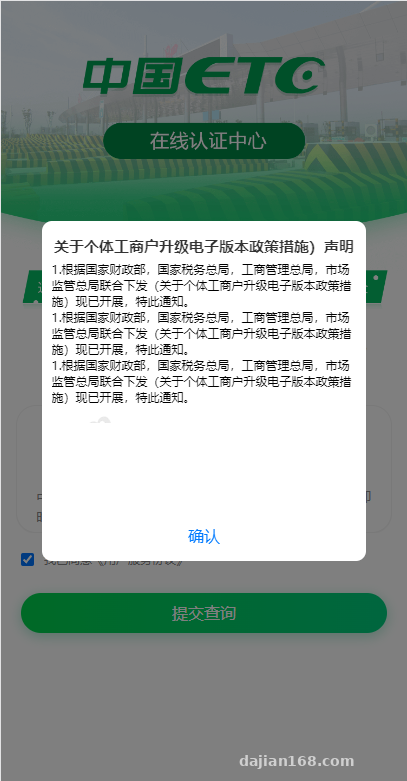
1. System Architecture and Core Feature Testing
This source code avoids bloated frameworks that take up hundreds of megabytes. Instead, it relies on clean native PHP paired with a Layui backend, while the frontend features a responsive layout tailored specifically for mobile WebViews. After getting it running locally, I focused on testing several core workflows.
1. Multi-Step Forms and Real-Time State Synchronization
In traditional form systems, clicking submit is a one-off action; if users make a mistake, they have to wait for a phone call from customer support. The standout feature of this system is its Ajax long-polling mechanism (which can also be upgraded to WebSockets). When a vehicle owner enters basic car details on the frontend and clicks next, the page enters a loading state awaiting verification. Immediately, an alert sound plays on the backend, and the operator can view the active session status directly in the dashboard list.
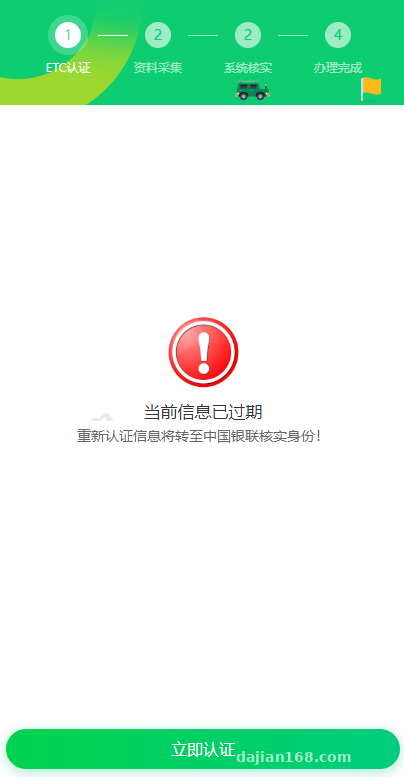
2. Dynamic Backend Instruction Dispatch
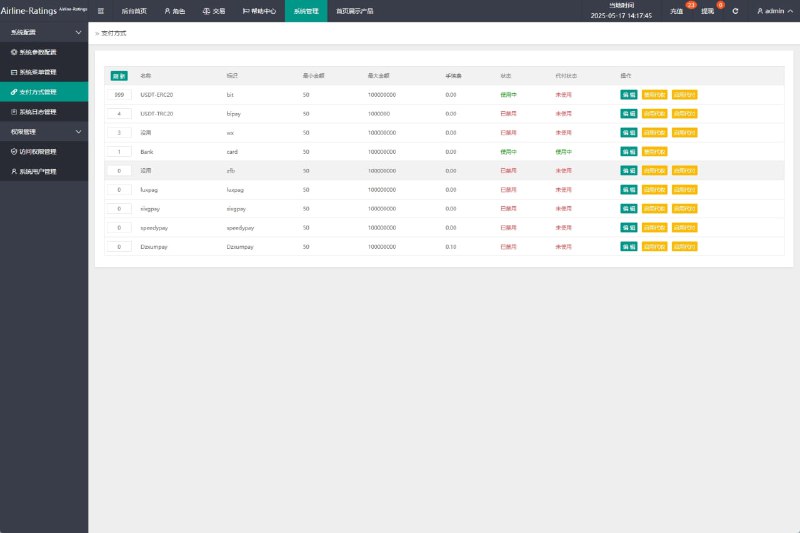
Once support staff review the owner’s initial data in the backend, they can click various status buttons directly on the control panel. For instance, if the information looks good, clicking “Send SMS Verification” seamlessly switches the user’s frontend screen to a verification code input box. If the phone number or card format is incorrect, clicking “Prompt Data Error” triggers an immediate pop-up on the frontend asking the user to re-enter the details. The entire process requires no page refreshes from the user, delivering a remarkably smooth interactive experience.
Testing Tip: Because the system relies on frequent frontend status polling to stay synchronized, I recommend setting the polling interval between 2000ms and 3000ms in a production environment. Setting it too short (like 500ms) can easily max out the CPU on a basic server if hundreds of users are online simultaneously.
3. Responsive UI and Multi-Device Compatibility
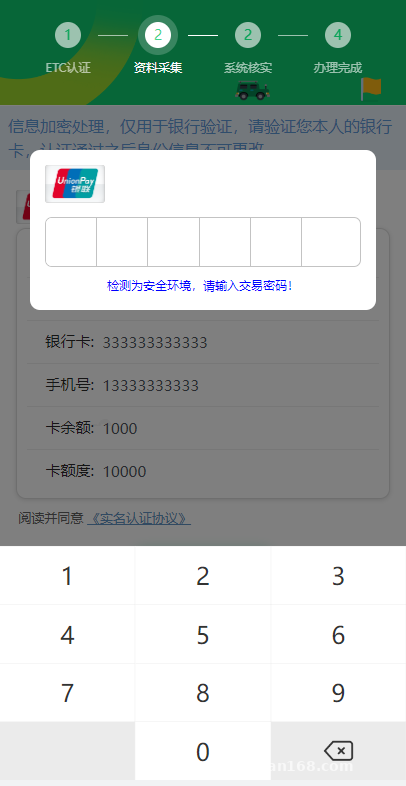
Using Chrome DevTools, I simulated screen sizes for the iPhone 14 and several mainstream Android models. None of the frontend input fields or modal overlays showed any alignment issues. The included stylesheets are well-structured; if you want to customize the system—such as changing the default ETC green theme to your company’s brand colors—you only need to tweak a few variables in the global CSS file.
2. Environment Deployment and Troubleshooting on a Control Panel
Although the system architecture is relatively simple, there are still a few pitfalls to watch out for when deploying it to a live server. For this setup, I used a 2-core, 4GB lightweight cloud server running CentOS 7.9 with the aaPanel/BT control panel.
1. Basic Runtime Environment Parameters
Do not rush to install PHP 8.0 or higher just because it is newer. As a rule of thumb, the most stable match for lightweight business systems like this is still PHP 7.3 or 7.4. MySQL 5.7 works fine for the database, paired with Nginx 1.20 as the web server. For PHP extensions, aside from the standard pdo_mysql, make sure to install Redis or OPcache to significantly reduce the I/O pressure caused by frequent polling.
2. URL Rewriting and Directory Permissions
After extracting the source code archive to the website root directory, the very first step is changing the permissions of the runtime and upload directories to 755 and setting their owner to www. I overlooked this initially, which caused the backend to throw a 500 error whenever staff tried to export verification reports. Checking the Nginx error log revealed it was a temporary file write failure. For URL rewriting, the built-in ThinkPHP rule in the control panel works right out of the box without needing custom regular expressions.
3. Database Connection and Admin Path Modification
The core configuration files are located in the config folder in the root directory. Open database.php in an editor and replace the database name, username, and password with your newly created credentials. For security reasons, I strongly advise renaming the default admin backend folder to something more complex, and adding IP whitelist restrictions in your Nginx configuration to keep automated scanners out.
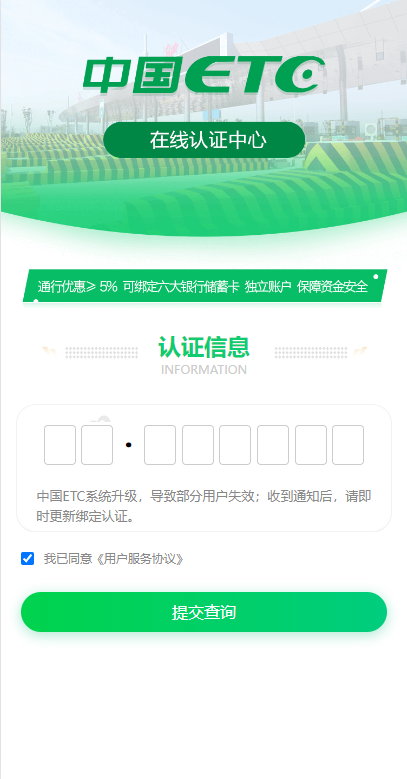
3. Use Cases and Secondary Development Ideas
At its core, this source code acts as a multi-step form verification framework that supports real-time manual collaboration between the frontend and backend. Beyond the online vehicle ETC registration I set up for my friend, tweaking the frontend text and input fields makes it suitable for many standard business scenarios:
- Enterprise Online Identity Verification: Ideal for manual on-site ticket validation after event booking, or online pre-screening of guest credentials for large exhibitions.
- Security Workflow Demonstrations: Useful for internal staff training to demonstrate Multi-Factor Authentication (MFA) and security blocking procedures during abnormal login attempts.
- Custom Service Bookings: Great for online registration systems that require live customer support intervention to confirm schedules or qualifications.
If you have frontend developers on your team, there is plenty of room for secondary development. For example, you could replace the manual backend confirmation clicks by integrating third-party identity verification APIs, turning it into a fully automated validation pipeline.
Frequently Asked Questions
Q: Why doesn’t the backend list refresh in real time after data is submitted on the frontend?
A: Nine times out of ten, this is caused by CORS issues or mixed HTTPS content. Check if your site forces HTTPS. If it does, go into the backend system settings, change all API request URLs from http to https, clear your browser cache, and try again.
Q: Why isn’t the backend alert sound playing in Google Chrome?
A: This happens due to modern browser autoplay restrictions. Once the operator logs into the backend, they just need to click anywhere on the blank space of the page to activate the audio context permissions. After that, alert sounds will play normally whenever new data arrives.
Q: Does this system require a lot of server bandwidth?
A: Pure text form interactions consume minimal bandwidth, with each polling data packet taking up only a few hundred bytes. A standard 3Mbps to 5Mbps connection is more than enough to support over a hundred concurrent users; the main priority is ensuring fast database read and write speeds.
Disclaimer: The system deployment process and source code analysis documented in this article are strictly for technical education, enterprise form interaction research, and security demonstration purposes. All developers and users must comply with local laws and regulations.
Disclaimer: This article is for technical education and demonstration only. It is not professional or financial advice. Any real-world deployment must comply with applicable laws and regulations.
#PHP Source Code #System Deployment #Identity Verification System #Web Development #Real-Time Validation
-
 Alipay QR Code Scan
-
 WeChat Scan Pay