Building a Customer Support Bot with a Ticketing System: Telegram Auto-Reply Bot Deployment Notes
Building a Customer Support Bot with a Ticketing System: Telegram Auto-Reply Bot Deployment Notes
Disclaimer: This article is for technical education and demonstration only. It is not professional or financial advice. Any real-world deployment must comply with applicable laws and regulations.
Recently I helped a client move an open-source support bot from a test machine into a production environment. The requirements weren’t complicated: answer questions automatically on Telegram, turn the tricky ones into tickets, and let agents take over from the admin panel. The old setup only had a stats script that counted messages — the moment real conversations started, it fell apart. This time I rebuilt it around a proper customer support plus ticketing model, and wrote down the deployment traps along the way.

Hands-On Test: How Auto-Reply, Tickets, and Human Takeover Fit Together
1. Auto-reply is not just keyword stuffing
I started by building a FAQ library in the admin panel, with categories, hit counts, and enable/disable switches. When the bot receives a message, it tries menu buttons first, then keywords, then similarity matching with a threshold of 0.72. Below that threshold it doesn’t force an answer — it creates a pending ticket instead. In practice this cut the number of irrelevant answers a lot compared with pure keyword matching.
2. Ticket flow runs on a state machine
The ticket table only needs a handful of fields: ticket_id, user_id, group_id, status, assignee, created_at, updated_at. Status can only move open→pending→closed. When an agent takes over, the record is locked, the bot pauses auto-replies, and everything resumes once the lock is released. For duplicate pushes I use update_id as a unique index so a single message can’t create two tickets.
3. Admin control and data import
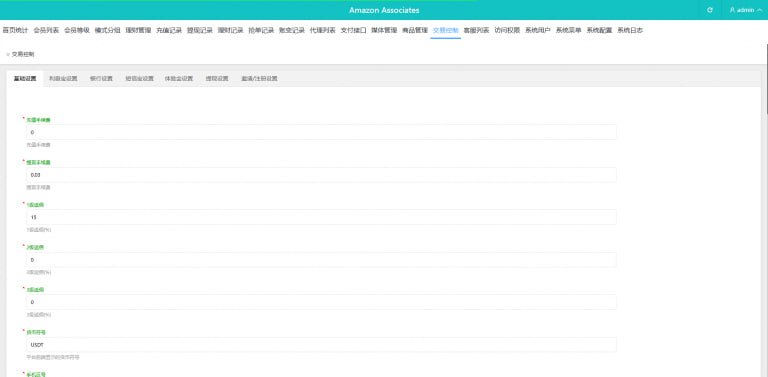
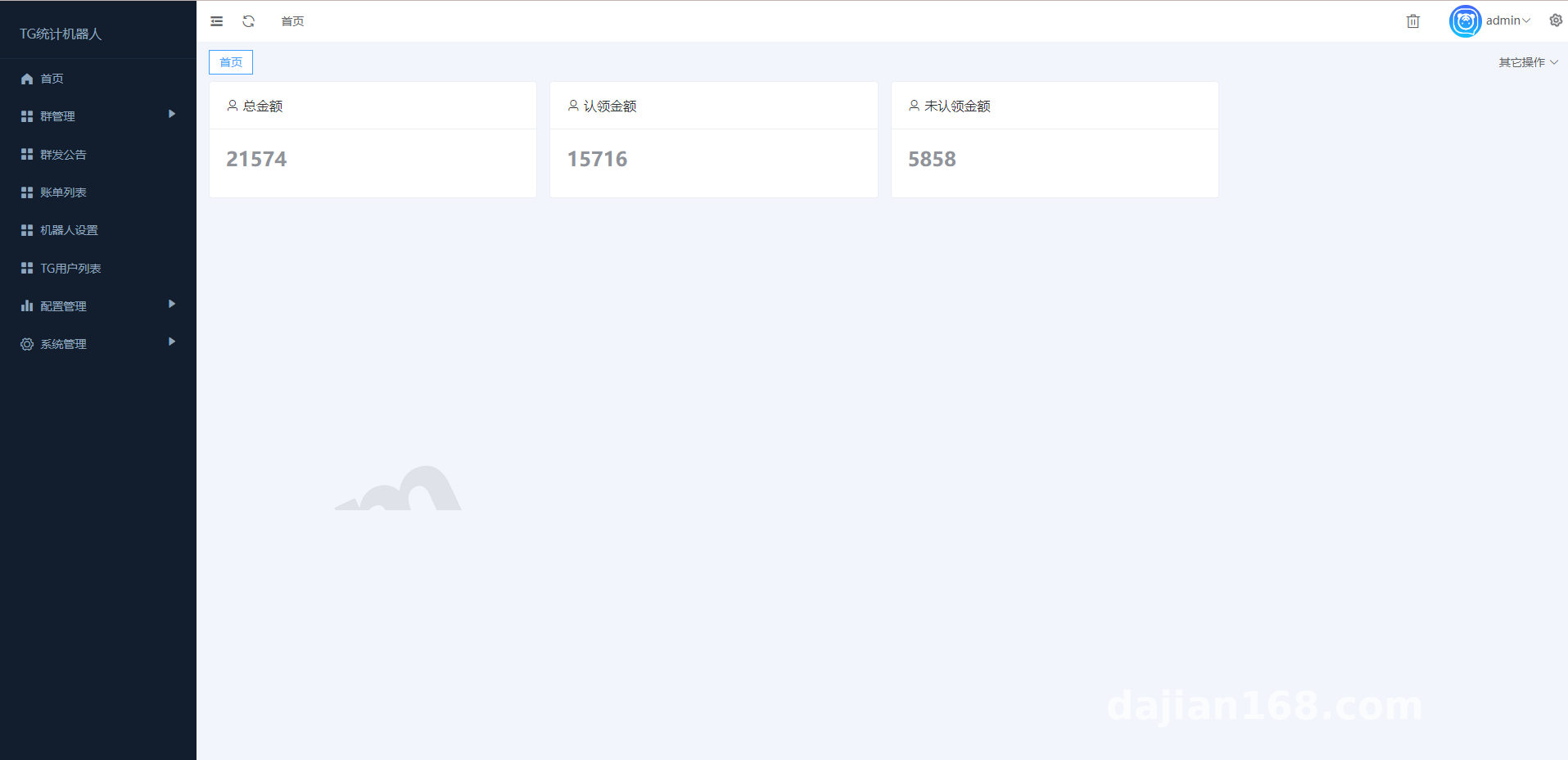
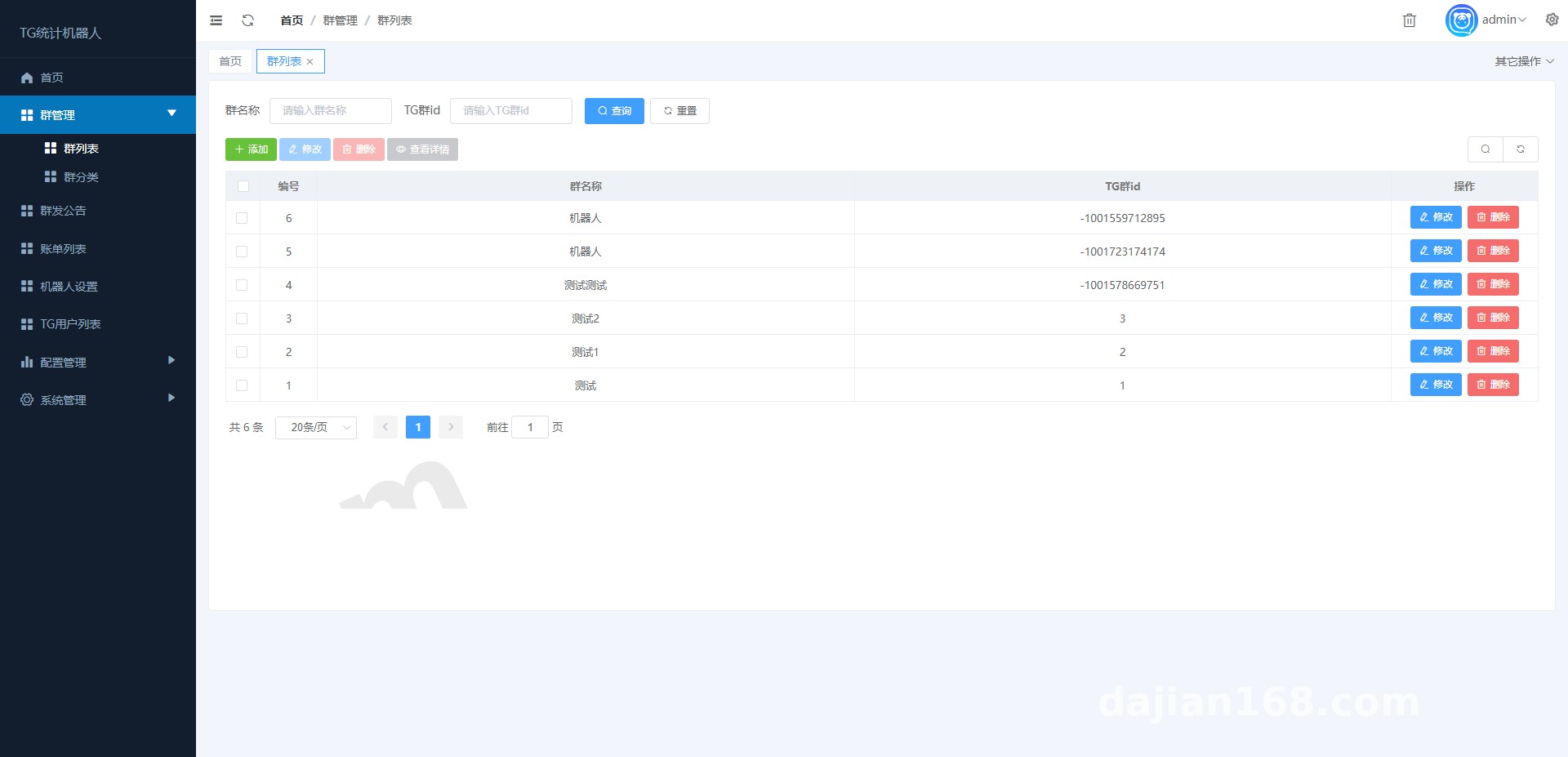
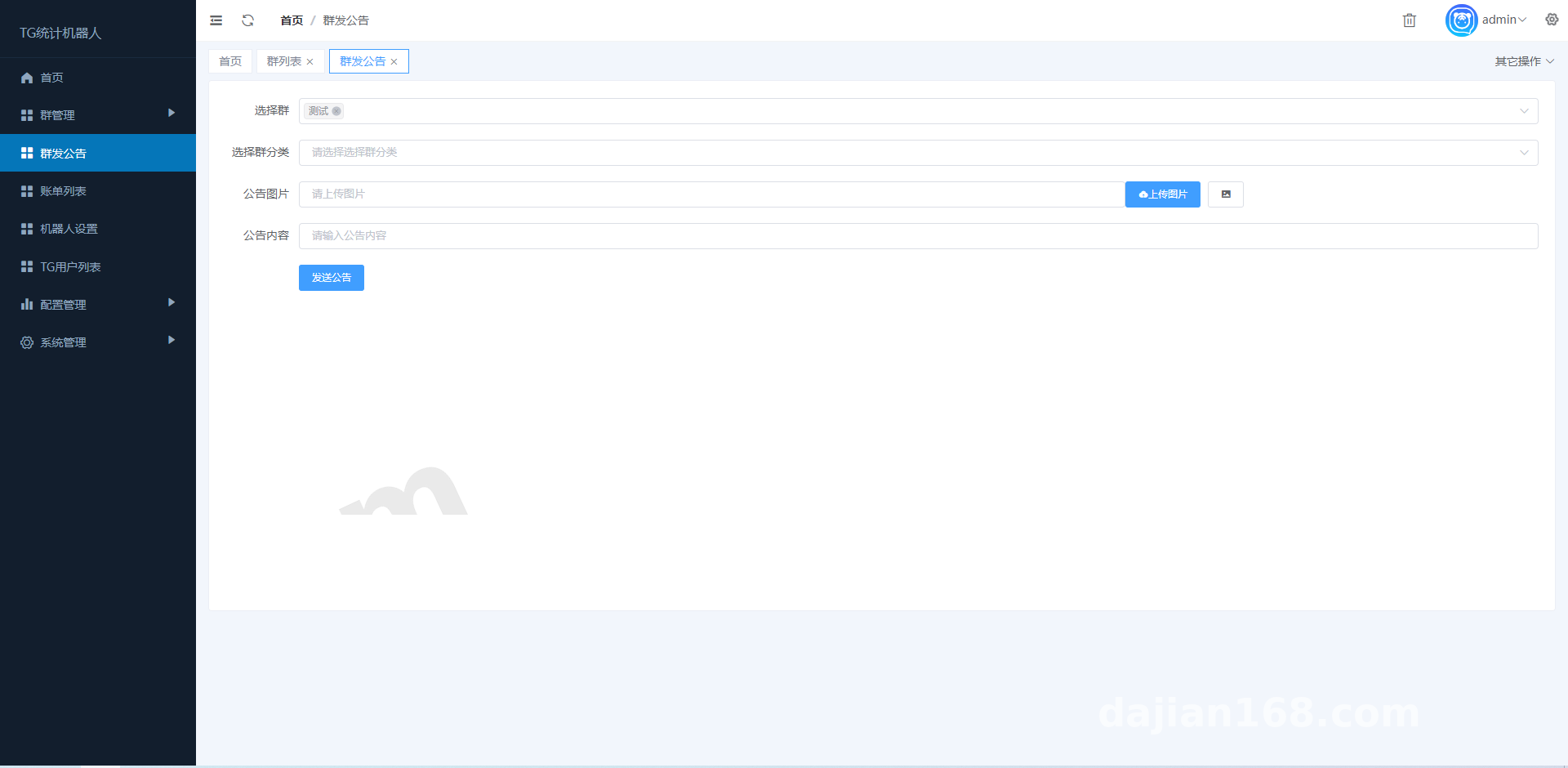
The admin side is a standalone console where you can view conversations, tickets, agent performance, and keyword hits. FAQ entries and ticket history support one-click CSV import, and field mapping is picked on the page — no code changes needed. Normalize everything to UTF-8 before importing and use ISO format for timestamps; it saves you half the debugging time.
Tip: keep the human-takeover state in Redis and auto-release it after 30 minutes of inactivity. Otherwise, once agents log off for the day, users stop getting auto-replies entirely.
Deployment Essentials: Environment, Webhook, and Permissions
Environment stack
I used Ubuntu 22.04 on 2 cores and 4 GB of RAM, with PHP 8.1 + MySQL 8.0 + Redis. Nginx reverse-proxies to 127.0.0.1:8080, and SSL is mandatory because Telegram Webhook only accepts HTTPS. The bot token lives in .env — never put it in front-end code. Redis handles the queue: messages go in first and get processed after, so a service restart doesn’t lose anything.
Webhook pitfalls
The first time I set up the webhook I forgot the secret_token, and scanners hammered the endpoint — the logs filled up with empty requests. Adding a random path segment to the URL plus a request header check made the noise disappear. Time zones bite too: MySQL stores UTC and the admin panel converts to local time on display, otherwise ticket timestamps don’t line up.
Payment integration and customization
If you offer paid service packages, drive payment through asynchronous callbacks and re-verify the signature, amount, and order number on the server — the front end should only handle the redirect. You can disable the payment module entirely in a demo environment. For customization, hook into events instead of editing core files; for multilingual support use lang/zh.json and lang/en.json with automatic fallback to Chinese for missing keys, rather than hardcoding copy inside templates.
Who It Suits and Go-Live Advice
It fits cross-border small teams, SaaS pre-sales inquiries, and community support — scenarios with modest message volume but a real need for an audit trail. Under 5,000 messages a day, 2C4G is enough; beyond that, split Redis and MySQL onto separate machines first. Run a three-day gray release before going live and watch three things: auto-reply hit rate, ticket duplication rate, and whether human takeover releases correctly. Don’t cut corners on permissions — separate the admin and agent roles, and log export and delete actions separately.
FAQ
Q: Can it connect to an existing website or app?
A: Yes. The admin panel exposes REST endpoints, and you map your user system through an external user_id. Add signature verification and rate limiting first — don’t leave it exposed.
Q: What if the auto-replies are inaccurate?
A: First check whether your FAQ entries are too long and split them into short Q&A pairs; then raise the similarity threshold to around 0.75 and route anything below it to a human. Don’t force answers just to boost the automation rate.
Q: How do I troubleshoot CSV import errors?
A: Confirm UTF-8 without BOM first, then check that the field names match your mapping and that timestamps use one consistent format. Import large files in batches of 500 rows instead of pushing tens of thousands at once.
Q: Are multilingual support and customization hard?
A: Language packs are JSON — copy one and change the keys. Customize through hooks and events, leave the core logic alone, and upgrades stay painless.
This article is for technical deployment discussion only. Please follow applicable laws and regulations and do not use it for any illegal purposes.
Disclaimer: This article is for technical education and demonstration only. It is not professional or financial advice. Any real-world deployment must comply with applicable laws and regulations.
#customer support bot #ticketing system #Telegram Bot #auto-reply #deployment notes
-
 Alipay QR Code Scan
-
 WeChat Scan Pay