USDT Payment Callback System Setup: TRC20 Payment API Deployment Notes
USDT Payment Callback System Setup: TRC20 Payment API Deployment Notes
Disclaimer: This article is for technical education and demonstration only. It is not professional or financial advice. Any real-world deployment must comply with applicable laws and regulations.
I spent the last two days deploying a USDT payment callback system for a client. The requirement was simple: hand it a TRC20 receiving address, and once a user sends funds the system recognizes the payment by itself and fires a callback to the business side. No third-party payment channel in the middle, no interface fees. I hit a few snags along the way, so I’m writing them down for anyone about to do the same.
1. Real-world test: how long from payment to callback
Channel configuration
Adding a channel in the admin panel takes three steps: name it, paste the TRC20 address, pick a confirmation count. No merchant ID, no key negotiation — which skips the most tedious part of integrating a third-party payment provider. One channel can hold several receiving addresses and rotates between them, which is handy when you’re running multiple storefronts.
How the listener script actually behaved
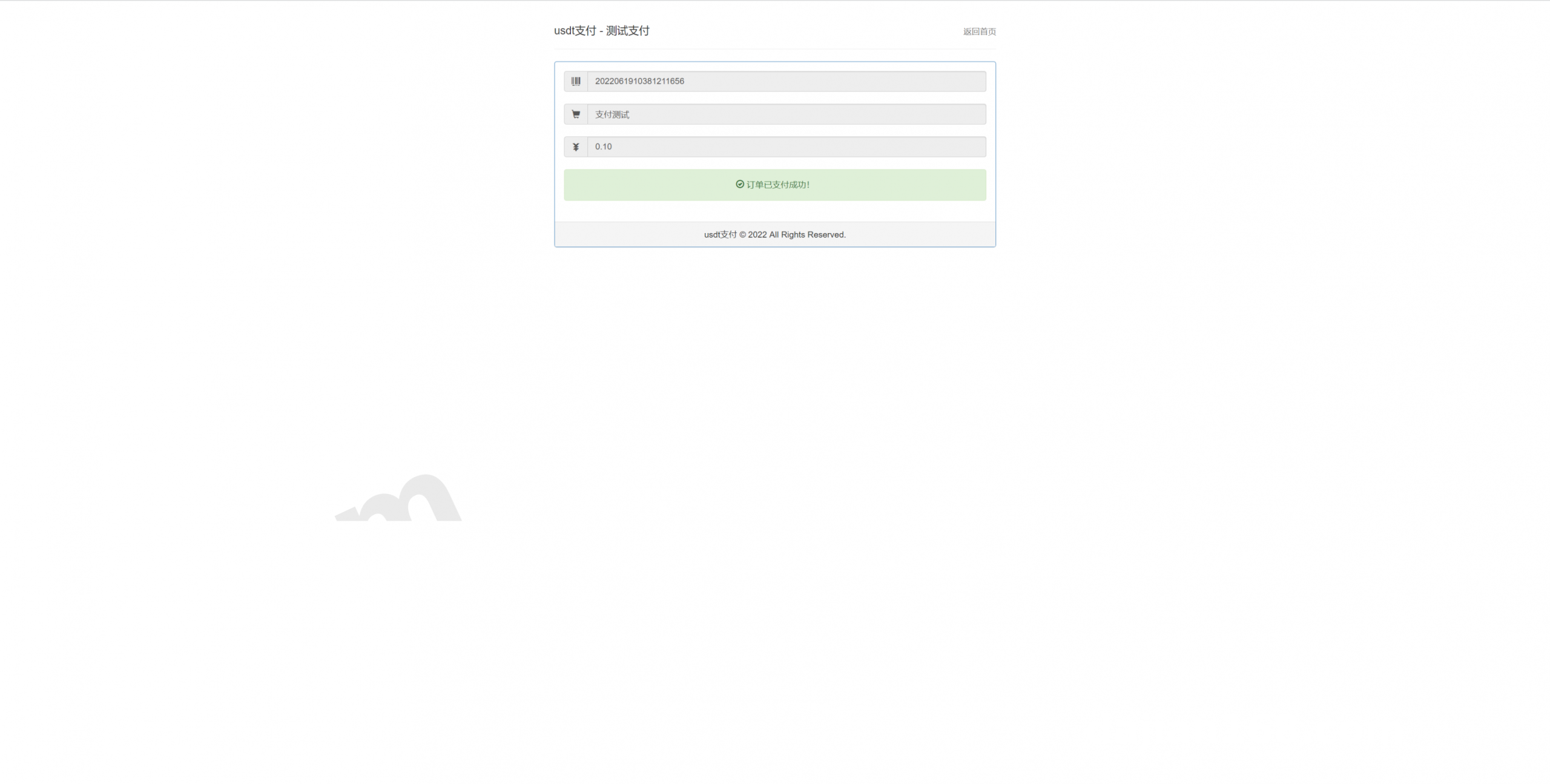
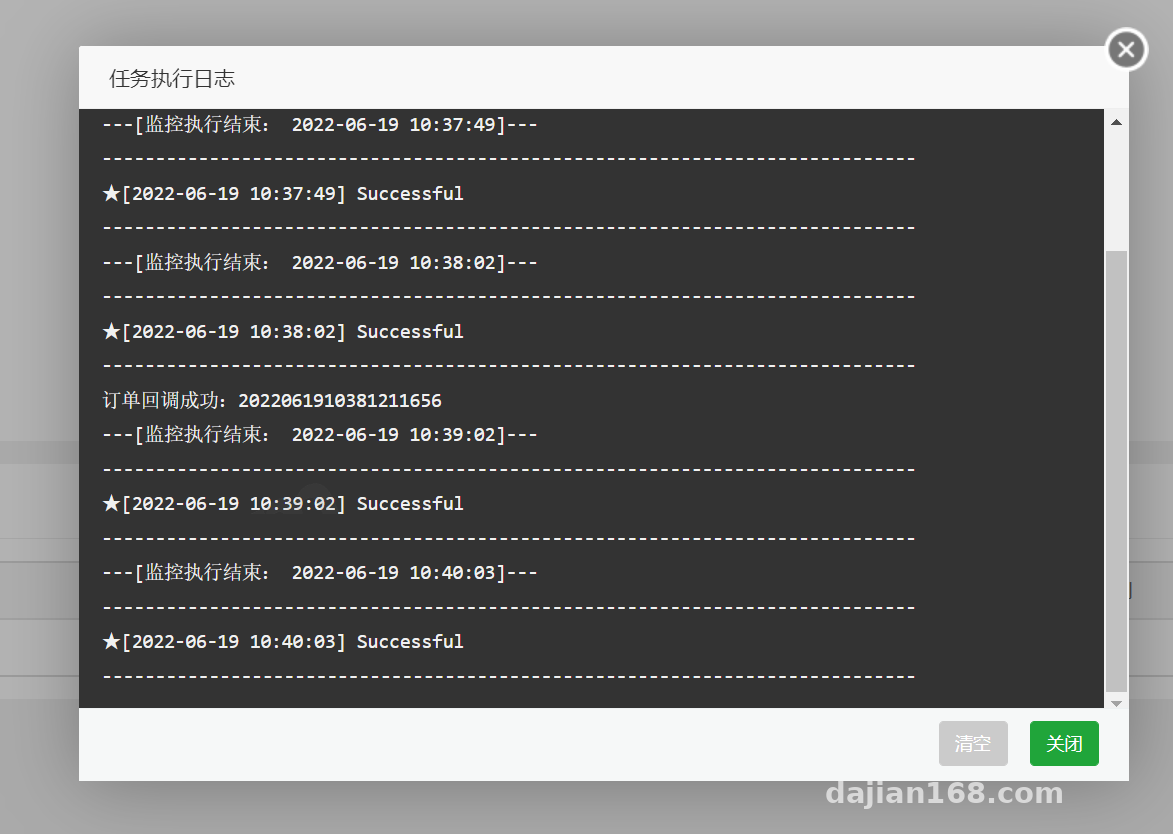
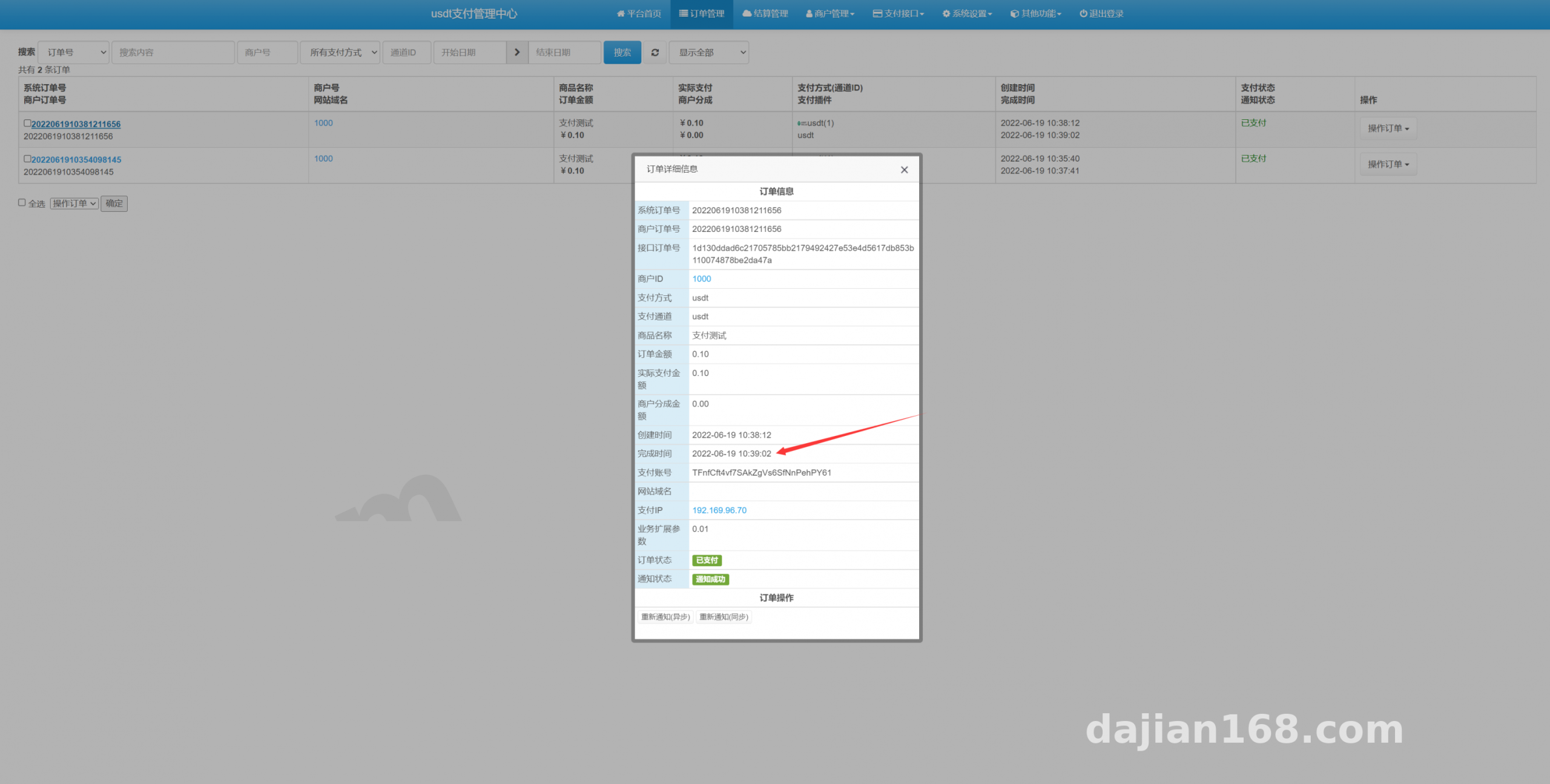
The system polls on-chain data from a script; I set the default interval to 8 seconds. I sent three test transfers: the fastest callback came back in 42 seconds, the slowest in 1 minute 50 seconds — close enough to the advertised “under a minute” claim. The spread comes from block packing time, not from the script.
Callbacks and idempotency
Callbacks are signed. Verify the signature on your side, then query the order status — don’t trust the callback payload directly. I added a unique index plus a state machine so duplicate callbacks get dropped; otherwise one script retry turns into a second fulfillment record.
Tip: don’t set confirmations to 1. TRC20 occasionally reorgs. My first version used 1 and I saw one status rollback in the test environment; at 3 it has been stable. Better to wait an extra 20 seconds than to have your ledger not balance.
2. Deployment notes: environment, scripts, and a few traps
Environment
PHP 7.4, MySQL 5.7, Redis, and Nginx as a reverse proxy. Don’t forget the rewrite rules — skip them and every admin route 404s. Redis holds the order polling queue and the dedup set; even at low volume it’s worth enabling, because the script runs much smoother with it.
Keeping the script resident
The vendor ships a crontab entry that fires once a minute. I swapped it for a supervisor-managed resident process with an internal sleep. The reason is simple: crontab has a minimum granularity, and orders pile up fast once volume picks up. The resident process sends a heartbeat, gets restarted automatically if it dies, and rotates logs daily.
Admin controls and localization
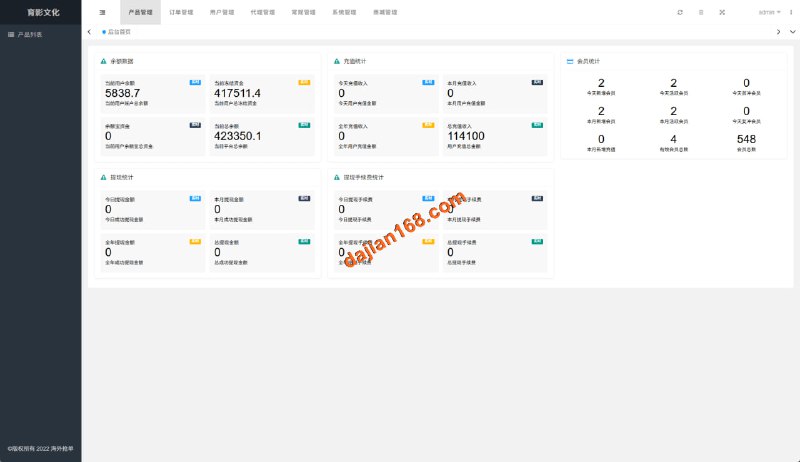
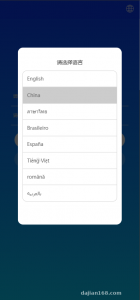
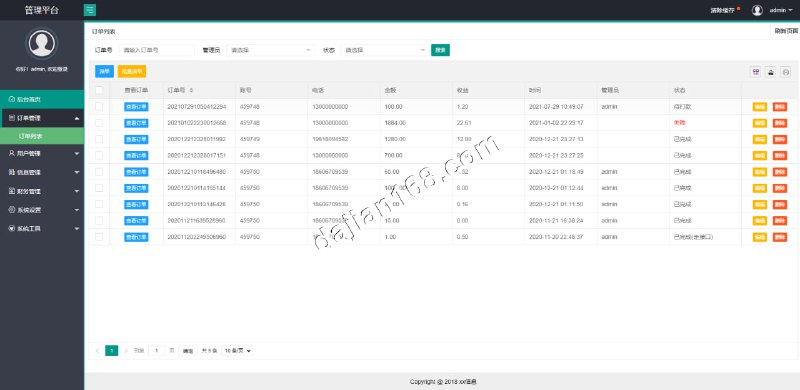
The panel has an order list, channel toggles, callback logs, and manual order repair. Spend time on the callback logs — the failure reasons are granular, and you can tell a bad signature from a business-side timeout from a response that isn’t “success”. Language packs live in their own lang directory: adding a language means copying one array file and editing key values, with no template changes.
Secondary development
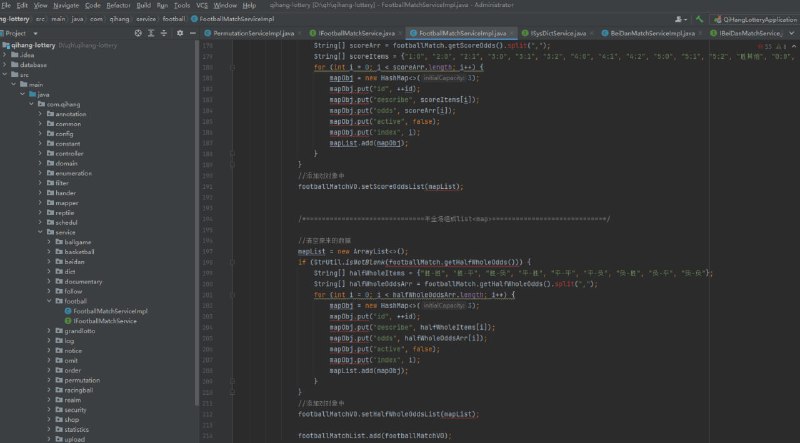
Callback logic sits in a single file with hook points. I wired in SMS notifications and an internal reconciliation table by hanging two lines off a hook. Nothing is encrypted or obfuscated, so it reads easily.
3. Who this fits
It works well for small cross-border trade collections, for SaaS subscriptions where you want to skip channel processing fees, and for people running a few independent sites who want one unified collection entry point. On the flip side: if you need fiat settlement, invoices, or platform escrow, this won’t help. At heart it’s a tool that watches for on-chain deposits and notifies your business side.
One more warning: keep the private key of the receiving address under your own control. Don’t leave it on the server, and definitely don’t put it in a config file. I’ve seen people paste a private key into an admin note field for convenience — that’s the same as leaving your wallet on the sidewalk.
FAQ
Q: Does the script need a real server, or will shared hosting do?
A: Shared hosting basically won’t work. The script has to stay resident, run scheduled tasks, and connect to Redis — three things shared hosting can’t offer. A 1-core, 2 GB cloud instance is plenty, and 1 Mbps bandwidth is enough since you’re only calling on-chain APIs, not moving large files.
Q: Callbacks keep failing — how do I troubleshoot?
A: Start with the return code in the callback log. A non-200 from the business side means their endpoint is down or timing out. A signature error usually means mismatched keys or wrong parameter ordering. If nothing fires at all, check whether the script process is still alive and whether the channel toggle got switched off. Those three steps usually pin it down.
Q: Do I need to redeploy to change the receiving address?
A: No. Edit the address in the channel settings and the next scan picks it up. Existing orders aren’t affected because each order stores a snapshot of the address at creation time. Just clear in-flight orders first so reconciliation doesn’t get confusing.
Q: Can I run several channels at once?
A: Yes. Multiple channels can split traffic by weight, or route by amount range. I set up two as a backup pair — if the primary script misbehaves, traffic switches to the secondary and the business side never notices.
The whole thing is small in code and straightforward in logic. The key is not to think of it as a payment gateway — it’s an on-chain deposit listener plus a callback dispatcher. Get confirmation depth, idempotency, and private key custody right before you deploy, and you’ll rarely run into trouble afterward. This article is for technical education only; comply with applicable laws and do not use it for any illegal purpose.
Disclaimer: This article is for technical education and demonstration only. It is not professional or financial advice. Any real-world deployment must comply with applicable laws and regulations.
#USDT payment #TRC20 #payment callback #source code deployment #build log
-
 Alipay QR Code Scan
-
 WeChat Scan Pay