UNIAPP Multi-language Cross-border E-commerce Store Source Code Setup: FastAdmin Backend + Payment Integration Deployment Notes
UNIAPP Multi-language Cross-border E-commerce Store Source Code Setup: FastAdmin Backend + Payment Integration Deployment Notes
Disclaimer: This article is for technical education and demonstration only. It is not professional or financial advice. Any real-world deployment must comply with applicable laws and regulations.
Last month I took on a client project for cross-border e-commerce. They wanted a multi-language store system supporting both H5 and App. After digging through my source code library, I settled on this customized mall codebase — UNIAPP on the frontend, ThinkPHP for the API layer, and FastAdmin powering the admin panel. The architecture is mature and leaves plenty of room for customization, which makes it a solid base for second-stage development. Consider this article my deployment log, recording the process and the pitfalls I hit along the way.
1. Hands-on Feature Test: What This System Can Actually Do
Right after deployment, I went through the feature list item by item. The system centers on a store plus a task distribution module, and the structure is clean:
1. Dual-platform Frontend with UNIAPP
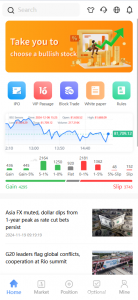
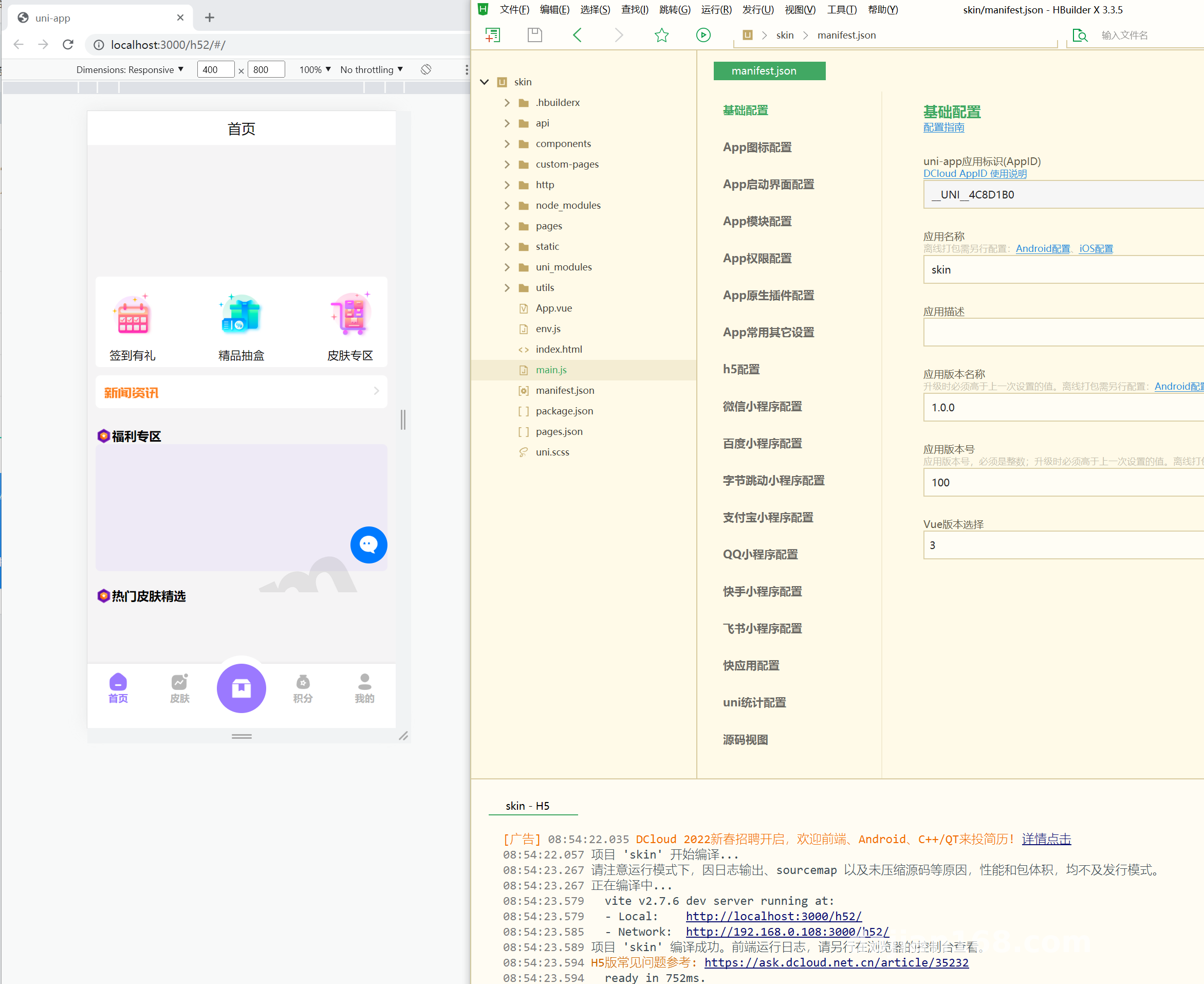
The UNIAPP scaffolding compiles directly to H5 and App (Android/iOS). I compiled an H5 build with HBuilderX and dropped it onto Nginx, then used uni-app’s cloud packaging to produce an APK for the App side. Both ends share identical functionality with no obvious compatibility issues. The pages include a language switcher with English and Chinese by default; language packs live in the locale directory, and adding a new language is as simple as dropping in another JSON file.
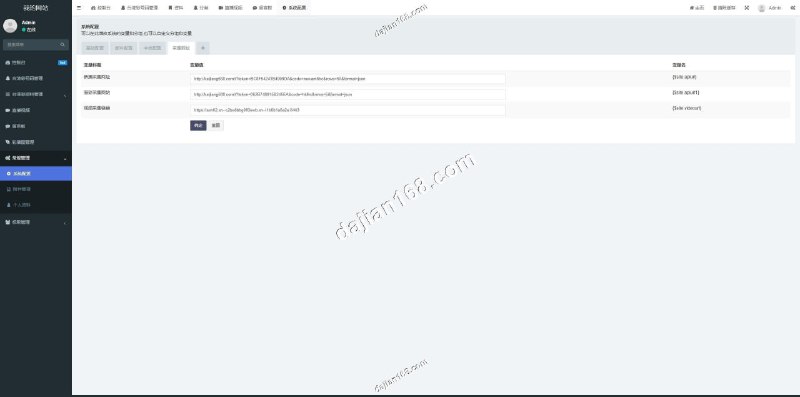
2. Product and Order Management in the Admin Panel
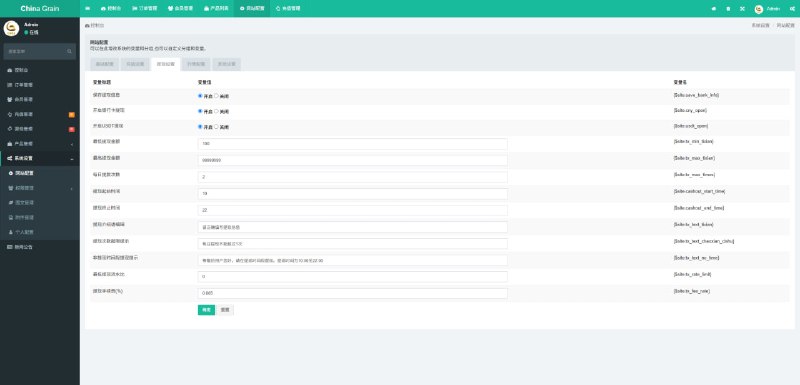
The FastAdmin backend generates CRUD pages for everything. Products support multiple specifications, multiple images, category trees, and inventory management. The order flow is complete: place order → pay → ship → confirm receipt → after-sales. There’s also a marketing module with flash sales and spend-and-save promotions, which covers essentially every promotional mechanic the client asked for.
3. Payment and Logistics Integration
Payments run through standard WeChat Pay and Alipay H5/App payment channels. The callback logic lives in the pay controller on the API side — I verified everything in the sandbox environment before swapping in the production keys. For logistics, I integrated the KDNiao tracking API; just configure the app key in the admin panel and shipment trajectories show up on the order detail page. The cross-border side has an extension reel simulation reserved for PayPal callbacks, so when the client wants international payment channels later, I only need to modify the payment plugin directory.
3. Task Distribution Module
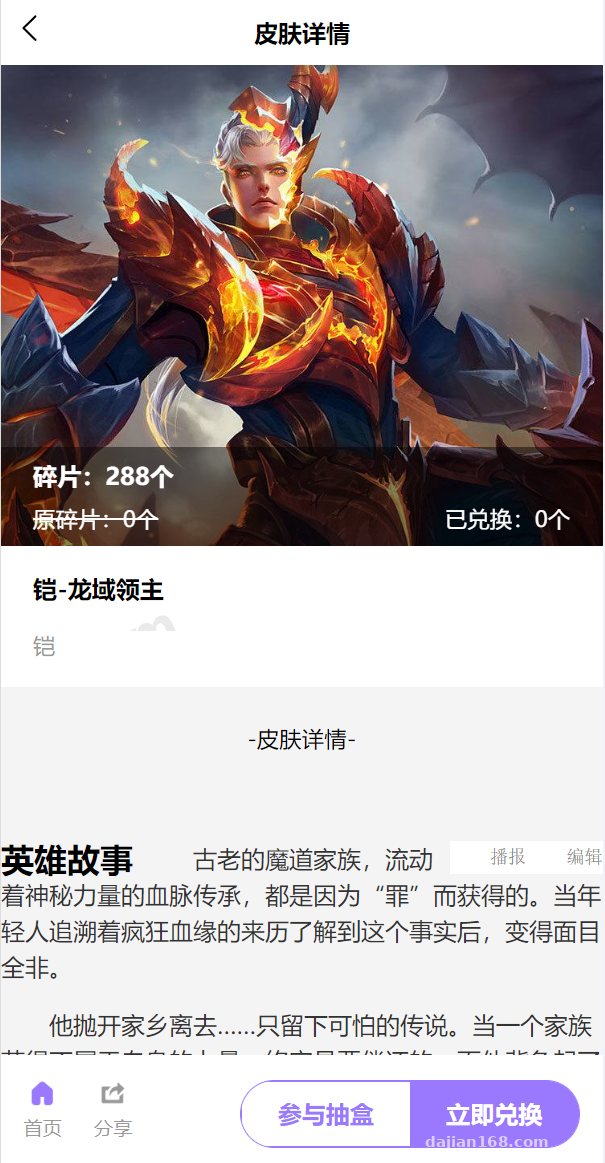
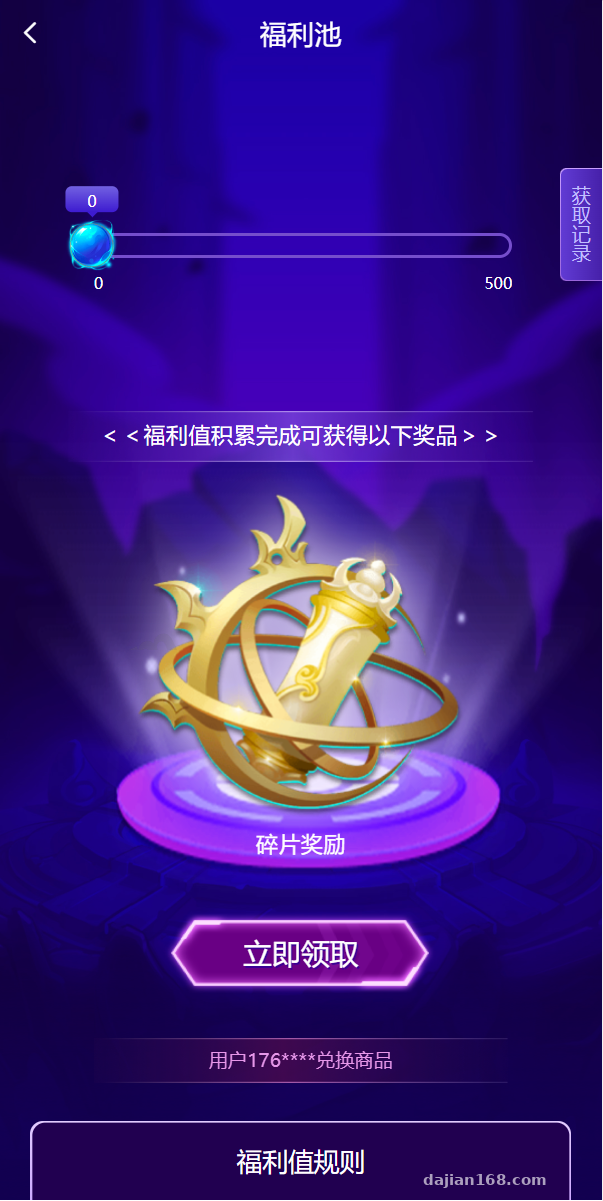
The system ships with a built-in task distribution module. Admins can publish tasks from the backend (things like new-user registration rewards or referral sharing), and frontend users claim and complete them to receive points. The client was especially happy with this part — they said it’s perfect for acquisition and referral campaigns. The points mall also lets users redeem physical items or coupons, so the whole loop closes properly.
Highlight: The frontend and backend are cleanly decoupled, the API documentation is complete, and the second-stage development cost is far lower than building from scratch. The FastAdmin panel in particular offers button-level permission granularity, which makes grouping and authorizing operations staff effortless.
2. Deployment Essentials: Environment Setup and the Pitfalls I Hit
For the server I picked a 2-core, 4 GB CentOS 7 box, which runs the whole stack comfortably. The environment stack: Nginx 1.20 + PHP 7.4 + MySQL 5.7 + Redis (used for caching and queues).
1. Don’t Get the Installation Order Wrong
Import the database SQL file first, then point the site root directory at the public folder of the API side. The FastAdmin backend’s default entry requires pseudo-static configuration — the official docs have ready-made Nginx rewrite rules you can copy directly. Here’s a pitfall I stumbled into: ThinkPHP’s routing uses PATHINFO, and without pathinfo_info configured in Nginx, every API endpoint returned 404. I burned half a day reading logs before I figured that one out.
2. CORS and HTTPS
An H5 frontend calling the API means CORS is inevitable. I added CORS configuration in the API’s middleware, allowing only specified domains. The App side doesn’t care about cross-origin issues, but Apple requires HTTPS for App Store listing, so I grabbed a Let’s Encrypt certificate through the BaoTa panel ahead of time — one-click auto-renewal included.
3. Frontend Build Configuration
In the UNIAPP project, manifest.json needs your own appid and domain. My advice: set the API base URL as a single variable in common/request.js rather than scattering it across pages — otherwise swapping domains later becomes a painful hunt.
3. Second-stage Development Experience: How Easy Is It to Modify?
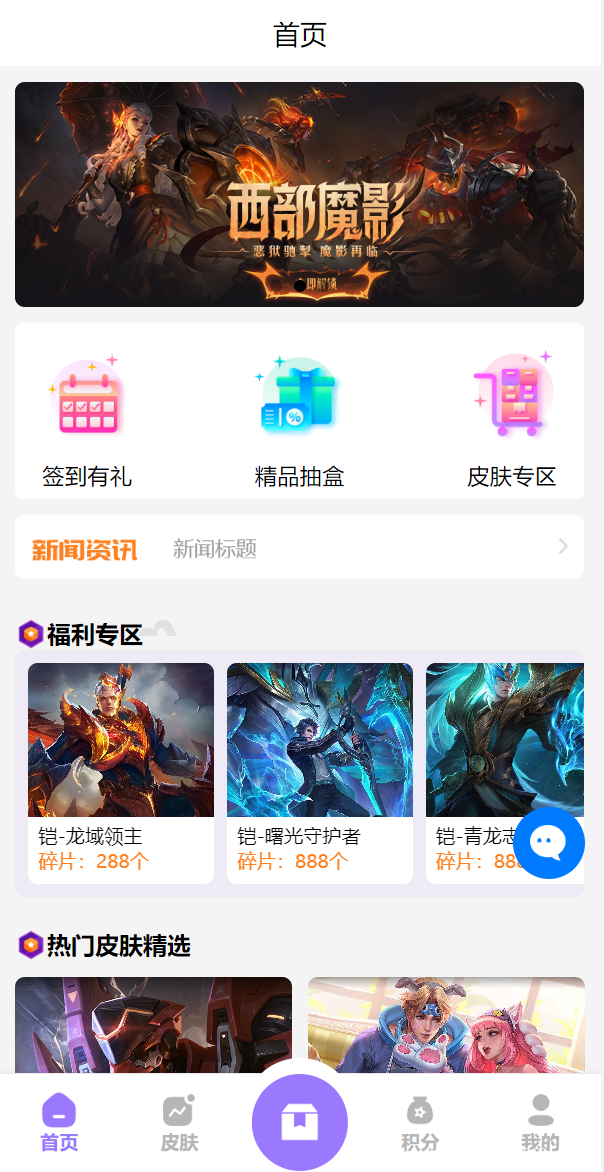
The client wanted quite a few changes: a carousel banner reel simulation on the homepage, a currency switcher on the product detail page, and SMS verification codes at registration. Working through them, my honest take is that the code is decently commented and FastAdmin’s plugin mechanism is well-structured. Adding a new feature means copying the plugin directory structure and adapting it — you never touch core files. For the currency switcher, I added a price field to the product table to store USD prices, and the frontend converts in real time based on exchange rates. Frontend-backend integration took about two days.
4. Who Is This For?
Solo developers who need to deliver cross-border e-commerce or multi-language store projects fast, or small teams looking for a commercializable foundation they can customize — this fits both. The only real barrier for beginners is a working knowledge of ThinkPHP and UNIAPP, but even that learning curve is far gentler than building everything yourself.
Frequently Asked Questions
Q: What’s the minimum server requirement?
A: In my testing, 2 cores / 4 GB with 5 Mbps bandwidth runs smoothly. A 2-core / 2 GB box works for the testing phase, but for production I’d recommend at least 4 cores.
Q: How do I get the App onto the app stores?
A: Android is straightforward — output an APK (optionally hardened) and submit to the various stores. iOS requires an enterprise certificate or an App Store listing, and you must have HTTPS and ICP filing in place first.
Q: Can I add languages myself?
A: Yes. Add a JSON language pack per language in the frontend locale directory and mirror the configuration in the backend. English and Chinese ship by default, and extension is wide open.
Q: The payment callback never fires — what now?
A: Nine times out of ten it’s the notify_url configuration or the pseudo-static rules. First, use sandbox mode and packet capture to see whether the callback even arrives, then check the server firewall and callback logs.
Compliance notice: This article is for technical education only. Please use all source code in legitimate business scenarios, comply with applicable laws and regulations during deployment and operation, and refrain from any unlawful use.
Disclaimer: This article is for technical education and demonstration only. It is not professional or financial advice. Any real-world deployment must comply with applicable laws and regulations.
#UNIAPP #FastAdmin #Cross-border E-commerce #Store Source Code #Deployment Notes
-
 Alipay QR Code Scan
-
 WeChat Scan Pay