Vue Local Task Distribution System Build Log: Open-Source Frontend Customization and Activity Recommendation Module Deployment
Vue Local Task Distribution System Build Log: Open-Source Frontend Customization and Activity Recommendation Module Deployment
Disclaimer: This article is for technical education and demonstration only. It is not professional or financial advice. Any real-world deployment must comply with applicable laws and regulations.
Recently I helped a client deploy a local task distribution system. The frontend was rewritten with Vue, and the backend uses an admin management framework. The package came with a preconfigured activity recommendation module, and the UI is fully customized rather than the default template. Both frontend and backend source code are open, so modifications aren’t difficult. I spent two days on it, and I’m recording the deployment pitfalls here for anyone planning a similar customization.
Feature Test: What the Preset Modules and Backend Controls Can Actually Do
Activity Recommendation and Task Distribution
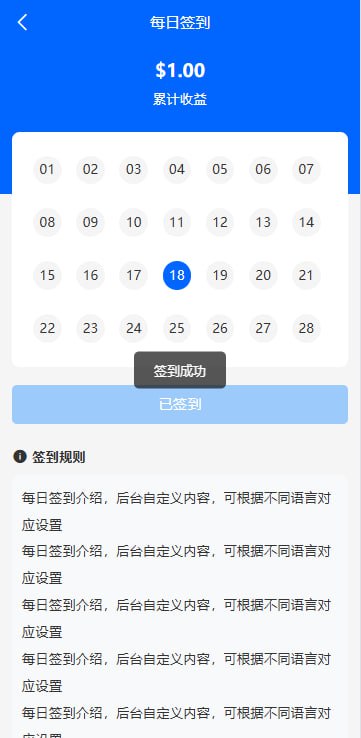
The frontend interface is mainly split into three sections: the task list, activity cards, and the user info bar. The task list supports sorting by distance, and activity cards can include images and tags. These components are written in vue files under src/views/task. I tried changing the card border-radius, and the effect showed up after a refresh. Customization feels smooth.
The task publishing flow works like this: a user submits a task, and it appears after backend review. The frontend has real-time status hints that change from “Under Review” to “Completed” through API polling. The client asked to switch to WebSocket push, so I found the socket.js file, which already has the wrapper ready. All I had to do was change the configuration.
Probability Simulation Demo Module
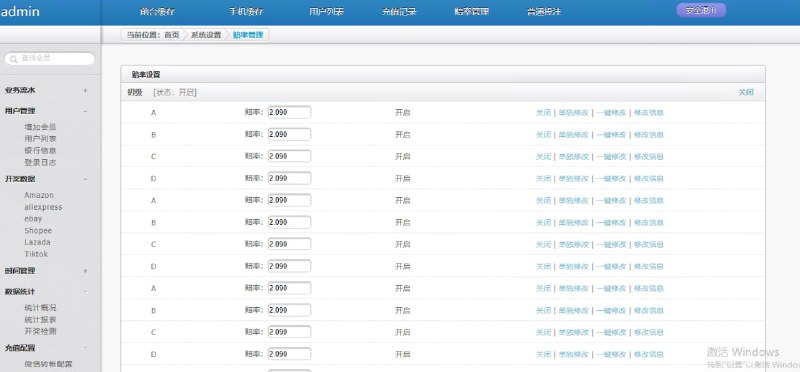
This system includes a random-number demo module. The backend lets you adjust the random range and output ratio. In my test, I set the output range from 1 to 100 and the weight ratio to 3:7. The frontend chart then displayed results according to the weighted distribution. This module can be used for activity probability simulation demos or learning purposes, but not for unlawful uses.
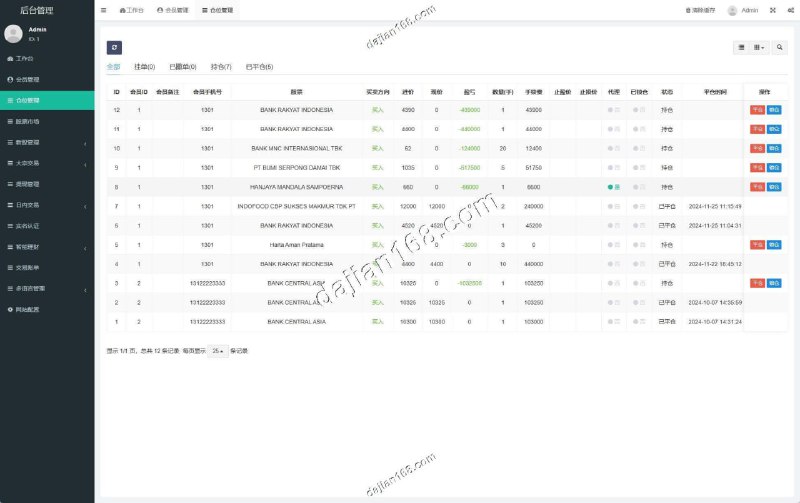
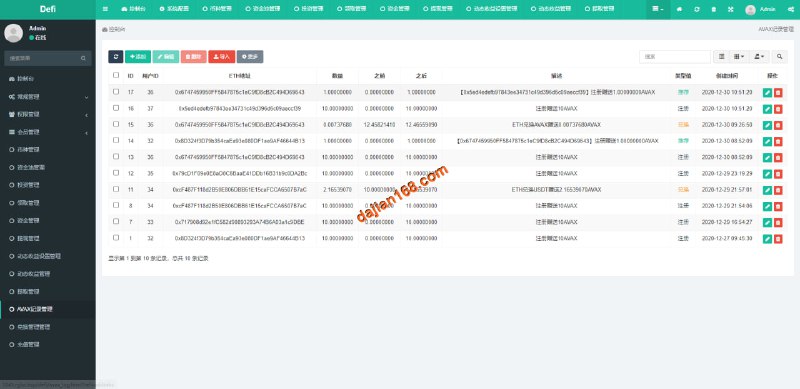
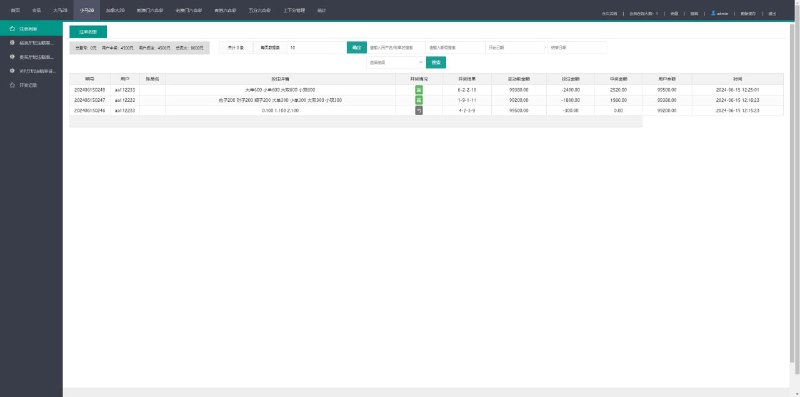
In the backend control panel, the module lives under “System Settings – Random Parameters.” After you save changes, the frontend picks them up without a restart through a config cache interface. That design is convenient and saves you from editing code repeatedly.
Frontend-Backend Communication
The source uses polling every 30 seconds by default. WebSocket code also exists in api/ws.js. After switching to WebSocket, notification latency dropped to about 200 ms, but you need to deploy an extra WebSocket server. For simple demos, polling is enough.
Deployment Notes and Pitfalls
Environment Requirements
The backend uses PHP 7.4, MySQL 5.7, and Nginx 1.18. The Vue frontend needs Node 14 or later, then npm install and build. Note that the backend entry file includes a .env file where you need to update the database connection and Redis cache settings. If Redis isn’t installed, you can switch the cache driver to file and it still runs.
Static Resource Path
This one caught me. After building the frontend, I dropped the dist directory directly into the backend public folder and got a blank page. The reason was the router’s history mode couldn’t find the path. Switching to hash mode fixed it. If you insist on history mode, Nginx’s try_files must be configured. Remember to add the rewrite rules.
Database Import
The package includes a .sql file that can be imported directly from the command line. Before importing, set the database charset to utf8mb4, otherwise Chinese characters turn into garbled text. I originally used phpMyAdmin with the wrong default collation, so all the demo data came out as question marks. Re-importing fixed it.
Preset Data
The system ships with preset data for some cities and activity categories. Under “Data Preset” in the backend, you can reset everything with one click. I tested it, and it restores all configurations to their initial state. This is useful for testing, but don’t click it carelessly in production.
Who Is This For
- People learning Vue customization: the frontend code structure is clear, components are separated, variable names follow a consistent style, and the comments are sparse but not a problem.
- Local service providers: modules like task distribution, event registration, and user cards can be modified and used right away.
- Teams that need backend-controlled frontend behavior: there are plenty of switches, such as whether to show online user counts, sort by distance, or enable review, all available as checkbox options in the backend.
Highlight: the Vue frontend source is fully open, with no domain restrictions. The preset modules already work, so customization can save you a lot of time.
FAQ
Q: Do I need to compile the Vue frontend source myself?
A: Yes. Install Node 14 or later locally, run npm install and npm run build, then put the generated dist directory into the backend’s public folder. For development, use npm run dev and point the backend API to a live address.
Q: Which parameters can the backend control?
A: From my testing, you can control the task list display switches, the weight ratio in the random demo module, whether user registration needs review, and whether city positioning is mandatory. These settings take effect immediately after saving, without restarting the service.
Q: Does it support multiple languages?
A: Yes. The frontend uses vue-i18n, and the language packs are in src/lang. Simplified and traditional Chinese are included by default. To add English or another language, copy a JSON file and edit the key-value pairs.
One last reminder: use this system only for lawful task distribution and activity recommendations. Comply with all applicable laws and regulations, and do not modify the random module for unlawful purposes.
Disclaimer: This article is for technical education and demonstration only. It is not professional or financial advice. Any real-world deployment must comply with applicable laws and regulations.
#Vue Open Source #Task Distribution #Full Open Source #Customization Guide #Local Services
-
 Alipay QR Code Scan
-
 WeChat Scan Pay