Building a Phone & Utility Bill Top-up Payment Aggregation System: Deployment Log and Third-Party API Integration Notes
Building a Phone & Utility Bill Top-up Payment Aggregation System: Deployment Log and Third-Party API Integration Notes
Disclaimer: This article is for technical education and demonstration only. It is not professional or financial advice. Any real-world deployment must comply with applicable laws and regulations.
Last week I helped a friend who runs a local lifestyle service deploy a phone and utility bill top-up aggregation system. The whole thing took roughly two weeks from start to finish, and I figured I’d write up the full deployment flow along with the gotchas I ran into, so anyone looking to build something similar has a reference point. The system itself is positioned as a payment channel aggregator — it wraps up the common top-up interfaces on the market into a single backend, where the operator can auto-switch channels based on profit margin, or manually review suspicious orders.
1. Feature Walkthrough: What This System Actually Does
1.1 The Core Top-up Flow
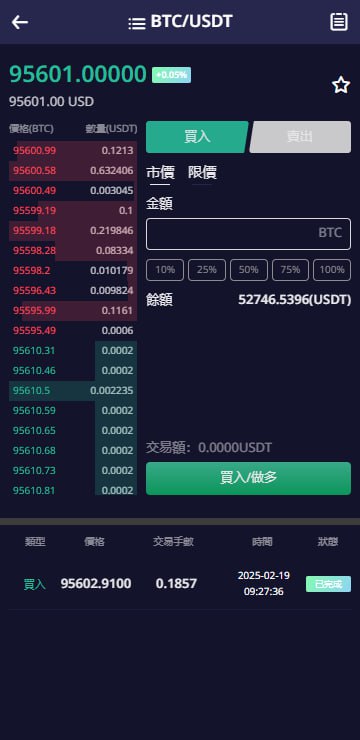
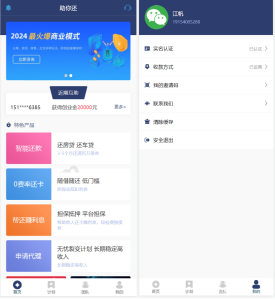
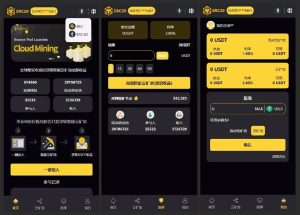
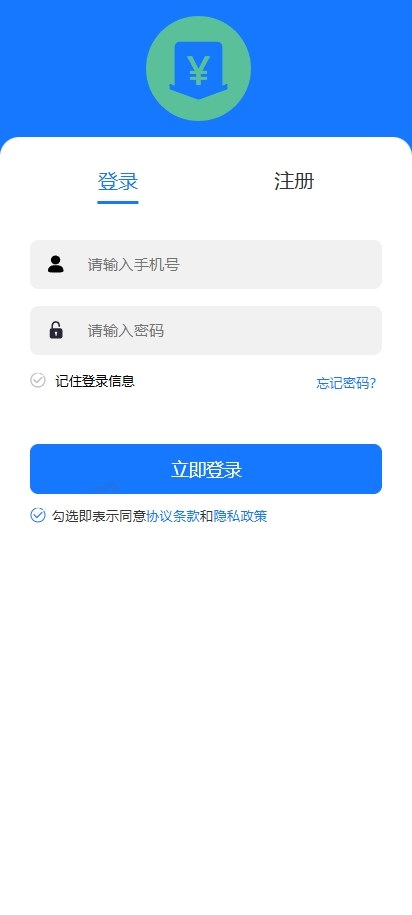
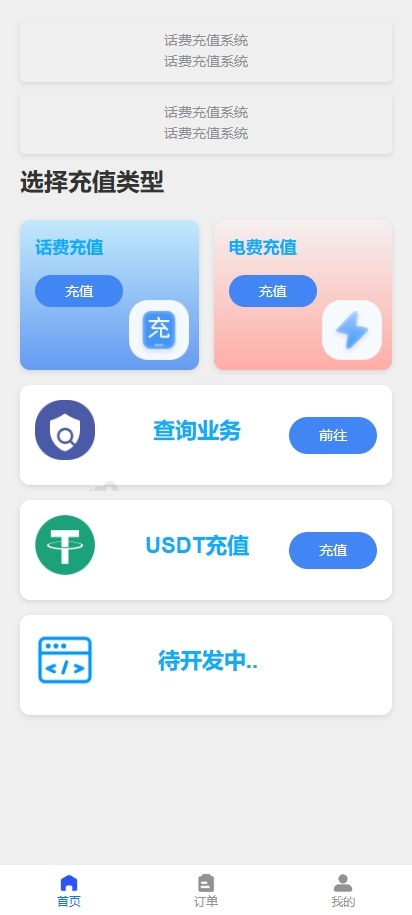
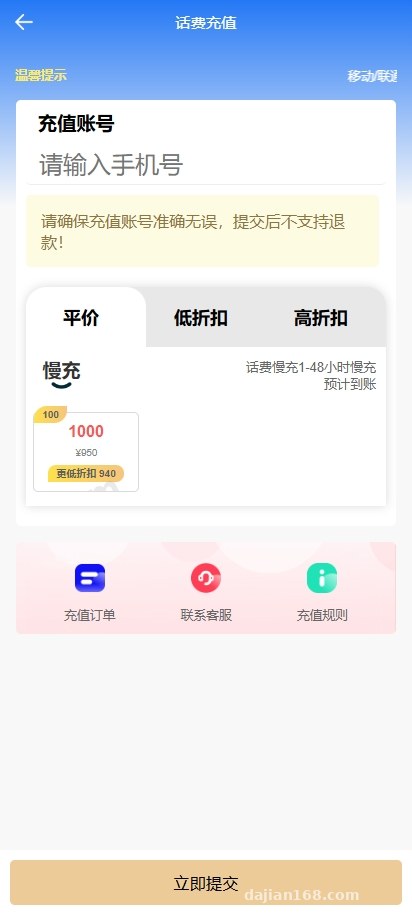
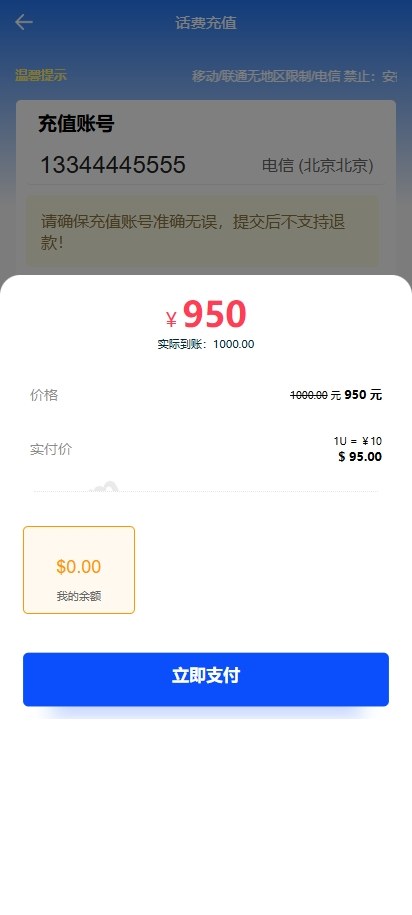
The frontend ordering flow is pretty clean. Users enter their phone number or utility account number, pick an amount tier (the usual 50 / 100 / 200 / 500 options), and submit. On the payment side, the system ships with WeChat Pay, Alipay, and UnionPay wired in by default, plus an extension reel simulation for a digital asset payment interface in case you want to plug in USDT-style settlement down the road. Once payment clears, the order status gets pushed to the backend, where staff can see it live in the order list.
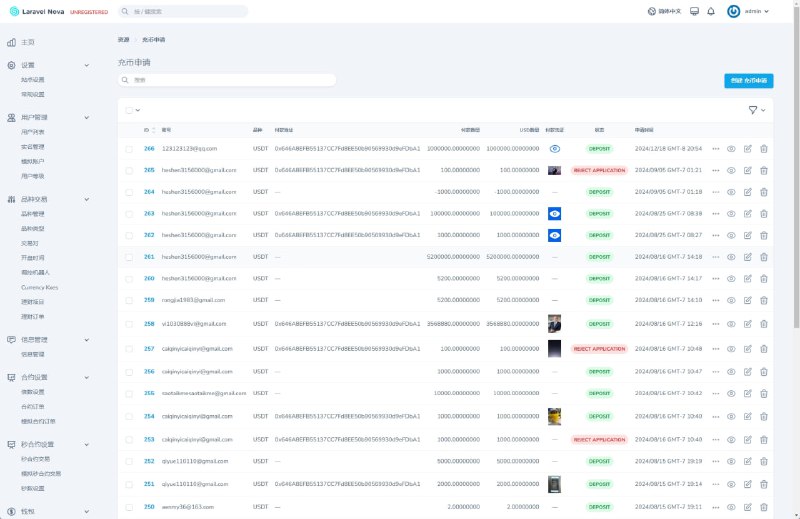
1.2 Backend Order and Transaction Management
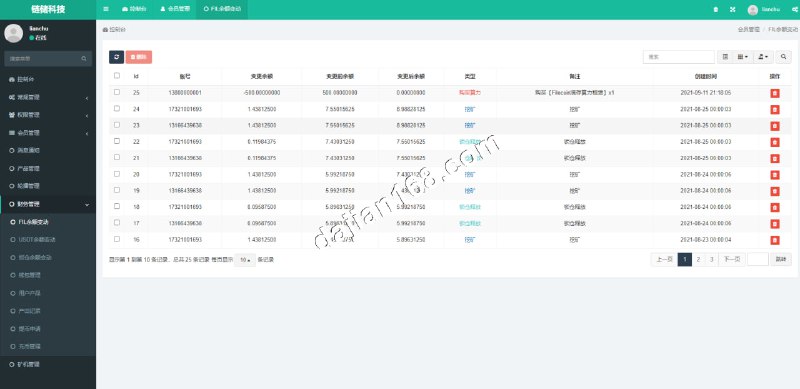
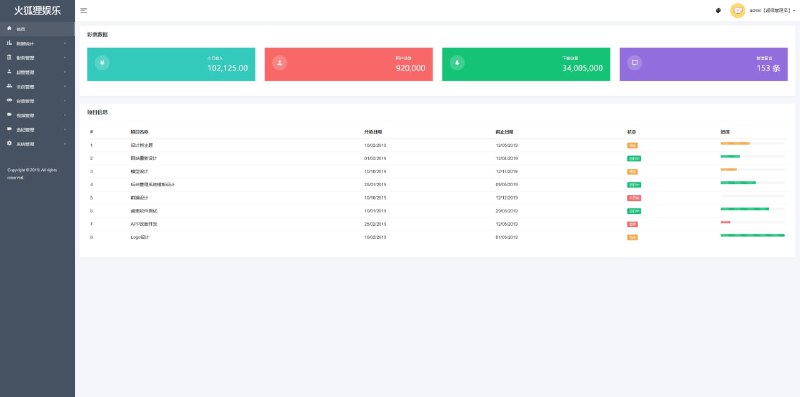
The backend is where I spent most of my testing time. The order list supports filtering by status (pending / paid / submitted / failed / refunded), and you can also export ledgers by channel or time range. The transaction flow page automatically aggregates all incoming and outgoing order records, grouped by channel, with a unique ID per entry for easy reconciliation. One nice detail — the flow records can be auto-generated based on configurable parameters, which makes it convenient for business demos or showing upstream partners the data model.
1.3 Automatic vs Manual Dual Mode
The system supports two fulfillment modes. Automatic mode talks directly to the third-party top-up API — once an order is placed, the system calls the upstream interface and the top-up completes within 1–3 minutes. Manual mode pushes orders into a pending-review queue, where staff confirm before triggering the top-up. Manual mode is mainly used for high-value orders or ones flagged by risk control, to avoid automated fulfillment being abused through malicious task distribution. Both modes can be set independently in the backend channel config and don’t interfere with each other.
Highlight: The backend’s “Channel Profit Margin Ranking” feature can auto-rank and recommend channels based on real-time success rate and revenue split, so operators don’t have to do the math themselves — the system always surfaces the most cost-effective top-up channel for the current moment.
1.4 Third-Party API Integration Capabilities
The interface layer uses a standardized wrapper and supports both HTTP and WebSocket calls out of the box. I tested it against two upstream channels — one using POST for order submission with async callbacks, the other using a WebSocket long connection to push results. Both worked smoothly once I configured the signing key and callback URL. For the callback logic, I’d recommend wrapping an extra signature verification layer yourself, to prevent forged callbacks from spoofing success statuses.
2. Deployment Essentials: Key Steps from Zero to Running
2.1 Environment Prep
The system is built on PHP 7.4 + MySQL 5.7, with the frontend admin panel using a Vue-based template. I’d recommend starting with a 2-core 4GB server, and going straight to 4-core 8GB if daily order volume is above 500. A 50GB system disk is enough — just make sure to mount the database on a separate data disk for easier backup and scaling later. Both Nginx 1.18 and Apache 2.4 work, but I personally prefer Nginx paired with PHP-FPM for better performance.
2.2 Database and Initialization
The source comes with an install directory — just hit /install and the setup wizard walks you through entering the database connection info and admin account. During install, it auto-creates the table schema and seeds some base data (channel dictionary, amount tier templates, system config items). One gotcha here: MySQL’s sql_mode needs to be set to a permissive mode, otherwise you’ll hit a “Field doesn’t have a default value” error during initialization.
2.3 Payment and Callback Configuration
All payment channel settings live in the backend’s “Channel Management” module. Each channel is configured independently with merchant ID, signing key, callback URL, and submission URL. The callback URL has to be registered on the upstream merchant backend too, or order statuses won’t sync back. For the digital asset payment piece, I configured it on a TRC20-style demo network — once the wallet address and listener node are set, orders get marked as paid automatically after one block confirmation on the demo chain.
2.4 Security and Risk Control
At minimum, I’d recommend doing the following: enable two-factor authentication on backend login; add a captcha on order submission to block bot abuse; rate-limit repeated submissions from the same IP within a short window; whitelist IPs on callback endpoints; and back up the database to object storage on a regular schedule. The source itself already covers SQL injection and XSS, but I’d still recommend rewriting the password field with password_hash.
3. Customization Suggestions and Target Audience
The code follows a standard MVC structure with clean module separation — the four core modules (orders, payment, channels, users) are decoupled, so adding a new channel or tweaking the business flow doesn’t require much surgery. The frontend admin panel is based on the vue-element-admin template, where menus and routes are config-driven — adding a new admin page just means adding an entry to the router and menu config, no core framework changes needed.
In terms of who this system fits, it works well for:
- Local service operators who already have user traffic and want their own top-up entry point
- Payment service providers doing channel aggregation or downstream distribution
- Development teams taking on outsourced projects who need to ship top-up features fast
- Learners studying payment aggregation architecture and callback workflows
It’s not really suited for absolute beginners — you’ll need at least basic Linux operations and PHP project deployment skills. If you just want to see it running as a demo first, I’d suggest using a local integrated environment (phpstudy or Docker) to get the flow working before thinking about going live.
FAQ
Q: Does this system support multiple languages?
A: The backend defaults to Chinese, but the frontend user side can switch language packs via config. Chinese, English, and Traditional Chinese are bundled out of the box, and adding a new language just means dropping the corresponding file into the lang directory.
Q: How do I troubleshoot third-party API integration failures?
A: First check the backend’s “API Logs” module — it records the request parameters, response content, and latency for every call, and roughly 90% of integration issues can be traced there. If it’s a signature error, regenerate the signature against the upstream docs and compare.
Q: How is the transaction flow data generated? Can it be used for real reconciliation?
A: The transaction flow data comes from actual payment callbacks — every successful payment writes one flow record. The system also includes a “simulated flow” feature that generates demo data based on configuration parameters, which is meant for business flow demonstrations only and should not be used for actual reconciliation.
Q: Can I plug in my own payment channel?
A: Yes. The Payment directory provides a unified interface spec — as long as you implement the three standard methods (place order, query, callback), you can add and use the channel from the backend’s channel management module.
Q: How does the system perform under high order volume?
A: On a 4-core 8GB + RDS setup, I tested around 10,000 orders per day with no issues. If you need to go higher, I’d suggest partitioning the order table by month and archiving older data into a separate archive table.
Disclaimer: This article is intended solely as a technical deployment demonstration and learning reference. Users must comply with all applicable laws and regulations; any illegal or improper use is strictly prohibited.
Disclaimer: This article is for technical education and demonstration only. It is not professional or financial advice. Any real-world deployment must comply with applicable laws and regulations.
#phone top-up #utility bill payment #payment aggregation #system deployment #API integration
-
 Alipay QR Code Scan
-
 WeChat Scan Pay