Tianheng Dual-Mode Probability Simulation Demo System Setup Log: Independent Agent Backend Deployment Notes
Tianheng Dual-Mode Probability Simulation Demo System Setup Log: Independent Agent Backend Deployment Notes
Disclaimer: This article is for technical education and demonstration only. It is not professional or financial advice. Any real-world deployment must comply with applicable laws and regulations.
I recently helped a friend who runs a technical demo site deploy this Tianheng dual-mode system. Honestly, this build is pretty rare on the market — it’s a customized fork with a fully redone UI and a forcibly polished admin backend. After running through the whole process, I wrote down all the pitfalls I hit, as a reference for anyone wanting to set up a demo site.
Feature Review: What Does This Thing Actually Have
Let me get to the point: the core is a dual-mode probability simulation module for the demo boards, built around random-number simulation. All results are simulated data, which is more than enough for interface and workflow demonstrations.
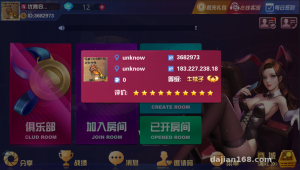
Frontend
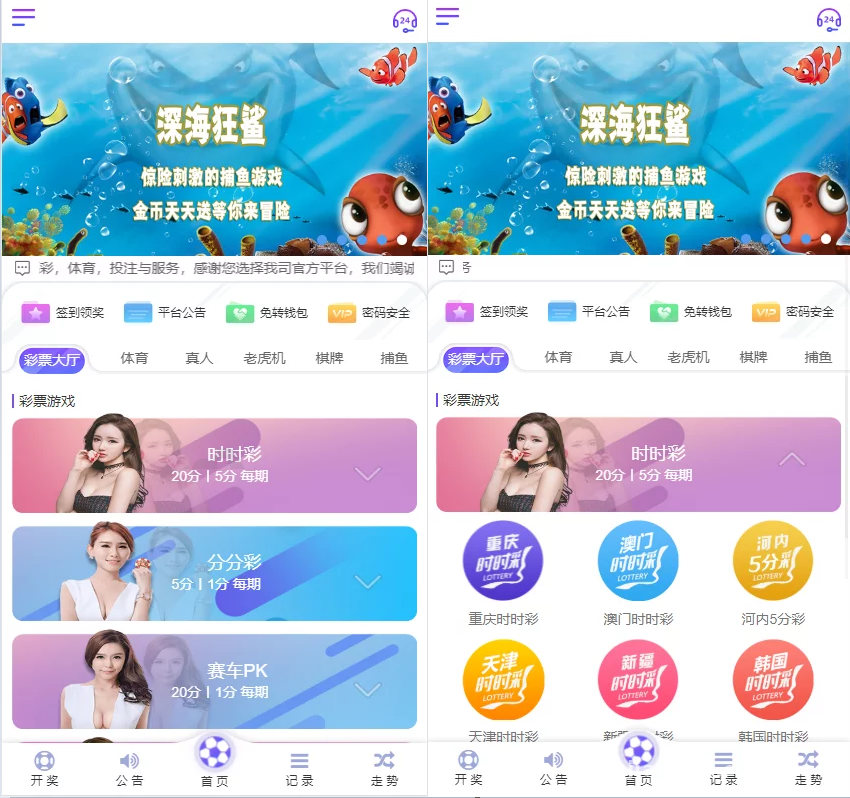
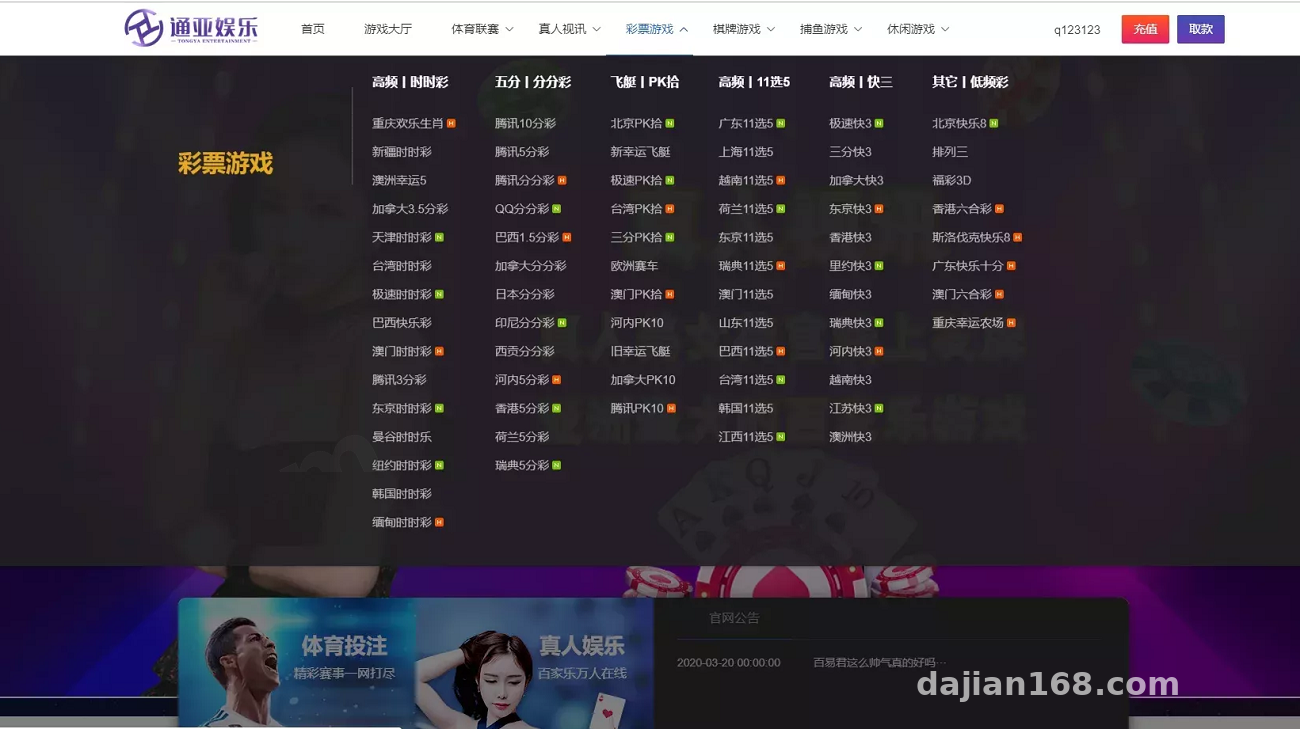
The wap side saw the biggest changes. The original template was quite dated; this time the UI was redone, with trend charts and result publication records added, and the auto-rotation timing was optimized. In my testing, mobile loading speed was solid — the charts render via async requests, so the first screen doesn’t stall.
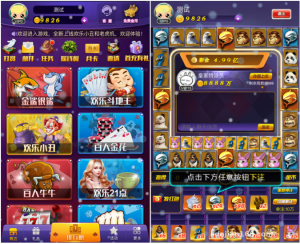
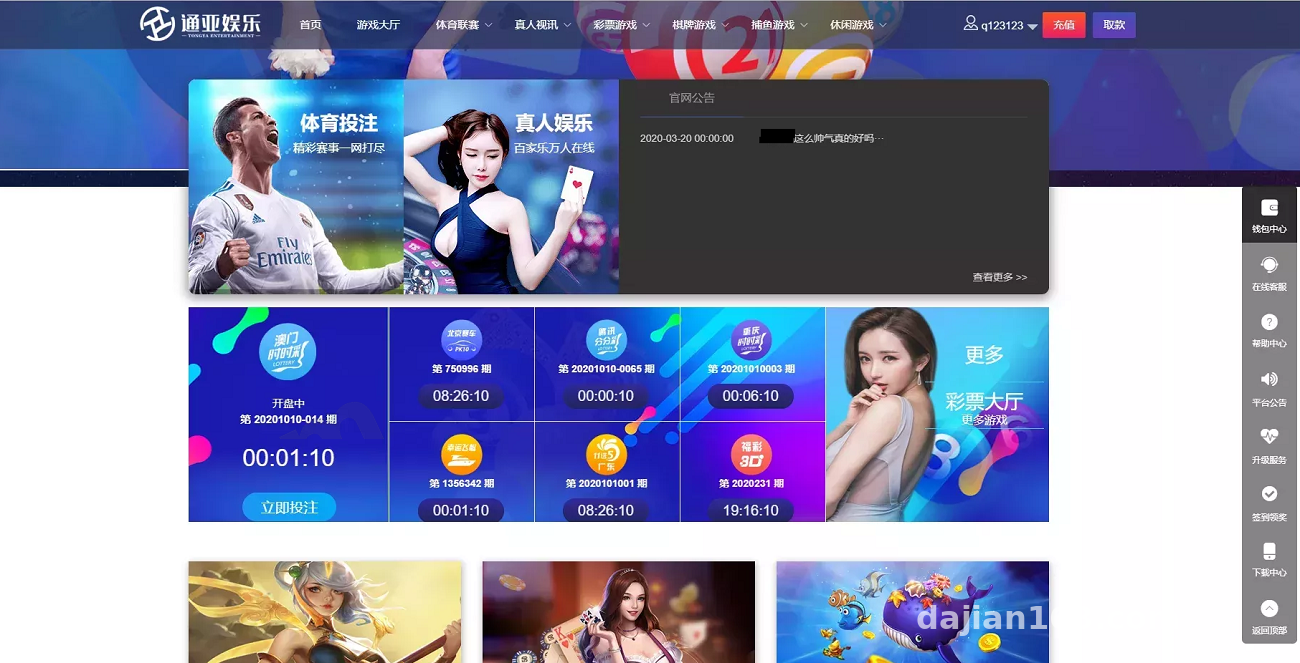
The web side comes with three extra interactive modules: a simulated savings-yield display, an egg-smash game, and a lucky wheel. All three are essentially frontend animations plus random-number demos, which makes them a good fit as demo pages for marketing campaigns. The dynamic timing for result publication was also retuned, and the refresh interval is configurable.
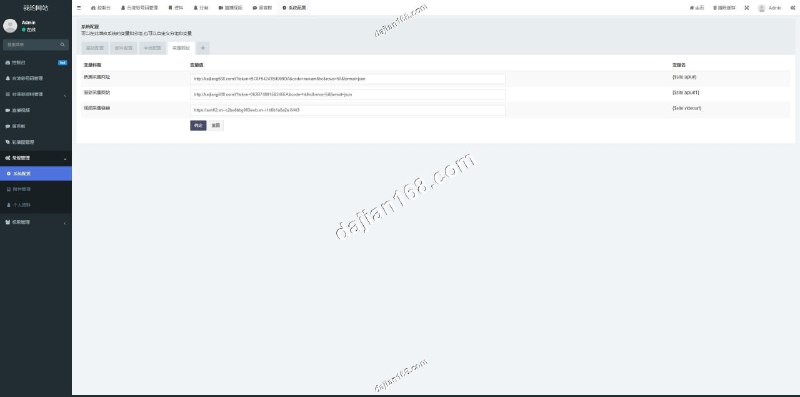
Backend
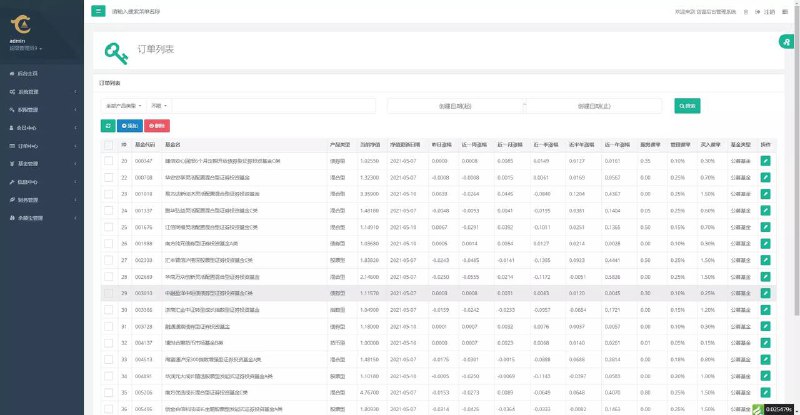
The backend is the focus of this fork, with more features than I expected:
1. Savings simulation module: simulated yield display, with parameters adjustable in the backend.
2. VIP management: levels, perks, and validity periods are all configurable.
3. Points simulation list: simulated user points data for easy workflow testing.
4. Preset number feature: you can predefine the numbers for simulated result publication, which is very convenient for workflow demos — no waiting on random results.
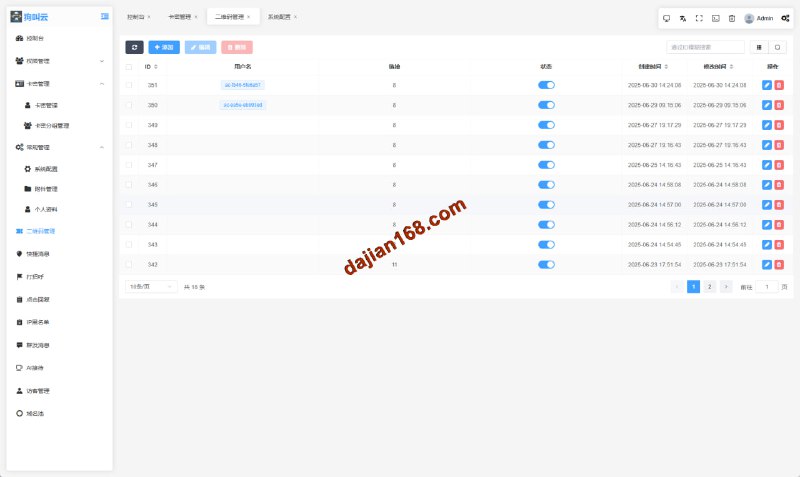
Independent Agent System
This is the biggest selling point of this source code. Previous Tianheng-style systems had no independent agent backend; this fork adds one. Agents get their own separate login entry and data dashboard, and the hierarchical data isolation is decent. I tested two agent accounts — their data was invisible to each other, and permission assignment worked as expected.
Deployment Essentials: Pitfalls I Hit
For the environment I used BaoTa panel with PHP 7.2 + MySQL 5.6. Don’t go with PHP 8 — it throws compatibility errors. For the rewrite rules, remember to pick the ThinkPHP set, otherwise wap-side routes will 404.
A few things you must watch out for:
First, after importing the database, update the connection info in the config. Don’t change just one file — this version has two config locations, and missing one will cause a database connection failure.
Second, the preset number feature needs write permission on the corresponding directory — 777, or 755 with the right group ownership, either works. Otherwise saving from the backend won’t take effect.
Third, the agent backend’s entry URL is a separate path. After deployment, change the default account credentials first, then test the agent login flow.
As for the payment interface, the source code ships with a placeholder. For a demo site, hooking up a simulated callback gets the full flow running — no real merchant account needed.
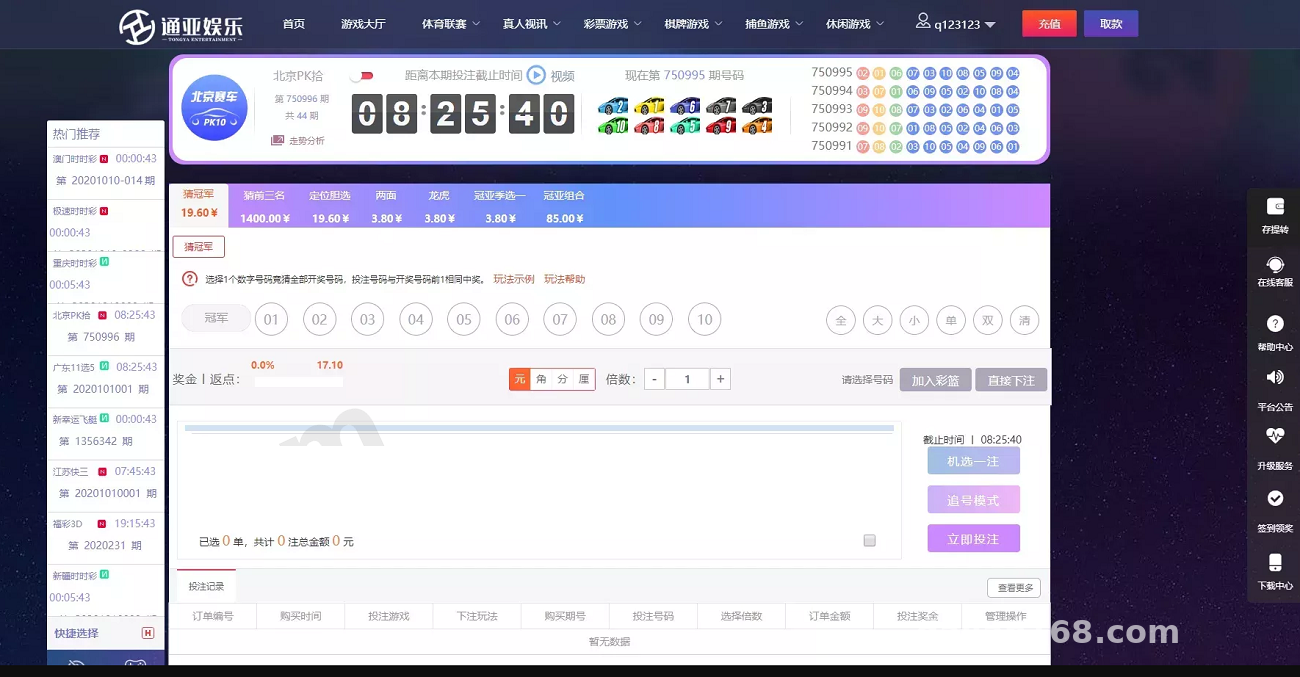
The core value of this build lies in the independent agent backend and the dual-mode demo modules. If you just want a demo system that runs the complete workflow, it saves you a lot of customization work compared to the original Tianheng version.
Who It’s For
One: technical teams building frontend interaction demos — the dual-mode interface with trend charts can be taken and modified as-is. Two: freelancers who need to show clients a complete business flow — the preset number feature makes demos controllable, no luck involved. Three: developers who want to study how agent hierarchy systems are built — the permission design of the independent agent backend is worth taking apart.
FAQ
Q: What server specs are needed?
A: For demo purposes, 2 cores and 4GB RAM is plenty, with at least 3M bandwidth. For higher concurrency, go up to 4 cores and 8GB, and optimize the database separately.
Q: Are the wap and web sides two separate templates?
A: Yes, two independent frontends sharing one backend and one dataset. During deployment, configure rewrite rules for both directories.
Q: How do I access the independent agent backend?
A: Via a separate access path, described in the deployment docs. On first login, change the password immediately and check that agent permissions are enabled as needed.
Q: Can it be further customized?
A: Yes. The code structure is fairly clear, with templates and logic properly layered. UI changes mostly involve the template directory, while business logic lives in the application layer — the learning curve isn’t steep.
One last note: this system is suitable only for technical demonstration and learning/research purposes. When deploying and using it, comply with applicable laws and regulations; any unlawful use is prohibited. If you run into deployment issues, feel free to discuss in the comments.
Disclaimer: This article is for technical education and demonstration only. It is not professional or financial advice. Any real-world deployment must comply with applicable laws and regulations.
#Tianheng System #Source Code Setup #Agent Backend #Wap Development #Deployment Log
-
 Alipay QR Code Scan
-
 WeChat Scan Pay