Random Number Probability Demo System: Data Collection & Admin Deployment Notes
Random Number Probability Demo System: Data Collection & Admin Deployment Notes
Disclaimer: This article is for technical education and demonstration only. It is not professional or financial advice. Any real-world deployment must comply with applicable laws and regulations.
I recently helped a friend who teaches data visualization set up a random number probability demo system, and figured I’d write down the process while it was fresh. I’ve installed three versions of this source code over time, and this was the latest complete build. The data collection module ran smoothly, and I fixed a few known issues along the way. This article follows my actual working order, with every pitfall I hit clearly marked.
First, What This System Actually Does
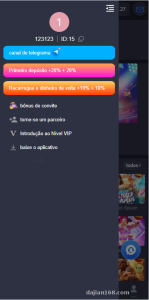
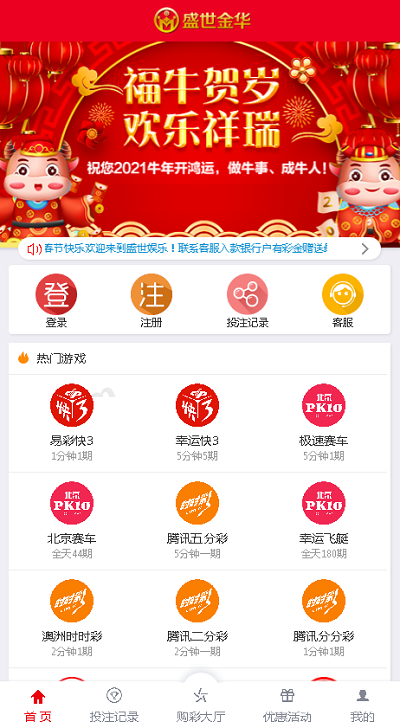
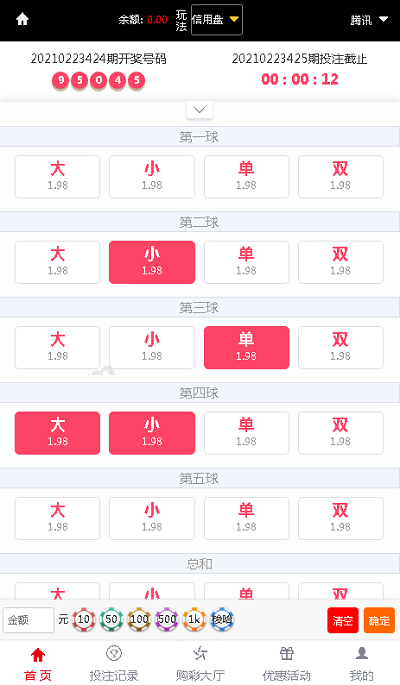
At its core, it’s a probability simulation demo platform. The main function is generating random number sequences and visualizing them, which makes it great for teaching probability and statistics or running algorithm demos. The new version completely redesigned the icons for demo categories, and it looks noticeably cleaner than the old build. It also added three new system demo modules, and the mobile display pages got a second round of development — the layout is now card-based, so the data is readable at a glance.
Hands-On Testing
I focused on three areas:
The first is the data collection module. The system supports scheduled collection from public data sources. I set up a cron job running every 5 minutes, and it ran for two straight days without dropping. Collected data goes through automatic cleaning — deduplication and formatting are both one-click operations in the admin panel.
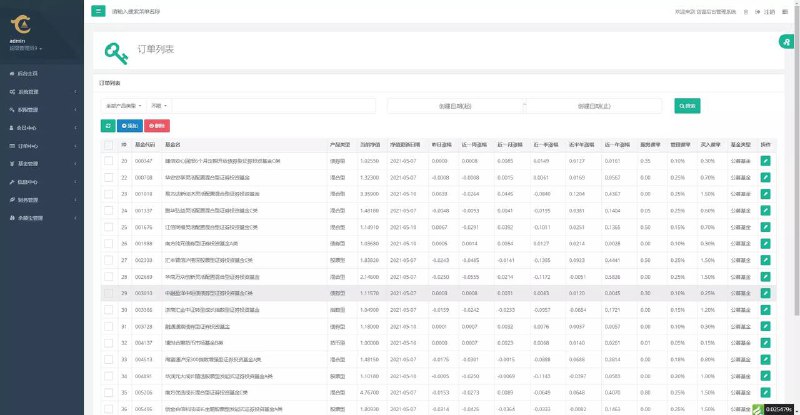
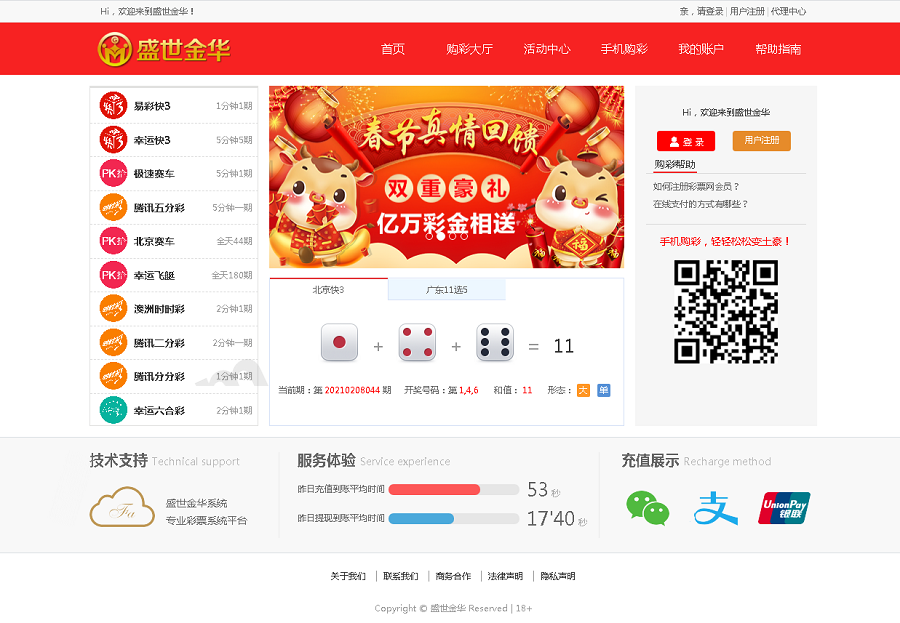
The second is the admin panel. It uses the classic three-column layout with shallow menu levels, so you never have to dig through three layers of directories to change a parameter. Random number generation rules, demo cycles, and display templates are all adjustable directly in the backend, and changes take effect on the front end immediately after a refresh — much better than older systems that make you clear the cache.
The third is mobile adaptation. The mobile pages were separately redeveloped. In my testing, first-screen load time on 4G was around 1.8 seconds, and the icons use SVG, so they stay sharp at any zoom level.
Deployment Essentials
For the environment I used LNMP — PHP 7.4 + MySQL 5.7. Don’t go with PHP 8; several older syntax patterns are incompatible and will throw errors. That was my first pitfall.
The install process isn’t hard: upload the source code, import the database, and update the database connection info in the config file. But there’s one detail to watch — the runtime directory needs permissions of 755 or higher, or the collection tasks won’t run. The log only gives you a very cryptic permission error, and I spent nearly an hour troubleshooting that.
The rewrite rules are included in the official package; for Nginx, just copy them in and restart. Remember to add a crontab entry for the scheduled tasks, and use an absolute path — relative paths silently fail in some hosting panel environments.
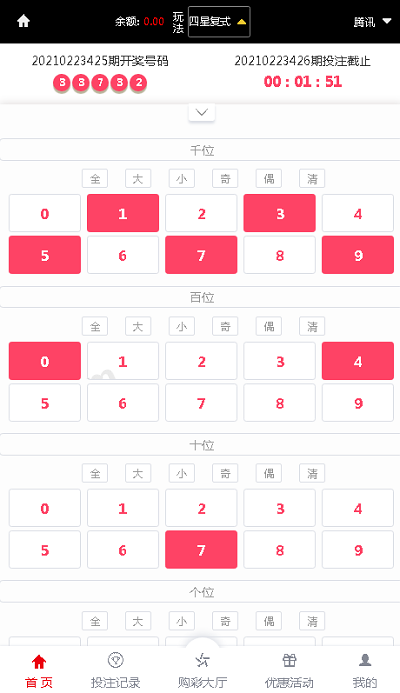
Highlight: the collection module supports parallel fetching from multiple data sources. Combined with the data cleaning queue, demo data can update near-real-time, which makes for a very intuitive teaching demo.
Secondary Development Tips
If you plan to customize it, the template layer is reasonably well separated, so you can change front-end styles without touching core logic. To add a new demo type, just copy an existing module and adjust the parameters. The database table structure has comments, which is very friendly for developers doing secondary development.
For multilingual support, the system has a built-in language pack mechanism. I built an English pack in about half a day — the translation files are plain arrays, so there’s no learning curve.
Who It’s For
Teachers teaching probability and statistics, developers looking for a customization project, and ops folks who need to stand up a data demo platform — those three groups are the best fit. If you’re planning to use it commercially, evaluate your own requirements first.
FAQ
Q: Why aren’t the collection tasks running?
A: Nine times out of ten it’s a missing crontab entry or wrong runtime directory permissions. Check the task log first, then directory permissions — that usually pins it down.
Q: Does it support PHP 8?
A: Not recommended for now. Some legacy syntax throws errors. PHP 7.4 is the most stable — zero errors in my testing.
Q: Can the mobile template be modified separately?
A: Yes. The mobile templates live in their own directory, so changes don’t affect the PC version. Just remember to clear the template cache afterward.
Q: Can data update automatically on a schedule?
A: Yes. Set the collection frequency in the admin panel and pair it with the system’s scheduled tasks. The minimum interval supported is 1 minute.
One last note: this system is intended solely for legitimate technical learning and data demonstration. Deployment and use must comply with applicable laws and regulations, and any unlawful use is prohibited.
Disclaimer: This article is for technical education and demonstration only. It is not professional or financial advice. Any real-world deployment must comply with applicable laws and regulations.
#Random Number Demo #Source Code Deployment #Data Collection #Deployment Notes #Secondary Development
-
 Alipay QR Code Scan
-
 WeChat Scan Pay