Chuanggu Cross-Border E-Commerce Source Code Deployment Guide: Multi-Language Mall and Multi-Vendor Setup Notes
Chuanggu Cross-Border E-Commerce Source Code Deployment Guide: Multi-Language Mall and Multi-Vendor Setup Notes
Disclaimer: This article is for technical education and demonstration only. It is not professional or financial advice. Any real-world deployment must comply with applicable laws and regulations.
Last weekend, I helped a friend who runs an independent foreign trade site deploy an updated Chuanggu cross-border e-commerce system. His previous site ran on an outdated single-store template, and he wanted to transition into a B2B2C multi-vendor platform complete with merchant onboarding, internal ad bidding, and channel commission features. It took me two days to get the entire environment up and running. I put together these notes covering the setup process and module testing as a reference for fellow developers looking for multi-language mall source code.
Testing the Core Business Modules
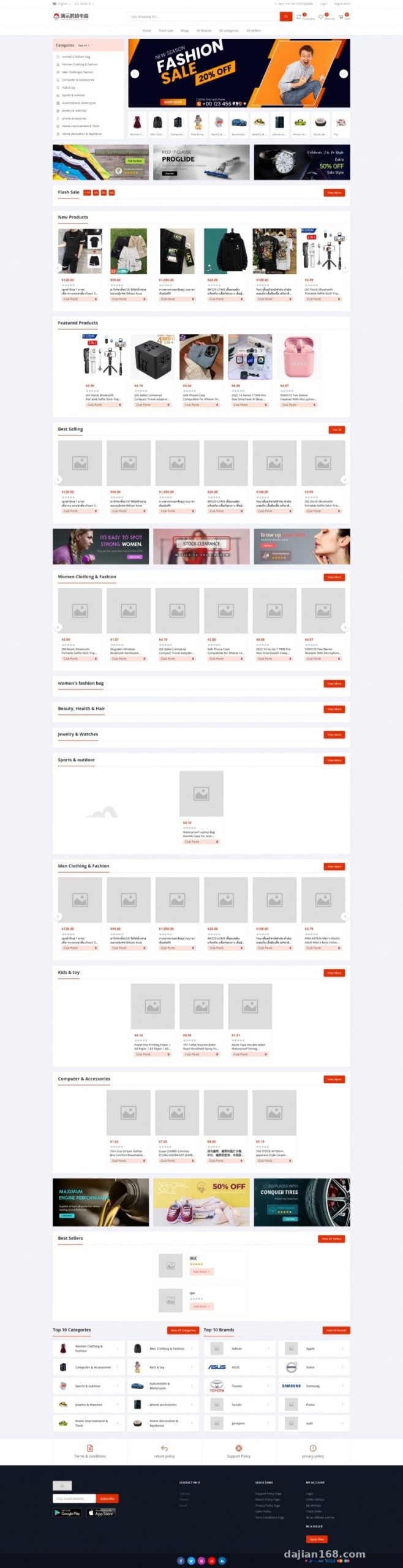
When I first unpacked the source code, I checked the directory structure. The backend uses a mainstream PHP framework with a decoupled frontend, making custom development relatively straightforward. Once the database was connected, I focused on testing several core business workflows.
1. Multi-Vendor Onboarding and Store Security Deposit Mechanism
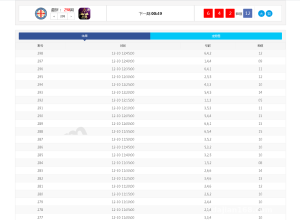
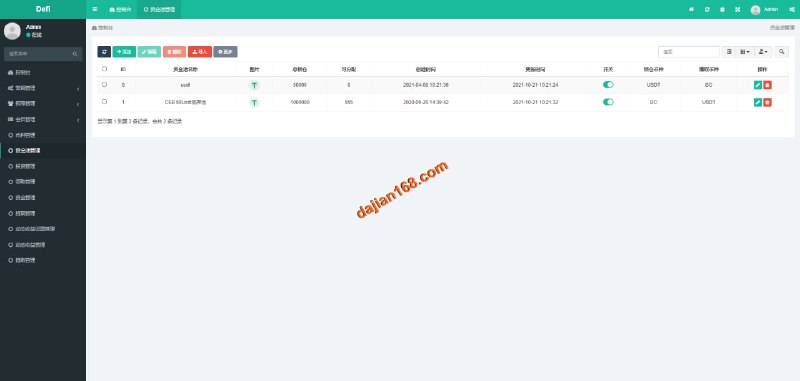
This system comes with a built-in merchant onboarding workflow. After a vendor submits their qualifications on the frontend, administrators can configure different store security deposit thresholds based on product categories in the backend. I specifically tested the fund flow logic: a merchant’s listing permissions are only activated after they pay the deposit. If an after-sales dispute arises later, platform admins can deduct the corresponding amount directly from the backend for advance compensation, keeping the ledger entries crystal clear.
2. Internal Ad Promotion and Traffic Management
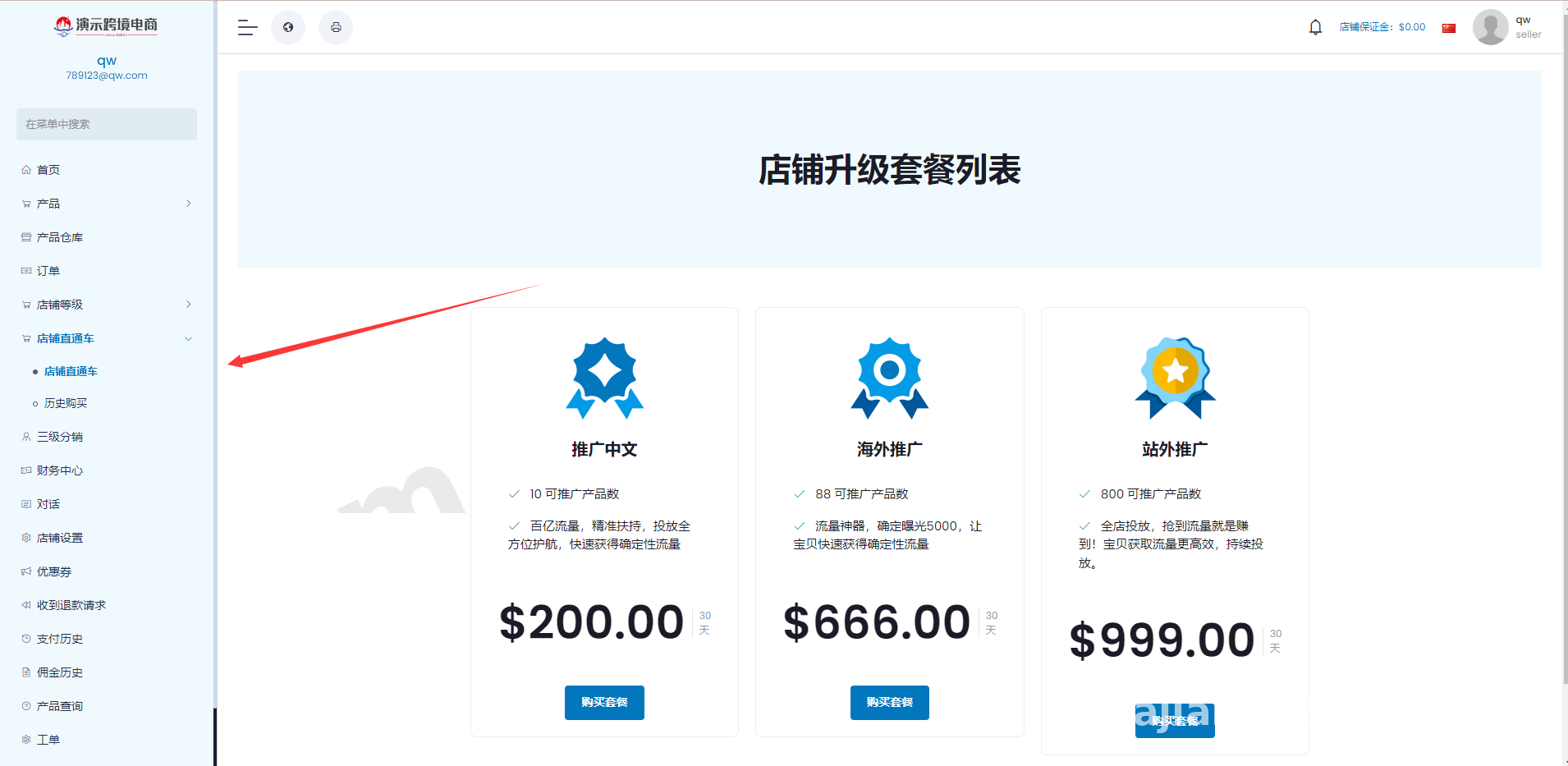
Many open-source malls lack internal marketing tools, but this version builds an express ad promotion module right into the system. Merchants can top up promotional credits to purchase featured slots on the homepage or category pages via Cost Per Click (CPC) or display placement. The backend allows direct adjustments to floor prices and weighting algorithms for each ad reel simulation. For site owners looking to monetize platform traffic, this feature saves a lot of custom development work.
3. Sales Representative Agency and Compliant Affiliate System
The source code adds a dedicated backend for business development (BD) representatives. The platform can generate exclusive onboarding links for different BD reps and automatically calculate performance metrics based on the transaction volume of the merchants they bring in. It also includes a referral affiliate module that supports custom commission ratios. In actual deployment, however, I strongly recommend keeping the referral structure within two tiers to strictly align with standard social e-commerce compliance guidelines.
Webmaster Pro Tip: When configuring the affiliate and BD agency modules, make sure to enable the “Settlement Period Freeze” feature in the backend (e.g., setting a T+7 rule or unfreezing commissions only after delivery confirmation). This effectively prevents platform accounting loopholes caused by malicious order cancellations.
Server Environment and Deployment Pitfalls
This cross-border e-commerce source code demands decent server specs. If you expect high concurrency, do not try to run it on low-end shared hosting. For this deployment, I used an overseas cloud server with 4 vCPUs and 8GB RAM running CentOS 7.9.
- Runtime Environment: Nginx 1.20 + PHP 7.4 + MySQL 5.7 + Redis 6.0. Note that PHP must have the
fileinfo,redis, andswooleextensions installed; otherwise, backend order notifications and asynchronous queues will throw errors. - URL Rewriting and CORS: When deploying the decoupled frontend and backend, you must add Cross-Origin Resource Sharing (CORS) headers to your Nginx configuration file. Also, point the root directory to
/publicand set up the ThinkPHP URL rewrite rules—if you skip this, refreshing the H5 frontend pages will trigger 404 errors.
Multi-Language Packs and Payment/Logistics Integration
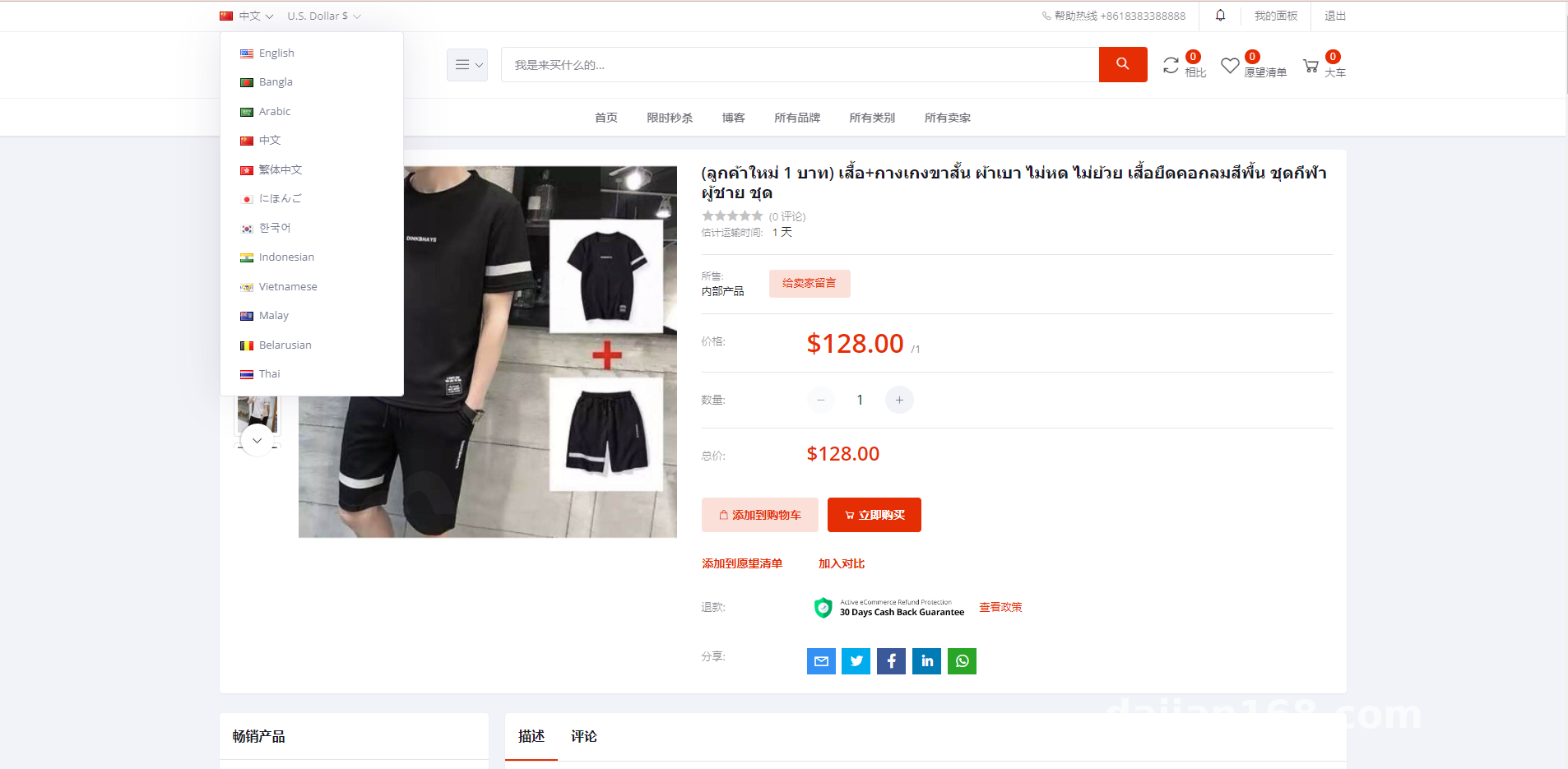
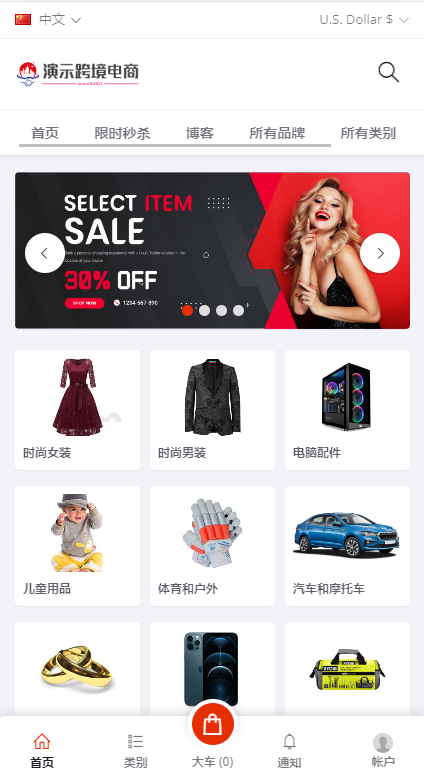
Localization is often the biggest headache when building a cross-border mall. This system uses a decoupled JSON key-value design for its language packs. Out of the box, it includes Chinese, English, Spanish, French, and a few others. Adding a new minor language simply requires duplicating and translating the language file without touching the core codebase. For payments, it provides pre-built API interfaces for PayPal, Stripe, and mainstream cross-border third-party gateways—callbacks work right after entering your merchant ID and secret key. For logistics tracking, I integrated the 17Track API, allowing buyers to view international customs clearance status directly on their order details page.
Who Is This System Built For?
Overall, the code quality of this source package is solid, with no obvious backdoors or obfuscated shells. It is well-suited for a few specific groups:
Teams looking to transition from traditional foreign trade to vertical cross-border platforms (such as multi-vendor malls for auto parts, apparel, or electronic accessories); IT outsourcing agencies needing a mature base system for secondary customization; and independent developers interested in studying multi-vendor settlement and internal ad bidding logic.
Frequently Asked Questions
Q: Is the frontend pre-compiled or does it include source code? Can it be packaged into an mobile app?
A: The version I deployed includes the full, unencrypted Uniapp frontend source code. You can modify the UI directly using HBuilderX, compile it into Android and iOS installation packages with one click, or publish it straight as a responsive H5 web app.
Q: Does it support one-click product data scraping and importing?
A: The backend has built-in tools for basic CSV product imports and link scraping from major e-commerce platforms. However, built-in third-party scrapers often break when target websites update their layouts. I recommend using a dedicated external scraper tool to push data into the database via API for better stability.
Q: How should cron jobs be configured after the setup is complete?
A: Add shell scripts under “Cron” in your server control panel (like aaPanel/Baota). These tasks handle auto-canceling unpaid timeout orders, resetting daily ad budgets, and settling store commissions after delivery confirmation. Setting the execution interval to every one or five minutes works best.
Disclaimer: This article is for technical education and architectural discussion regarding cross-border e-commerce system deployment only. All software source code mentioned is strictly for learning and compliant commercial testing. Please adhere to local laws and regulations.
Disclaimer: This article is for technical education and demonstration only. It is not professional or financial advice. Any real-world deployment must comply with applicable laws and regulations.
#Cross-Border E-Commerce Source Code #Multi-Language Mall #System Deployment Guide #Multi-Vendor Platform #PHP Source Code
-
 Alipay QR Code Scan
-
 WeChat Scan Pay