PHP Unified Checkout & Payment Gateway Setup: Multi-Channel API Integration Guide
PHP Unified Checkout & Payment Gateway Setup: Multi-Channel API Integration Guide
Disclaimer: This article is for technical education and demonstration only. It is not professional or financial advice. Any real-world deployment must comply with applicable laws and regulations.
Last month, I took on a project to overhaul an internal e-commerce module for a corporate client. Their primary requirement was to consolidate several scattered official payment channels into a single, unified checkout counter. With their legacy system, developers had to rewrite the signature verification logic from scratch every time they onboarded a new service line, making maintenance a complete nightmare. Fortunately, I had a mature payment gateway codebase on hand (internally codenamed the Longteng Edition) that supports standardized API routing and multi-channel polling. I decided to use it to build a self-hosted checkout gateway for their team. Since I have some downtime today, I put together my deployment and debugging notes as a reference for fellow developers.
Core System Architecture and Feature Testing
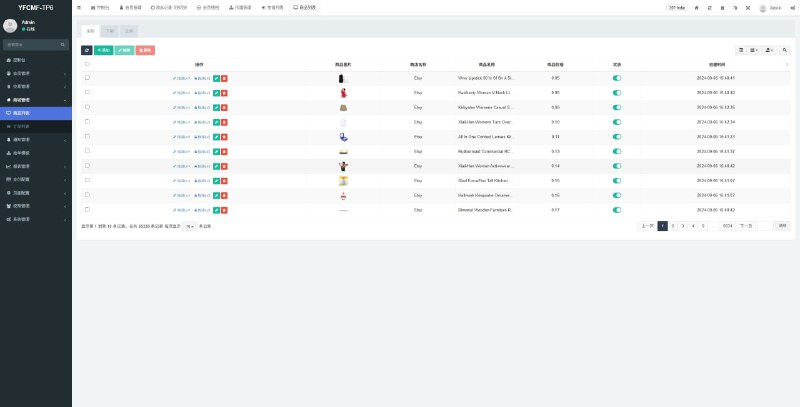
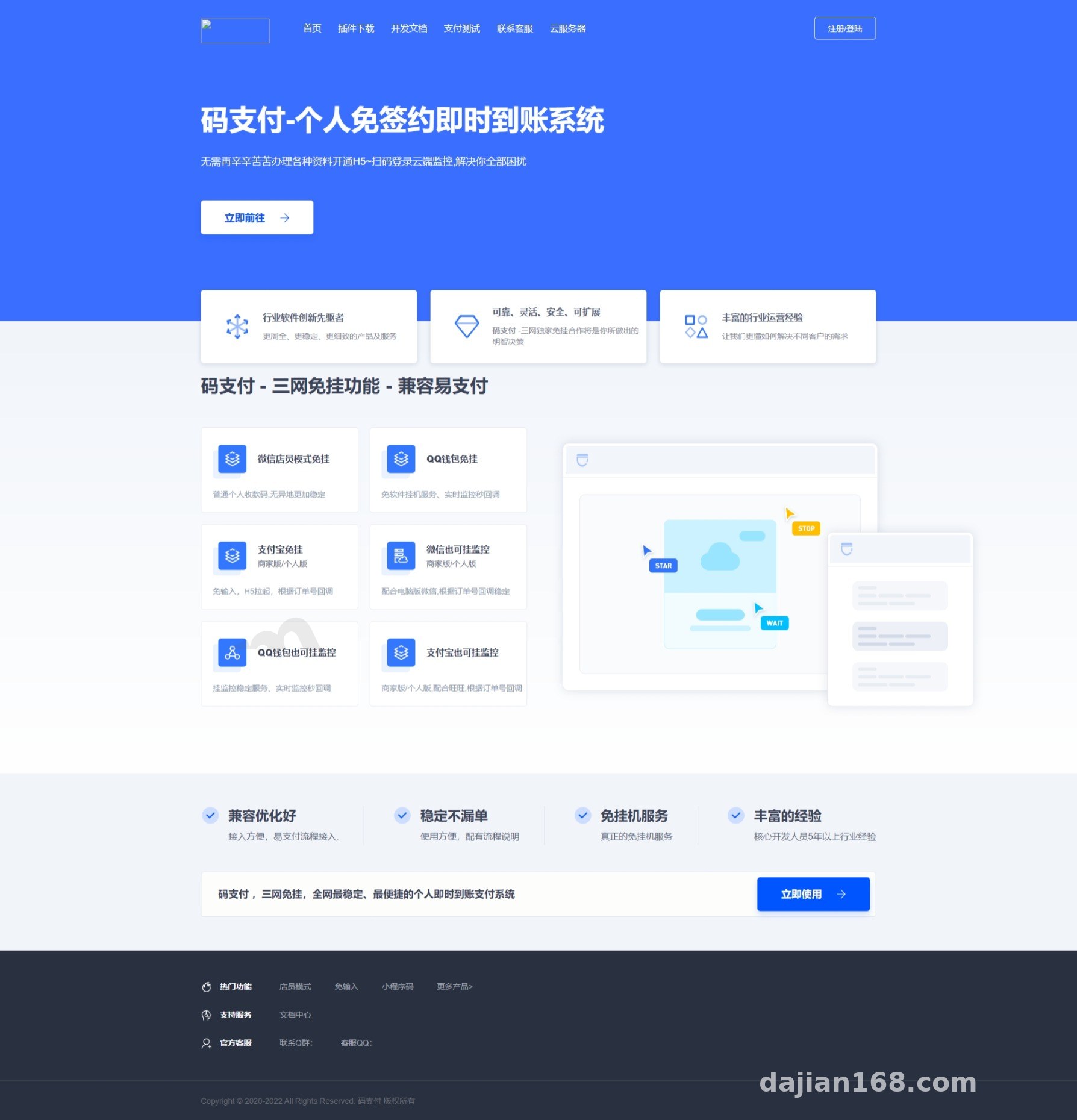
Under the hood, this system is built on a familiar PHP framework. The codebase is completely open-source without any annoying obfuscation or encryption, making it very friendly for webmasters who need to do custom secondary development. After getting it up and running in my local environment, I focused my testing on a few core modules:
1. Standardized API Protocol Compatibility
Many seasoned webmasters run business applications that rely on standard common payment interface protocols. The beauty of this gateway is its backward compatibility with those universal protocols. In practice, this means you don’t need to touch the application-side code of your existing online stores, digital content platforms, or SaaS portals. You simply swap out the API endpoint URL and merchant secret key in the admin panel to switch over to the new checkout system. The migration cost is practically zero.
2. Multi-Channel Official API Aggregation & Cloud Heartbeat
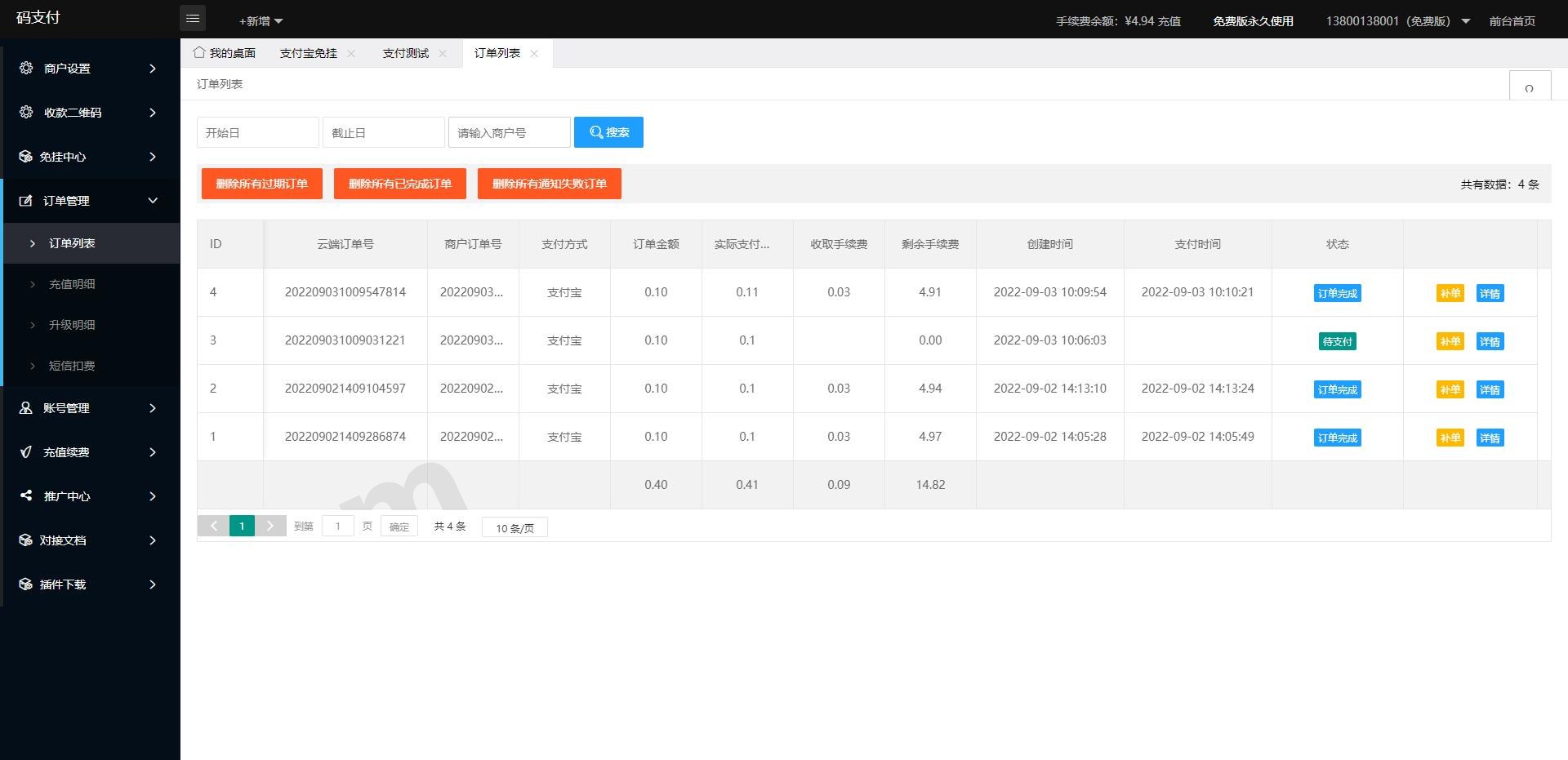
The system comes with built-in SDK integration templates for mainstream official payment channels. Many older gateway versions required running a local desktop client just to listen for transaction callbacks, which was notoriously unstable. This release shifts entirely to official API webhook mechanisms and cloud-based cron job monitoring. Paired with Redis queues, missed orders or callback delays are virtually eliminated. The admin dashboard also gives you a clear, real-time view of response latency across each channel.
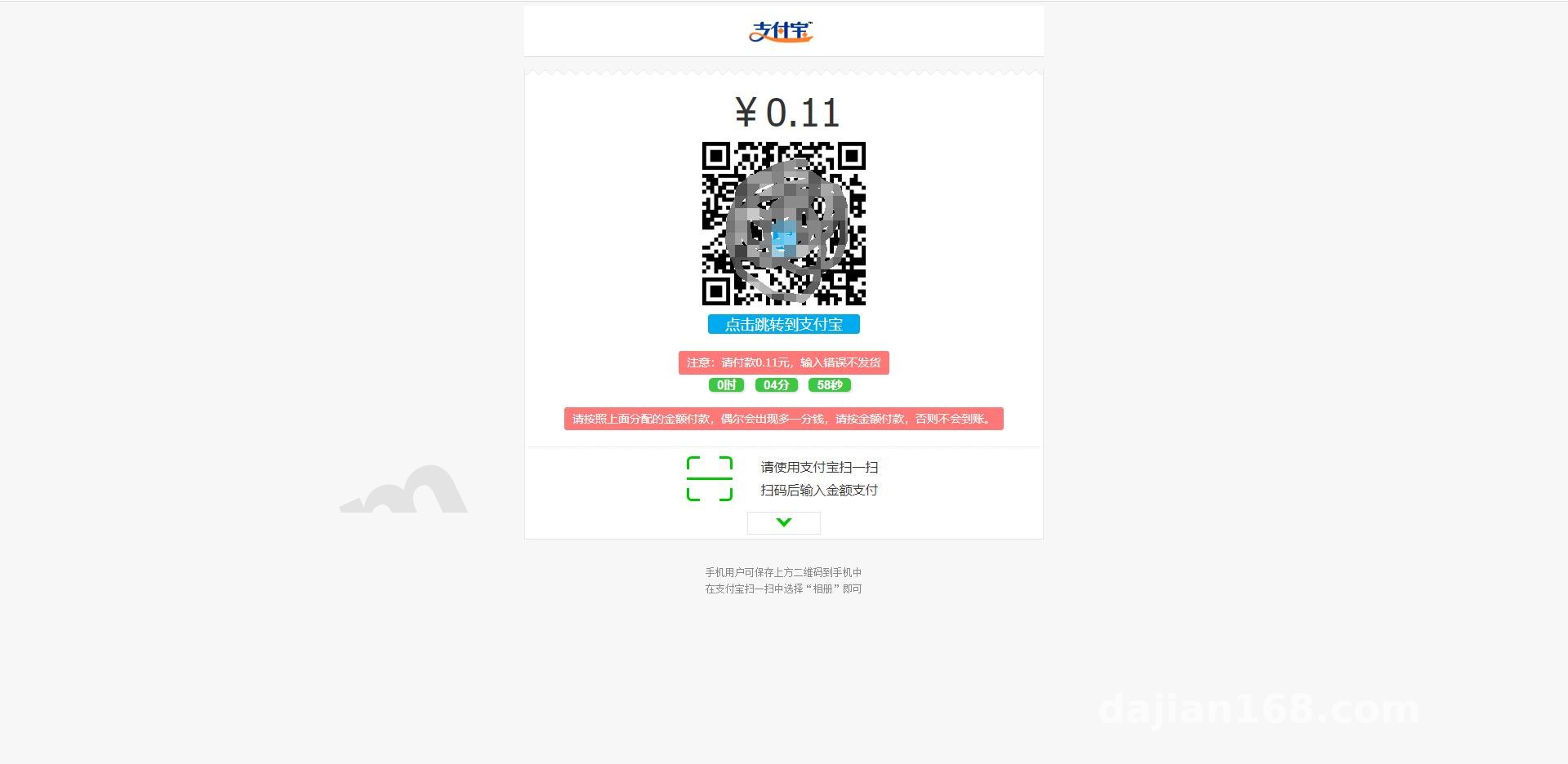
3. Transaction Ledgers and Sandbox Testing Mode
When working on payment gateways, the biggest headache is running into bugs during live production debugging. This codebase includes a built-in sandbox simulation environment right in the backend. During the development phase, you can trigger simulated callbacks directly to test whether your business application properly handles order status updates via asynchronous notifications (notify_url) and synchronous redirects (return_url). This saves you the hassle of making endless real-money test transactions.
Pro Tip from the Trenches: When integrating multiple client sites, I strongly recommend enabling the “Retry Failed Asynchronous Notifications” feature in the backend. I configured mine on a stepped interval of 1 minute, 3 minutes, and 10 minutes. This completely solves the issue of dropped orders caused by sudden high-concurrency spikes on the receiving business server.
Server Environment and Deployment Pitfalls
Although the hardware requirements for this checkout system are relatively modest, it handles financial transaction logs, so you cannot afford to be sloppy with the environment configuration. For this deployment, I used a 2-core, 4GB RAM cloud server running CentOS 7.9.
- Runtime Environment: Nginx 1.20 + PHP 7.4 + MySQL 5.7 (Avoid using PHP 8.0 or higher if possible, as some legacy SDK components will throw compatibility warnings).
- Required Extensions: You must install the
redis,curl,openssl, andbcmathextensions. Specifically, bcmath handles high-precision decimal arithmetic for currency; if it is missing, generating an order will immediately throw a 500 Internal Server Error. - URL Rewrite Rules: The source package includes standard ThinkPHP rewrite rules. Just select the corresponding template in your server control panel. If you skip this step, the frontend checkout pages will return a 404 error.
Cron Jobs and SSL Certificate Configuration
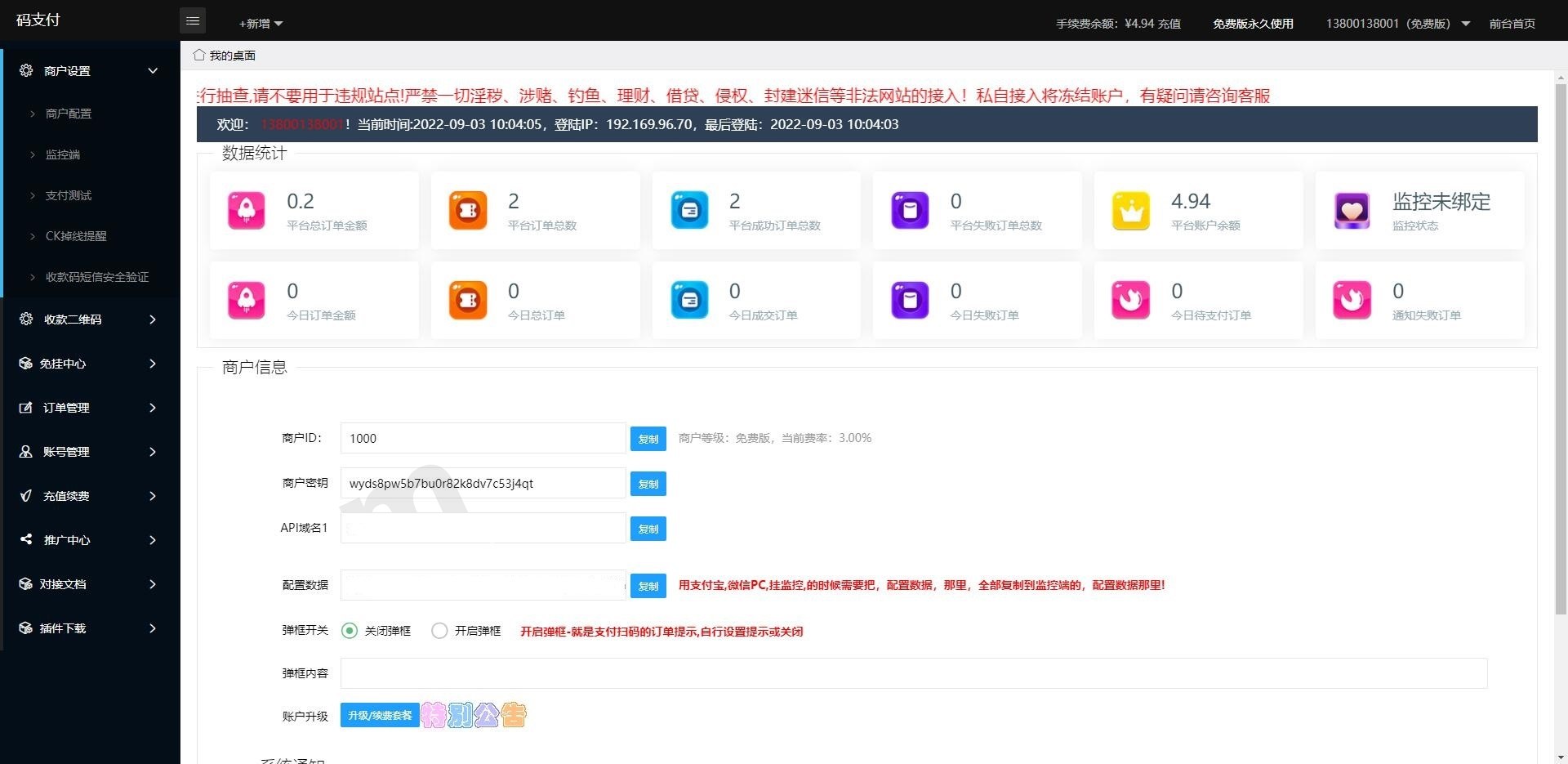
After uploading and extracting the source code and importing the database schema, do not forget to configure your SSL certificate. All major official payment APIs now strictly enforce HTTPS communication—without a valid security certificate, you won’t even be able to connect to their sandbox environments. Additionally, you need to add a shell script to your server’s crontab that runs every minute to clean up expired, unpaid order caches, keeping the database lightweight and responsive.
Ideal Use Cases for This System
Based on my experience deploying these architectures over the past few years, not everyone needs to host their own gateway. However, if you fall into any of the following categories, this system will save you a tremendous amount of time:
The first group is multi-site operations teams. For instance, if you manage several vertical mini-programs, corporate websites, or self-operated e-commerce stores simultaneously, using this system as a centralized checkout hub means your finance team only needs to check one master dashboard for reconciliation, rather than logging into multiple platforms every day to export spreadsheets. The second group is software development agencies. When delivering custom projects to clients, embedding this gateway as a standard payment module can shave at least three to four days off your API integration and testing timeline.
Frequently Asked Questions
Q: After configuring the API, the frontend checkout page loads fine, but the store order status doesn’t update after payment. What’s wrong?
A: This is a classic case of an intercepted asynchronous webhook. Check the “Callback Logs” in the gateway backend first. If the returned HTTP status code is 302 or 403, there is a high probability that the Web Application Firewall (WAF) on your store’s server mistook the gateway server’s IP for a malicious bot and blocked it. Whitelisting the gateway server IP on your business site will resolve the issue.
Q: Does the source code support multi-language localization or custom checkout UI templates?
A: Yes, it does. The view layer uses native HTML combined with Bootstrap layouts rather than complex compiled Vue bundles. If you know basic frontend development, you can go straight into the /template/cashier/ directory to tweak the CSS styles or swap out the multi-language dictionary files. Just clear the backend cache afterward for the changes to take effect.
Q: How do I handle database table locking during high-concurrency traffic?
A: During deployment, make sure to audit all your database storage engines and verify that both the order table (order) and transaction log tables are using InnoDB rather than MyISAM. InnoDB supports row-level locking, which, when paired with Redis caching, can easily handle dozens of concurrent orders per second without breaking a sweat.
Disclaimer: The source code deployment and API debugging processes documented in this article are strictly for technical education, system architecture research, and sandbox testing purposes. All deployments must comply with local laws and regulations, and commercial use requires appropriate official compliance qualifications. Using this technology for any unauthorized or unlawful activities is strictly prohibited.
Disclaimer: This article is for technical education and demonstration only. It is not professional or financial advice. Any real-world deployment must comply with applicable laws and regulations.
#Payment Gateway #Checkout System #PHP Source Code #API Integration #Deployment Guide
-
 Alipay QR Code Scan
-
 WeChat Scan Pay


![[Resolved as of 2025.11.18 22:55] Cloudflare Experiences Widespread Outage](https://dajian168.net/wp-content/themes/2019bk/skin/img/default.jpg)