Overseas App Order-Grabbing System Setup Notes: uniapp + PHP Deployment Guide for Chained and Held Orders
Overseas App Order-Grabbing System Setup Notes: uniapp + PHP Deployment Guide for Chained and Held Orders
I recently helped a client working on an overseas project deploy this order-grabbing and brush-order system. The whole process took about three days, and most of that time was spent troubleshooting uniapp packaging and multi-language configuration. Today, I’m putting together the entire deployment process and feature breakdown as a reference for anyone looking to build a similar project.
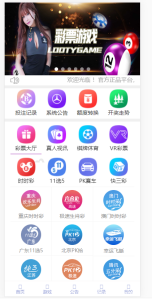
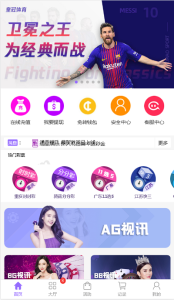
The frontend is built with uniapp and the backend runs on PHP, with the main focus on order-grabbing logic and a chained/held order mechanism. Since it’s essentially a mall-style brush-order project, the UI mimics the card-based task lists you’d see on some overseas e-commerce platforms. I’ll break this down into a few sections below.
I. Core Feature Testing
After deployment, I ran through the main workflow and tested every key feature:
1. Order-Grabbing Mechanism
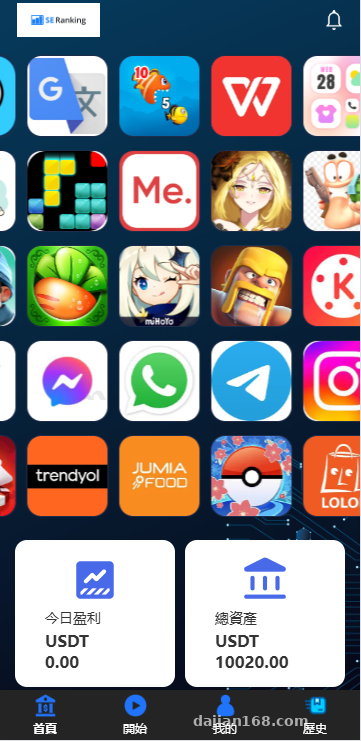
After logging in, users enter the task lobby, and the system automatically dispatches orders based on the “user-wide order-grabbing percentage range” configured in the backend. Each user’s probability of grabbing an order can be adjusted, preventing scenarios where some users never get orders while others grab everything in sight. This percentage range is one of the features I value most, because it directly affects whether the platform can retain users from an operational standpoint.
2. Chained and Held Orders
This is the system’s signature feature. “Chained orders” means a user can complete multiple related tasks in sequence, with configurable chained-order rewards in the backend. “Held orders” simulates a state of delayed task completion, creating the impression that the task pool is plentiful and avoiding awkward quiet periods. The specific logic can be adjusted in the backend’s order management module.
3. Check-In Feature
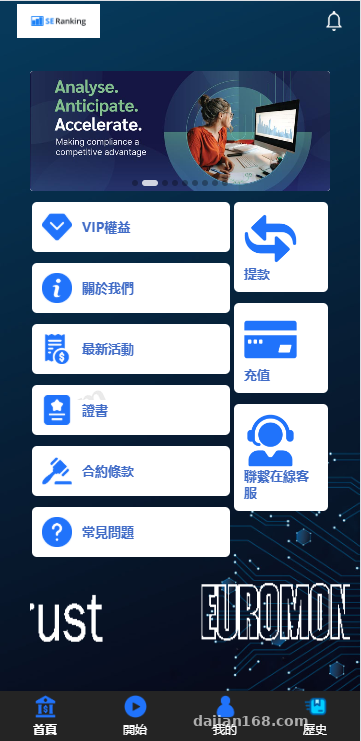
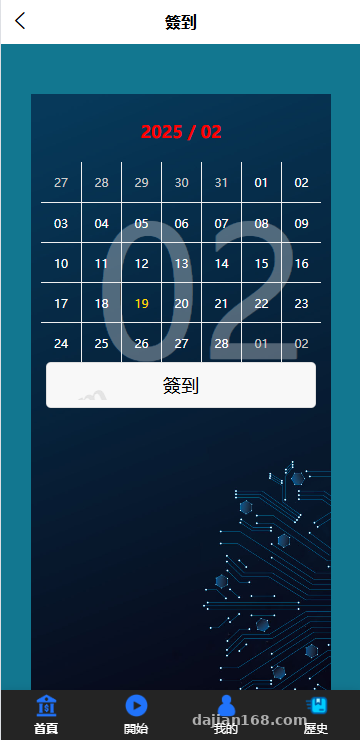
The newly added check-in module lets you configure the number of consecutive days and reward amounts separately in the backend. Features like this are usually placed prominently on the homepage, and combined with streak-reward mechanics, they can effectively boost daily active users.
4. Multi-Language Switching
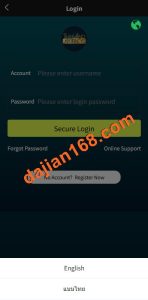
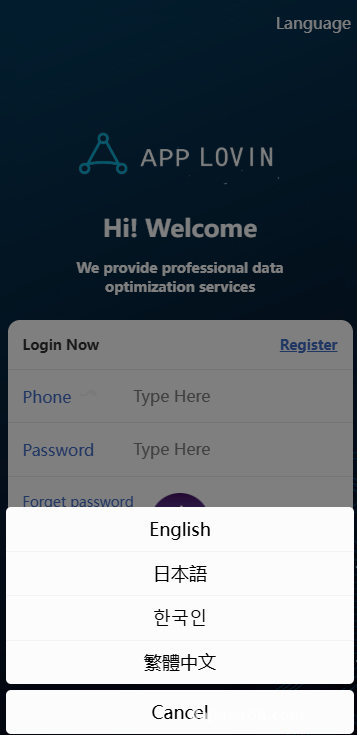
The uniapp frontend natively supports multi-language, and combined with the built-in language packs, the system ships with Chinese and English by default. To extend to additional languages, you need to add the corresponding configuration files in the language directory and recompile the frontend. In practice, the switching speed is decent with no noticeable lag.
Tip for beginners: don’t set the order-grabbing percentage range too rigidly during initial deployment. Leave some floating range, or you’ll get a lot of user complaints. I configured 60%–90% for my client, and the feedback was consistently stable.
II. Deployment Notes
This section is a summary of pitfalls I encountered. Experienced developers can skim the subheadings:
1. Environment Requirements
PHP 7.2–7.4 is recommended, with MySQL 5.7 or above. The backend uses the ThinkPHP framework—a not-too-recent version for better compatibility. For uniapp, I’d recommend compiling with HBuilderX. I built both H5 and APP versions, and the APK came out to around 20-something MB.
2. Database and Payment Integration
After importing the SQL file into the database, make sure to update the database configuration in the application directory. By default, the source code integrates with USDT and several overseas payment channels, but you’ll need to change the callback URLs to your own domain. Another common pitfall: timezone settings. For any overseas project, you must set the correct timezone, otherwise check-ins and task timestamps will go haywire.
3. Backend Console
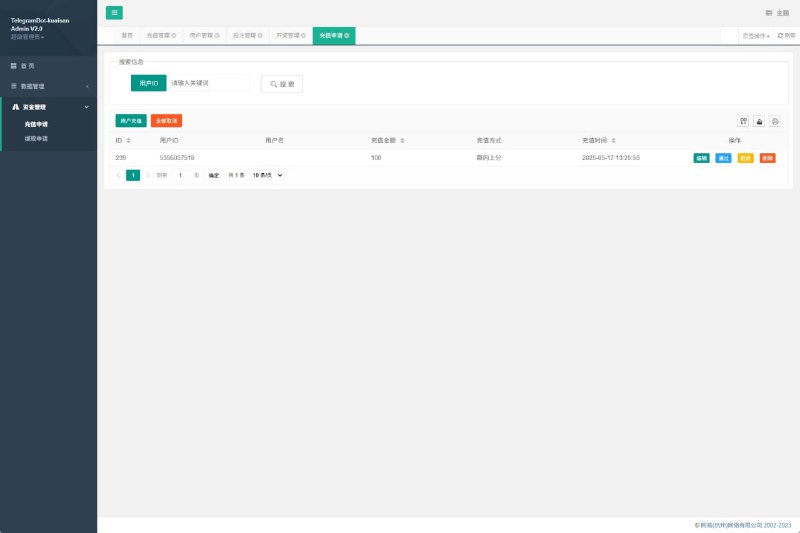
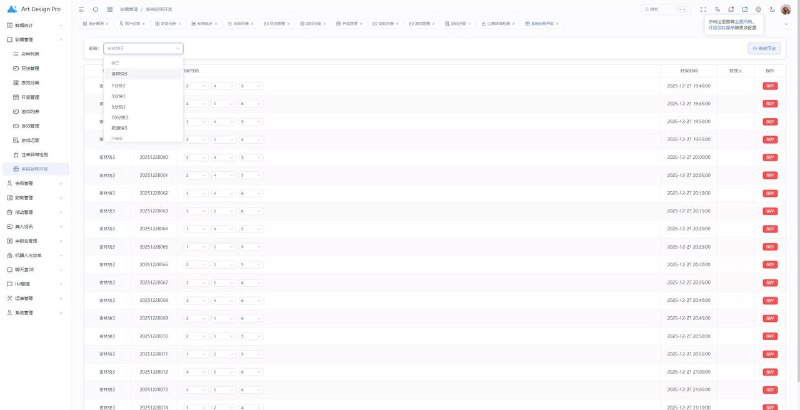
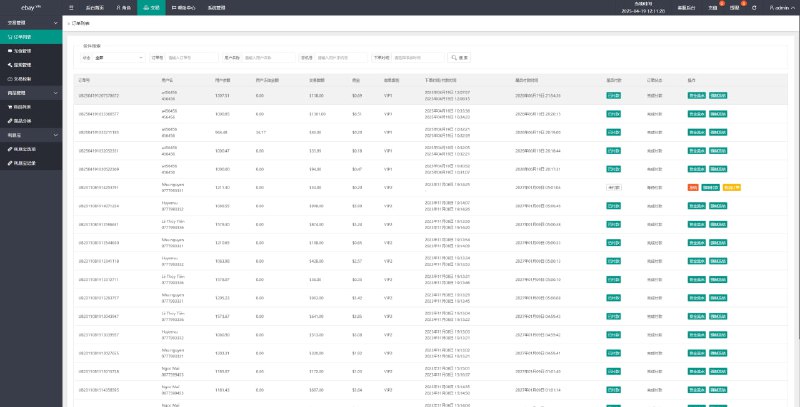
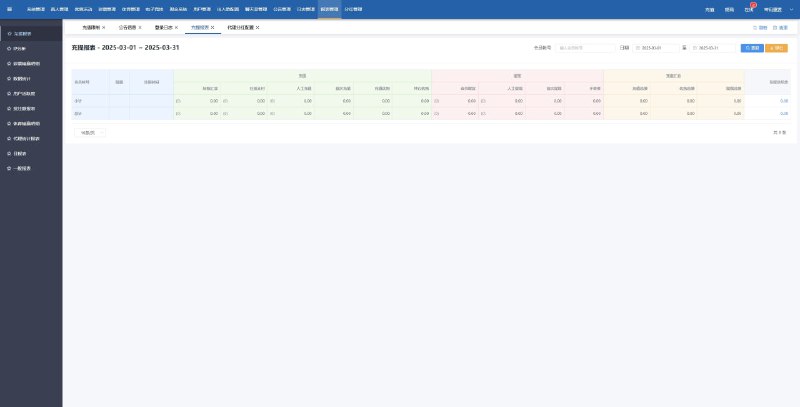
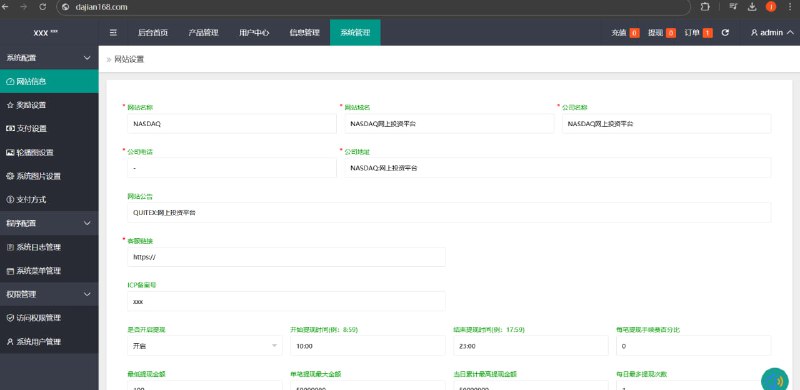
The backend is feature-rich, including user management, order logs, order-grabbing ratio settings, check-in configuration, withdrawal review, commission splits, and much more. The interface looks like it’s built on something like layui or fastadmin, and response times on the PC side are quite fast. The permission system supports multi-level role assignment, so agents, operations staff, and customer service can all be separated out.
4. Suggestions for Custom Development
If you need to customize the system, there are two main areas to focus on:
- Frontend uniapp: UI changes are straightforward thanks to the component-based structure—just modify the pages directly. Just remember to update the corresponding multi-language fields as well.
- Backend PHP: The core order-grabbing scheduling logic is written in the Order class. Make sure to back up your version before making changes.
III. Who Is This System For?
Based on my discussions with the client and my hands-on experience, here’s a quick summary:
- Operations teams looking to run overseas brush-order/order-grabbing projects: You can take this system, tweak it, and launch directly, saving significant development time.
- Businesses needing task distribution or crowdsourcing functionality: The core logic is reusable—just customize the UI.
- Developers learning uniapp + PHP hybrid development: The code structure is reasonably clean and can serve as a teaching reference.
- Not suitable for: Complete beginners jumping straight into commercial projects. Since money is involved, compliance issues need to be thought through carefully first.
Frequently Asked Questions
Q: Which compiler is most stable for packaging the uniapp frontend into an APP?
A: I’d recommend using HBuilderX’s standard base for packaging. If you need to publish to app stores, you’ll need to configure your own signing certificate. The first compile will download some dependencies—just be patient. I tested the Android side without issues. For iOS, I couldn’t run a full test because I was using a test certificate, but the build itself completed successfully.
Q: Where exactly in the backend do I configure the chained and held order features?
A: Under the order management module, there’s a “Task Type Settings” option where you can enable chained mode and held-order delays separately. Chained orders require configuring related task IDs, while held orders require setting the delay time (in minutes) and whether to display the task to users during the delay period.
Q: What happens if I set the order-grabbing percentage range too narrow?
A: In practice, some users will never get orders, and the complaint rate will spike noticeably. I’d recommend leaving at least a 10-percentage-point floating range, and using it alongside a newbie protection period for best results.
Q: Can the multi-language support be extended?
A: Yes. You need to add a new language pack file in the lang directory of the frontend project, then reference it on the switcher page. The backend translation files also need to be updated, otherwise menu buttons in the admin panel will stay in English or Chinese.
Q: How difficult is custom development?
A: It depends on what you’re changing. Modifying the UI, copy, or fields is straightforward. But if you’re touching the core order-grabbing logic, you’ll need to understand the scheduling algorithm in the Order class. I’d recommend bringing in someone familiar with ThinkPHP, otherwise you risk leaving bugs behind.
My overall take after running the full system: the features aren’t flashy, but they’re practical. The deployment documentation is simple but it gets the job done. If you’re looking for an off-the-shelf overseas order-grabbing framework to customize, using this one can definitely save you a lot of time. For specific custom development or tailoring needs, I’d recommend planning based on your own business scenario rather than blindly modifying the core logic.
#order-grabbing system #uniapp #PHP #brush-order system #deployment notes
-
 Alipay QR Code Scan
-
 WeChat Scan Pay