UniApp + FastAdmin Charity Crowdfunding Platform Deployment Guide: Source to Live
UniApp + FastAdmin Charity Crowdfunding Platform Deployment Guide: Source to Live
Disclaimer: This article is for technical education and demonstration only. It is not professional or financial advice. Any real-world deployment must comply with applicable laws and regulations.
Recently I helped a client deploy a charity crowdfunding platform based on UniApp + FastAdmin. The client runs a campus student-aid project. The source code is fully open-source, the backend uses the FastAdmin framework built on ThinkPHP, and the frontend is a single UniApp codebase that outputs both H5 and a mini program. The deployment wasn’t overly complicated, but payment callbacks, SSL certificates, and the domain whitelist kept me busy for a couple of rounds. Below is the tested process and the pitfalls I hit, for anyone building something similar.
Project Overview and Features I Tested
This system is positioned as a lightweight charity crowdfunding tool. The core loop is “create project → donate online → publish progress → supervise funds.” I tested both the admin panel and the user-facing frontend, and the overall logic is clear.
Backend Admin Panel in Action
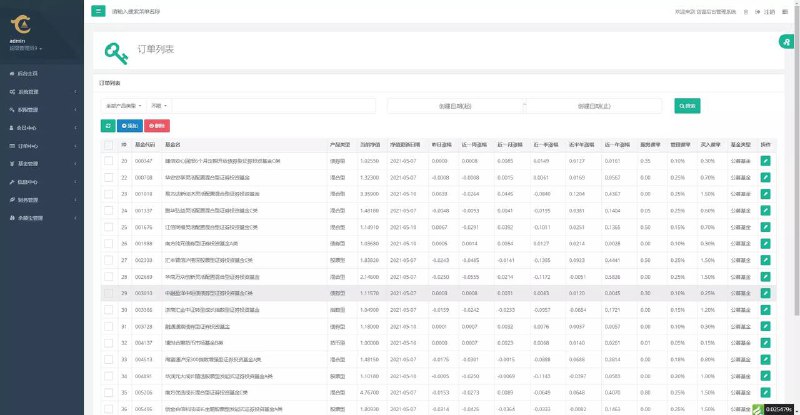
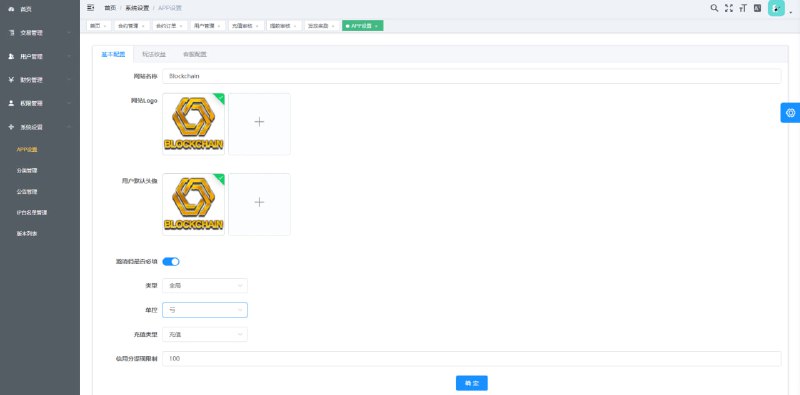
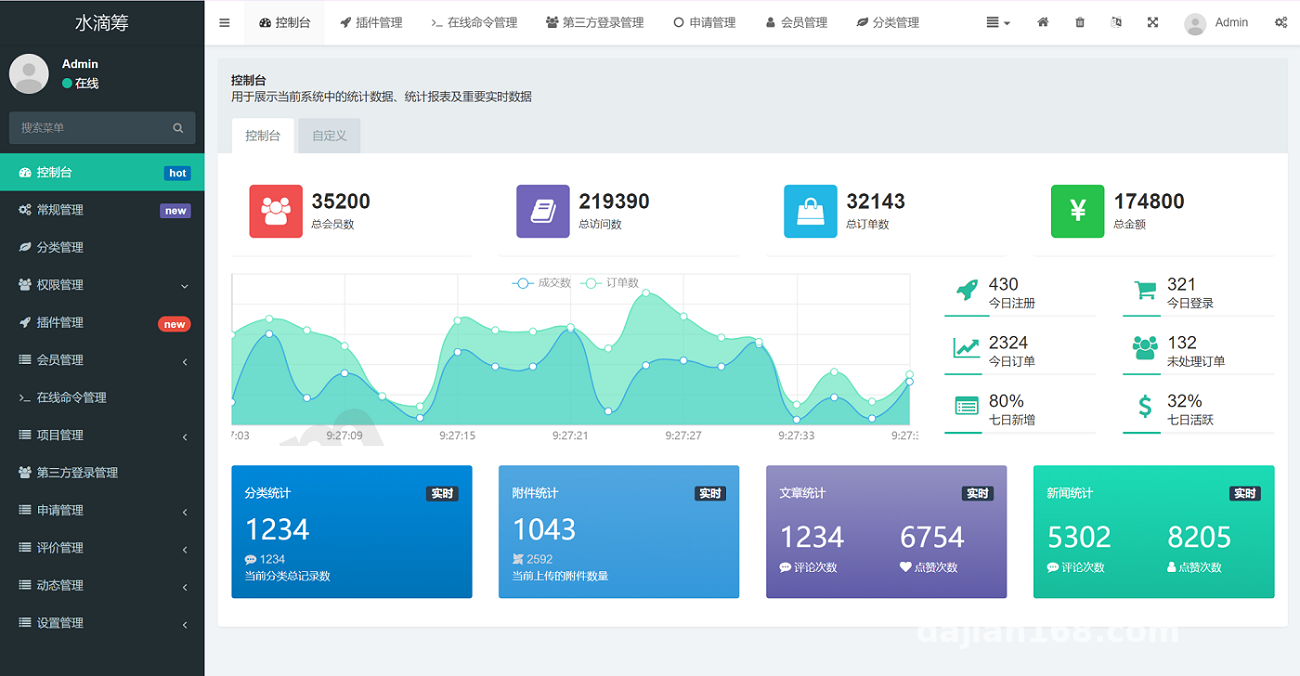
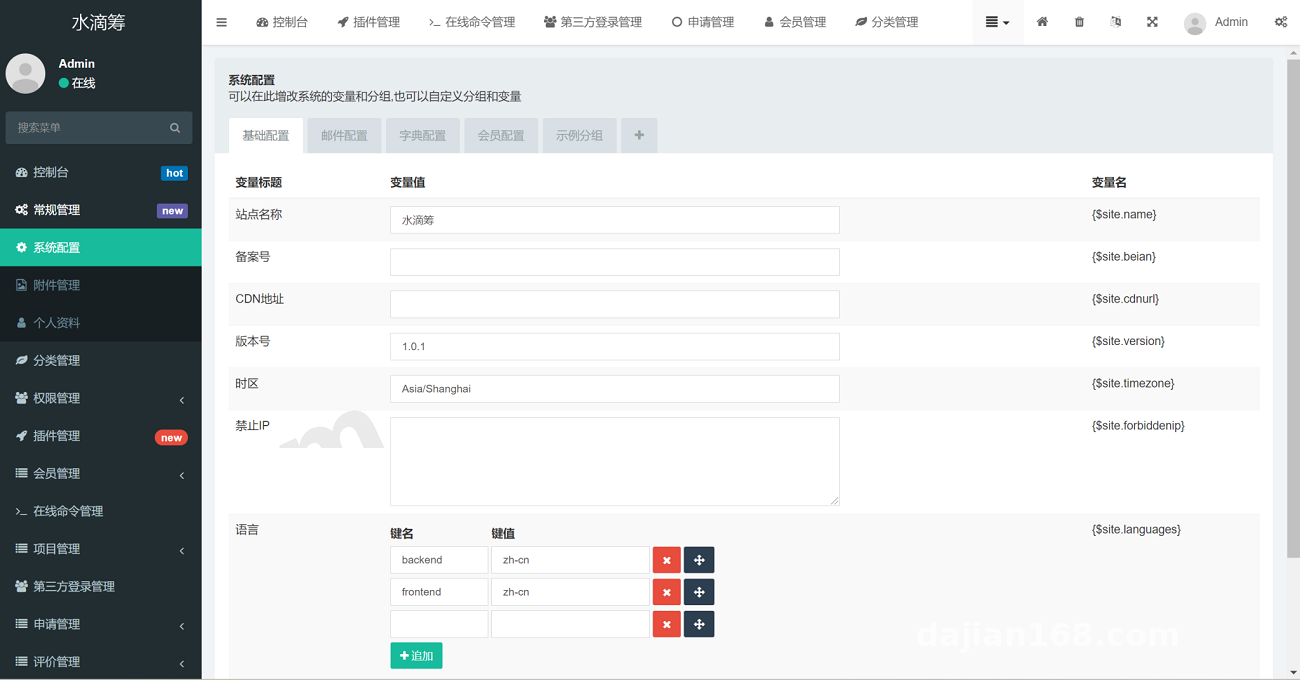
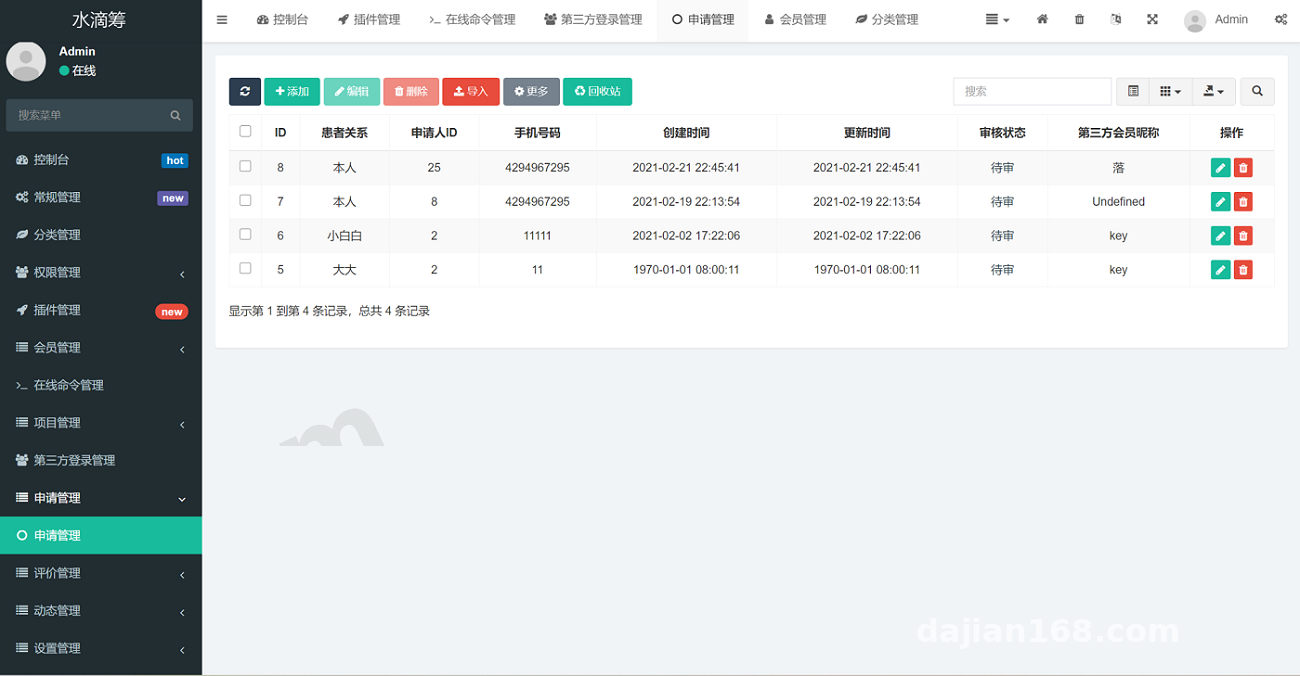
The default admin entry is /admin.php, with credentials admin/admin123. On first login it forces a password change. FastAdmin’s built-in CRUD generator saves a lot of time: project, user, order, withdrawal, and fund-flow tables already come with ready-made interfaces. My favorite screen during testing was the project review page. It shows pending, approved, and rejected statuses, and supports batch enabling and disabling. Fund flow supports filtering by project ID, user mobile number, and date range, and exporting to Excel is enough for financial reconciliation.
Frontend User Experience
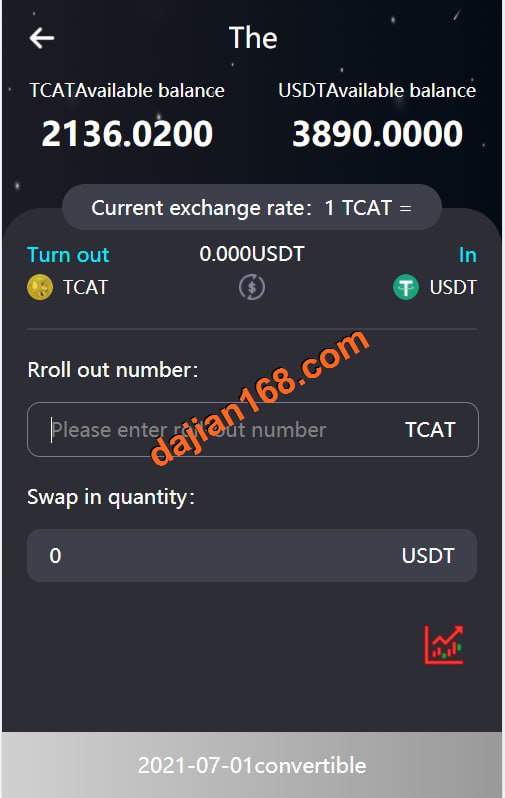
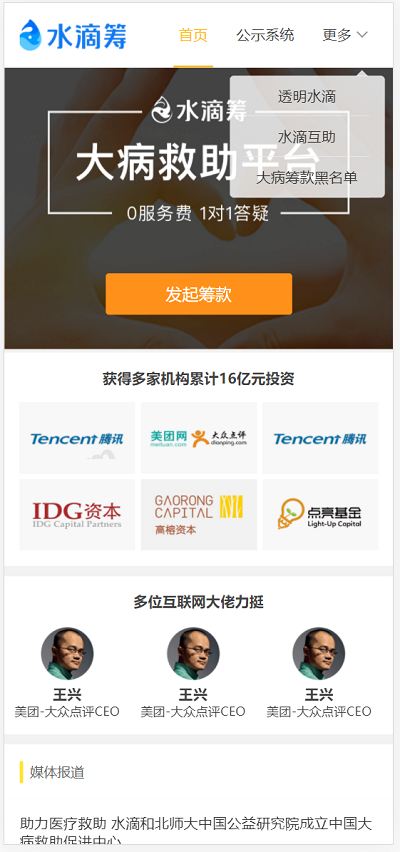
I first ran the UniApp frontend as an H5 build. The home page is a waterfall list, pages/project/detail is the project detail, and the donate button jumps to pages/donate/pay. The page supports WeChat Pay and Alipay. The amount can be a fixed tier or custom. The detail page shows a progress bar, amount raised, and participant count, plus a share button that generates a canvas poster with a QR code.
Deployment Notes and the Traps I Stepped On
My environment was Baota Panel + Nginx + PHP 7.4 + MySQL 5.7 + Redis 6. After uploading the source, the site root directory must point to public, otherwise every route returns 404.
Server Environment Configuration
In Nginx, set root to /public and add the ThinkPHP rewrite rule:
if (!-e $request_filename) { rewrite ^(.*)$ /index.php?s=$1 last; break; }
Also bump upload_max_filesize and post_max_size to 20M, and enable gzip. Important: an SSL certificate is mandatory, because WeChat Pay callbacks only accept HTTPS, and the domain must be registered and ICP-filed.
Payment Gateway Integration
WeChat Pay is configured in application/extra/pay.php or .env. Fields include APPID, MCHID, APIV3KEY, plus certificate paths cert/apiclient_cert.pem and key/apiclient_key.pem. During testing I send a 0.01 CNY order and check whether /api/pay/notify receives the async notification. Alipay needs APPID, app public key, app private key, and async notify URL; make sure the public and private keys are not swapped.
Customization Notes
For FastAdmin customization, I recommend using the CLI generator. Running php think crud -c controller_name builds the base code, and the model and validator are created automatically. On the UniApp side, the main changes are under pages and components; the API base URL is stored in both utils/request.js and manifest.json. Before upgrading the framework, back up the application directory and database, so custom fields don’t get overwritten.
Highlight: Payment callbacks are the easiest part to overlook. I suggest running the full “place order → pay → callback → update status” flow with a tiny amount or sandbox environment before opening real donations. Otherwise you risk the awkward situation where the user has paid but the backend order is still pending payment.
Target Audience and Usage Suggestions
This system suits charitable organizations, university clubs, and corporate CSR programs, as well as developers learning the full-stack UniApp + FastAdmin workflow. If you plan to accept real donations, you must confirm the organization’s qualifications, fund oversight, and invoicing eligibility; never collect money through a personal account. This article is for technical education only; all deployments should comply with applicable laws and regulations and must not be used for any illegal or unauthorized purpose.
Common Questions
Q: Is PHP 7.4 mandatory?
A: 7.4 is the official recommendation. PHP 8.0 can run it, but disable some strict modes and make sure the runtime directory is writable, otherwise you will get warnings and logs won’t be written.
Q: WeChat Pay callback is not reaching the server?
A: Confirm the domain is registered and uses HTTPS, then check that the Nginx rewrite forwards /api/ routes to index.php. Use absolute certificate paths to avoid path differences between CLI and the web runtime.
Q: Admin captcha won’t load?
A: Usually the GD extension is missing, or the session save directory is not writable. Enable the GD extension for PHP in Baota and loosen permissions on the /runtime directory.
Q: SQL import reports max_allowed_packet error?
A: Set max_allowed_packet to 64M or larger in the MySQL configuration, save, restart MySQL, then import again.
Q: Mini-program requests fail after build?
A: Check that the request domain has been added in the WeChat mini-program backend and that the server domain supports HTTPS. During development you can also enable “do not verify valid domain names” for local testing.
Disclaimer: This article is for technical education and demonstration only. It is not professional or financial advice. Any real-world deployment must comply with applicable laws and regulations.
#UniApp #FastAdmin #Crowdfunding Platform #Deployment Notes #Payment Integration
-
 Alipay QR Code Scan
-
 WeChat Scan Pay