Vietnam-Style Random Number Demo System Setup: Deploy PHP Probability Simulation Platform in 3 Minutes
Vietnam-Style Random Number Demo System Setup: Deploy PHP Probability Simulation Platform in 3 Minutes
Disclaimer: This article is for technical education and demonstration only. It is not professional or financial advice. Any real-world deployment must comply with applicable laws and regulations.
Recently helped a client deploy a Vietnam-style random number demo system, primarily used for data simulation and probability algorithm demonstration. This source code has fairly complete functionality, supporting multiple random number generation modes like Chinese zodiac and time-based random draw demo, with backend ability to preset result publishing logic. I tested it both locally and on production servers, and I’m recording the complete process for anyone who needs it.

Core System Features Testing
After getting the source code, I first checked the directory structure—typical PHP+MySQL architecture. The frontend uses Vue framework, backend management uses ThinkPHP, and the code structure is fairly clear.
Random Number Generation Module
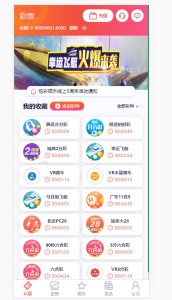
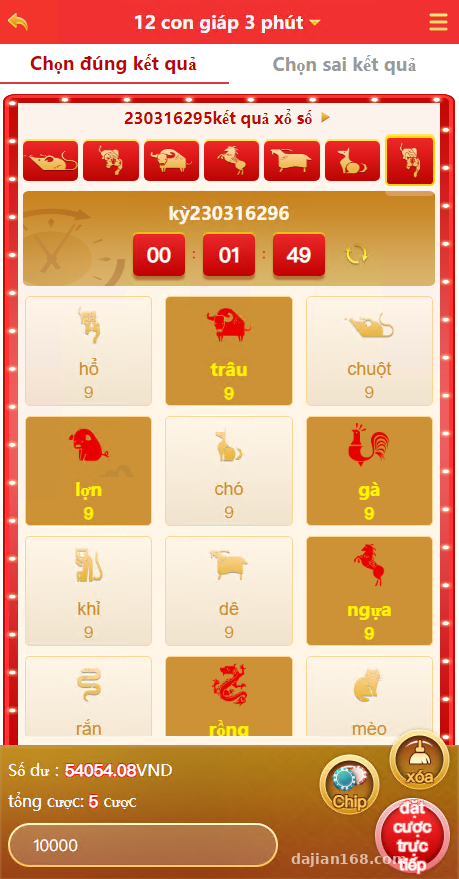
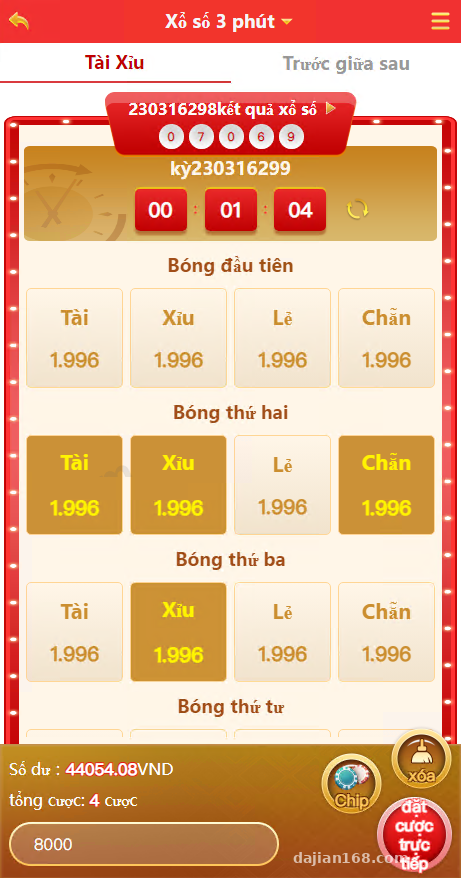
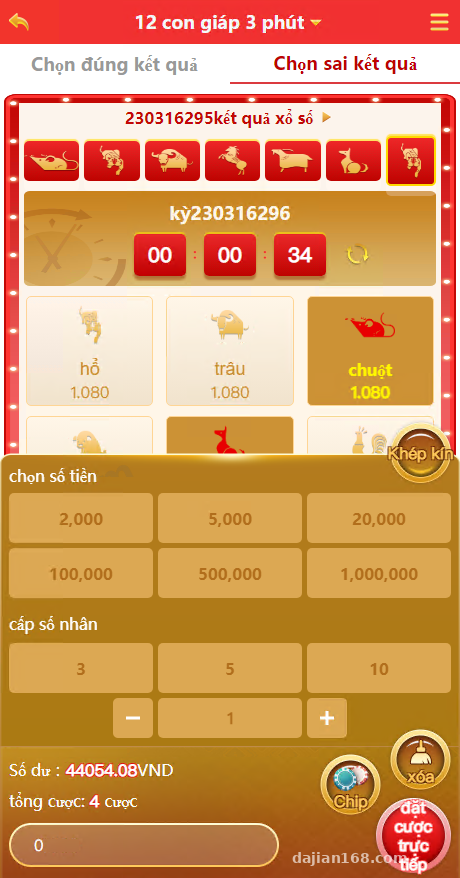
The system has three built-in simulation modes: one-minute zodiac, three-minute zodiac, and three-minute random draw demo. Each mode has independent result publishing algorithms, using PHP’s random functions to generate results by default. I tested several rounds, and the result publishing timing was very accurate with basically no delay.
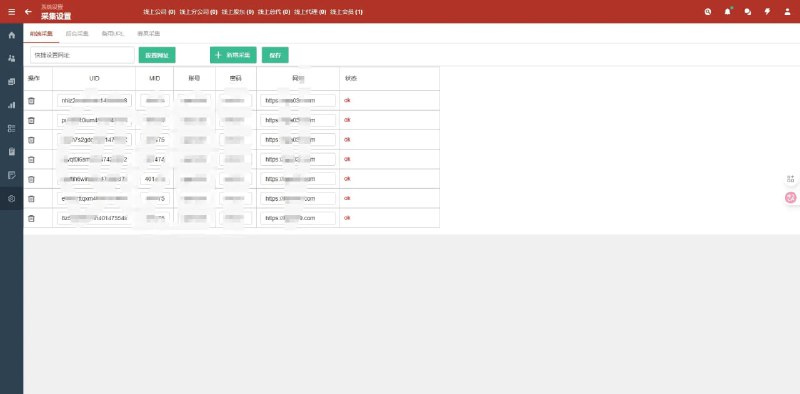
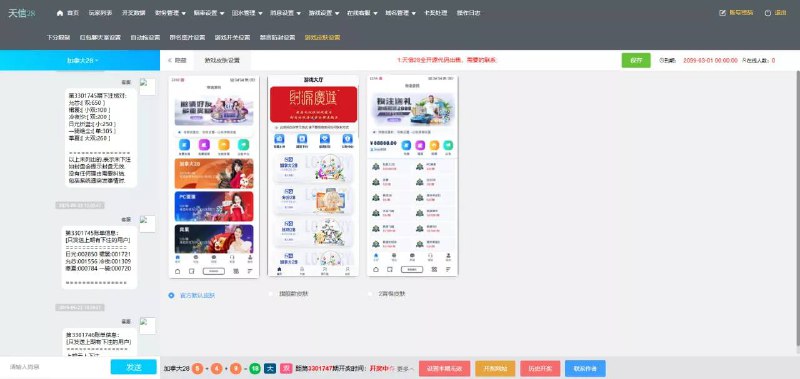
What’s particularly useful is that the backend allows manual setting of next period results, suitable for demonstrating specific scenarios. Go to backend management – result publishing settings, select the period number and corresponding digits, and after saving, the frontend will publish according to the set values. This feature is especially useful when doing data simulation demonstrations.
Result Publishing and Data Management
After each period’s results are published, the system automatically records them to the database, including period number, publishing time, result data, etc. The backend has historical record queries that can filter by date and simulation type. I exported to Excel once, and all fields were there, convenient for data analysis.
Highlight tip: The system supports modifying published results, but keeps operation logs. If you’re using it for probability algorithm demonstrations, I recommend keeping the logging feature to facilitate tracing data change records.
Deployment Environment and Configuration Key Points
Server Requirements
I used Baota panel for deployment, environment configuration: PHP 7.2, MySQL 5.6, Nginx 1.18. The source package includes SQL files—after importing to the database, remember to modify database.php in the config directory and fill in your database username and password.
Select ThinkPHP for the rewrite rules—this is very important. The first time I forgot to set it, accessing the backend kept giving 404 errors. I checked for ages before discovering the rewrite rules weren’t configured.
Scheduled Task Configuration
The result publishing feature relies on Linux cron jobs—you need to add them in Baota or server crontab. The command looks like this:
* * * * * php /www/wwwroot/your_directory/think random draw demo
Execute once per minute, and the system will judge whether results should be published based on simulation type. During testing, I found that if the server timezone is incorrect, result publishing time will be off. Remember to change the timezone to Asia/Ho_Chi_Minh (Vietnam timezone).
Frontend API Debugging
The frontend Vue project is in the public directory, already compiled by default. If you want to change the interface, you need to install Node environment and recompile. I’ve changed text and colors several times—after making changes, run npm run build and overwrite the generated files to public directory.
Suitable Use Cases
This system is quite suitable for probability algorithm demonstrations, data simulation teaching, and random number generation logic research. The backend control feature can be used to demonstrate result distributions under different parameters.
If you want to do secondary development, the code comments are fairly detailed, with main logic in the application/random draw demo directory. I’ve added custom simulation modes for clients—following the existing code structure wasn’t difficult. The database table structure is also designed fairly standardized, making field extension convenient.
Common Issues
Q: What if result publishing time is inaccurate?
A: Check server timezone settings and whether scheduled tasks are running normally. Use crontab -l to view the task list and confirm it’s executing every minute. Also check if the PHP date function returns the correct time.
Q: Backend keeps redirecting to homepage after login?
A: I encountered this too—usually it’s because session isn’t saving successfully. Check if the session.save_path directory in PHP configuration has write permissions, or directly change it to /tmp directory in php.ini.
Q: Can third-party payment be integrated?
A: The source code has payment interface provisions in the application/pay directory. I’ve tested integrating with Yi Payment—just modify the callback logic and it works. If you want to connect other payments, write a new payment class following the existing code.
Q: Can the frontend be changed to multi-language?
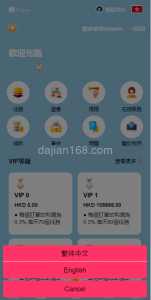
A: Yes, the Vue project uses the i18n plugin. Language packs are in the src/lang directory—copy zh.js and modify it to your needed language, then register it in main.js. I’ve added an English version before, and it was quite quick to modify.
Q: Is database pressure heavy?
A: If single table data doesn’t exceed one million records, pressure isn’t heavy. I recommend adding date indexes to the result publishing record table, and historical data can be periodically archived to backup tables. If traffic is particularly high, consider using Redis to cache current period data.
Deployment Summary
The entire deployment process took about half an hour, with main time spent debugging scheduled tasks and testing each simulation mode. This system has decent code quality with all necessary functions, suitable for learning random number generation logic or doing data simulation demonstrations.
The backend result control feature is relatively rare and can be used to demonstrate specific data distribution scenarios. If you’re doing probability algorithm research or teaching demonstrations, this source code can save considerable development time. Remember to backup data before deployment and get the test environment running smoothly before going live.
Disclaimer: This article is for technical education and communication purposes only. Please comply with laws and regulations.
Disclaimer: This article is for technical education and demonstration only. It is not professional or financial advice. Any real-world deployment must comply with applicable laws and regulations.
#PHP Source Code #Random Number Generation #Data Simulation #Backend Management System #Vietnam System
-
 Alipay QR Code Scan
-
 WeChat Scan Pay