Tianheng Random Number Demo System Deployment Notes: UI Overhaul and Strategy Control Testing
Tianheng Random Number Demo System Deployment Notes: UI Overhaul and Strategy Control Testing
Disclaimer: This article is for technical education and demonstration only. It is not professional or financial advice. Any real-world deployment must comply with applicable laws and regulations.
Recently I helped a client deploy a probability simulation demo platform built on Tianheng’s secondary development—the version with backend permission management and random number strategy control. They had been running the old release, and this time the main goals were upgrading the mobile UI and reworking the backend “Strategy Control” feature. It took me about a week, from environment setup to data migration and front-end adaptation, and I hit a few moderate pitfalls along the way. I’ve finally had time to write down the process.
What actually changed in this system
Let me start with the conclusion: the core logic hasn’t changed much—it’s still the same framework of random number generation, historical trend simulation, and backend permission control. But this version from Tianheng has a few noticeable changes, and I’d recommend anyone planning to deploy it take a closer look.
Mobile UI was redrawn
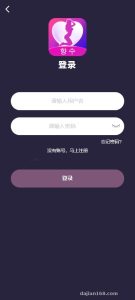
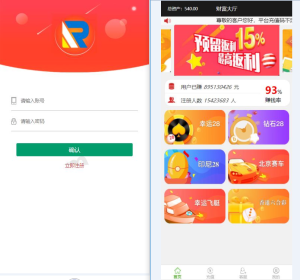
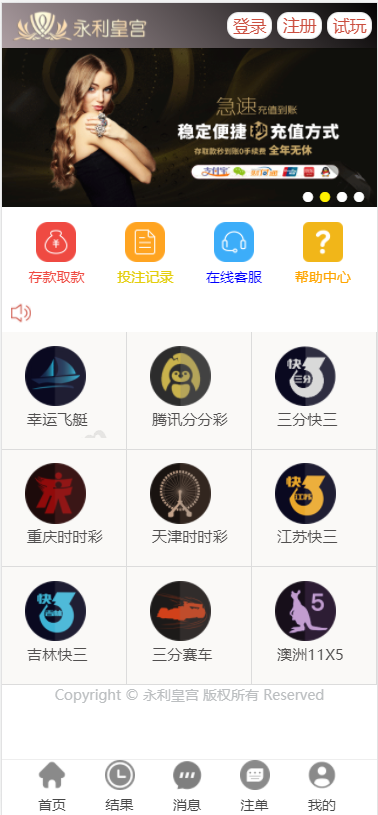
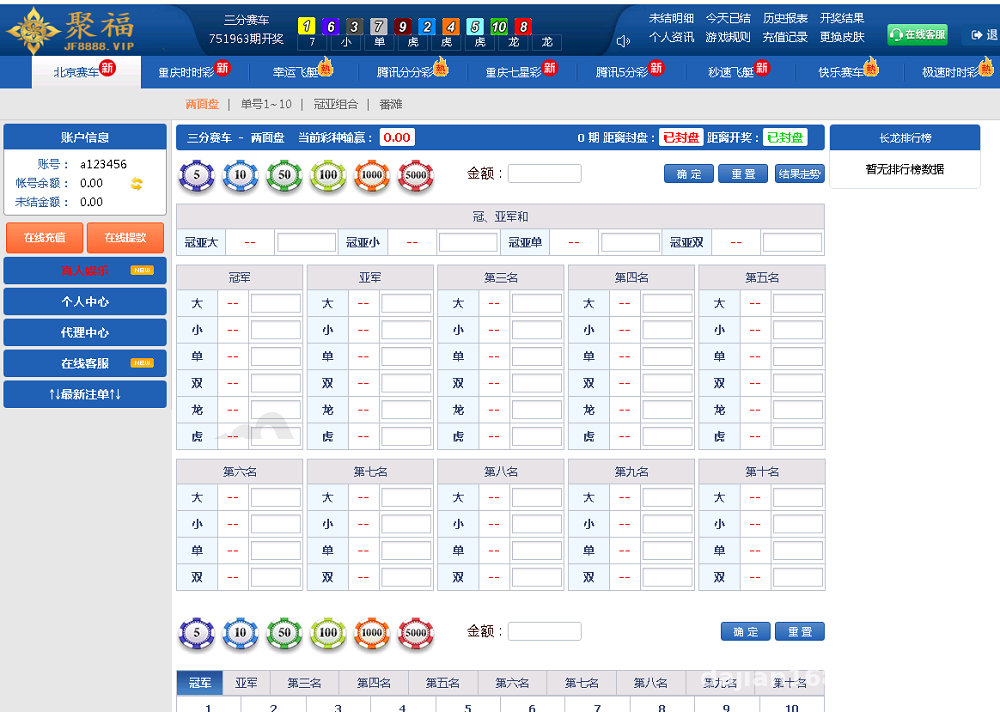
The old mobile pages relied on traditional iframe nesting, the buttons were small, and on iPhones elements would occasionally misalign. This time they switched to a responsive grid layout. The homepage now shows a “probability simulation ranking” and “simulation rules” in card style, and the bottom navigation was expanded from three entries to five. I tested it on both Android and iOS, and the scrolling is much smoother than the old version—at least I no longer have to pinch-zoom constantly.
New “system probability control” strategy module in the backend
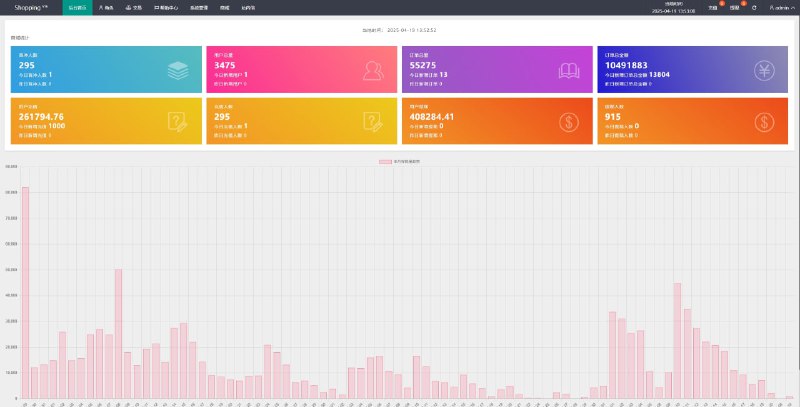
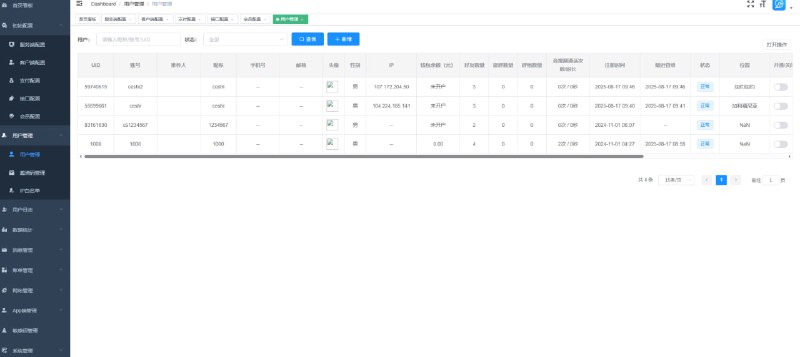
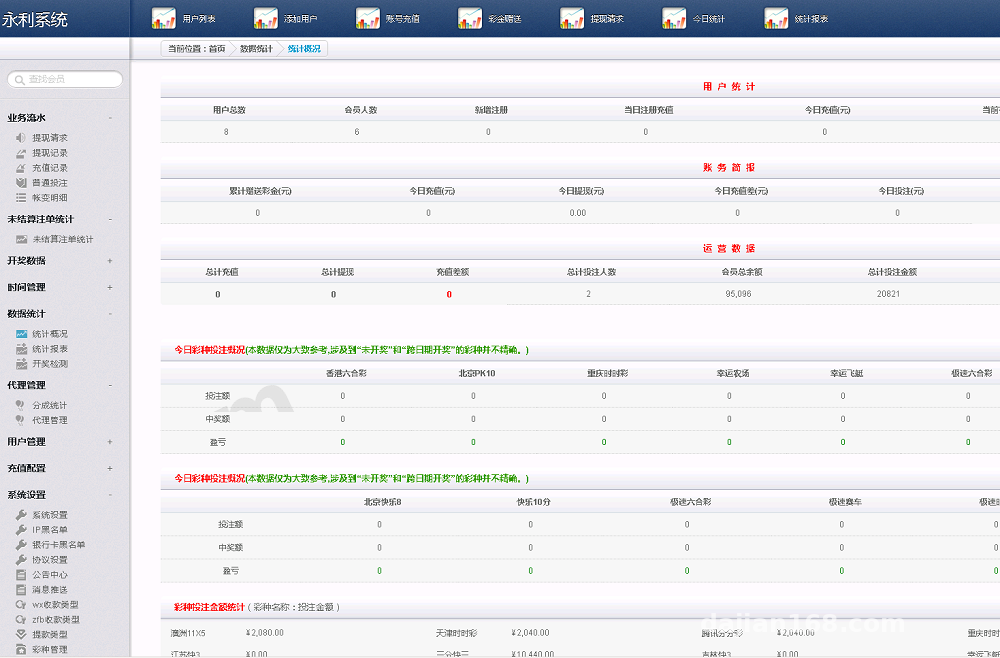
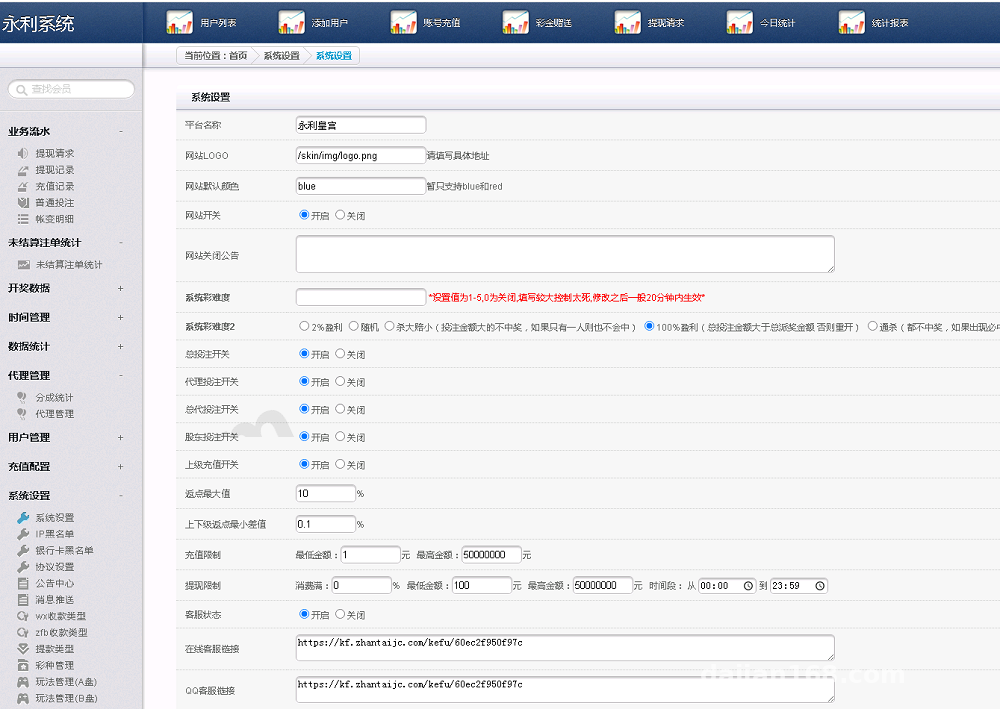
The old backend only had “User Management” and “Overview Statistics.” This time they’ve added a “Strategy Control” menu. Once you click in, you’ll see a set of visual condition-generation rules: you can adjust the distribution frequency of random numbers by time period, by user group, or by historical trend parameters. Don’t get me wrong—this isn’t operating any real trading; it simply controls random number movement inside the simulation demo platform, so operators can run data tests or event demonstrations. For anyone doing technical demonstrations or building product demos, this module saves a lot of work.
Deployment environment and troubleshooting notes
I ran it on CentOS 7.9, and PHP must be 7.3 or higher. The official docs say MySQL 5.7 is supported, but I’d recommend going straight with MariaDB 10.2—it’s more stable in terms of compatibility. I’ve compressed the whole setup process into three steps for your reference.
Step 1: Upload source code and set directory permissions
After extracting the source package, remember to set the permissions for the runtime and upload directories to 777. Otherwise, image uploads on the front end and log writes will throw errors. I was lazy and skipped this at first, and after logging in to the backend, the captcha simply wouldn’t show. It took me half an hour to realize it was a permissions issue.
Step 2: Database initialization and configuration files
The database script is in the sql folder—just import it directly. The key thing to talk about is config/database.php: after filling in the hostname, database name, username, and password, remember to set db_debug to true. Otherwise, during deployment, an SQL error will just produce a blank page, making troubleshooting painfully slow. Switch it back to false before going live. Also, I’d recommend installing and enabling Redis caching, because the strategy control module reads and writes cache frequently, and the database alone can’t handle concurrency.
Step 3: Mobile static resource handling
The mobile UI overhaul uses a lot of CSS3 animations, and some effects simply won’t show in older browsers. We loaded the Vue dependencies from a CDN, but the local server needs outbound internet access, or you need to download the static assets in advance. If the client’s server has a security group restricting outbound traffic, make sure to confirm this early, otherwise all the charts on mobile will appear as white screens.
Pro tip: the strategy control module includes “temporary switch” and “one-click reset” buttons. During debugging, you don’t need to restart the PHP process—just click the button and the new rules take effect. That’s really convenient for testing during secondary development.
Which scenarios is this suitable for?
This system has a clear position: it’s for probability simulation demos, teaching lab environments, and product prototype showcases. In my opinion, the following three types of users should pay special attention.
Training institutions and teaching demos
If you need to explain random number generation logic and probability distribution algorithms clearly, the built-in historical trend chart module in this codebase can handle the visualization demo directly. It’s intuitive for students and makes classroom interaction easier.
Product prototype teams at tech companies
If a product manager needs to build a random number demo or an interactive prototype for a random selection module, they can use this backend’s permission assignment to control which data each role can see, saving the time of building it from scratch.
Individual developers practicing secondary development
I looked at the source structure, and the MVC layering is fairly clear. Controllers are in the application/controllers directory, and view files are split into PC and mobile versions, so it isn’t hard to modify. If you’re about to learn ThinkPHP secondary development, this codebase can serve as a reference project.
Frequently asked questions
Q: Does deploying this system require a high-end server?
A: No, a 1-core 2GB cloud host is enough. I used a 2-core 4GB instance, and CPU usage stayed under 40% even with more than 200 connections. However, I’d recommend setting PHP’s max_execution_time to 120 to prevent timeout interruptions when exporting large amounts of data from the backend.
Q: Can the payment API and SMS API be integrated smoothly?
A: The source code already reserves call positions for payment APIs and includes common third-party payment SDKs, but you’ll need to configure your own merchant ID and keys. For SMS, I’d recommend Alibaba Cloud SMS; you’ll need to adjust the sending logic in application/common/function.php, and you can just follow the comments.
Q: After the mobile UI overhaul, will future upgrades overwrite custom styles?
A: Yes, and this is the thing to watch out for most. I’d recommend putting all custom CSS in /static/css/custom.css to keep it separate from the original code, and back up this file before upgrades. That way you won’t lose your changes.
One final reminder: this codebase is intended for technical research and lawful demonstration only. Please comply with all applicable laws and regulations during deployment, and do not run it in any unlawful or non-compliant scenarios. During deployment, I followed strict technical standards and do not support or engage in any illegal business extensions. That’s it—if you have specific questions, feel free to leave a comment and I’ll reply when I see it.
Disclaimer: This article is for technical education and demonstration only. It is not professional or financial advice. Any real-world deployment must comply with applicable laws and regulations.
#secondary development #source deployment #probability simulation #UI overhaul #technical notes
-
 Alipay QR Code Scan
-
 WeChat Scan Pay