Wanghu Feimi Arcade Game Simulation Platform Setup Guide: Arcade King Component and Admin Control Panel Deployment Notes
Wanghu Feimi Arcade Game Simulation Platform Setup Guide: Arcade King Component and Admin Control Panel Deployment Notes
Disclaimer: This article is for technical education and demonstration only. It is not professional or financial advice. Any real-world deployment must comply with applicable laws and regulations.
I recently helped a friend working on a game demo project deploy a Wanghu-series Feimi arcade simulation platform, complete with the Arcade King component and the admin control panel. I had only heard about this system before, never touched it myself, and it took me three evenings to get everything running. Here are my notes on the pitfalls I hit, so anyone else setting this up can save some time.
Bottom line up front: the source code follows the classic Wanghu legacy architecture — server + client + admin backend, with sub-game modules loaded independently. Once your environment matches, it’s not hard. The hard part is version compatibility.

Hands-On Testing: Do All 20 Sub-Games Actually Run?
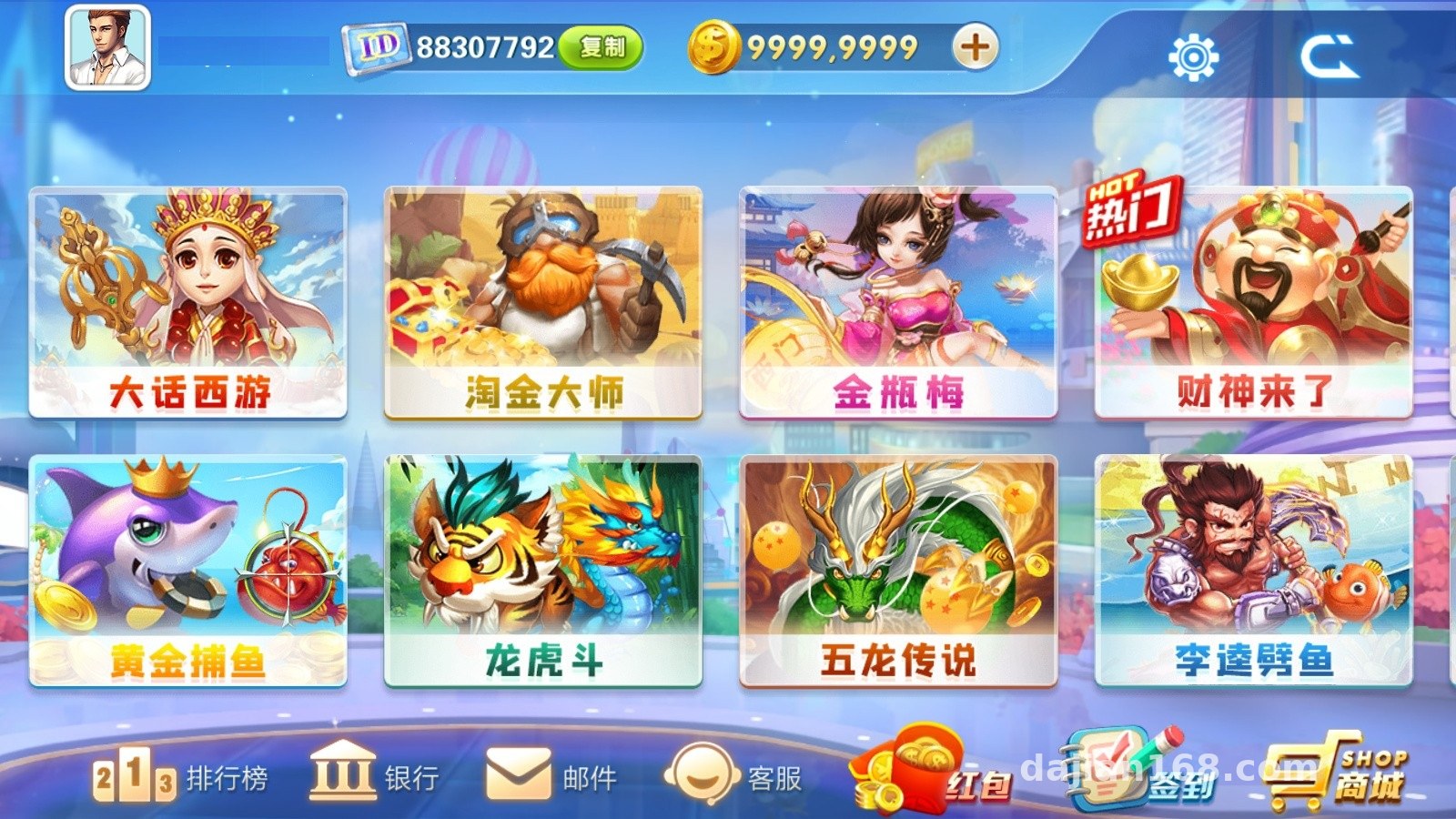
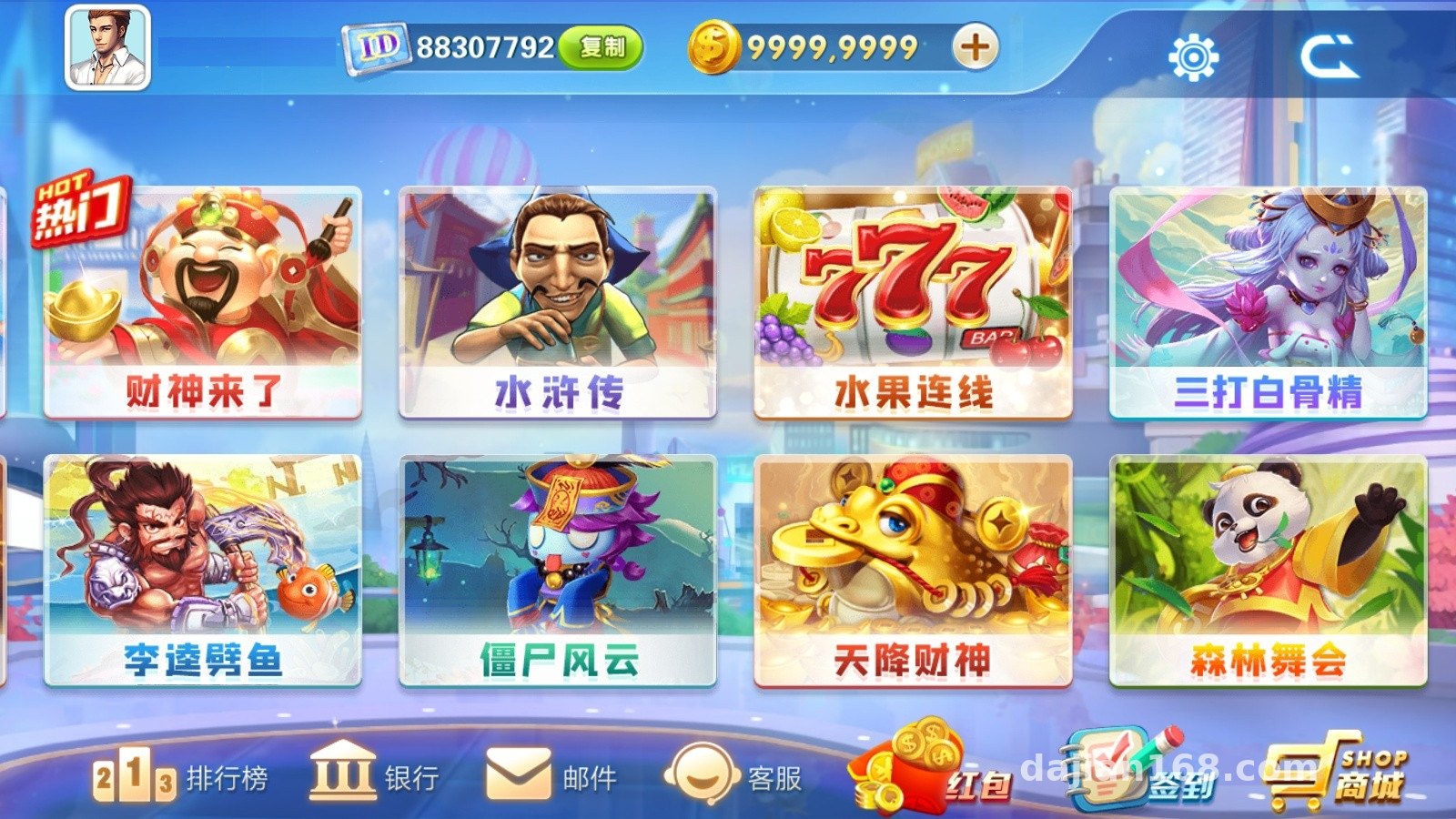
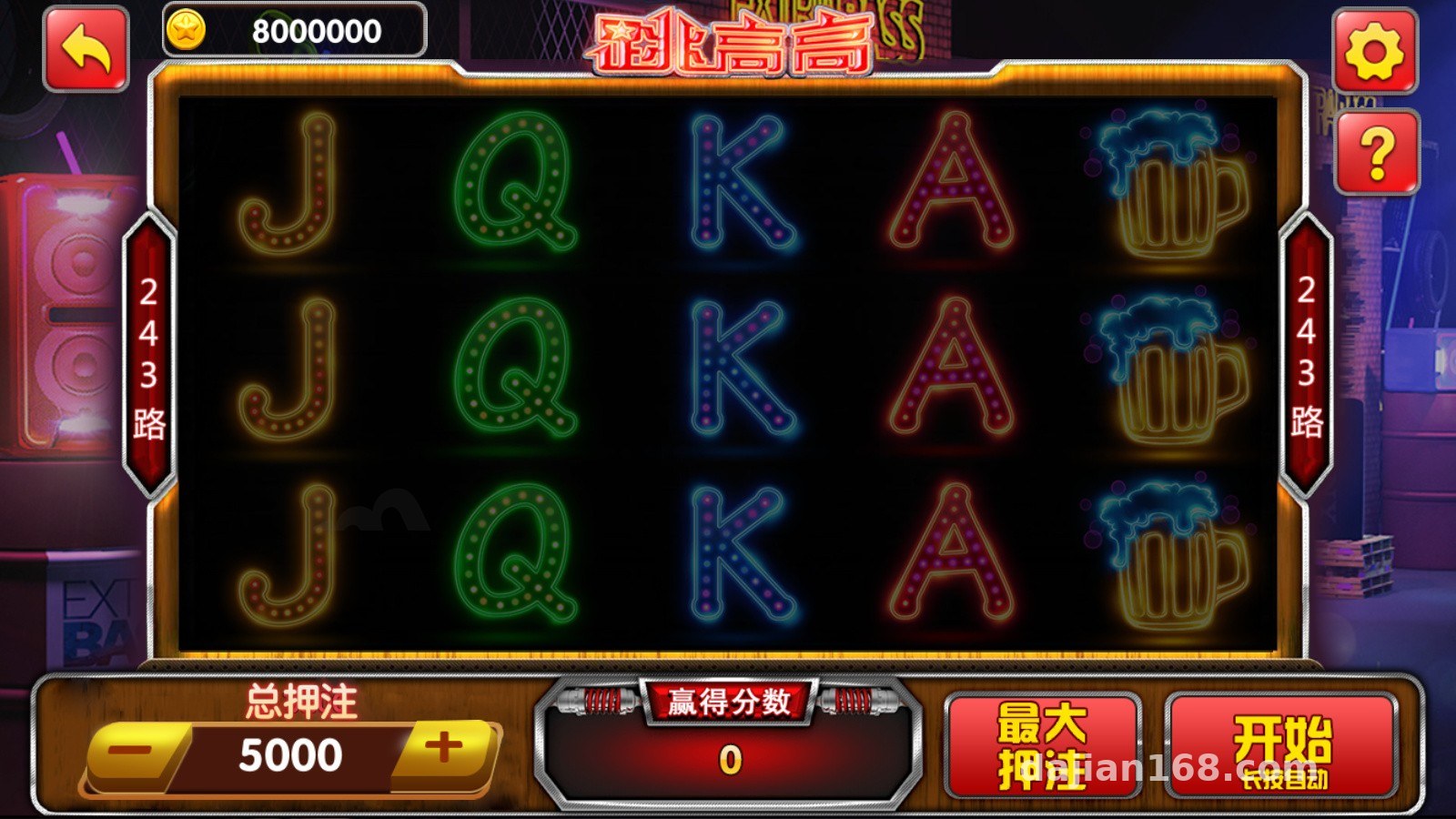
The platform ships with quite a few game modules, and I opened and tested every single one. The ones that load correctly include: Jump High, Fruit Mary, Journey West, Golden Fishing, Forest Party, Water Margin, Thrice Striking the White Bone Demon, Fortune from Heaven, Li Kui Fish Splitter, Nine-Line Pull King, and more — 20 titles in total. All of these are essentially random-number demo and probability simulation games, suitable for studying game mechanics or for front-end showcase purposes.
A Few Things Worth Noting
Standalone modules like Jump High and Fruit Mary have independent resource packages and can be extracted for use on their own. The fishing games (Golden Fishing, Li Kui Fish Splitter) are demanding on server frame rate — my test machine with 2 cores and 4GB RAM ran a bit choppy, so I’d recommend at least 4 cores and 8GB. Multiplayer room modules like the demo card rooms need the room service running as a separate process, otherwise high concurrency causes everything to drag on each other.
The Arcade King component lives in its own directory and must be manually mounted into the main project. Don’t get the build order wrong — compile the shared libraries first, then the game modules, or you’ll get a wall of linker errors.
Deployment Essentials: Environment Setup and Pitfall Log
The server side is a C++ project for Windows. My environment was Windows Server 2019 + SQL Server 2014, compiled with VS2013. One warning here: don’t use a newer version of Visual Studio. Old Wanghu code is full of incompatibilities with modern compilers — don’t ask me how I know.
Database Configuration
The database scripts are in the DB directory. Run them in order: create the database first, then import the base tables, and finally the game configuration tables. On my first attempt I skipped the game config tables, and the admin backend came up completely blank — two hours of troubleshooting. The account tables and room configuration tables are linked, so if you change the number of rooms, remember to update the config tables too.
Control Panel Configuration
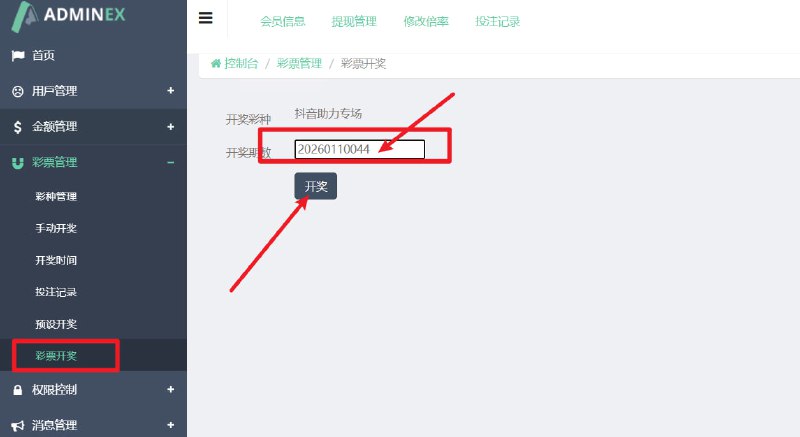
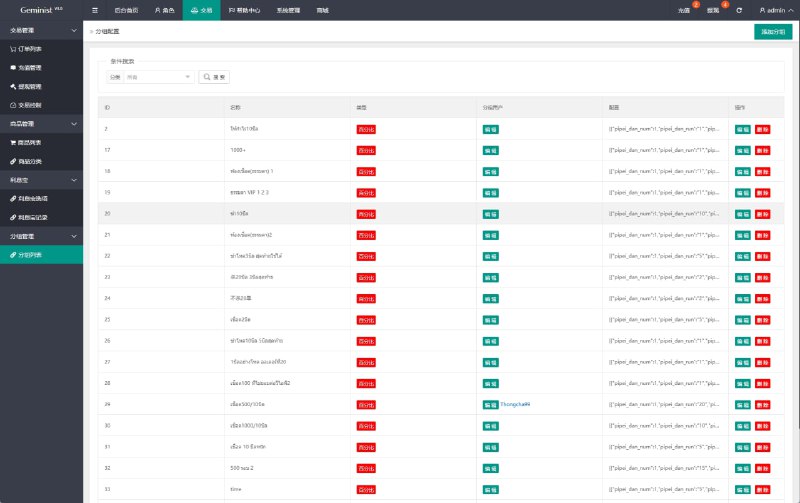
The control panel is the highlight of this system. You can configure parameters for each game module: room limits, bot ratios, demo data frequency, and more. For a demo project, dial the simulated data frequency down a bit so the front end looks more natural. The control panel connects directly to the database, so make sure the firewall only exposes the port to the internal network — don’t cut corners on security.
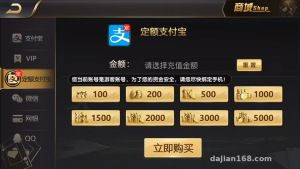
As for the payment interface, the platform reserves a third-party interface layer. For a demo platform, just use the simulated channel — turn off the real channel switch in the config file to avoid triggering it by accident.
Secondary Development Tips
If you want to change the UI, the client resources are in the UI directory — images and animations are plain-text assets you can swap directly. To add a new game module, copy an existing game’s project structure, change the module ID and loading config. Wanghu’s module loading mechanism supports hot-plugging, which is quite mature.
On localization: this system is Chinese-only out of the box. The string tables are in the resource files. I built a language pack layer for my client, making it fully configurable, which makes switching to an English version much easier later. It’s not a big job — one day of work. If you need it, I’d suggest doing this step first before anything else.
Who Is This For?
This system suits three kinds of people: developers doing game mechanics research and probability simulation demos; those who want a complete Wanghu architecture reference for learning multiplayer online game server design; and outsourcing teams planning secondary development on a mature framework. Complete beginners hoping to run a commercial project with it right away — not recommended. You’ll need a solid grounding in C++ and databases.
Highlight: the control panel supports hot-updating game parameters at runtime without restarting the service. That’s incredibly convenient for demo debugging — I adjusted the bot ratio the whole time without a single disconnect.
FAQ
Q: What server specs are needed?
A: For demo purposes, 2 cores and 4GB is enough. But if you run many fishing modules, start with 4 cores and 8GB, plus at least 5M bandwidth — the client resource packages aren’t small.
Q: Compilation throws tons of linker errors — what now?
A: Nine times out of ten it’s a build order issue. Compile the shared base libraries first, then the game modules, and the main program last. Also make sure your VS version doesn’t exceed 2013.
Q: Can sub-games be extracted and deployed separately?
A: Yes — the design is modular, each game is an independent project. But you need to take the shared library dependencies along, otherwise it won’t compile standalone.
Q: Admin backend won’t load or shows blank?
A: Check that all database scripts ran in order, especially the game configuration tables. Then verify the database connection string in the backend config file.
Disclaimer: This article is for technical education only, sharing deployment experience. All features are for demonstration and learning purposes. Users must comply with applicable laws and regulations, and must not use this for any unlawful purposes.
Disclaimer: This article is for technical education and demonstration only. It is not professional or financial advice. Any real-world deployment must comply with applicable laws and regulations.
#Wanghu Source Code #Game Simulation Platform #Server Deployment #Secondary Development #Setup Guide
-
 Alipay QR Code Scan
-
 WeChat Scan Pay