Building a Board Game Simulation Platform: Java Server + Unity Frontend Deployment Notes
Building a Board Game Simulation Platform: Java Server + Unity Frontend Deployment Notes
Disclaimer: This article is for technical education and demonstration only. It is not professional or financial advice. Any real-world deployment must comply with applicable laws and regulations.
I recently helped a client deploy a board game simulation platform — the full, uncut source package, complete with room tickets, coin rooms, and a club module. It took me a bit over two days, and I hit plenty of snags along the way, so while it’s still fresh in my memory, I’m writing it down for anyone who might need it. The server side is written in Java, the frontend is packaged with Unity3D, the overall architecture is fairly classic, and there’s decent room for secondary development.
Feature Review: Is This Source Code Actually Complete?
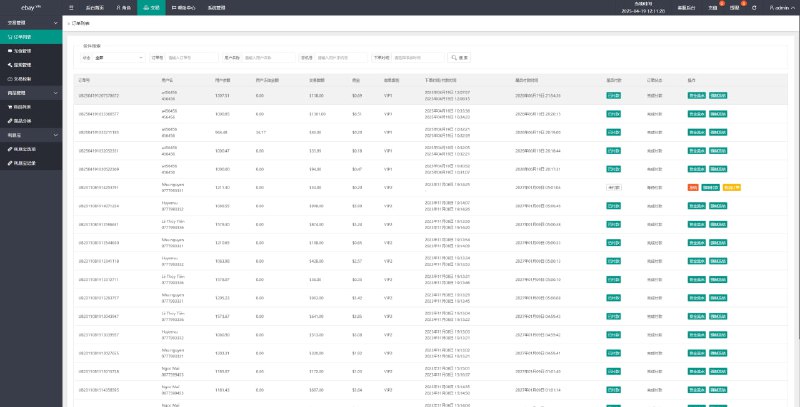
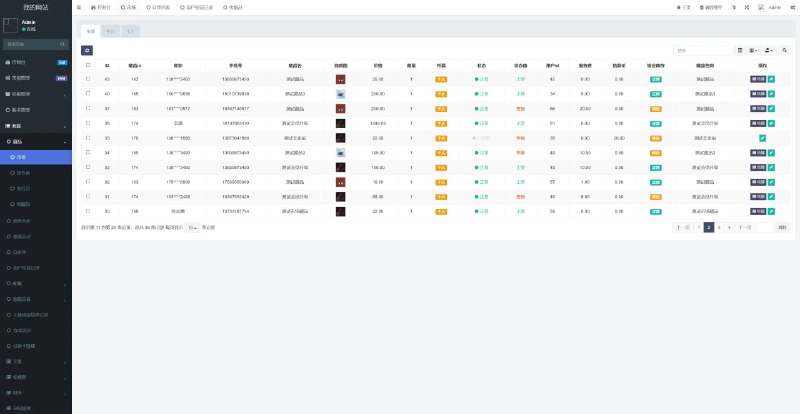
Short answer: yes, the features are genuinely complete — not one of those gutted versions with core modules stripped out. I clicked through the admin backend one section at a time. Here are the main points:
1. Dual Mode: Room Tickets + Coins
The platform supports two play modes — room ticket rooms and coin rooms — both toggleable from the backend. A daily check-in feature that grants room tickets is built in; no extra development needed, just tick a box in the settings. That’s a real time-saver on the operations side, and the basic retention features are all there.
2. Number of Game Modules
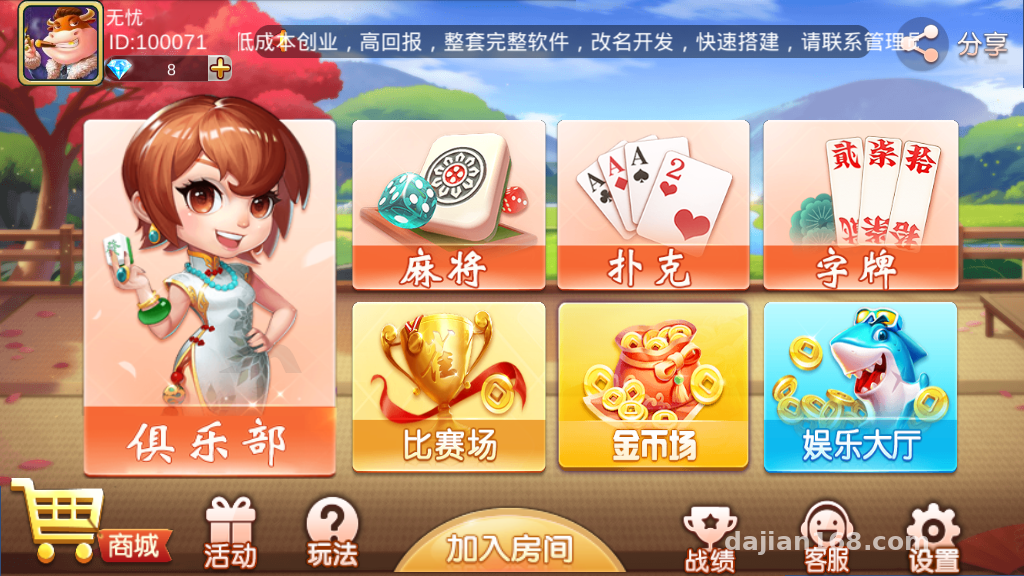
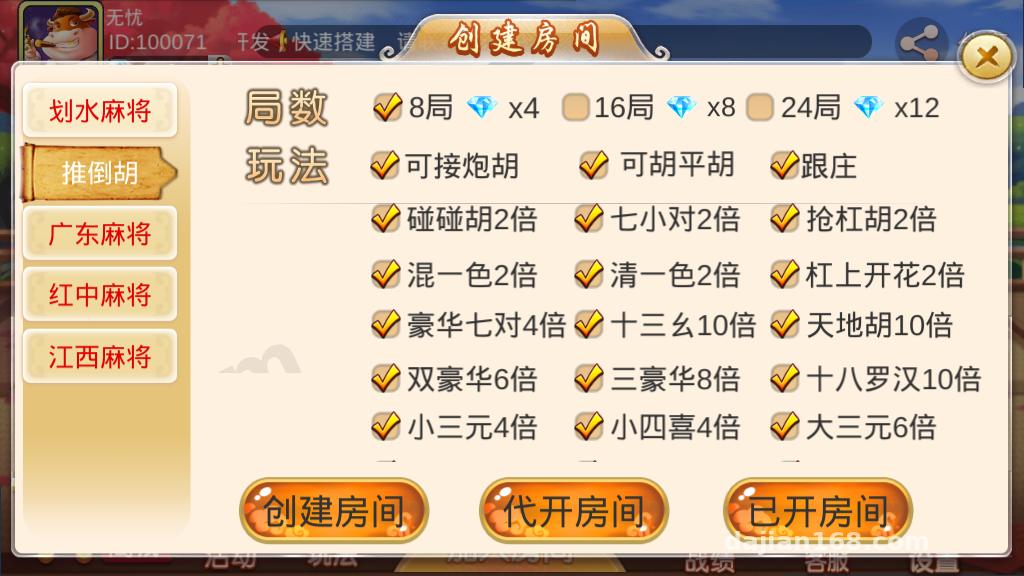
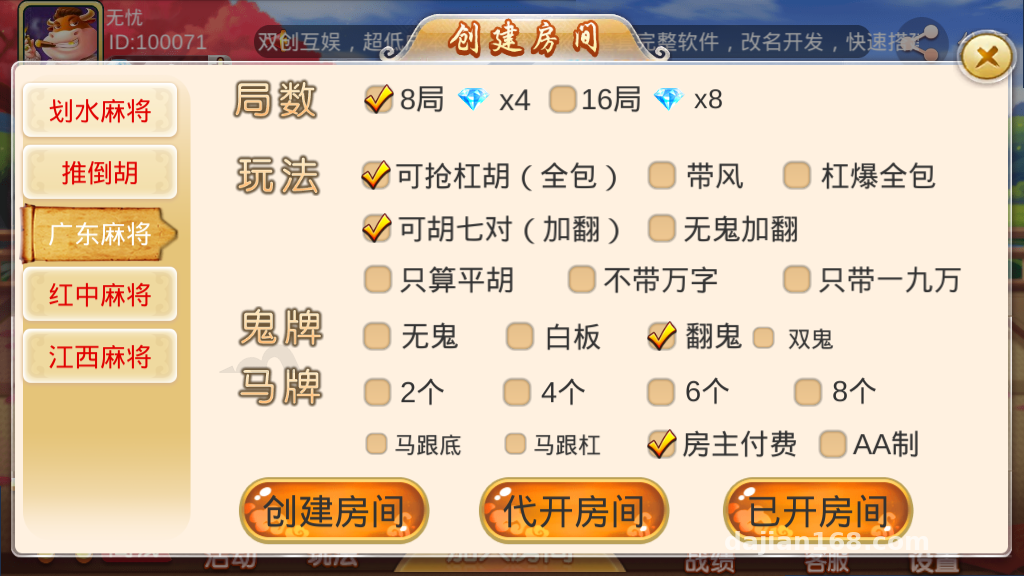
The variety of games is the selling point of this source package: a card-shedding simulation, a tile-discard mahjong-style simulation, a Guangdong-style tile simulation, a Jiangxi-style tile simulation, a red-dragon tile simulation, a Texas Hold’em simulation, a card game simulation, Er-Ba-Gang, small Pai Gow, a fishing-style arcade simulation, and more — a dozen-plus modules in total. Each module has an independent on/off switch controlled from the backend with one click. During testing you can enable just two or three to keep the frontend resource bundle from getting too large.
3. Club System
The club module supports the usual operations: creating clubs, applying to join, admin approval, and table distribution. In my testing the logic looped cleanly, and message push went through the server’s unified channel.
4. Backend Controls and Frontend Card Selection
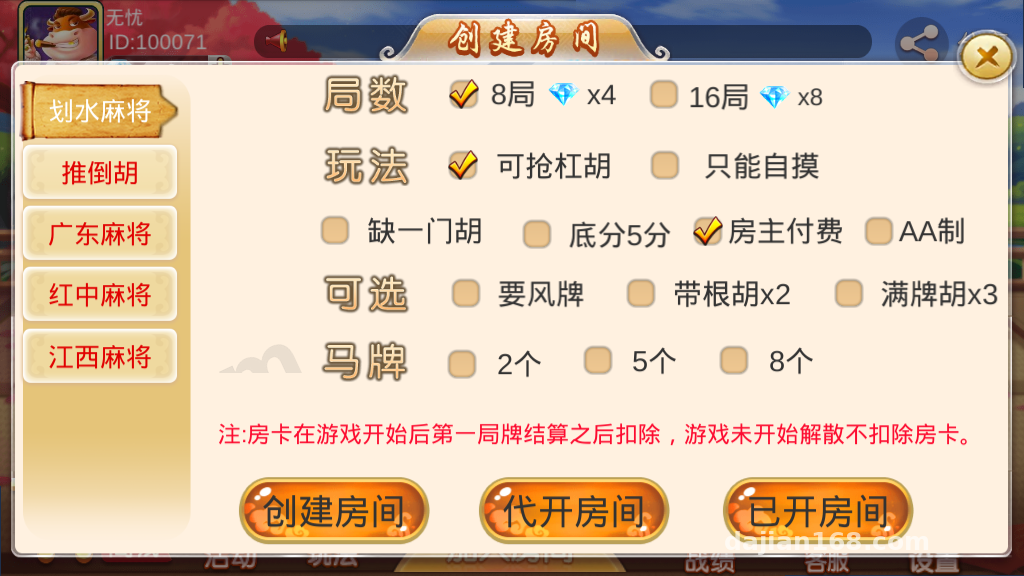
The admin backend is fairly granular, covering room parameters, session configuration, and user management. The frontend’s free card-selection feature is a highlight of this version — during testing you can lay out your own hands, which makes debugging far easier since you don’t have to rely on bots playing through entire rounds.
Key takeaway: frontend card selection plus full backend control means you can run through every round end-to-end the moment you get it, which makes verifying whether the source code has hidden issues extremely fast. Of all the similar projects I’ve deployed, this is the best experience I’ve had.
Deployment Essentials: Environment and Pitfall Log
Server Environment
My setup: CentOS 7.9, 4 cores / 8 GB RAM. For Java, I’d recommend JDK 8 (higher versions cause dependency conflicts — don’t bother), MySQL 5.7 for the database, and Redis 5.x for caching. The server is packaged with Maven; note that a few local dependencies in the pom need to be installed manually — the official package includes the jar files, so don’t skip them.
Unity Frontend Packaging
The frontend source is a Unity project. I’d recommend packaging with Unity 2019.x — newer versions throw API compatibility errors. Before packaging, change the server address in the config; it defaults to a demo server. That setting lives in a config file under Resources — it took me half an hour to locate, a minor pitfall.
Ports and Firewall
The server opens several ports: one for the HTTP API, one for the persistent Socket connection, and one for the admin backend. If you’re using BT Panel, remember to allow all of them in the security group — don’t just open 80/443. If the persistent connection port is blocked, the symptom is the client hanging on the login screen; I initially misdiagnosed it as a certificate problem.
Secondary Development Tips
If you want to change game rules or add new play modes: the Java side packages game logic by module with a clean structure, so modifications aren’t painful. On the Unity side, the UI resources are organized as standard Prefabs — a reskin (changing UI style, logo) takes about a week. For third-party integrations like payment interfaces, the source code reserves standard callback endpoints; just fill in the parameters per the docs. There are also reserved fields for multi-language support, so overseas requirements can be built on top of that.
Who This Is For
This source code suits three groups: first, technical teams building board game simulation product demos who want to study a complete Java + Unity architecture; second, site owners with secondary development skills who want to build a customized product on an existing framework; third, developers learning — the module division and communication protocol design here are worth dissecting. If you know neither Java nor Unity, I’d suggest finding someone experienced to walk you through deployment; the learning curve for a total beginner is steep.
FAQ
Q: What’s the minimum server spec to run it?
A: 2 cores / 4 GB will run for testing, but for multi-room concurrency I’d start at 4 cores / 8 GB. Keep Redis and MySQL on separate deployments from the game server, or at least allocate memory carefully, or things will lag at peak times.
Q: The packaged frontend can’t connect to the server — what now?
A: Ninety percent of the time it’s an unchanged server address in the config file, or a Socket port that isn’t open. First telnet the port to check connectivity, then check the config entries in the Unity project — don’t rush to blame the source code.
Q: Can I add new game modules?
A: Yes. The server is organized by module, and each game on the frontend is an independent scene — copy and adapt an existing module’s structure. A developer with Java and Unity basics can add a simple play-mode module in roughly two to three weeks.
Q: What can the backend control?
A: Session toggles, room parameters, user management, check-in reward configuration, announcement push — all there, with control granularity down to individual game modules. Plenty for day-to-day operations.
A final reminder: this source code is for technical learning and deployment in lawful scenarios only. Please comply with all applicable laws and regulations when using it, and never use it for any illegal purposes.
Disclaimer: This article is for technical education and demonstration only. It is not professional or financial advice. Any real-world deployment must comply with applicable laws and regulations.
#Board Game Simulation #Java Deployment #Unity3D #Source Code Setup #Club System
-
 Alipay QR Code Scan
-
 WeChat Scan Pay