U3D card simulation Card Game Simulation System Build Log: Node.js Server + Docker Deployment Notes
U3D card simulation Card Game Simulation System Build Log: Node.js Server + Docker Deployment Notes
Disclaimer: This article is for technical education and demonstration only. It is not professional or financial advice. Any real-world deployment must comply with applicable laws and regulations.
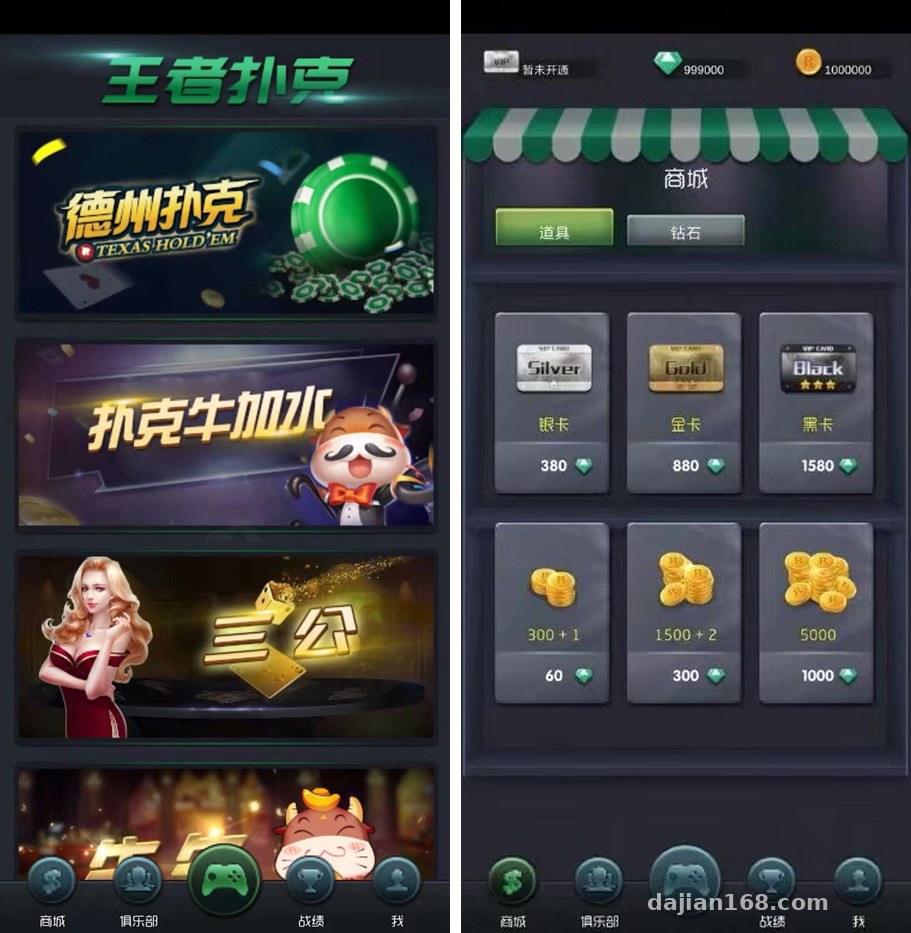
I recently helped a client deploy a four-player card game simulation demo platform — a U3D project containing four card game modes: Texas Hold’em, Bullfight Plus, San Gong, and Niu Niu. The client uses it for tabletop game teaching demos, and the requirements were: it has to run, the admin panel has to be controllable, and they plan to do secondary development later. After two-plus days of tinkering, I’m writing down all the pitfalls I hit to save some time for anyone who wants to build something similar.
Hands-On Testing: How the Four Game Modules Performed
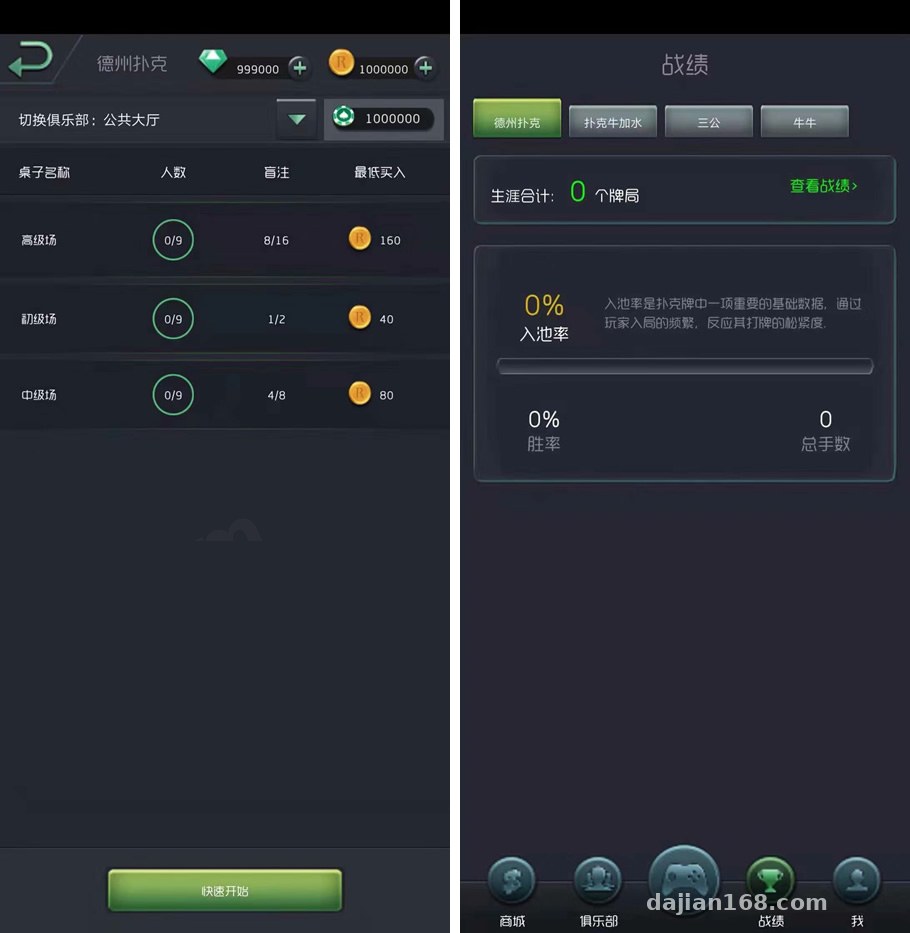
The whole system has four game modules, all sharing the same room logic. Here’s how they tested out:
Texas Hold’em Module
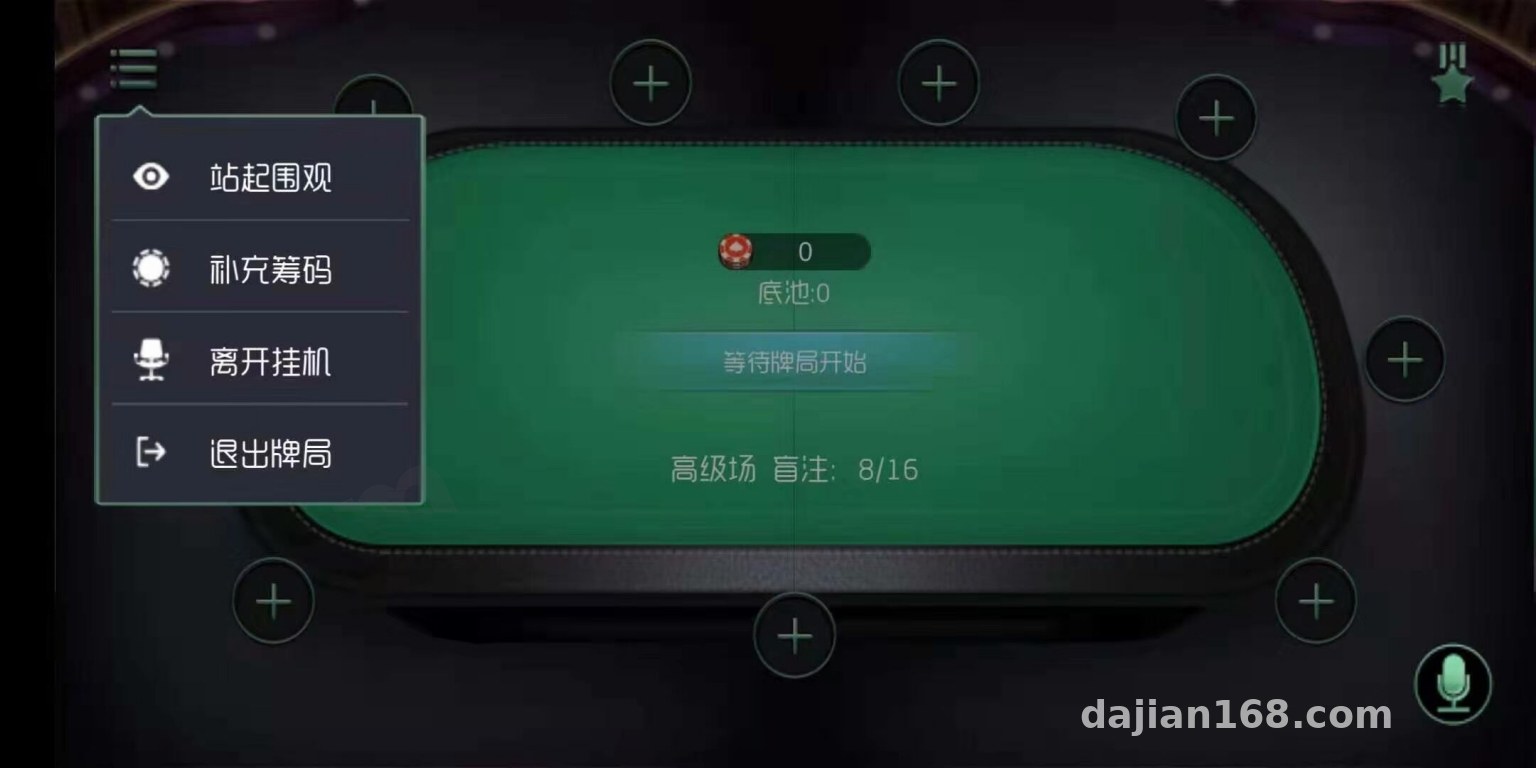
This is the flagship core module. The dealing, call, raise, and fold animations are all done, and the card table rendering on the U3D side is quite smooth. I tested multiplayer with two phones and one emulator, and latency stayed under 100ms. The room synchronization logic on the Node server is written fairly cleanly.
The Other Three Modes
The Bullfight Plus, San Gong, and Niu Niu modules share a common scoring framework, and the room gets rebuilt when switching games. There’s a small pitfall here: if the client doesn’t reconnect after switching, the game state can get out of sync — you need to add a room state check in the client login logic.
Technical Architecture and Deployment Essentials
The tech stack is pretty standard: the server is Node.js packaged with Docker, the client is U3D, the admin panel is PHP+VUE with front/back separation, and the database is MySQL. I followed the deployment docs step by step and summarized a few key points.
Docker Deployment Pitfall Log
The server starts with a single docker-compose command, but the default MySQL port mapping conflicted with the host machine — I had to change 3306 to 3307 to get it working. Also, I’d recommend setting the Node container’s memory limit to at least 1G, since the memory spike is significant when all four game modules are opening rooms simultaneously.
Admin Panel Configuration
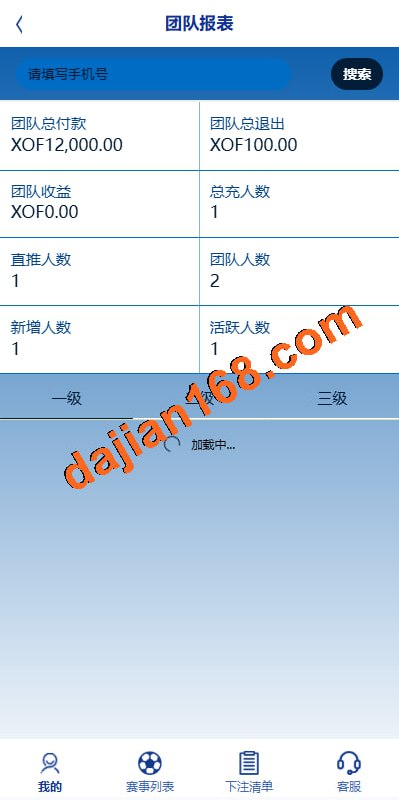
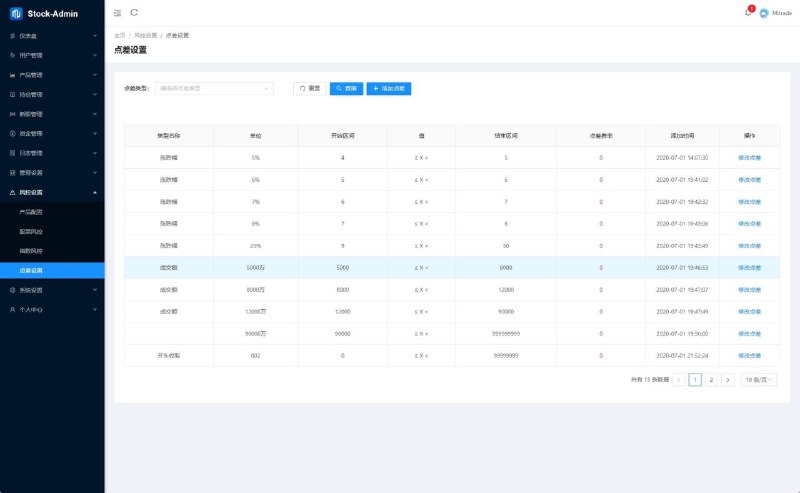
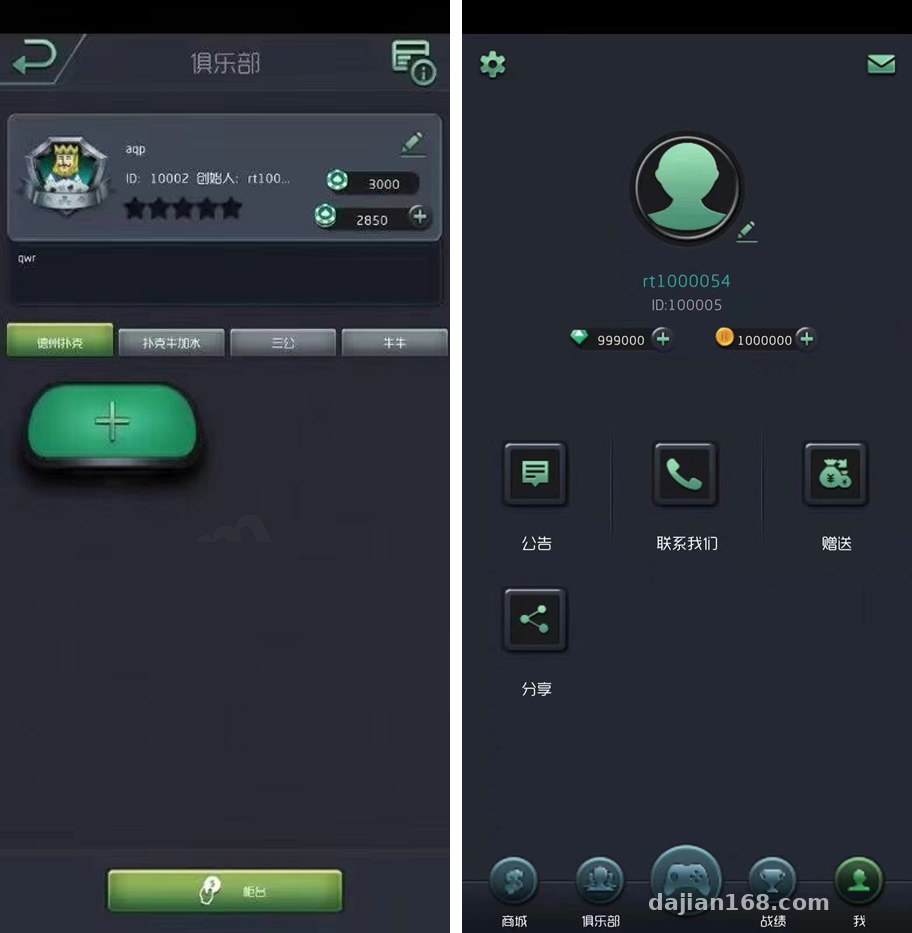
The PHP+VUE admin panel is fairly complete: user management, room parameters, card game probability demo configuration, and data reports are all there. After building the VUE side, remember to change the API endpoint address — the default points to localhost, and if you don’t change it, every request on the admin pages fails after compilation. The probability demo section is a random number demo configuration for teaching purposes, where you can adjust simulation parameters — quite practical for clients doing probability teaching demos.
Client Builds
I compiled the U3D project with Unity 2019.4, and the Android build came out fine. For iOS, watch out for certificates and provisioning profiles. Also, some plugins in the project need ARM64 checked, otherwise the app crashes on real devices.
Secondary Development Potential and Who It’s For
The source code structure is clear — the Node side splits services by module, and the U3D side organizes assets into directories, so secondary development isn’t hard. To add a new game mode, you can start by copying the Niu Niu module’s scoring logic. The admin panel already has a language pack interface for multi-language support; adding a language is just a matter of adding translation files.
Highlight: The whole system is highly Dockerized. Switching servers only requires migrating the images and MySQL data — full recovery within half an hour, so maintenance costs are very low.
Who it’s for: teams doing tabletop game teaching demos, developers looking for a U3D multiplayer networking case study, and tech enthusiasts who want to study Node’s real-time room synchronization logic. If you want it for other purposes, skip it — this can only be used for legitimate technical demos and learning scenarios, and any illegal or non-compliant use is prohibited.
FAQ
Q: What server specs are needed?
A: For demos, 2 cores and 4GB RAM is enough. For more concurrent players, 4 cores and 8GB is recommended, with at least 5M bandwidth — the Node side’s long connections are bandwidth-sensitive.
Q: What if the client and server versions don’t match?
A: The U3D side has a protocol version check. Before compiling the client, confirm the Node server’s protocol version and keep both sides consistent, otherwise the handshake will disconnect immediately.
Q: Can I integrate my own payment interface?
A: The admin panel has a payment interface configuration reel simulation reserved, but it’s recommended to use it only for legitimate demo top-up scenarios. You must comply with applicable laws and regulations, and any illegal or non-compliant use is prohibited.
To sum up: the overall quality of this source code is above average, Docker deployment is hassle-free, and while the secondary development docs are sparse, the code is highly readable. Anyone patient enough to read through the code can deliver within two days. I plan to write another post on secondary development of the room synchronization logic — follow along if you’re interested.
Disclaimer: This article is for technical education and demonstration only. It is not professional or financial advice. Any real-world deployment must comply with applicable laws and regulations.
#Source Code Setup #U3D Development #Docker Deployment #Node.js #Card Game Simulation
-
 Alipay QR Code Scan
-
 WeChat Scan Pay