Building a Thirteen Water Card Game Simulation System: Club + Points Mode Deployment Notes
Building a Thirteen Water Card Game Simulation System: Club + Points Mode Deployment Notes
Disclaimer: This article is for technical education and demonstration only. It is not professional or financial advice. Any real-world deployment must comply with applicable laws and regulations.
I recently helped a client who runs a physical board game venue deploy a Thirteen Water + Niu Niu card game simulation system, with both Android and iOS clients, and an admin backend built around a club plus points operation model. It took a bit over two days, and I hit plenty of pitfalls along the way, so while the memory is still fresh, here’s the whole process written down for anyone who needs it.

Feature Testing: What This System Actually Offers
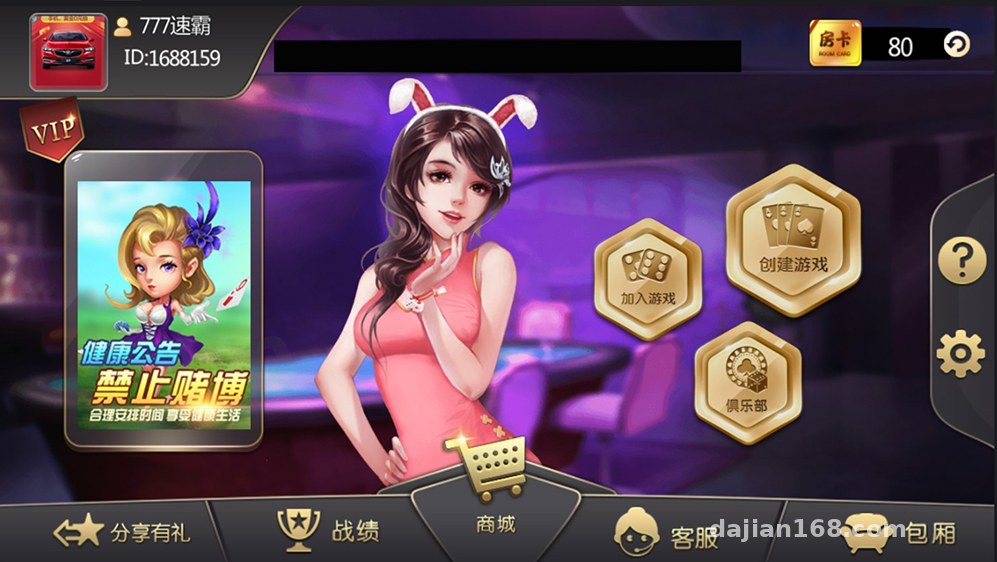
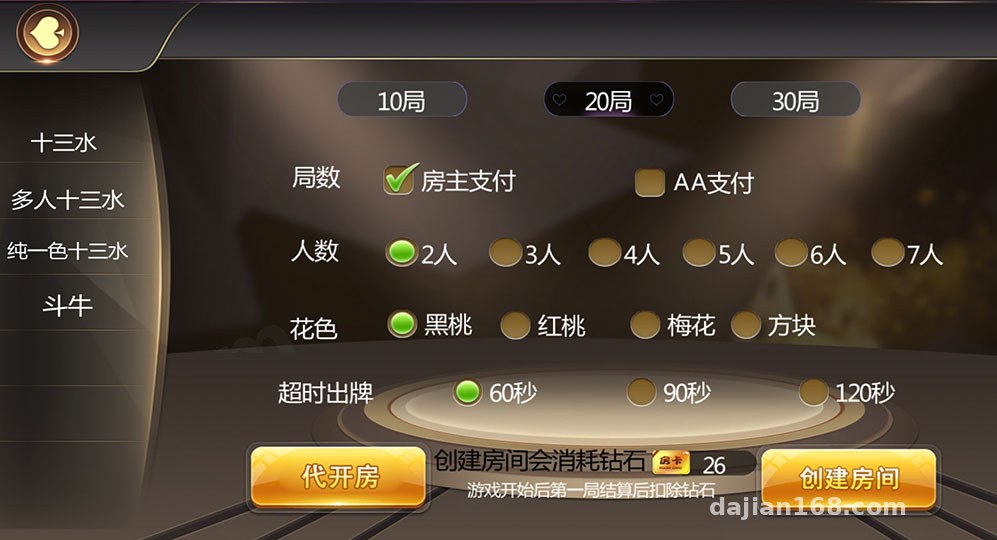
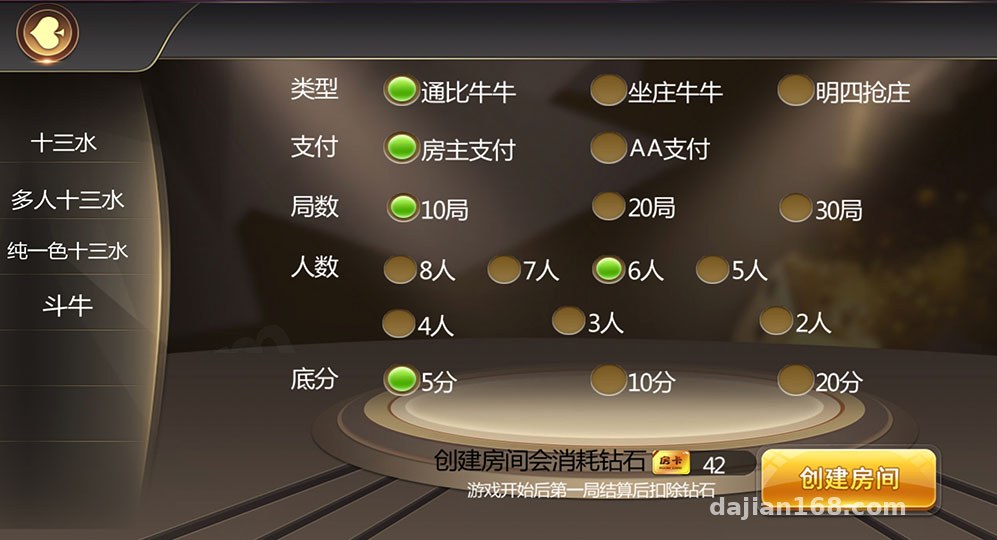
Bottom line up front: the feature completeness exceeded my expectations. The main gameplay is Thirteen Water, with Niu Niu included, and you can switch between the two modes. Thirteen Water also comes with a side-points simulation style spectator mechanic, where onlookers can interact with the round using points — purely an entertainment-oriented simulation feature.
Club System
The club system is the core of this setup. An admin creates a club, opens rooms, generates room tickets, and distributes them to members, who join rooms with their tickets. In testing, room creation responded quickly, and same-screen round latency was solid — with the server on a South China node, average frame sync latency stayed under 80ms.
Points Mode
Points top-ups and withdrawals run entirely on in-app virtual points, for demo and entertainment purposes only, with no real-money channels involved. The backend lets you configure the points exchange ratio and daily limits, and all these parameters are exposed as visual settings — no code changes needed.
Admin Backend
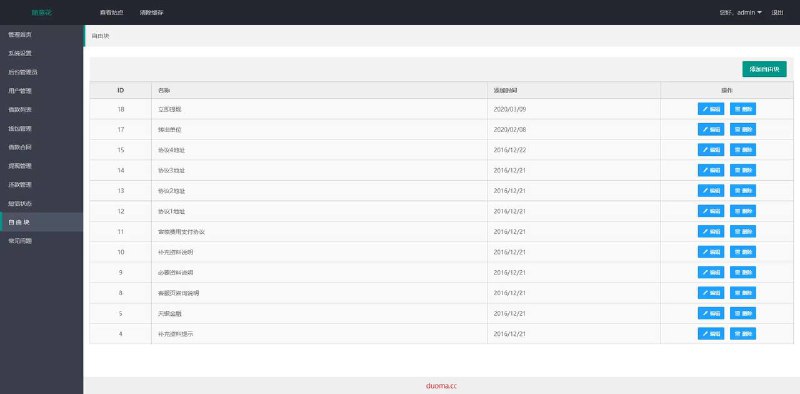
The admin panel is fairly complete: member management, club approval, points transaction logs, round records, and statistical reports are all there. It also ships with a simulation parameter module that lets you set demo parameters per room or per player. I tested this one carefully — parameter changes take effect via hot reload almost instantly, no service restart required. One reminder here: this kind of tuning feature is strictly for technical demos and algorithm research. Any production use must comply with applicable laws and regulations, and illegal or non-compliant uses are prohibited.
Deployment Essentials: Environment Setup and Pitfall Log
Server Environment
My setup was a 4-core 8GB machine running CentOS 7.9 with the BT Panel installed. The server-side dependencies are quite old — it needs PHP 5.6 with MySQL 5.5. This version combo is easy to mess up on a fresh environment, so I recommend installing the specified versions directly from the BT Panel software store rather than using the system default repos.
Database Import
The full dataset comes as a single SQL file, roughly 300+ MB. Importing it through phpMyAdmin will time out; I used the command-line source command instead and it finished in two minutes. After importing, remember to update the database connection info in the config file — it lives in config.php at the server root, and there are five places to change. Miss one and you’ll get connection errors.
Client Packaging
The Android side ships as a ready-made APK — just update the server address and re-sign it. iOS is a bit more involved: you need to repackage the IPA yourself with HBuilder, then go through enterprise signing or the app store process. On my first packaging attempt I forgot to update the API endpoint in app.json, so the client kept connecting to my local test server. That mistake cost me half an hour — watch out for it.
Handling Common Errors
If startup reports a port conflict, check both the BT Panel firewall and your cloud provider’s security group — the game server’s WebSocket port needs to be open on both. Also, the PHP fileinfo extension must be enabled, or image uploads in the admin panel will show a blank screen.
Customization Suggestions and Who It’s For
The source code structure is reasonably clean: the frontend uses the Cocos engine, and the server is PHP + GatewayWorker. If you want to reskin it, just swap the textures and sound files in the resource directory — not much work. If you want to add new game modes, I’d suggest working at the message routing layer in GatewayWorker rather than touching the core logic.
Who this suits: first, physical board game venues and simulation rooms that want to run online demo sessions; second, developers who want to study a Cocos + PHP long-connection architecture — the push logic in this codebase is written quite cleanly and makes great learning material; third, communities running points-based membership programs, which can borrow the club room ticket mechanism for task distribution and event management.
Note: Get everything running locally before deploying to a server, and back up the database daily. Sensitive modules like the simulation parameter tuning are for algorithm demos only; any use must comply with applicable laws and regulations, and illegal or non-compliant uses are prohibited.
FAQ
Q: What server specs are needed?
A: Start with 4 cores and 8GB RAM, with 10Mbps bandwidth or more recommended. 50 concurrent users is no problem; for more, add memory and bandwidth.
Q: How do you distribute the iOS client?
A: Enterprise signing or TestFlight both work. Signatures are typically valid for one year and need renewal on expiry, so plan ahead.
Q: Does the points mode involve any financial risk?
A: The system only uses in-app virtual points and connects to no payment channels. I recommend keeping it that way — use it solely for entertainment simulation and operational demos, comply with applicable laws, and never use it for anything illegal or non-compliant.
Q: Can I add multi-language support?
A: Yes. Language packs live in the client’s lang directory — extract the strings and translate them. Backend tab text is edited in the server-side templates.
All in all, the system’s polish matches its positioning. Deployment difficulty is moderate, with the main pitfalls being the legacy environment versions and iOS packaging. If you run into issues, work through the points above one by one and you should get it running on the first try.
Disclaimer: This article is for technical education and demonstration only. It is not professional or financial advice. Any real-world deployment must comply with applicable laws and regulations.
#Source Code Setup #Thirteen Water #Card Game Simulation #Club System #Deployment Notes
-
 Alipay QR Code Scan
-
 WeChat Scan Pay


![? ? [Order-Boom Must-Have] Multilingual E-commerce Order System 3.0 Is Live!](https://xz.dajian168.com/wp-content/uploads/2025/08/telegram-img-2025-08-14-689ddcc480995.jpg)