Kaiyuan Video Board Game Simulation Platform PHP Source Code Setup Notes: Dual-Platform APP Deployment
Kaiyuan Video Board Game Simulation Platform PHP Source Code Setup Notes: Dual-Platform APP Deployment
Disclaimer: This article is for technical education and demonstration only. It is not professional or financial advice. Any real-world deployment must comply with applicable laws and regulations.
I recently helped a client deploy a Kaiyuan video board game simulation demo platform — a PHP backend plus Android and iOS APP clients. The client wanted it for internal demo purposes, so I documented the whole process. This post covers the environment, the steps, and every pitfall I hit, all in one place. The package is a full production build with the database and all components included, which saved me a lot of time hunting for missing files.

Feature Review: What This Program Actually Offers
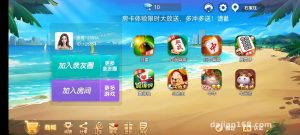
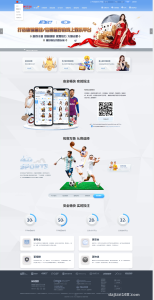
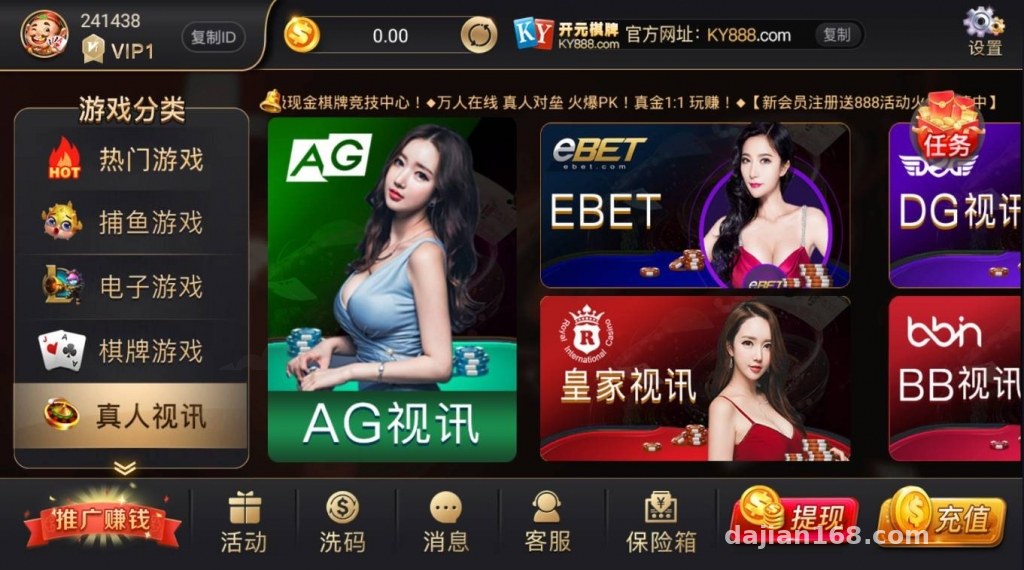
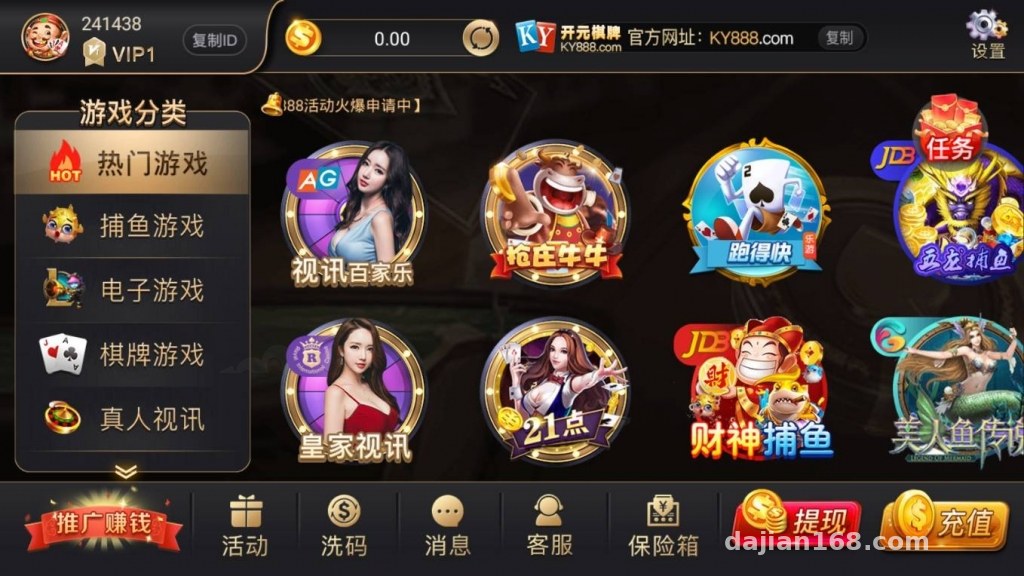
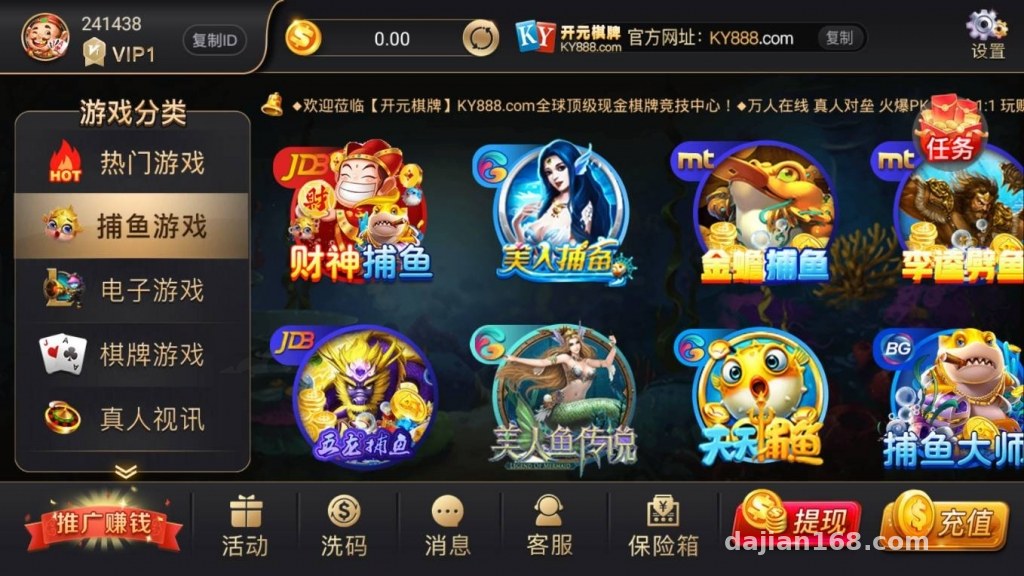
Short version: the features are more complete than I expected. The entertainment lobby ships with sound effects and a video interaction module, and the desktop and mobile interfaces are adapted separately — not just a responsive template slapped on.
Core Modules Overview
The backend integrates multiple board game simulation interfaces, each with its own configurable parameters and a one-click toggle in the admin panel. The probability demo and random number modules expose their parameters in the backend, making it easy to adjust simulated data. Payment interface slots are reserved for mainstream channels — just change the keys in the config file and the test flow runs.
Admin Panel Experience
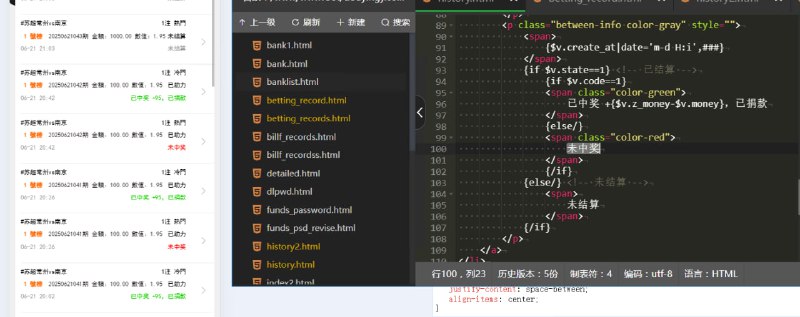
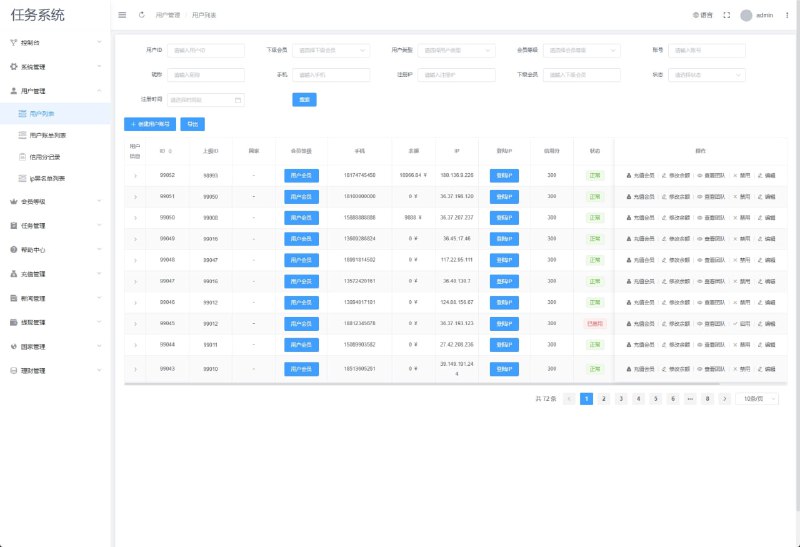
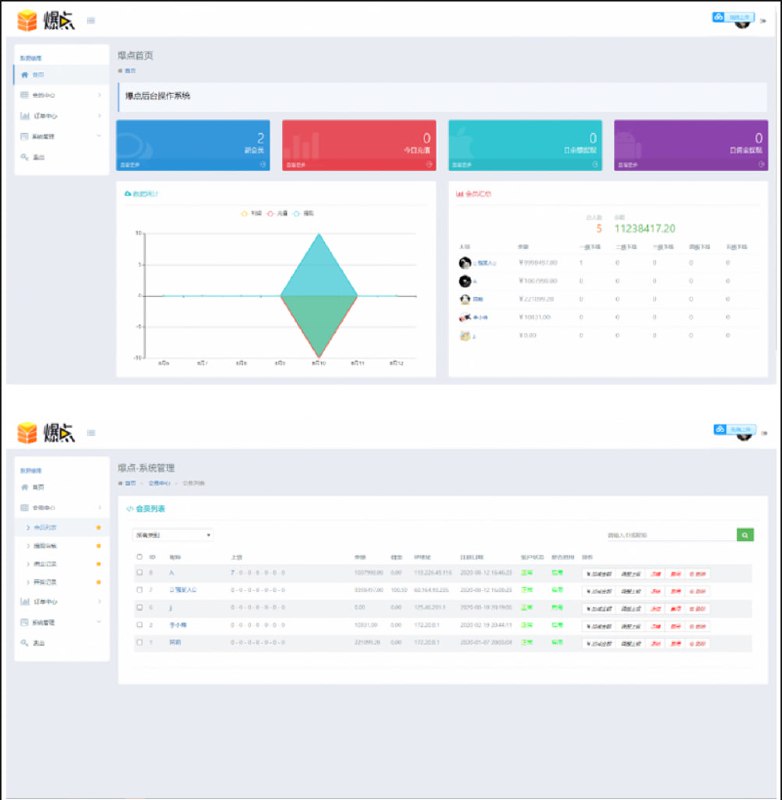
The backend is a standard PHP admin panel with three main sections: user management, data statistics, and interface configuration. What I appreciated most is the detailed logging — every call to a simulation interface is recorded, so troubleshooting doesn’t require digging through server logs. Multi-language files are included too; swap the language pack and you get an English interface.
Deployment Essentials: Environment and Configuration Pitfalls
My server stack: CentOS 7 + Nginx 1.20 + PHP 7.4 + MySQL 5.7. This program is sensitive to the PHP version — don’t go 8.x, or you’ll get a pile of extension compatibility errors.
Step by Step
1. Upload the full program to the site root. Watch the permissions — give the storage and runtime directories 755 or higher;
2. Import the database and update the connection info in config. Use utf8mb4 as the database charset, or Chinese data will turn into garbled text;
3. For the rewrite rules, the standard ThinkPHP ones work fine. Here’s the Nginx snippet I used: location / { if (!-e $request_filename){ rewrite ^(.*)$ /index.php?s=$1 last; } };
4. The APP side has both Android and iOS clients. For Android, change the package name and API endpoint, then re-sign. For iOS, you need a developer account to rebuild the package — the client handled that step themselves.
Pitfalls I Hit
First pitfall: the audio/video module. The default config routes through a built-in relay with high latency; switching to a self-hosted node fixed the smoothness. Second pitfall: scheduled tasks. A misconfigured crontab meant the statistics never updated — remember to add a per-minute cron job pointing to the CLI entry. Third pitfall: HTTPS. The video module forces wss, so the certificate must include the full chain, otherwise the mobile lobby loads as a blank screen.
Highlight: this source code was packaged directly from a running server — database and components all included. When doing secondary development, working against the live structure cuts rework significantly. Back up the original database before deploying so any change can be rolled back.
Who It’s For and Secondary Development Tips
This suits developers who want to quickly stand up a board game simulation demo platform, or teams delivering complete demo projects to clients. There’s plenty of room for secondary development: the interface layer is uniformly encapsulated, so adding a new simulation interface is just a matter of following an existing class; the front-end lobby pages are highly templated, so reskinning is cheap.
My advice: get it running locally before touching the server — especially the payment interface test callbacks. Simulate them locally with an intranet tunneling tool first and you’ll save a lot of online debugging time.
FAQ
Q: What’s the minimum server spec?
A: Start with 2 cores and 4GB RAM. If the video module sees high concurrency, go 4 cores / 8GB, with at least 10M bandwidth — audio and video traffic eats bandwidth.
Q: How do I rebuild the iOS APP?
A: You need your own Apple developer account. Change the package name, icons, and API domain, then use HBuilderX or a similar tool for cloud packaging, followed by App Store submission or enterprise signing for distribution.
Q: Can I import the database directly? What if it errors?
A: Yes, import with the utf8mb4 charset. If you hit foreign key errors, disable foreign key checks first, then re-enable them after import and verify data integrity.
Q: Does it support secondary development?
A: Yes. The code follows standard PHP framework conventions with fairly complete comments. There’s no separate API documentation, but reading the controllers is enough to figure out the logic.
Disclaimer: This article is for technical education only. When using related programs, comply with all applicable laws and regulations, and never use them for any unlawful purposes.
Disclaimer: This article is for technical education and demonstration only. It is not professional or financial advice. Any real-world deployment must comply with applicable laws and regulations.
#Source Code Setup #PHP Development #APP Deployment #Video Platform #Secondary Development Notes
-
 Alipay QR Code Scan
-
 WeChat Scan Pay