Board Game Points Battle System Setup Notes: WebFox Secondary Development & Referral Agent Deployment Guide
Board Game Points Battle System Setup Notes: WebFox Secondary Development & Referral Agent Deployment
Disclaimer: This article is for technical education and demonstration only. It is not professional or financial advice. Any real-world deployment must comply with applicable laws and regulations.
Last week I took on a demo project. The client wanted a simulated platform built around “board game competition + points shop”. The core requirements were simple: users can open rooms, view leaderboards, and attach a referral agent chain — but no real money settlement of any kind. When I opened the source package, the skeleton turned out to be a secondary development based on WebFox Essence Edition, build number 1078. The frontend lobby, backend admin, and agent center were all there; the author had simply replaced the settlement logic with a points ledger demo. Below I’ll write up my deployment experience in the order I hit the problems — no theory, just the points that actually get you stuck.
Feature Testing: What This Secondary-Dev Source Code Actually Delivers
I ran a full cycle with a test account first: register, claim demo points, enter a board game room, finish a match, settle points, and spend points in the shop for virtual items. The whole chain worked, which tells me the author didn’t just reskin the login page. The lobby had display slots for rooms like NiuNiu, Three Cards, and fishing arcade games. I replaced every icon with demo themes — “Go Challenge”, “Chess Endgame Puzzle”, “card simulation Strategy Drill” — to avoid any misleading copy.
The Admin Panel Is the Real Focus
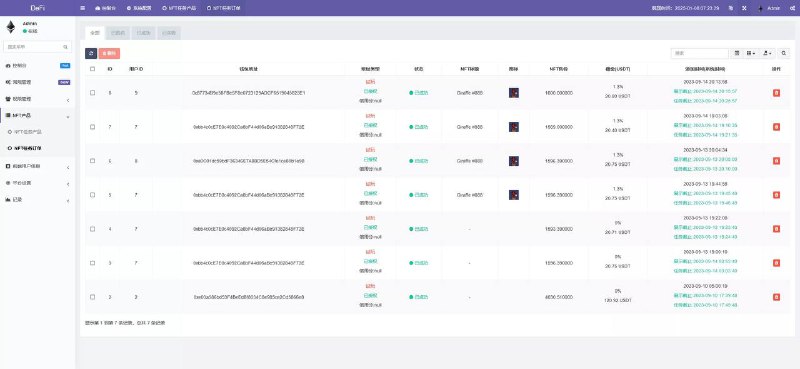
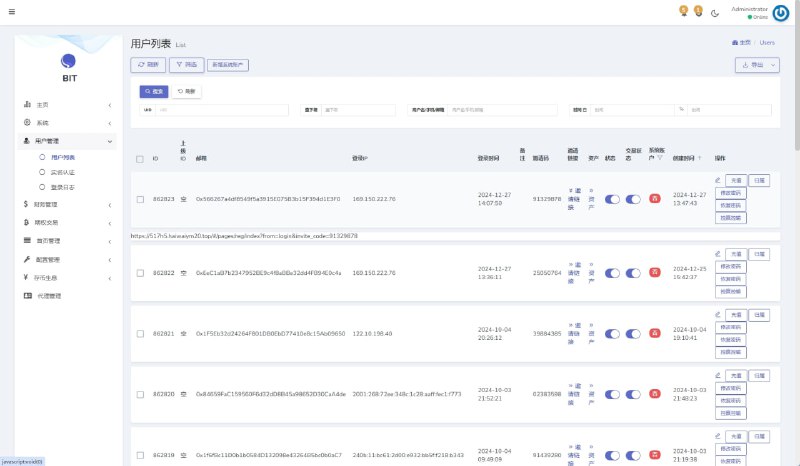
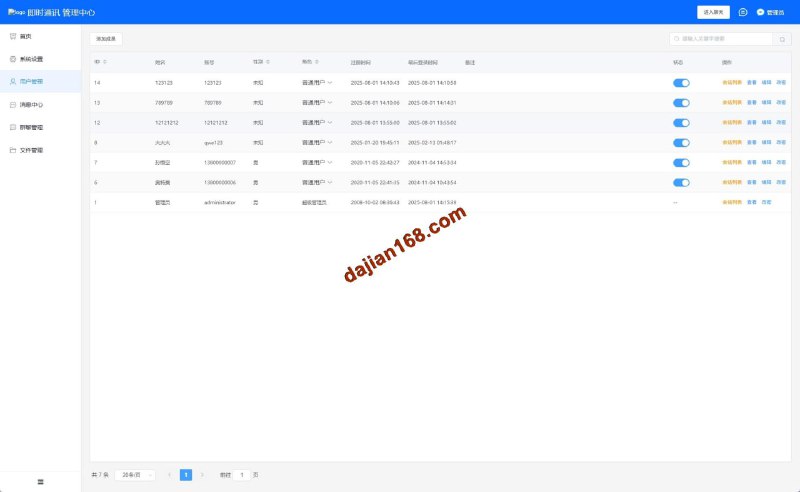
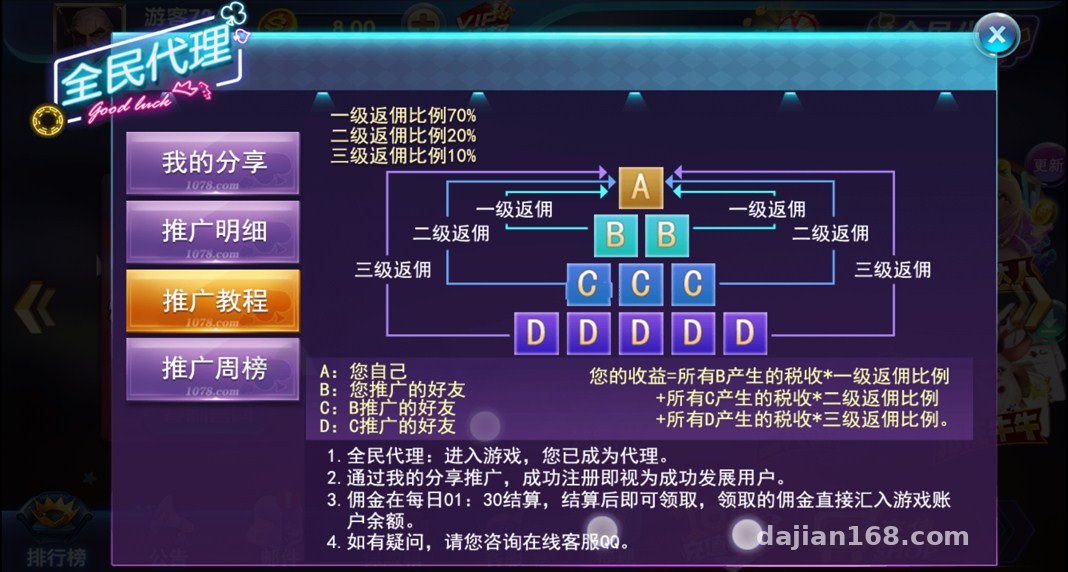
The admin side controls a surprising amount of detail: room entry point thresholds, per-round duration, robot seat-filler counts, leaderboard refresh intervals, announcement carousels, and item inventory. What interested me most was the “points output curve” — the admin can set a daily cap, after which only practice points are recorded and no shop points are earned. That design makes the demo very safe for teaching purposes. The agent module isn’t decorative either: it supports a three-level relationship graph, promo poster generation, invite-code binding, and per-tier points commission ratios. Everything runs on virtual points with no payment integration.
One reminder: for this kind of project, write the points rules clearly. A demo environment is only for learning data flow and permission design. Follow applicable laws and regulations, and any unlawful use is strictly prohibited.
Multi-language Support and Frontend Replacement
The language packs live in the server-side resource config directory. Traditional/Simplified Chinese switching was mostly fine, but I spent some time fixing a few colloquial phrases in the Vietnamese and Thai packs — the machine-translation flavor was too strong. The frontend uses assets packaged with Cocos Creator. Replacing the logo and room images is easy; the hard part is caching. Android in particular loves holding onto old images. My advice: bump the asset version number every time you change an image, or the client will think you did nothing.

Deployment Essentials: Don’t Cut Corners on Environment, Ports, and Database
For the server I went with CentOS 7.9 plus the BaoTa panel, 8GB of RAM minimum. Two cores barely run it; four cores feel much more stable. The source code is picky about the PHP version — keep the admin panel around PHP 7.2, or you’ll hit mysqli extension compatibility errors on anything newer. The database is MySQL 5.7. After importing it, the first task is not starting the service but setting the timezone and table prefixes. Many secondary-dev packages ship with inconsistent default prefixes, and you’ll miss joins later.
Ports and Gateway Pitfalls
Besides the web port, this system uses a game gateway port and a log collection port. You need to open them in the cloud security group AND in the BaoTa firewall — don’t fix only one side. I hit a nasty issue once: the lobby loaded fine from outside, but entering a room gave a black screen. It turned out the UDP range only had TCP open, so the gateway handshake failed. When the log says “connect timeout”, check ports first, then directory permissions.
Admin Login and Permissions
Change the initial admin credentials listed in the deployment doc, and use a password of at least 16 characters — don’t be lazy with admin123. Keep the three roles (admin, support staff, agent supervisor) strictly separated. In particular, the agent supervisor should only see referral data and points reports, never room parameters. Lock this boundary down before anything goes live.

Who This Fits and Suggested Customizations
This skeleton suits three groups of people: first, instructors running course demos on room services, points ledgers, and agent settlement logic; second, e-commerce developers turning the points shop into a coupons-and-prizes marketing plugin; third, event operators using leaderboards and invite codes for user growth. I don’t recommend launching with the default skin — the art looks ten years old, like an ancient board game arcade. Keep the backend, rebuild the frontend with an esports theme, and it actually feels clean and modern.
FAQ
Q: Can this source code connect to real payment processing?
A: In my demo setup, no. The admin panel reserves payment interface fields, but I only used local callbacks to simulate transactions. Fine for learning — never touch real payment collection.
Q: Is WebFox secondary development hard to maintain?
A: Easier than building from scratch, but you need experience maintaining legacy PHP. Don’t touch the gateway layer; only adjust configs, copy, skins, and points rules. That keeps upgrade pressure way down.
Q: Could the referral agent module turn into multi-tier rebates?
A: I kept invite relationships within three tiers with virtual points commissions and a daily cap. The agent page is also clearly labeled “demo data” to avoid being misread as an earnings promise.
Q: How do I fix mobile layout misalignment?
A: It’s usually a safe-area adaptation issue. First reproduce it by switching to an iPhone viewport in your browser dev tools, then adjust the adaptation mode in the Cocos launch config. Don’t hardcode UI coordinates.
Getting the whole thing running took two days, and most of that time went to ports, caching, and permissions. The source code can save you in a pinch, but if you want stable long-term use, write the points rules, agent tiers, and log retention policy into your deployment documentation. This project is for technical demonstration and learning purposes only. Follow applicable laws and regulations, and any unlawful use is strictly prohibited.
Disclaimer: This article is for technical education and demonstration only. It is not professional or financial advice. Any real-world deployment must comply with applicable laws and regulations.
#deployment walkthrough #WebFox secondary development #points shop #referral agent module #setup notes
-
 Alipay QR Code Scan
-
 WeChat Scan Pay