MSI Game Simulation System Secondary Development Deployment Log: Multi-Platform Setup Notes
MSI Game Simulation System Secondary Development Deployment Log: Multi-Platform Setup Notes
Disclaimer: This article is for technical education and demonstration only. It is not professional or financial advice. Any real-world deployment must comply with applicable laws and regulations.
I recently helped a client deploy an MSI secondary-development simulation demo platform built on the 325-style architecture. It took three days of tinkering and quite a few pitfalls, so I’m writing it all down while it’s fresh. To put it simply, this is a complete multi-platform simulation system: a front-end demo site, an admin backend, a platform server, plus Android and iOS clients. Anyone in the tech community working on digital asset demos, probability simulations, or random number demos should be familiar with this space. The 325-style architecture has been widely discussed over the past couple of years — there were earlier versions like the Cat Entertainment edition and the Wanghu flagship edition, and this MSI version is the latest secondary development of it.

Feature Testing: What Exactly Got Upgraded in This Version
The first thing I did after getting the source code was run through the backend. Honestly, it’s much cleaner than the older versions. Here are the key points I actually tested:
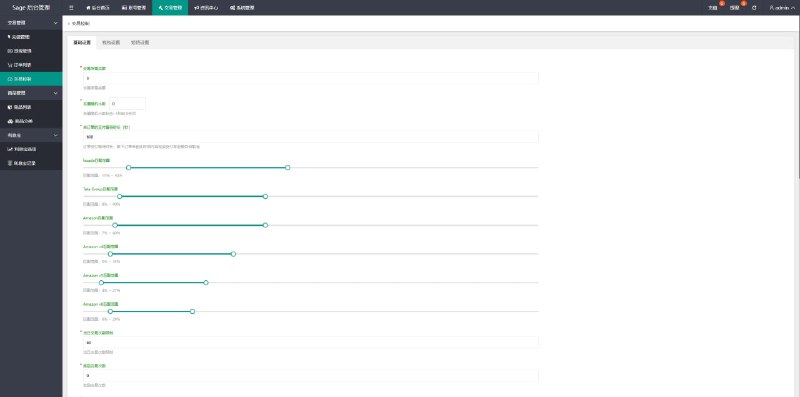
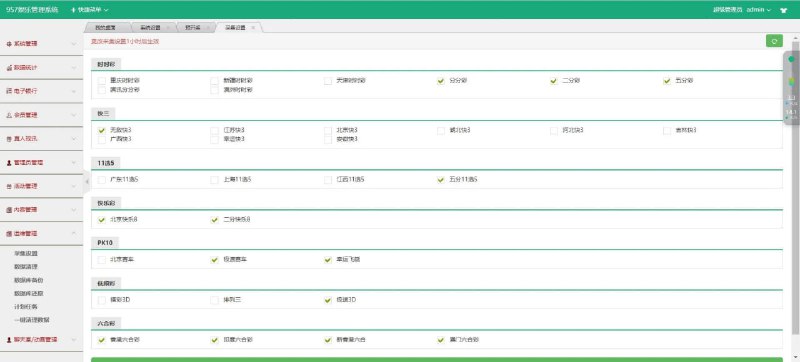
1. Backend Parameter Control Module
The core selling point of this version is parameterized control of simulation results from the backend. Administrators can configure the weight ranges for random number demos by room and by round. Data is returned through an encrypted channel, and logs can be pulled up directly in the backend. I ran 500 consecutive rounds, and the deviation between the probability output and the configured values stayed within a reasonable range — so this simulation engine isn’t just slapped together.
2. Demo Module Coverage
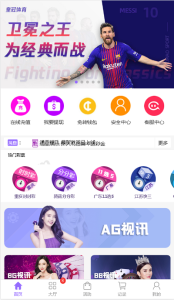
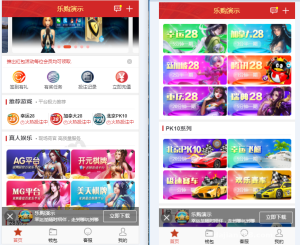
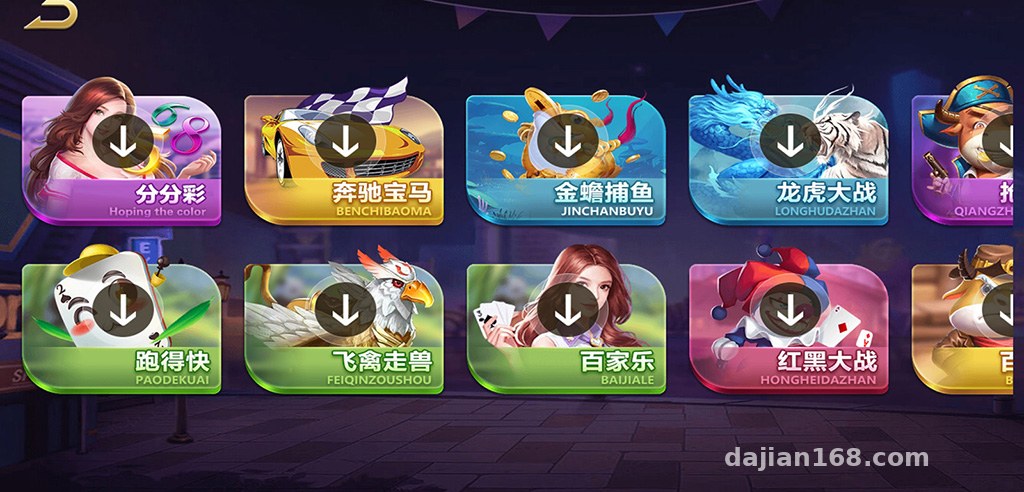
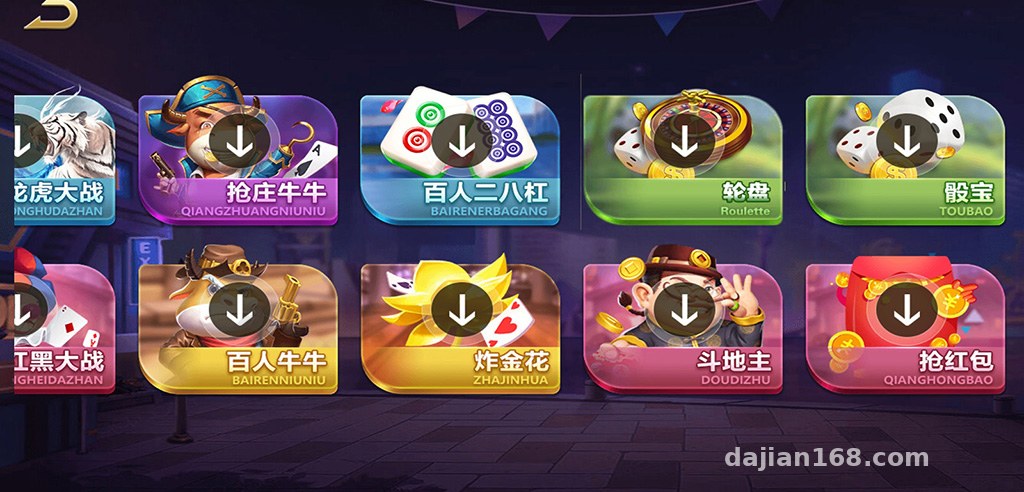
The built-in demo modules are quite comprehensive: a time-based random draw demo simulation, a lucky airship simulation, a luxury car racing simulation, a fishing game demo, a card game simulation, an animal racing simulation, a dragon-tiger demo, a red-black demo, a Niu Niu series simulation, a three-card card simulation demo, a roulette simulation, a sic bo demo, a card simulation simulation, a red packet interaction demo, plus live-video-connected demo rooms. For clients building e-commerce marketing campaigns or interactive entertainment demos, there’s a wide range of modules to choose from.

3. Multi-Platform and Multi-Language Support
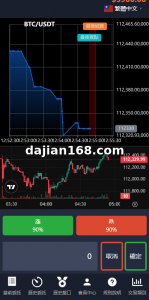
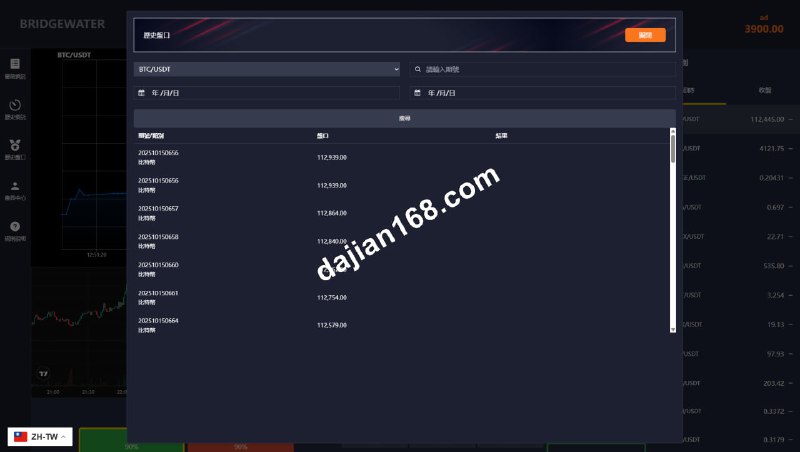
The Android client is a native build, while the iOS client uses an H5 wrapper plus a provisioning profile approach — you need to make this clear to clients upfront, since iOS distribution is always a headache. The backend includes built-in multi-language switching; besides Simplified Chinese and English, you can add Traditional Chinese, and modifying the language pack for secondary development takes about half a day.
Deployment Essentials: Environment and Pitfall Log
My environment: CentOS 7.9 + BaoTa panel, PHP 7.4, MySQL 5.7. Redis is mandatory, and the server runs as a standalone process.
Environment Configuration Details
A few places where things can easily go wrong: first, the Redis extension version — go with 4.x or above, since lower versions cause random disconnections when running the server; second, the server ports need to be opened in the security group — the defaults are 9501 and 9502, don’t forget them; third, the iOS client packaging certificate — enterprise signing is only valid for one year, so renewal reminders should be written into the delivery documentation for the client.
Payment Interface Integration
The payment module in the demo system uses a third-party aggregated interface. I hit a pitfall during integration: the callback signature verification key appears in two places in the backend configuration. I changed one and missed the other, so callbacks kept failing. It turned out there’s a key field in both the configuration section and the channel management section, and the two must match. I’ve noted this pitfall down — the next time I helped a friend deploy, it took just ten minutes.
Secondary Development Suggestions
The code structure is overall MVC-layered, with front-end templates in the template directory, and the logic layer isn’t heavily coupled. If you want to change the UI, just modify the templates; to add a new demo module, I recommend copying an existing module’s controller and routes rather than cramming code into an old module, or upgrade patches will conflict.
Highlight tip: the server side of this system supports multi-node deployment. Once traffic picks up, you can distribute demo rooms across different nodes — I tested 3,000 concurrent connections on a single machine with no issues. If the budget allows, start with two servers: one for web + database, and one dedicated to the server process.
Who Is This Deployment Suitable For
Honestly, this source code isn’t suitable for complete beginners — you should at least know basic Linux administration and some PHP. It suits three types of people: development teams building interactive entertainment demo projects who can take it and deliver after secondary development; operators with their own servers and technical staff who want to build a digital asset demo or game simulation demo platform; and technical studios taking on client work — this architecture delivers fast, the modules are complete, and client acceptance cycles are short.
Frequently Asked Questions
Q: Can I set this up myself without a technical background?
A: Not recommended. Environment configuration, server process management, certificate packaging — without experience, it’s easy to get stuck. At least find someone familiar with BaoTa panel administration to do the setup, or ask the seller to provide deployment services when purchasing the source code.
Q: How do I handle iOS distribution issues?
A: Typically through enterprise signing or TestFlight distribution. Enterprise signing is valid for one year and needs renewal; alternatively, you can deliver only the H5 version with a PWA manifest added, so users can add it to their home screen directly from the iOS browser — much simpler.
Q: What server specifications do I need?
A: For a test environment, 4 cores and 8GB of RAM is enough. For production, start with at least 8 cores and 16GB, with a minimum of 20M bandwidth. If you have many demo rooms, video streams consume considerable bandwidth, so scale up based on user volume.
Q: How hard is it to modify backend features through secondary development?
A: Changing the interface and text is easy; changing core logic requires understanding the server’s inter-process communication mechanism. I recommend getting everything running on a test server first before going to production, and keeping the code under version control.
As always, a final note: this system is intended only for lawful technical demonstration and learning purposes. Deployment and use must comply with all applicable laws and regulations, and any unlawful use is prohibited. Technology itself is neutral — where it’s used and how it’s used is the operator’s own responsibility.
Disclaimer: This article is for technical education and demonstration only. It is not professional or financial advice. Any real-world deployment must comply with applicable laws and regulations.
#source code setup #deployment notes #game simulation system #secondary development #multi-platform deployment
-
 Alipay QR Code Scan
-
 WeChat Scan Pay