Niu Niu Room Ticket Club System Source Code Setup: Server to Dual-Platform App Deployment Notes
Niu Niu Room Ticket Club System Source Code Setup: Server to Dual-Platform App Deployment Notes
Disclaimer: This article is for technical education and demonstration only. It is not professional or financial advice. Any real-world deployment must comply with applicable laws and regulations.
Recently I helped a long-time client deploy a Niu Niu room ticket edition with a club system, complete with points settlement and platform service fee statistics modules. The client mainly wanted it for technical reference and feature demos, so I jotted down the whole process to save anyone studying this architecture some trial-and-error time.
What Comes in the Package
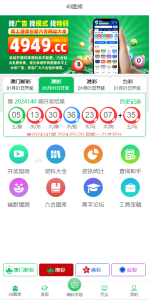
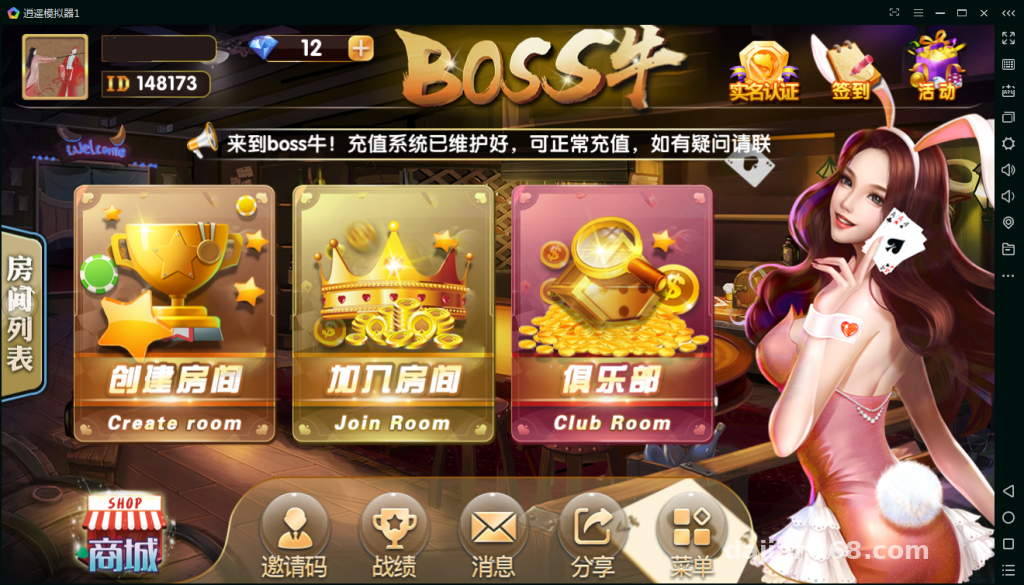
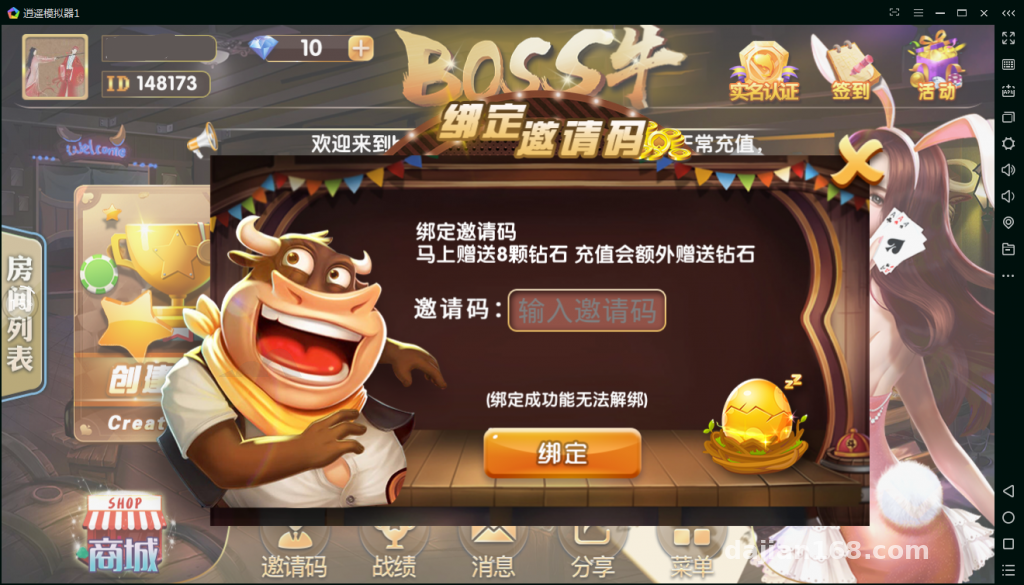
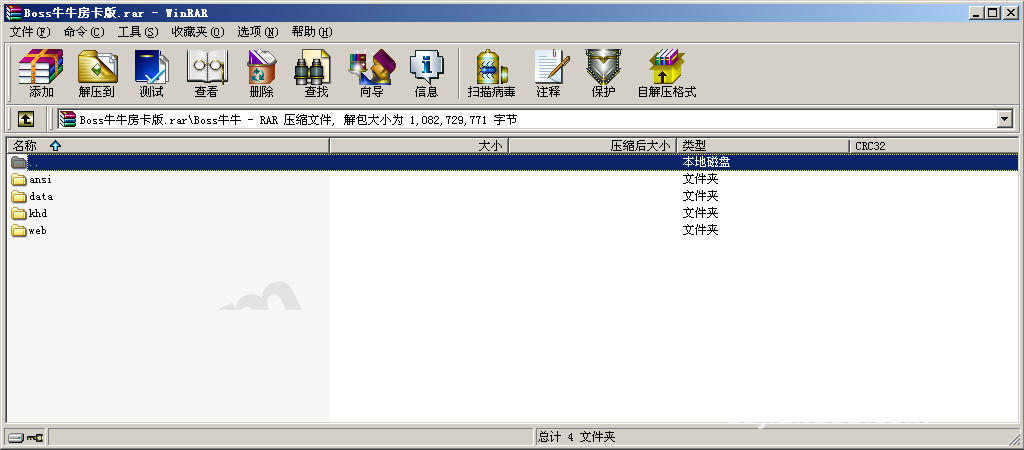
Components first—the bundle is pretty complete: server main program, Android client, iOS client, web admin panel, and database scripts. Five pieces, all accounted for. Word is the UI was rebuilt on top of 98K Niu Niu and Laotie Niu Niu, and the interface does look a lot cleaner than the older versions, with fresh icons and room layouts.
Room Ticket and Club Logic
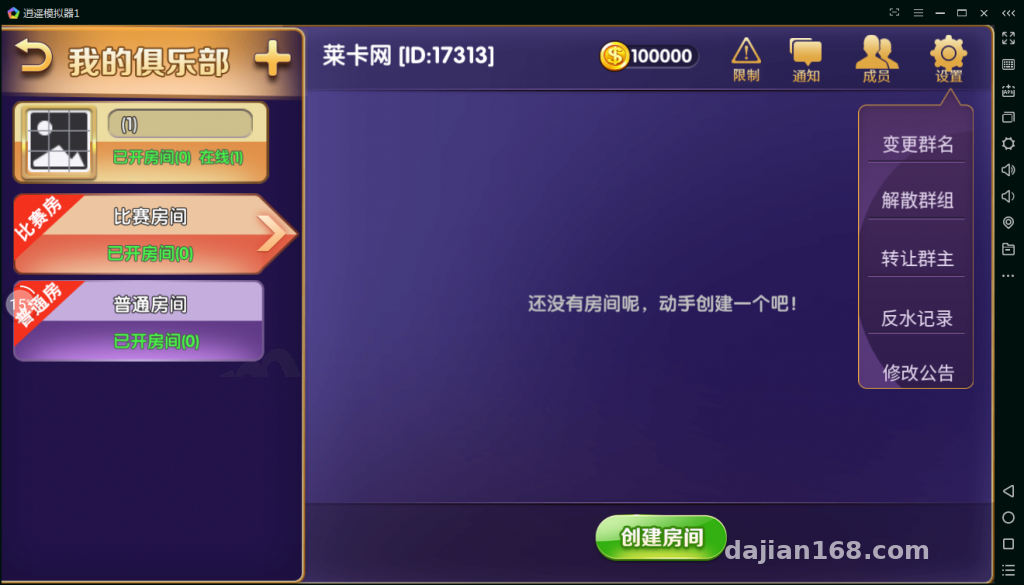
Players open tables with room tickets, and the club acts as a community management backend—admins create groups, review members, and schedule tables all in one place. In my tests, nine players at one table worked fine. Basic flows like taking a seat, auto-play while away, and reconnecting after leaving ran through 30 rounds without a single disconnect or freeze.
Points and Service Fee Statistics
The backend shows a detailed points ledger for every table plus service fee reports, and the data lands in the database complete. One heads-up: any features tied to real funds should be switched off entirely—keep only the points-based mode for data demos. That compliance line is not one to cross.
Deployment Essentials, All From Hands-On Experience
Server Environment
I went with CentOS 7.6 plus the BaoTa panel and MySQL 5.7. Redis is mandatory—skip it and the server refuses to start, and the error messages are genuinely misleading. In the config file, update the database connection, site domain, and port, then open every game communication port in the firewall. I learned this the hard way: I once missed a single port, and the client sat stuck on the connecting screen for what turned into a two-hour debugging session.
Database Import
Always use the utf8mb4 character set. Import with the default utf8 and club names containing special characters will fail to write. Consider that landmine already stepped on for you.
Client Packaging
On Android, change the server IP in the config and repackage—fairly painless. iOS is fussier: you will need enterprise signing or TestFlight distribution, your own certificates, and a re-sign whenever the signature drops. Getting onto the app store is essentially a dead end, so do not burn time on it.
Backend Features, Tested
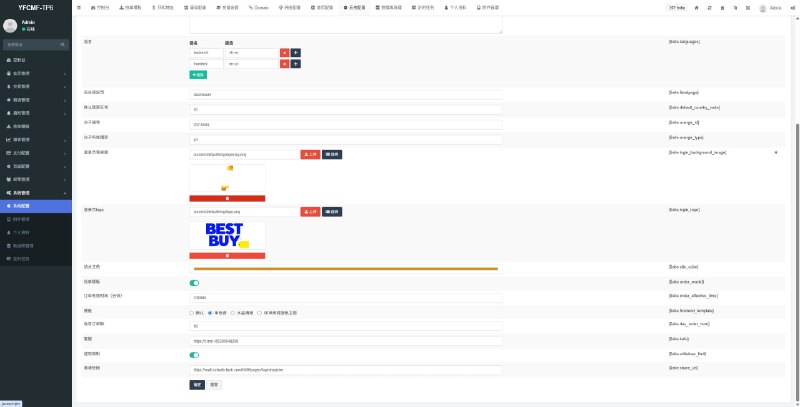
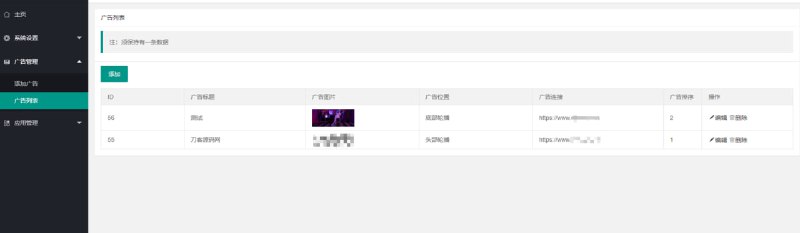
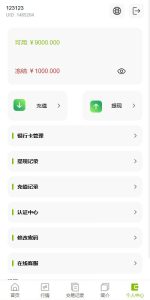
The admin panel covers a lot: member management, club approval, room records, points adjustments, and data reports. I spun up several test accounts to play against each other, and the backend points records matched the table data exactly—so the statistics module runs in real time rather than being window dressing.
Highlight: the real value here is the club-plus-room-ticket community architecture. The tiered admin permissions are unusually granular. If you want to rework it into a task distribution or community operations demo system, this skeleton is ready to use as-is.
Who Should Tinker With This
One group is developers studying table-game-style communication architecture—the protocol structure between server and client is clean, and packet analysis is not painful. The other is technical teams building game demo projects: the UI is new, so swapping assets and copy gets you a presentable demo fast. If real payments are your goal, this is not the project for it—the payment interface should only ever connect to demo channels, never actual funds.
Frequently Asked Questions
Q: What is the minimum server configuration?
A: Start at 8 cores and 16 GB of RAM with 10 Mbps bandwidth or better. Nine players at one table puts real demands on bandwidth—a thin pipe will lag badly.
Q: Where do I find the points and service fee reports?
A: In the Data Center module of the backend. You can query by day or by table, and exports are supported, which makes demo reporting easy.
Q: Can I extend it with new gameplay through secondary development?
A: Yes. Table logic and UI resources live in separate directories. For gameplay changes, focus on the server logic module; for interface changes, just edit the client resources. A reel simulation for multi-language packs is reserved too—swap in your copy files and you are done.
Q: What problems came up most during testing?
A: Ports and signing. A missed port means no connection, and an expired iOS certificate drops the signature. Those two ate up the bulk of my troubleshooting time.
One last honest note: the completeness of this source code ranks high among similar packages, and it stayed stable through 30 rounds of testing. Stable or not, though, it remains a technical demo tool. Deploy and use it in line with all applicable laws and regulations, keep it away from any non-compliant purposes, and treat compliance as your own responsibility.
Disclaimer: This article is for technical education and demonstration only. It is not professional or financial advice. Any real-world deployment must comply with applicable laws and regulations.
#source code setup #deployment notes #table game system #club system #server deployment
-
 Alipay QR Code Scan
-
 WeChat Scan Pay

![? [New UI NFT Blockchain Trading System] NFT Minting + Blind Box Synthesis + NFT Marketplace + Digital Art Collectibles](https://dajian168.com/wp-content/uploads/2025/07/telegram-img-2025-07-08-686ce28de969c.jpg)