Open-Source Java Web Session Management System: SpringBoot & WebSocket Deployment Guide
Open-Source Java Web Session Management System: SpringBoot & WebSocket Deployment Guide
Disclaimer: This article is for technical education and demonstration only. It is not professional or financial advice. Any real-world deployment must comply with applicable laws and regulations.
At the end of last month, a long-time client running private domain operations for cross-border e-commerce reached out to me. Their customer support team handles thousands of overseas buyer inquiries daily, and they urgently needed an internal collaboration tool to centrally manage multi-channel sessions on the web with quick QR code authorization. Off-the-shelf SaaS solutions charging per seat were far too expensive, so they wanted to self-host a fully open-source Java foundation that their in-house developers could later customize. After spending a few days screening options, I settled on this web-based cross-platform session management system built on a separated SpringBoot and Vue architecture. It took two all-nighters to get the production environment running smoothly. While I have some downtime today, I am sharing the entire setup process and troubleshooting notes as a reference for fellow developers.
Core Architecture and Feature Testing
After extracting the source code archive, I first inspected the directory structure. The backend is a standard Maven multi-module project running SpringBoot 2.7.x paired with MyBatis-Plus. Instead of traditional polling for persistent connections, it directly integrates Netty with WebSocket. That explains why message push latency stayed under 50 milliseconds during stress testing in our staging environment.
1. Asynchronous QR Code Generation and State Synchronization
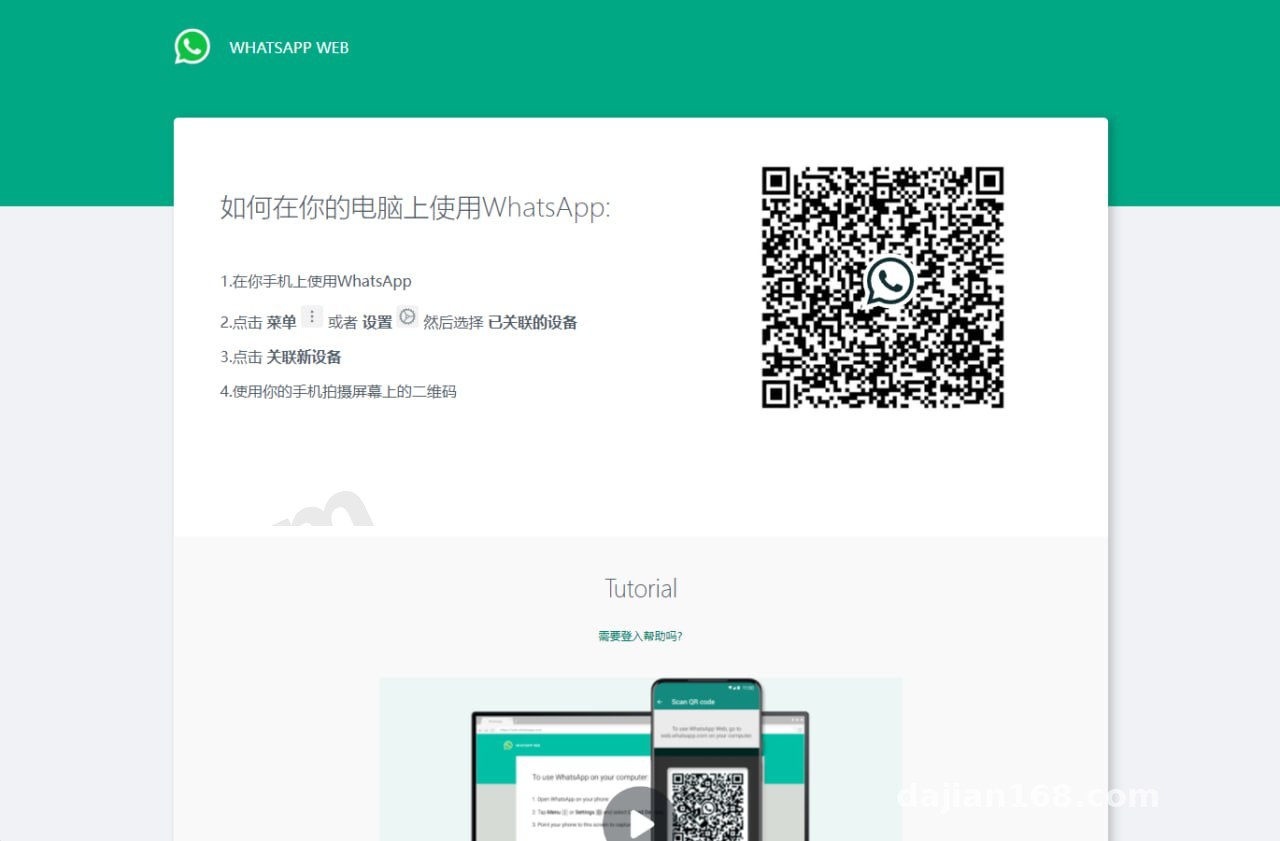
I have tested several similar PHP-based support tools in the past, and they often froze when generating authorization QR codes. Sometimes the frontend waited over ten seconds without rendering anything, resulting in a terrible user experience. This Java system revamps the code generation module using an asynchronous thread pool. Once the frontend initiates a request, the backend uses dedicated worker threads to fetch handshake data from the underlying communication protocol and caches the session token in memory via Redis. The QR code renders within a second of opening the page. Right after scanning and confirming, the WebSocket channel completes the state callback instantaneously, switching the web interface straight to the workspace.
2. Web Multi-Session Concurrency and Backend Permission Control
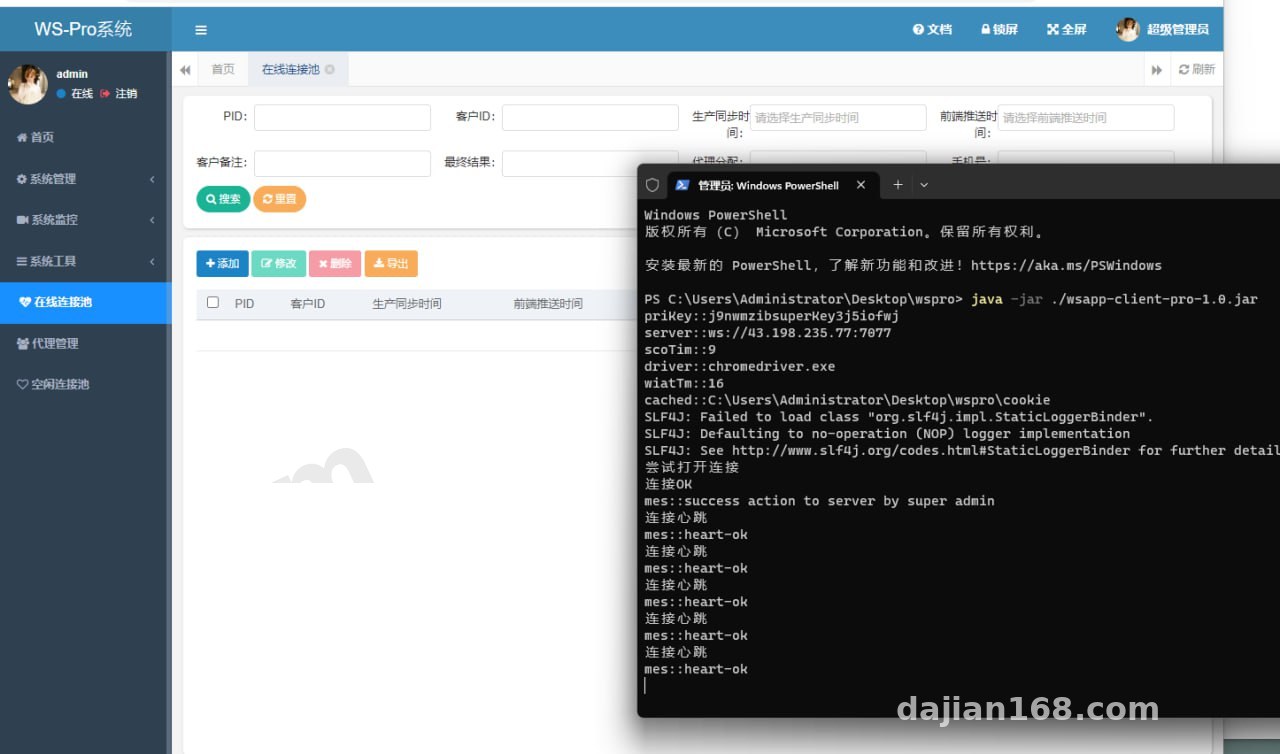
Logging into the main admin dashboard revealed fine-grained permission controls. The system includes a built-in three-tier department structure, allowing administrators to assign isolated channel pools to different support teams. The web workspace supports switching between multiple sessions via tabs, and comes equipped with a quick-reply library, real-time multi-language translation API hooks (you just need to configure your own Google or Alibaba Cloud API keys), and local storage for static assets. For teams focused on client relationship retention, the automatic session archiving and Excel export features are remarkably practical.
3. Clean Open-Source Codebase and Customization Readiness
I specifically dug into the core communication module’s source files. There are no encrypted or obfuscated Class files—just clean Java source code with roughly a 30% comment ratio. The API layer follows RESTful standards and includes online Swagger documentation. If your team wants to integrate an existing CRM system or ERP order callbacks, you only need to modify the WebhookServiceImpl class, as the coupling is kept very low.
Practical Deployment Tip: This system demands decent server memory because both persistent Netty connections and the JVM itself are memory-hungry. I recommend starting with at least a 4-core, 8GB RAM cloud server running Ubuntu 20.04 LTS or CentOS 7.9. Do not try to force this onto a 2GB RAM budget instance, or you will trigger Out-Of-Memory (OOM) crashes almost immediately under high concurrency.
Production Environment Setup and Troubleshooting
Here are the exact environment specs from my live deployment: JDK 11 is mandatory (compiling with 1.8 throws syntax compatibility errors related to Lambda expressions), MySQL 8.0.28, Redis 6.2 or higher, and Node.js 16.19 for building the frontend.
1. Database Character Set and Redis Persistence
Pay close attention when importing the SQL scripts. Cross-platform chat sessions frequently contain complex emojis and special characters from various languages. When creating the database, you must explicitly set the collation to utf8mb4_general_ci, and increase innodb_buffer_pool_size in MySQL’s my.cnf configuration file to roughly 40% of your physical RAM. Furthermore, never run Redis with its default configuration in production. Enable AOF persistence, dedicate database 0 to caching online session states, and assign database 1 to task queues to prevent key collisions from dropping active connections.
2. Nginx Reverse Proxy and WSS Persistent Connection Tuning
Many beginners get the system running fine locally, only to find the frontend constantly throwing disconnection errors and failing to load QR codes once deployed to production with an HTTPS domain. Nine times out of ten, this happens because Nginx is missing the WebSocket protocol upgrade headers. In your Nginx site configuration (whether native or via a control panel), besides the standard proxy_pass forwarding to backend port 8080, you must explicitly add proxy_set_header Upgrade $http_upgrade; and proxy_set_header Connection "upgrade"; under the /ws/ location block. Also, bump proxy_read_timeout up to 3600 seconds so Nginx does not sever persistent connections after the default 60 seconds of inactivity.
3. Fine-Tuning JVM Startup Parameters
When running the packaged JAR file on your server, avoid using the bare java -jar command. I wrote a shell daemon script that includes G1 garbage collector flags: -Xms2048m -Xmx4096m -XX:+UseG1GC -XX:MaxGCPauseMillis=200. This effectively minimizes Full GC pause times under heavy loads, keeping web QR scanning and data synchronization stable.
Who Should Use This System?
To be fair, this codebase is not meant for absolute beginners who are unfamiliar with Linux commands, since it requires Java environment compilation and middleware tuning. It is much better suited for technical teams at cross-border e-commerce companies, customer support centers for global apps, or software agencies handling custom development projects. Using it as an internal cross-platform message aggregation demo or a multi-agent collaborative workspace foundation can easily save two to three months of low-level communication R&D.
Frequently Asked Questions
Q: What should I do if node-sass fails to install during the frontend build?
A: This is a classic environment hiccup. Do not waste time fighting node-sass. Either use a faster registry mirror, or simply replace node-sass with sass (dart-sass) directly inside your package.json file, then run npm install again for a clean build.
Q: Why does QR code generation slow down on the web interface after the system runs for a few days?
A: Check your Redis memory usage and the server’s active TCP connection count. This usually happens because expired temporary session tokens are not being purged promptly, combined with Linux’s default ulimit -n file descriptor limit being too low (1024 by default). Increase the maximum open files limit to 65535 and enable the scheduled Cron job in the backend to clear expired cache entries.
Q: Does this codebase support third-party payment gateway integration or adding new language packs?
A: Yes, completely. The frontend uses the Vue-i18n internationalization plugin, and all language packs are stored as JSON files under the src/locales directory—just translate the key-value pairs. As for payment callbacks needed for commercial workflows, the backend already includes standard asynchronous notification Controller templates where you can plug in your merchant keys.
Disclaimer: The system setup process and source code analysis documented in this article are for software engineering technical exchange, architecture learning, and compliant internal enterprise collaboration demonstration purposes only. Users must strictly adhere to local laws and regulations during deployment and secondary development.
Disclaimer: This article is for technical education and demonstration only. It is not professional or financial advice. Any real-world deployment must comply with applicable laws and regulations.
#Java Open Source #SpringBoot #Source Code Deployment #WebSocket #Deployment Guide
-
 Alipay QR Code Scan
-
 WeChat Scan Pay