Building a Cross-Platform Uniapp Social Content Distribution and IM System with WebSocket
Building a Cross-Platform Uniapp Social Content Distribution and IM System with WebSocket
Disclaimer: This article is for technical education and demonstration only. It is not professional or financial advice. Any real-world deployment must comply with applicable laws and regulations.
Recently, I helped a client running a creator community deploy an integrated system combining social content distribution with instant messaging (IM). Originally, they only had a basic short-video showcase website. Because user retention dropped off right after watching videos, they wanted to merge private community groups, audio/video interaction, and content recommendations into a single platform. Over three days of troubleshooting, I got this Uniapp-based five-in-one source code (Android, iOS, H5, PC Web, and PC Desktop) up and running smoothly. While the project is still fresh in my mind, here are my notes from testing the features and navigating the deployment pitfalls.
1. Core Architecture and Social Interaction Testing
The frontend is built on Uniapp, which offers an obvious advantage: a single codebase compiles directly into iOS, Android, and H5 apps, plus an Electron-wrapped PC client. The backend relies on a classic high-concurrency architecture, handling message delivery and content pushes over persistent WebSocket connections. Overall response times turned out much faster than I initially expected.
1. Merging Audio/Video Streams with Instant Messaging
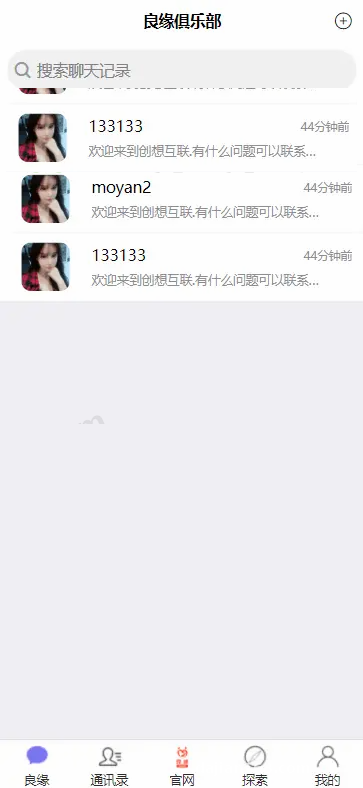
Traditional content platforms only push one-way text, images, or video streams. This system embeds one-on-one private chats and interest groups directly into the content distribution logic. During testing, we noticed its audio and video call module runs on the WebRTC protocol. Even under weak network conditions—like switching between 4G and Wi-Fi—the video frame rate stayed steady around 25 fps. It also lets creators distribute point reward packs (similar to interactive group perks) within communities to boost daily engagement.
2. Granular Community Management and UI Details
The build I worked with included several practical updates, especially around user experience polish:
- Guest Access and Deep Linking: A new guest mode lets users jump into group discussions after discovering an interesting video stream or topic, skipping tedious registration steps. Paired with URL Scheme deep linking on H5, clicking an external promotional link wakes up the native app and jumps straight to the target content page. The admin panel also tracks conversion rates across different distribution channels.
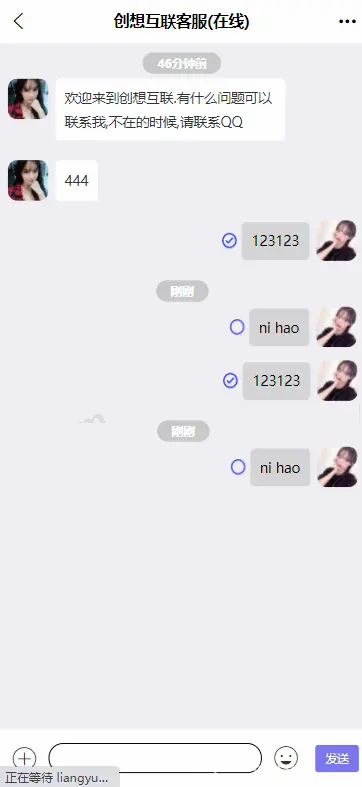
- Presence Indicators and Anti-Spam: The chat interface features complete read/unread receipts, and the mobile app calls native APIs for haptic vibration feedback on incoming messages. Once IP location display is enabled in the backend, user profiles and comment sections automatically show geographic regions—a great feature for localized, city-specific content distribution.
- Bulk Content Broadcast Assistant: Built for platform operators and top creators, the broadcast tool makes sharing updates effortless. When publishing a new short video or announcement, creators can select multiple active groups or follower lists to push the update simultaneously, saving hours of manual forwarding.
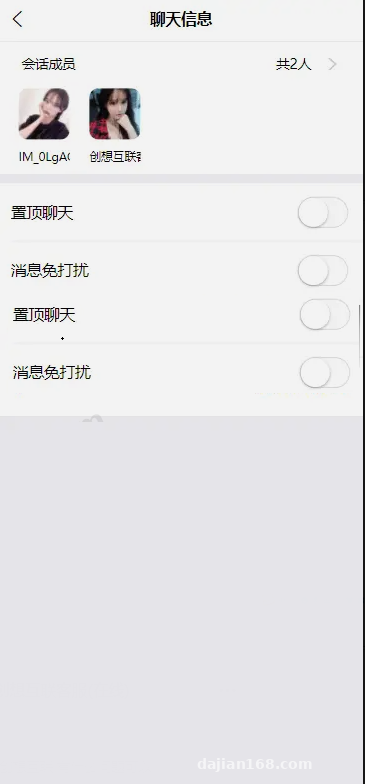
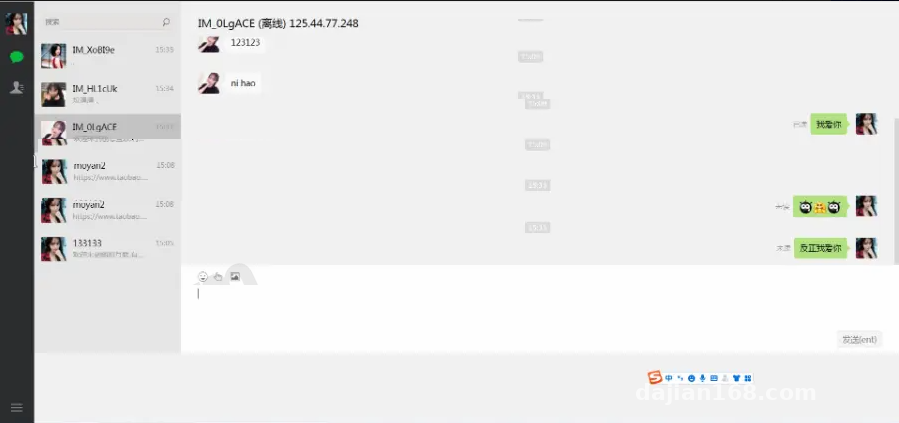
Developer Highlight: What impressed me most was the PC client adaptation. Many Uniapp projects look awkwardly stretched when ported to desktop screens, but this codebase includes a dedicated widescreen responsive layout for PC. The left conversation list, center content interaction area, and right group info sidebar are cleanly separated, making it a great fit for internal team collaboration or large creator communities.
2. Server Environment Setup and Deployment Essentials
Although the official documentation was barely two pages long, setting it up isn’t too difficult if you know your way around Linux server administration. I used CentOS 7.9 on a 4-core, 8GB RAM instance with a 5Mbps+ bandwidth connection, which is a good baseline since the server handles static assets and audio stream relaying.
1. Base Environment and Port Rules
Using the control panel, I installed Nginx 1.20, MySQL 5.7, PHP 7.4, and Redis 6.2. Here is a classic gotcha you must address first: go into your PHP settings and remove pcntl_fork, pcntl_wait, and proc_open from the disabled functions list, then install the redis and swoole extensions. Without these steps, the backend message queues and persistent connection daemons simply won’t start.
2. WebSocket Persistent Connections and Reverse Proxy
IM messaging and real-time content pushes rely entirely on Workerman or Swoole daemons. After running the startup command inside the backend directory via terminal, remember to open the corresponding socket ports (such as 8282 or 9501) in your cloud firewall security group. Since modern iOS and H5 browsers strictly require an HTTPS environment to access microphone and camera permissions, never connect to the WebSocket using a raw IP and port. Instead, set up a WSS reverse proxy inside your Nginx configuration to forward the /wss path to your local listening port. This keeps the frontend configuration secure and prevents cross-origin (CORS) errors.
3. Compiling the Uniapp Frontend Across Platforms
After importing the project into HBuilderX, run a global search in the configuration files to replace the default API domain and WSS address with your own. When building for H5, stick to Hash routing mode; if you prefer History mode, make sure to add URL rewrite rules in Nginx so refreshing the page doesn’t trigger a 404 error. For Android and iOS builds, enable the native audio/video plugins and push notification modules inside manifest.json, configure your signing certificates, and start the cloud build.
3. Practical Use Cases and Customization Ideas
The source code is completely unencrypted and keeps clean inline comments. Based on my experience, it serves as a solid foundation for customizing several types of commercial applications:
- Niche Knowledge Communities: Combine group management tools with one-on-one audio/video calls to offer online expert consultations and structured course delivery.
- Multi-Language Cross-Border Social Platforms: Because the Uniapp frontend natively supports i18n internationalization, extracting the language packs and pairing them with backend IP region detection makes it easy to adapt into a localized interest community or short-video hub for global audiences.
- Enterprise Internal Communication and Support Systems: Use the channel tracking and web-to-app deep linking features to deploy it as a self-hosted, private customer service platform.
Disclaimer: This article is for technical education and software architecture demonstration purposes only. Developers must comply with local regulations and applicable laws when deploying or modifying software systems.
Frequently Asked Questions
Q: Why do sent messages fail to reach the recipient, or keep showing a spinning disconnection icon?
A: Over 90% of the time, this happens because the WSS connection isn’t configured properly. Run netstat -ntlp first to verify that the backend Socket port is actively listening. Next, check whether your Nginx SSL certificate has expired, and confirm that the Upgrade and Connection headers are included in your reverse proxy block.
Q: Audio and video calls work fine on H5, but show a black screen or no audio after compiling into a mobile app. How do I fix this?
A: That points to a permission or native plugin mismatch. When packaging in HBuilderX, make sure audio recording and camera permissions are checked under module settings. If you are using a third-party RTC plugin, bind your custom Package Name in the plugin marketplace and generate a custom debugging base before testing.
Q: Server CPU usage spikes when sending bulk media messages with the broadcast assistant. How can I optimize this?
A: Avoid looping through synchronous API calls to send bulk messages. Instead, configure the backend to push broadcast tasks into a Redis queue, and use Supervisor to run two worker processes that handle the delivery asynchronously. That way, even if you broadcast to thousands of groups at once, the frontend stays responsive.
Disclaimer: This article is for technical education and demonstration only. It is not professional or financial advice. Any real-world deployment must comply with applicable laws and regulations.
#Uniapp Source Code #Instant Messaging System #Social Platform Development #WebRTC Audio Video #Cross-Platform App
-
 Alipay QR Code Scan
-
 WeChat Scan Pay