Credit Contract Management System Setup Guide: PHP Loan Platform Source Code Deployment Notes & Feature Review
Credit Contract Management System Setup Guide: PHP Loan Platform Source Code Deployment Notes & Feature Review
Disclaimer: This article is for technical education and demonstration only. It is not professional or financial advice. Any real-world deployment must comply with applicable laws and regulations.
I recently helped a client deploy a credit contract management system — the classic architecture with a front-end application flow, contract generation, and agent-based back-office management. After two days of tinkering, I’m writing down the pitfalls I hit and the feature details, for anyone who might find it useful.
The source code is an older PHP + MySQL architecture. The code isn’t brand new, but the logic is complete and it’s not hard to customize. My environment was Nginx + PHP 7.4 + MySQL 5.7. I installed everything with one click via the BaoTa panel, picked the ThinkPHP rewrite rules, and it ran right away.
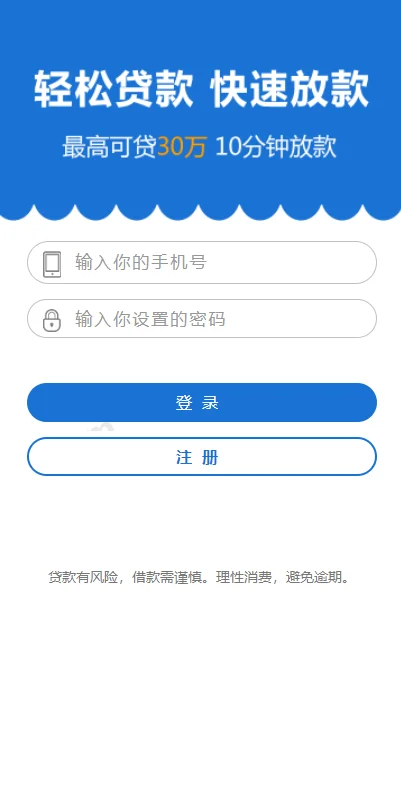
Front-End Feature Review: Signatures, Contracts, Online Communication
A few things on the front end that I thought were done with real attention to detail:
1. Handwritten Signature Submission
The last step of the application form is a handwritten signature pad, built with canvas. It scrolls smoothly on mobile. The signature is saved as an image on the server and tied to the application record. Here’s a pitfall I ran into: the default upload directory didn’t have enough permissions, so signature saving failed silently with no error. Make sure to set the uploads directory to 755 and give the runtime user write access.
2. Online Contract Display
After an application is submitted, the system automatically generates a contract page with the customer’s info, quota, and term filled into the template. The contract template is editable in the back office — I used the rich text editor to swap out clause content, and changes took effect on the front end immediately.
3. Risk Information Notice
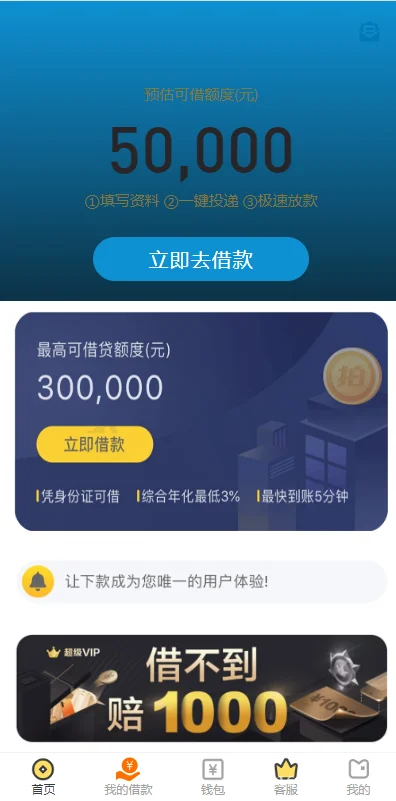
A newly added risk disclosure module appears during the application flow. It’s a compliance-style informational page, and the content can be maintained from the back office.
4. One-Click Customer Communication
Customers click the support button and go straight into a chat window. It uses an on-site IM; real-time performance is average, with a polling interval of about 3 seconds. If you expect heavy traffic, I’d suggest rewriting it with websocket.
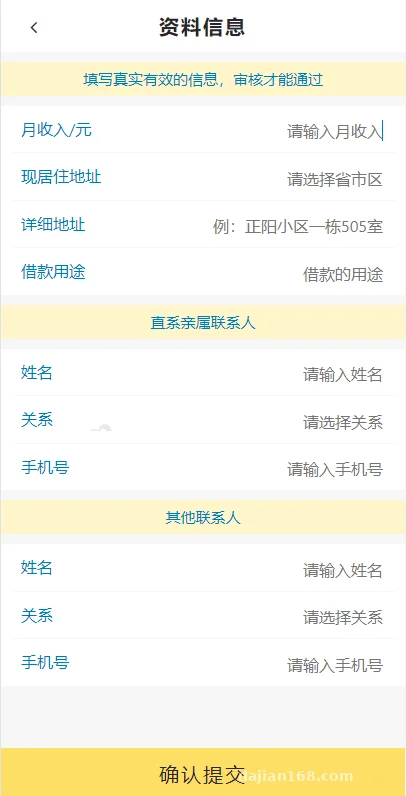
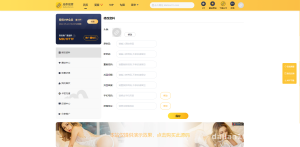
Back-Office Deployment Essentials: Multi-Agent Desk Isolation
The back office is the core selling point of this system. At login you can choose an agent or administrator role, which is a rather interesting design choice:
Data Isolation Mechanism
Each agent has their own independent “desk” — customer data and application records are invisible to other agents. Administrators can see everything. Under the hood it’s data filtering by agent ID at the table level. I created 3 test agent accounts, and the isolation was clean — no data leakage bugs.
Quota & Registration Management
You can set a quota and registration level for each user individually. A few clicks in the back office and it’s done — no need to touch the database.
Wallet Controls
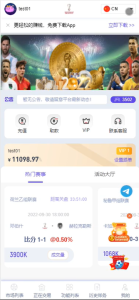
The back office can handle wallet top-up and credit operations for customers, and the front-end wallet page supports one-click full-balance withdrawal requests. One reminder: feel free to experiment freely in demo and test environments, but for production use you must integrate a proper payment channel and keep operation logs, so every credit entry has an auditable record.
Screenshot Asset Management
The back office added upload slots for various screenshot assets, making it easy for agents to send reference images during conversations. Assets are managed centrally, so nothing gets scattered.
Deployment tip: this system doesn’t demand much from your server — 2 cores and 4GB RAM will run it stably. Double-check that PHP’s fileinfo and gd extensions are enabled; the signature pad and image processing both depend on them, and missing extensions cause a blank screen.
Customization Suggestions & Who It’s For
If you do outsourcing work or are testing the waters with a financial services tool of your own, this source code has a low modification cost. The template layer is separated, so changing the UI only means touching the view directory. If you want to add multi-language support, the language pack structure is already in place — just translate the lang files.
As for payment interfaces, the code reserves a gateway reel simulation. Integrating a third-party payment provider means writing your own callback logic; I’d recommend testing it in a sandbox environment before going live. At the database level, I suggest adding a daily backup scheduled task — BaoTa has one built in, and it takes a minute to configure.
Who it’s for: teams building credit business process demos, contract management tools, or customer follow-up systems. It’s not suitable for complete beginners — you should at least be comfortable with a basic LNMP environment and database operations.
FAQ
Q: What server specs are needed?
A: It can run on as little as 1 core and 2GB RAM, but I’d recommend starting at 2 cores and 4GB with 3M+ bandwidth. MySQL 5.6/5.7 are both compatible; avoid PHP 8.x, as some legacy syntax will throw errors.
Q: Is data really isolated between agents?
A: Yes. In my testing I created multiple agent accounts, and each could only see the customers and application records under their own name. Only the administrator account has a global view. The isolation logic lives in the model layer — be careful not to bypass it when customizing.
Q: The handwritten signature doesn’t show on some phones — what should I do?
A: It’s most likely a canvas compatibility issue. Check that the front-end JS was uploaded completely, and confirm the site enforces HTTPS — some Android browsers restrict touch events on non-HTTPS pages.
Q: Can it integrate WeChat notifications?
A: Yes. There’s no ready-made interface in the code, but the message-sending points are well consolidated. Just wrap a WeChat official account template message class yourself and call it at two points: application submission and approval.
One last note: this system is suitable as a technical demo and learning project for credit contract process management and customer follow-up. Deployment and use must comply with all applicable laws and regulations, and any unlawful use is prohibited. If you run into deployment issues, feel free to discuss in the comments.
Disclaimer: This article is for technical education and demonstration only. It is not professional or financial advice. Any real-world deployment must comply with applicable laws and regulations.
#Source Code Setup #Credit System #Deployment Notes #PHP Source Code #Contract Management
-
 Alipay QR Code Scan
-
 WeChat Scan Pay