Short Video Task Distribution System Setup Notes: Vue Frontend and Review Backend Deployment
Short Video Task Distribution System Setup Notes: Vue Frontend and Review Backend Deployment
Disclaimer: This article is for technical education and demonstration only. It is not professional or financial advice. Any real-world deployment must comply with applicable laws and regulations.
I recently helped a client deploy a short video content distribution task system — Vue frontend, PHP backend. The main features are task publishing, users claiming tasks, submitting screenshot proof, and manual review in the backend before points rewards are issued. The whole process came with plenty of pitfalls, so I’m writing it down to save some time for anyone else setting up something similar.
How to Set Up the Environment
For the server I went with a 2-core 4G lightweight cloud instance running CentOS 7.9. The source code isn’t too demanding about the environment, but there are a few things to watch out for:
PHP must be 7.4. I initially installed 8.0 and the backend went completely blank — the error was that the TP core uses deprecated functions. Rolling back to 7.4 worked on the first try. MySQL 5.7 is fine; when importing the database, remember to disable foreign key checks in the SQL file, otherwise the import breaks halfway through. The Nginx config needs a rewrite rules block — the standard ThinkPHP rules. Skip this step and every frontend route returns a 404.
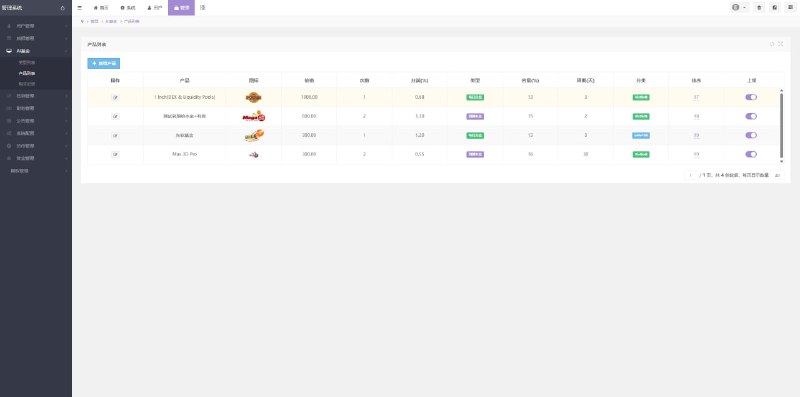
The backend directory is admin. The default account and password are in the admin table in the database. First thing after logging in: change the password and the security entry URL. Don’t be lazy about this one.
The Vue Frontend Compilation Pitfall I Hit Twice
The frontend is written in Vue, so you need to run npm run build yourself. Here’s where the trap is:
Node version issues
This frontend is an older project with fairly dated dependencies in package.json. Compiling with Node 18 fails outright on the node-sass install. I switched to Node 14.21.3 using nvm, and the build passed in one go, taking about four and a half minutes. Upload the dist directory to the server after compiling and point Nginx at it.
API address configuration
There’s a config.js in the frontend root containing the API address, which defaults to localhost. Change it to your server’s domain, and remember to use https. If you miss this step, the packaged app’s requests never reach the API — it just spins forever. I forgot to change it the first time and spent nearly an hour troubleshooting before a packet capture revealed the requests weren’t even being sent.
Testing the Task Flow and Review Logic
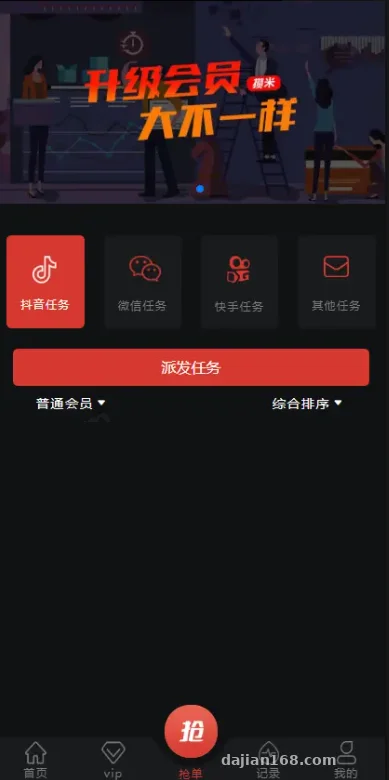
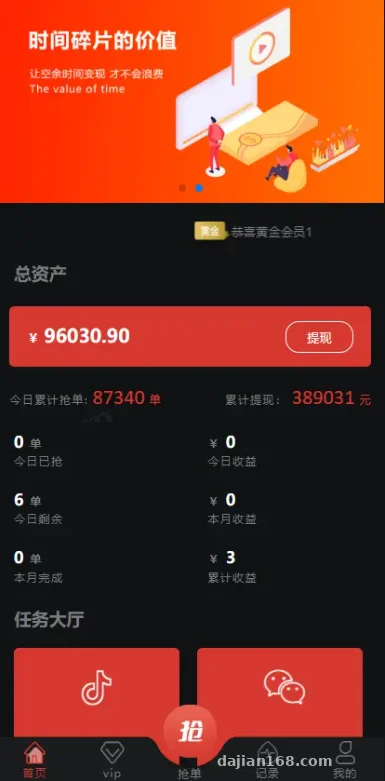
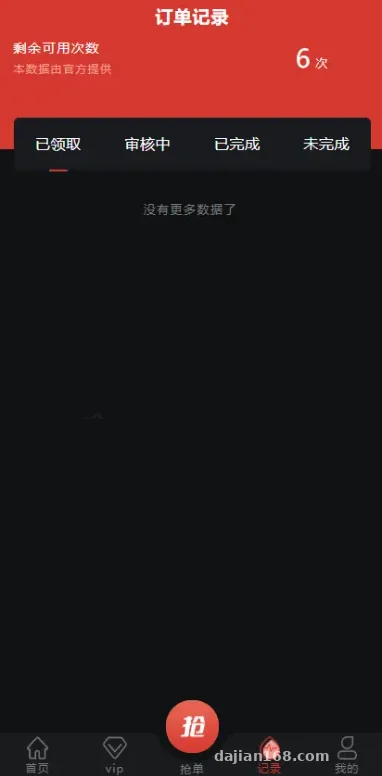
The core flow of this system: the publisher creates a task with a description, quantity, and unit price; users claim tasks from the homepage list, copy the task content, complete it on the corresponding short video platform, then upload a screenshot as proof; once the backend review passes, points (i.e., the commission) are credited automatically.
The backend review interface is decent — you can zoom in on proof images and approve or reject with one click. I’d suggest adding automatic deduplication in a secondary development: the system currently doesn’t block the same user from submitting identical screenshots repeatedly, so it’s all manual review, and reviewers get exhausted when volume is high.
As for payment, the source code reserves a reel simulation for a generic payment plugin. Integrating a third-party aggregated payment service only requires editing two files, and the callback URL goes in the backend system settings. For a demo environment, I’d recommend just using simulated balance to run through the flow — don’t rush to hook up real payments.
Secondary Development Suggestions
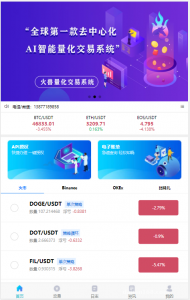
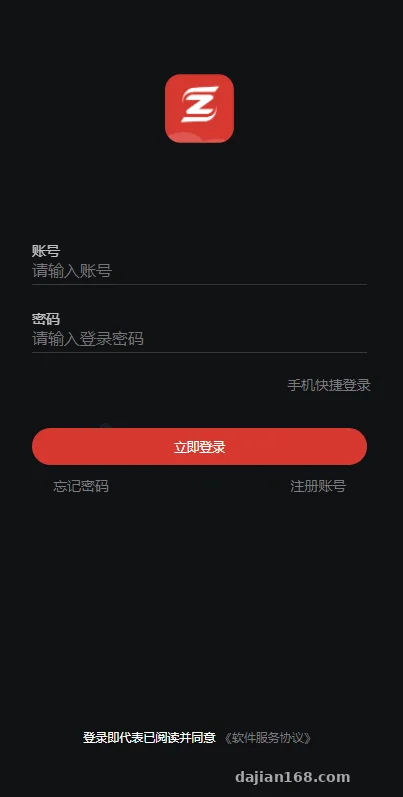
The client asked for an avatar upload feature. The upload logic already exists in the source code, so I just reused the upload class and adjusted the size limit. The frontend UI has been polished and mobile adaptation is decent, but the homepage task cards stutter when scrolling on low-end iOS devices. Switching the list rendering to lazy loading improved things a lot.
A reminder: after deploying this system, be sure to run a compliance review. Task content must comply with applicable laws and regulations, and any unlawful use is prohibited. The platform operator must take responsibility for content moderation.
FAQ
Q: The backend login captcha isn’t showing?
A: Nine times out of ten the GD library isn’t enabled or the session path lacks write permissions. Run php -m to check for the gd module, then make sure the runtime directory has at least 755 permissions.
Q: Screenshots submitted by users don’t appear in the backend?
A: Check the OSS/local storage configuration. The source code defaults to local storage with the path public/uploads. If you switched to cloud storage, the bucket and keys must be changed together — changing only half of it causes exactly this problem.
Q: Can a mini-program version be built?
A: The frontend is a Vue H5 structure, so rewriting it with uni-app is a fair amount of work. I’d suggest getting the H5 version running first, then wrapping the app with HBuilder — that’s the lowest-cost route.
Q: What happens if a claimed task isn’t submitted before the deadline?
A: The system has a timeout release mechanism. The time limit is configurable in the backend, defaulting to 30 minutes. Expired tasks automatically return to the pool; you can adjust this parameter in the task settings.
Overall, this source code is moderately complete — the flow closes the loop properly, and most of the effort goes into frontend compilation and environment adaptation. If you run into deployment issues, feel free to discuss in the comments.
Disclaimer: This article is for technical education and demonstration only. It is not professional or financial advice. Any real-world deployment must comply with applicable laws and regulations.
#Deployment Notes #Task Distribution System #Vue #PHP Source Code #Short Video
-
 Alipay QR Code Scan
-
 WeChat Scan Pay