XxPayPro Aggregated Cashier System Deployment: Multi-Channel Payment Gateway & API Integration Guide
XxPayPro Aggregated Cashier System Deployment: Multi-Channel Payment Gateway & API Integration Guide
Disclaimer: This article is for technical education and demonstration only. It is not professional or financial advice. Any real-world deployment must comply with applicable laws and regulations.
A while back, I helped a friend who runs a retail chain overhaul their internal settlement system. With dozens of physical stores, writing separate integration logic for official WeChat Pay, Alipay, and ChinaUMS APIs every single time was a nightmare, and financial reconciliation was even worse. I dug up the final version of the XxPayPro source code from my archives and built a unified aggregated cashier gateway for them. It took a whole weekend to get the entire environment up and running. Here, I’ve documented the deployment process and architectural details to help fellow developers avoid common pitfalls when building their own cashier integrations.
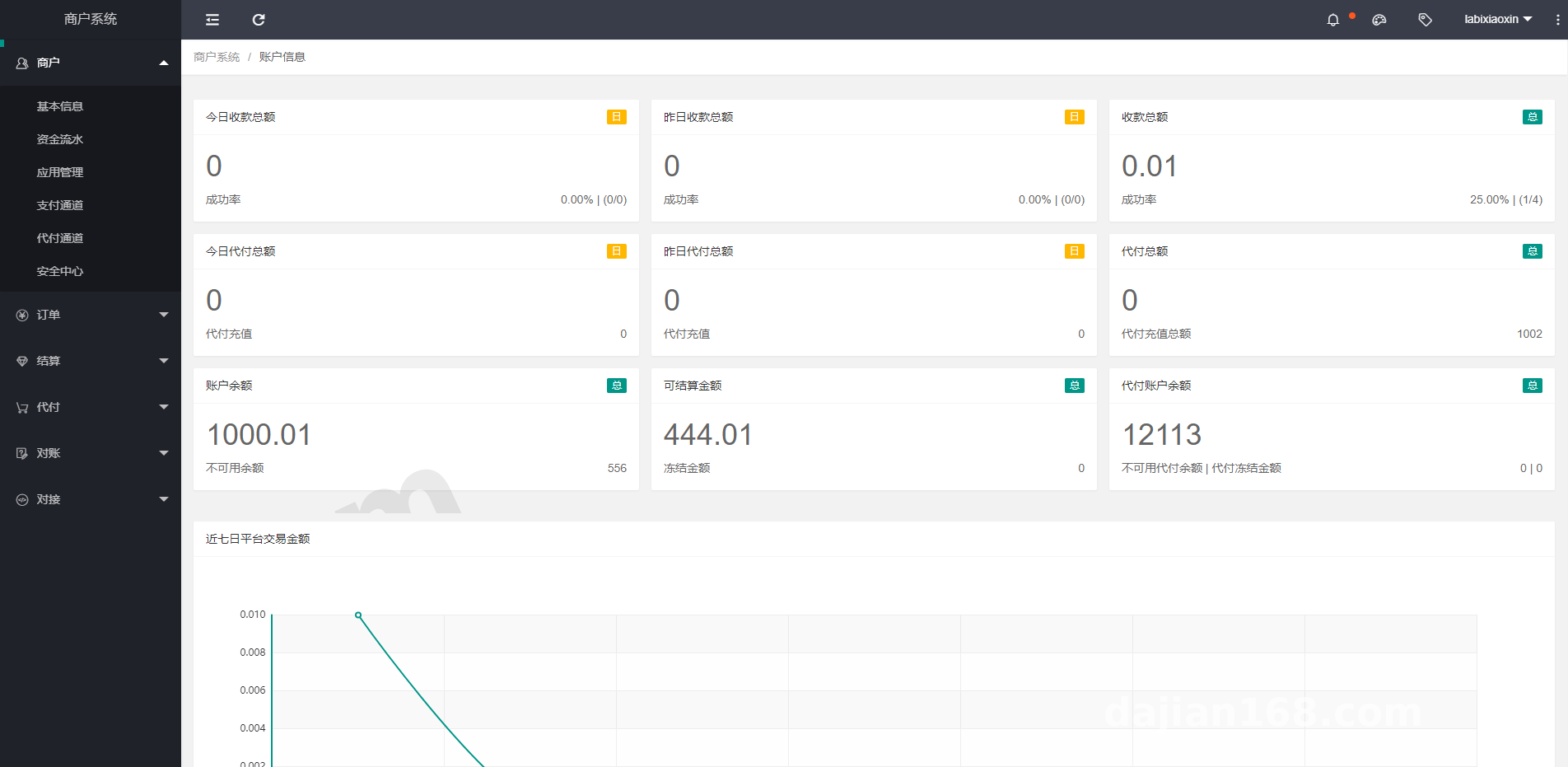
Core System Architecture and Multi-Terminal Testing
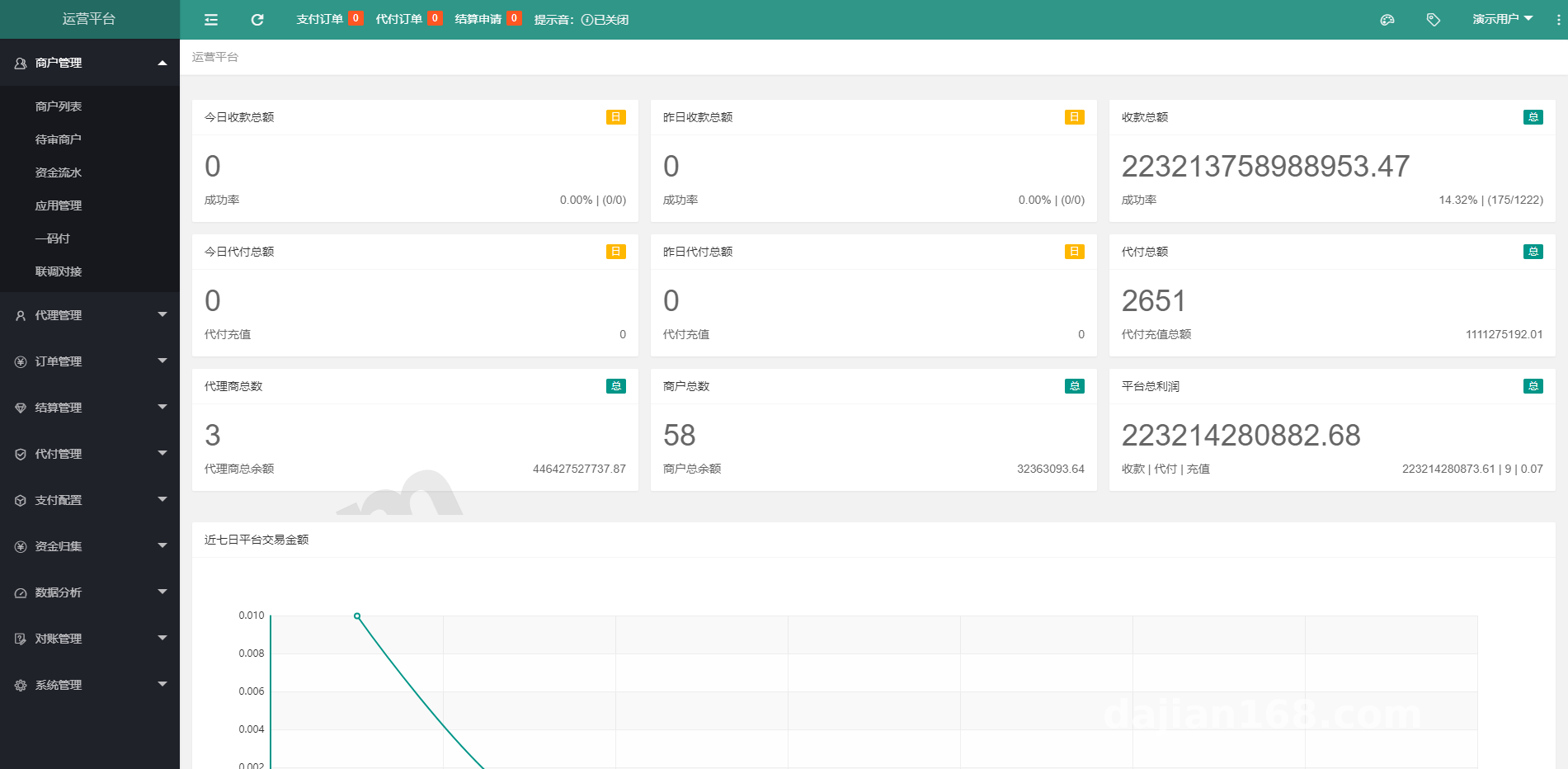
The foundation of this source code is rock-solid. Built on a standard decoupled front-end/back-end setup with SpringBoot, its code readability is miles ahead of those cobbled-together PHP versions floating around the market. The entire system is split into three independent business portals: the Master Operations Backend, the Service Provider Portal, and the Merchant Cashier Terminal.
1. Master Operations Backend
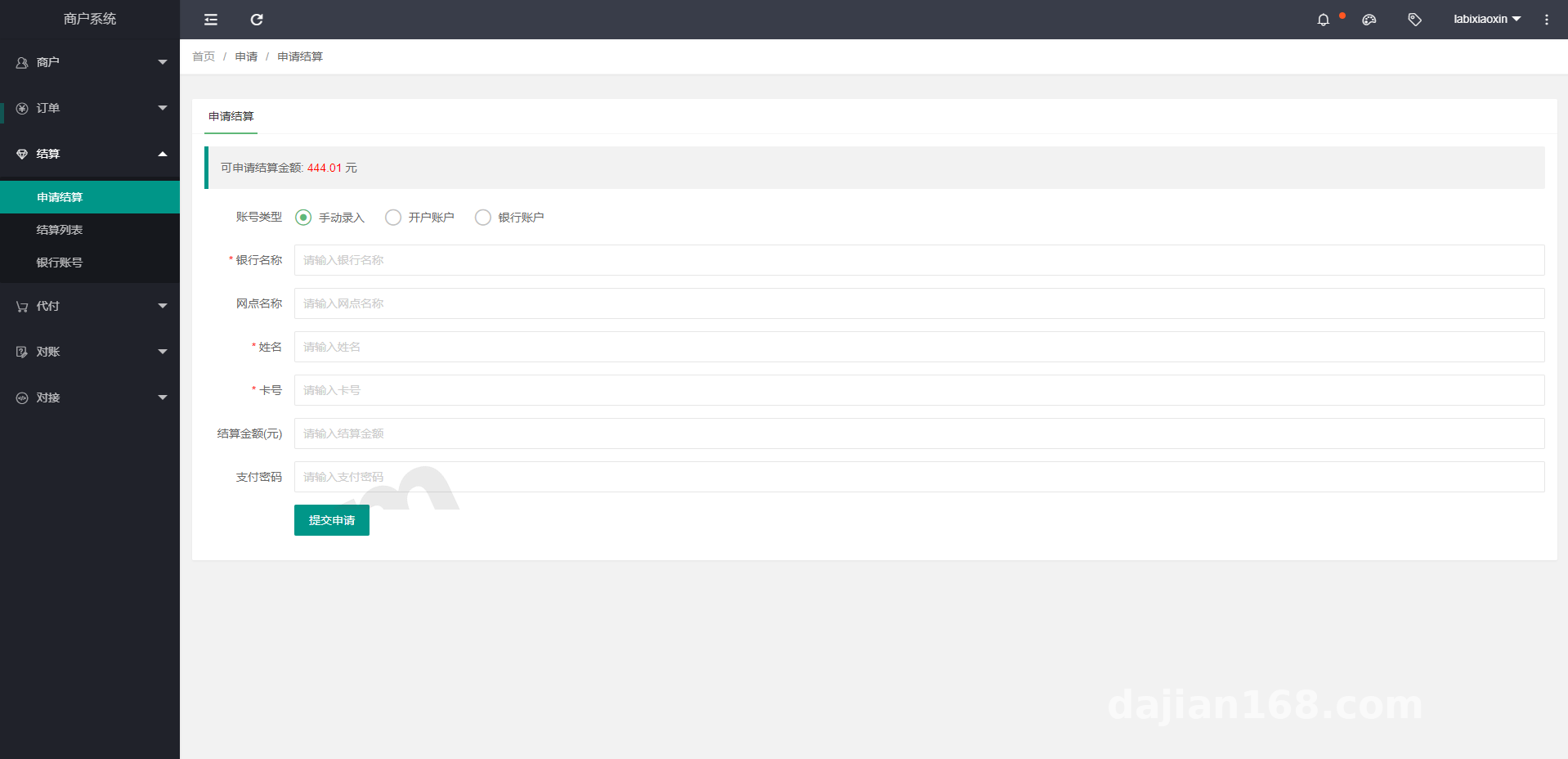
The master backend is primarily used by the tech team and finance staff. Its core feature is the payment API template configuration, which comes with built-in standard SDK parameter structures for mainstream official payment channels. We simply enter the official sandbox or production AppID and private key into the backend to directly generate standardized API endpoints.
2. Channel API Load Balancing Mechanism
In real-world commercial scenarios, a single merchant account can easily hit concurrency bottlenecks. This system includes a well-designed API round-robin and weighted distribution algorithm. For instance, if a large retail group holds multiple corporate entities, you can group these official sub-accounts into a single channel pool in the backend. They can then handle concurrent requests from the front-end cashier proportionally or via round-robin, significantly reducing the chance of single-point API failures.
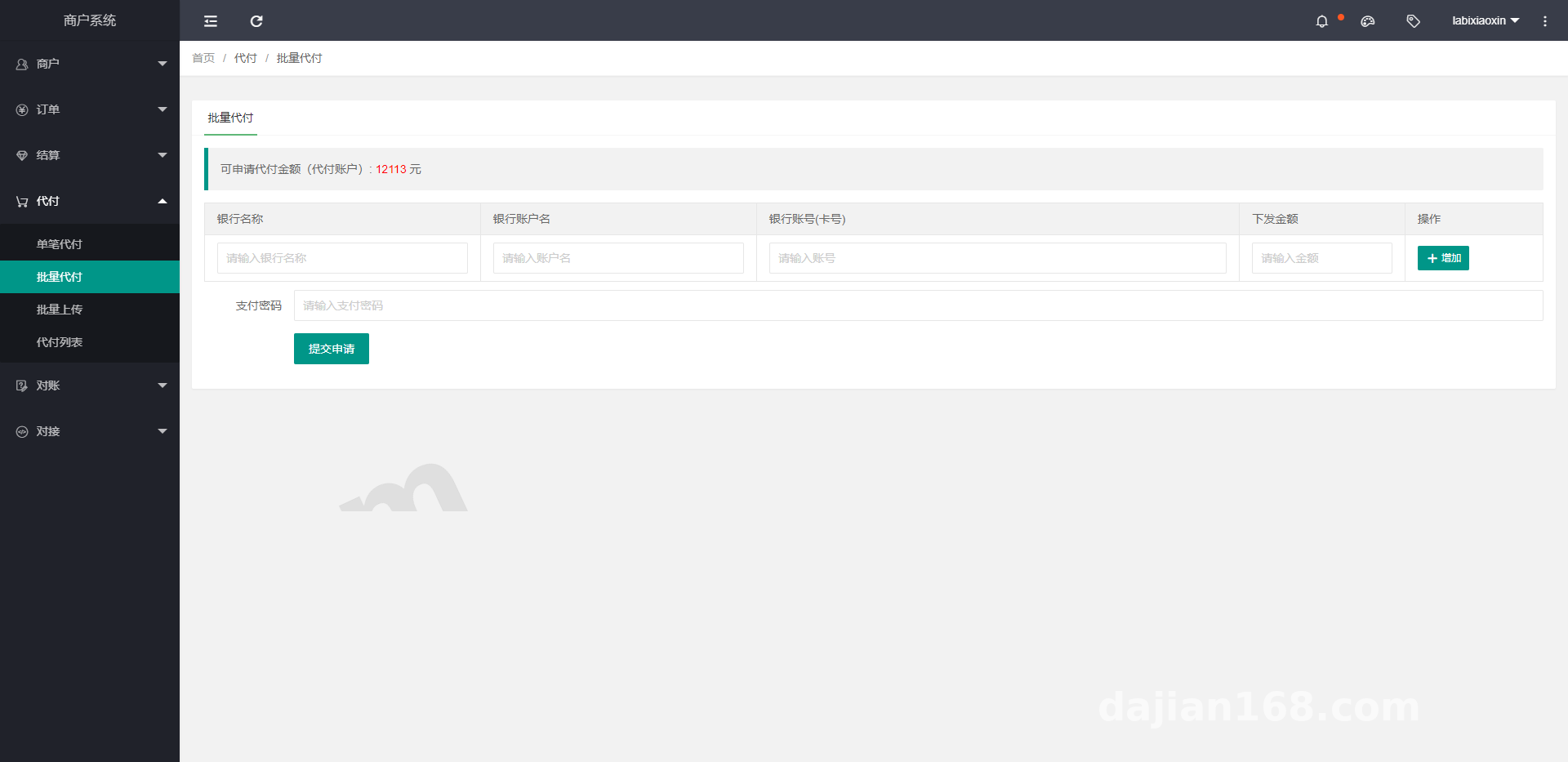
3. Merchant and Service Provider Portals
For individual retail stores (the Merchant Portal), the user interface is clean and straightforward. Store managers mainly use it to view daily transaction reports, export reconciliation statements, and configure store cashier accounts. Meanwhile, the Service Provider Portal is ideal for headquarters to manage regional branches. Data isolation between different levels is strictly enforced, so you never have to worry about mixed-up ledgers.
Practical Highlight: The asynchronous notification (Webhook) retry mechanism in this codebase is exceptionally well-written. Powered by ActiveMQ under the hood, if a downstream e-commerce platform or ERP system misses a payment success callback due to network jitter, the system automatically resends it using a stepped interval strategy (15s/30s/3m/10m). This drastically cuts down the manual order reconciliation workload for the finance team.
Server Environment Preparation and Deployment Pitfalls
Deploying Java projects demands decent server memory—don’t try to squeeze this onto a bare-bones 1-core, 1GB RAM machine, because it simply won’t run. For this deployment, I used a CentOS 7.9 server with 4 cores and 8GB RAM, which is more than enough for daily API debugging and medium-scale concurrency.
- Base Runtime Environment: JDK 1.8 (must be the official Oracle release or OpenJDK 8u201+), Maven 3.6+, MySQL 5.7, and Redis 5.0+.
- Message Queue Component: ActiveMQ 5.15 (this is critical—order timeouts and async callbacks rely entirely on it, so do not skip it).
- Front-End Deployment: Nginx 1.18+, used directly to host compiled static pages and configure reverse proxy rules.
When importing the database scripts, pay special attention to MySQL’s sql_mode. You must remove ONLY_FULL_GROUP_BY; otherwise, the operations backend will throw a 500 internal server error whenever it tries to pull statistical reports. Remember to restart the database service after modifying my.cnf.
Source Code Compilation and Configuration Tweaks
Don’t rush into packaging the code right after downloading it. Open the main project in IntelliJ IDEA and do a global search for application.yml files. There are three main places you need to update: the database connection pool URL, the Redis password, and the ActiveMQ BrokerURL. Once modified, run mvn clean package -Dmaven.test.skip=true directly in the root directory. Compilation takes about three to four minutes, and the generated JAR files will be placed in the target folders of their respective module directories.
The startup sequence matters too. You must start the foundational service layer xxpay-service first. Only after you see the console log confirming successful port listening should you proceed to launch xxpay-pay (core payment gateway), xxpay-mgr (operations portal), and xxpay-mch (merchant portal). I recommend writing a quick Shell script using the nohup command to run them in the background, or setting up Supervisor for process daemonization so you don’t have to manually type a bunch of commands every time the server reboots.
Which Teams Should Use This System for Secondary Development?
Honestly, if you’re just building a personal blog or a single-store mini-program, calling the official native SDK directly is plenty—there’s no need to deploy such a heavy gateway system. However, XxPayPro is an excellent fit for several legitimate business scenarios:
The first scenario involves medium-to-large enterprises with multiple sub-brands and separate business systems (such as running an app store, offline POS terminals, and ordering mini-programs simultaneously). They need a unified internal cashier center to consolidate all order data for streamlined financial reconciliation. The second scenario is software outsourcing teams building SaaS catering or retail platforms. They can integrate this system as an underlying payment middleware module to connect directly with ISV service provider APIs from major banks and official payment institutions, saving the tedious effort of coding signature verification and bill fetching from scratch.
Frequently Asked Questions
Q: After starting the project locally, the captcha image on the backend login page fails to load. How do I fix this?
A: This is a classic issue caused by missing font libraries on Linux servers, or an improperly configured JDK Headless mode. Add the -Djava.awt.headless=true parameter to your JAR startup command, run yum install fontconfig on CentOS to install the basic font libraries, and restart the service. The captcha will display properly.
Q: Why do callback notifications keep throwing signature verification failures during official sandbox testing?
A: Over 90% of the time, the key format is incorrect. Check whether the RSA private key you generated on the official platform is in PKCS1 or PKCS8 format—Java environments require PKCS8 by default. Also, double-check your backend configuration to ensure you haven’t mixed up the official payment public key with your merchant application public key; signature verification must use the official payment public key.
Q: How is the front-end code managed, and is it difficult to customize the cashier UI?
A: Not difficult at all. Although the front-end and back-end are packaged together, the front-end is built using the standard Layui framework, with all static files located under the resources/static directory. Anyone with basic HTML and JS knowledge can tweak the page styles directly. You don’t even need to recompile the Java code after making changes—just replace the files in the static directory pointed to by Nginx and refresh your browser.
(Disclaimer: The system deployment and API integration processes documented in this article are strictly for internal enterprise cashier development, sandbox testing, and technical architecture education. Please adhere to all applicable laws and regulations, integrate only with licensed official institution APIs, and never use the source code for any unauthorized purposes.)
Disclaimer: This article is for technical education and demonstration only. It is not professional or financial advice. Any real-world deployment must comply with applicable laws and regulations.
#Payment Gateway #XxPayPro #Java Source Code #System Deployment #API Integration
-
 Alipay QR Code Scan
-
 WeChat Scan Pay




![? ? [Order-Boom Must-Have] Multilingual E-commerce Order System 3.0 Is Live!](https://xz.dajian168.com/wp-content/uploads/2025/08/telegram-img-2025-08-14-689ddcc480995.jpg)