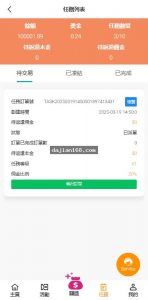
Payment Gateway Integration and Multi-Channel Checkout System Setup: Sandbox Deployment Notes
Payment Gateway Integration and Multi-Channel Checkout System Setup: Sandbox Deployment Notes
Disclaimer: This article is for technical education and demonstration only. It is not professional or financial advice. Any real-world deployment must comply with applicable laws and regulations.
I recently helped a client who builds e-commerce tools deploy a multi-channel checkout demo system. The source code follows the typical structure of an admin backend plus a merchant portal, with task distribution and order callback modules. It took me over two days of fiddling, and I hit plenty of pitfalls along the way, so I’m documenting the whole process here to save anyone else setting this up some time.
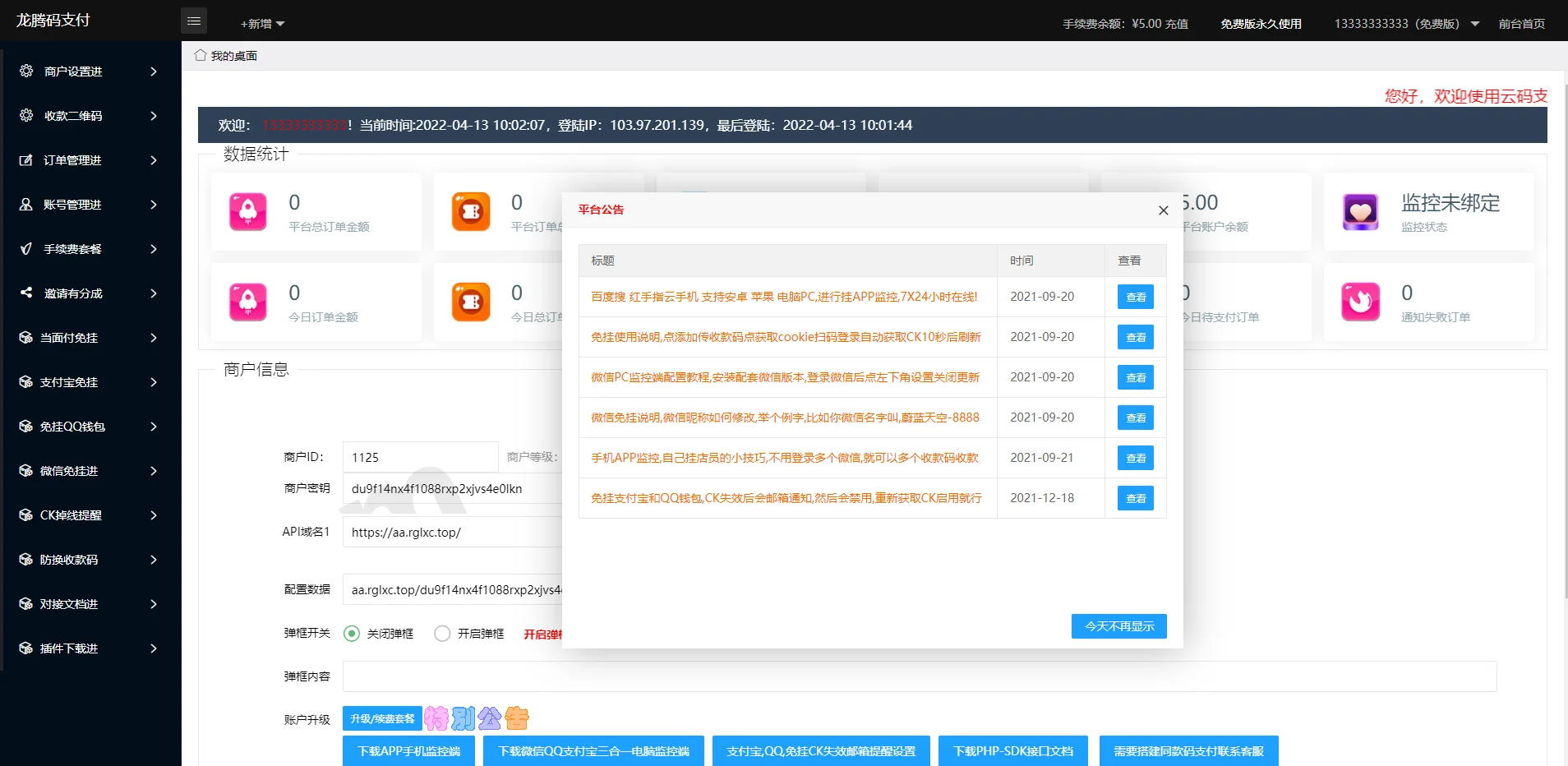
How to Actually Set Up the Environment: PHP Version Is the First Hurdle
The server is a Tencent Cloud lightweight instance, 2 cores and 4GB RAM, running CentOS 7.9. This codebase is picky about PHP versions. The official docs say 7.2-7.4 works, but in practice 7.4.33 is the most stable. I initially went with 8.0, and the admin panel just showed a blank screen, with error logs full of sodium_compat function-not-found messages. Rolling back to 7.4 fixed it — don’t be stubborn about this.
Key environment checklist:
- PHP 7.4.33 with the fileinfo, redis, and curl extensions enabled
- MySQL 5.7.40 (version 8.0’s strict sql_mode causes import failures)
- Nginx 1.22, and remember to configure the ThinkPHP rewrite rules
- Supervisor to keep the queue daemon running, otherwise callbacks get lost when the queue dies
There was a big trap during the database import: one table in the SQL file had ON UPDATE CURRENT_TIMESTAMP(), which MySQL 5.7 doesn’t support by default, so the import failed with Invalid default value. After searching around for ages, I got it through by globally replacing CURRENT_TIMESTAMP() with CURRENT_TIMESTAMP in the SQL. That single step cost me 40 minutes.
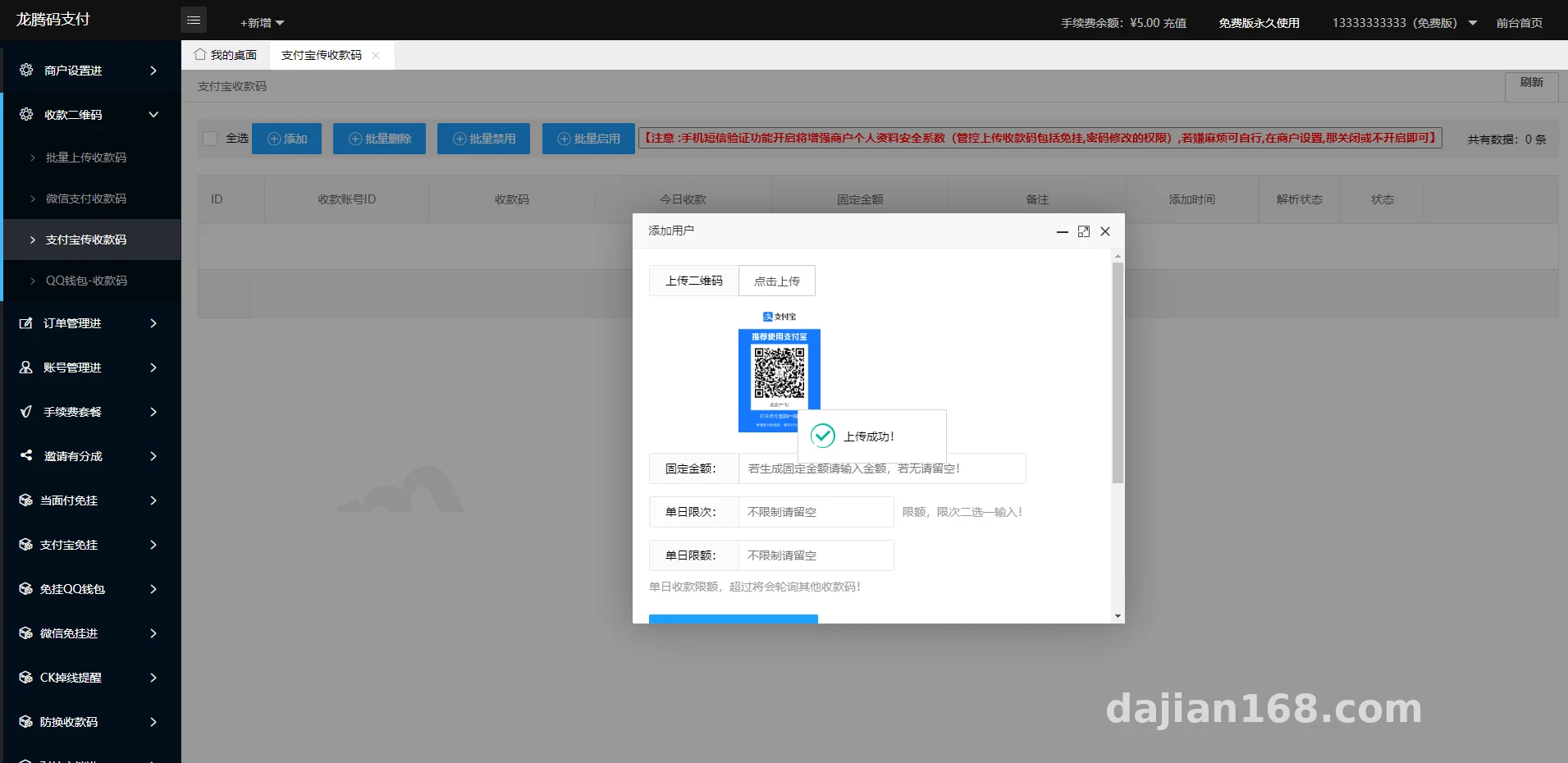
Payment API Integration: Sandbox Testing Is the Priority
The core value of this system lies in its aggregated wrapper for multi-channel APIs. Once the backend was deployed, the first thing to do wasn’t going live — it was getting the sandbox environment working.
Callback URL Configuration
In the backend under “System Settings – API Configuration,” you fill in the async notification URL. It must be a complete URL without query parameters. The first time, I used an address with a port number, and the notify requests from the sandbox never arrived — the logs showed sign verify fail. It turned out the port was being included in the signature calculation. After switching to the standard 443 port, the signature passed on the first try. Almost nobody writes about this pitfall online.
Connecting the Merchant Portal to the Backend
The merchant portal can generate its own key pair, and the API docs include ready-made demo code. Two things to watch during integration:
- Amounts are in cents, not dollars. To send 10 dollars you pass 1000; passing 10 gets rejected outright
- The async callback response must output the plain text
success— even one extra space counts as a failure
Sandbox testing ran for an afternoon, simulating roughly 120 orders. Both the success rate and callback latency looked normal, with average callback time around 800ms.
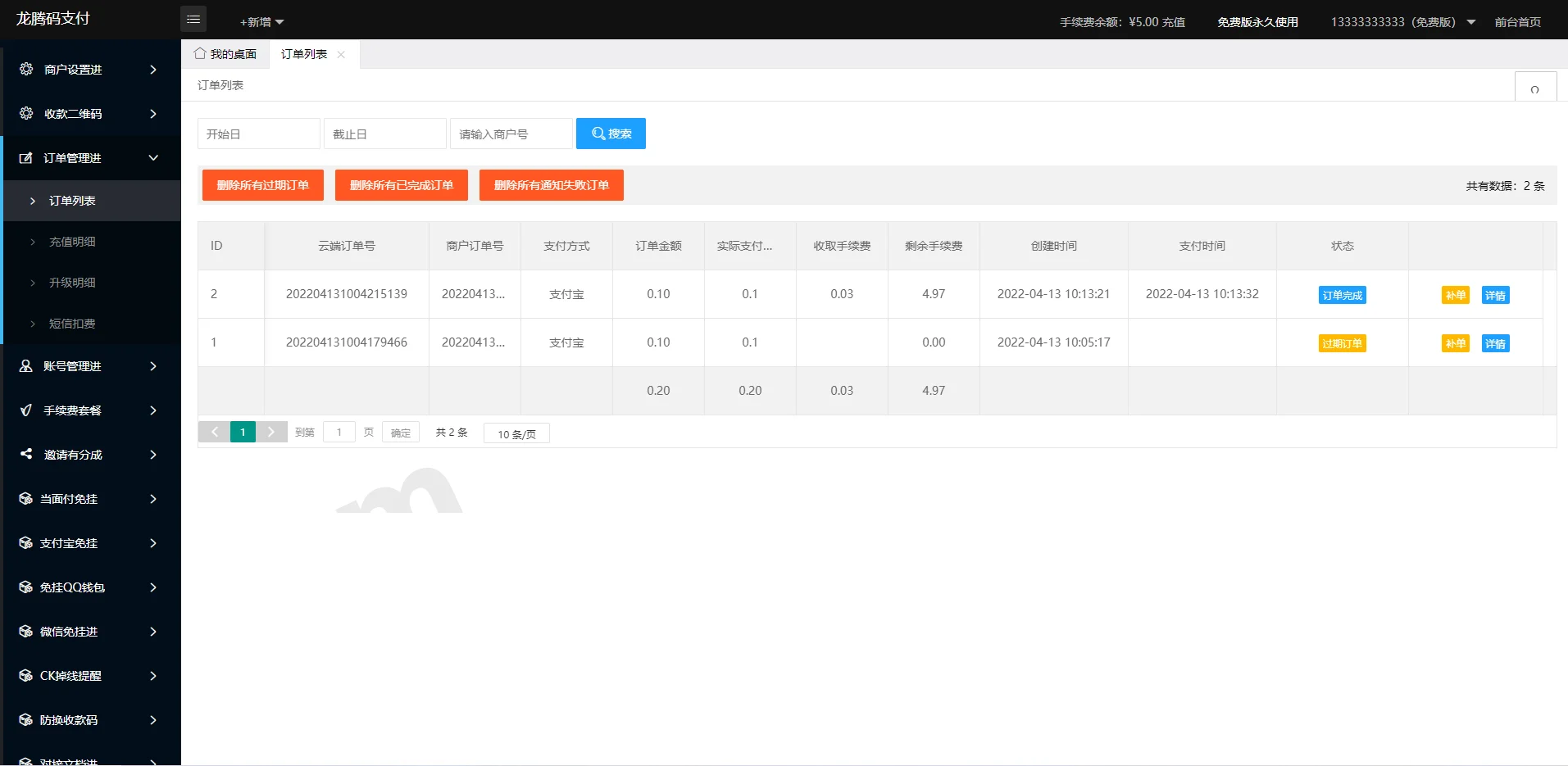
Backend Feature Overview and Customization Potential
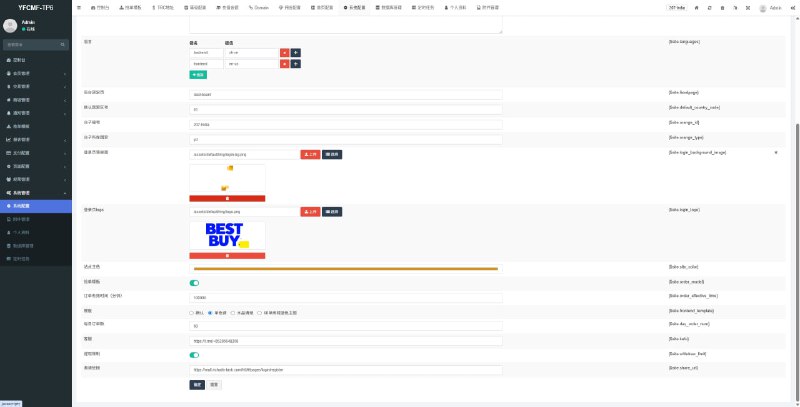
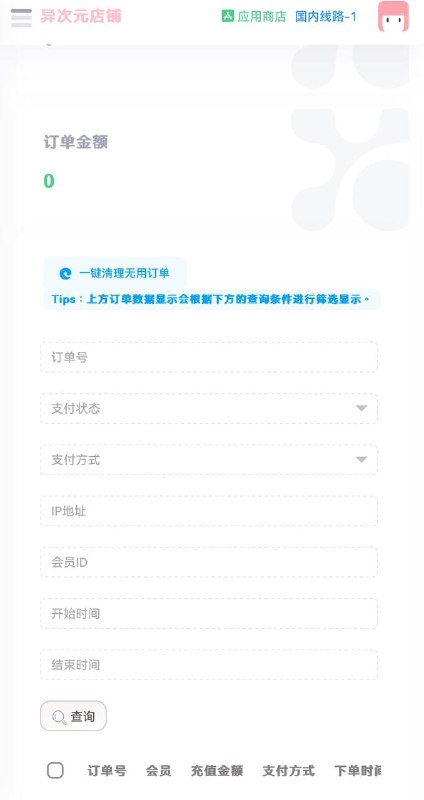
The backend is richer than expected: channel management, order statistics, merchant review, rate grouping, and audit logs are all there. The order list supports filtering by channel and status, and CSV export works fine too.
Highlight: the system ships with a multi-language pack. Just edit the config under the
/langdirectory and you can switch the admin panel to English — that saved a lot of customization work for overseas demo projects.
As for customization, the code follows the standard ThinkPHP structure with a clean separation between controllers and models. I added an order reconciliation report for the client in about two hours, mainly by adding a daily-aggregation query method to the Order model. The templates use native template syntax, so page changes don’t require recompilation — much easier to maintain than some Vue-bundled setups.
The only thing I’d complain about is the frontend styling: some admin pages scroll horizontally on a 1280px-wide screen because the CSS hard-codes min-width: 1440px. Just remove that.
Frequently Asked Questions
Q: The admin login keeps saying the captcha is wrong — what should I do?
A: First check whether the PHP gd library and fileinfo extension are enabled; that’s the cause nine times out of ten. Otherwise it might be a permissions issue with the session directory — chown the runtime directory to the www user.
Q: Once sandbox testing passes, can it be used for real payment collection?
A: No. These deployment notes only cover the technical demo stage. Real payment collection requires integrating the official API provided by a licensed institution and complying with all applicable laws and regulations; any unlawful use is prohibited.
Q: Why does the queue process keep dying on its own?
A: Most likely it’s being killed by the OOM killer due to insufficient memory. On a 4GB machine, set the --memory parameter of php artisan queue:work to 256 and pair it with Supervisor auto-restart. It hasn’t crashed once in a month of running that way.
Q: What should I watch out for when migrating to a new server?
A: Three things must come with you: the database, the .env config file, and — while the cache in runtime can be left behind — it must be cleared and rebuilt after migration. If the keys are lost, every merchant API signature verification will fail.
All in all, from a bare server to a working sandbox took about a day and a half. The system’s architecture isn’t complicated; the pitfalls are mostly in environment versions and signature details. I plan to write another note about customizing the order reconciliation module — stay tuned if you’re interested.
Disclaimer: This article is for technical education and demonstration only. It is not professional or financial advice. Any real-world deployment must comply with applicable laws and regulations.
#Payment Gateway Integration #Checkout System #Sandbox Testing #Deployment Notes #ThinkPHP
-
 Alipay QR Code Scan
-
 WeChat Scan Pay