USDT Price Simulation OTC Demo: Complete PHP MySQL Deployment Walkthrough
USDT Price Simulation OTC Demo: Complete PHP MySQL Deployment Walkthrough
Disclaimer: This article is for technical education and demonstration only. It is not professional or financial advice. Any real-world deployment must comply with applicable laws and regulations.
Recently I helped a friend who runs technical training set up a USDT price simulation demo page. It runs on the classic PHP + MySQL stack, uses a single-page frontend submission, and sends backend email notifications. After getting it running, I felt it works well as a teaching demo, so I’m writing down the key deployment points for anyone with a similar need.
At its core, this system is a digital asset price simulation demo platform. The frontend displays different price tiers based on quantity, users submit order details, and the backend forwards orders to the admin mailbox. Admins can flexibly adjust the unit price for each quantity tier. Let’s get into the details.
Core Features I Tested
Frontend Price Tier Display
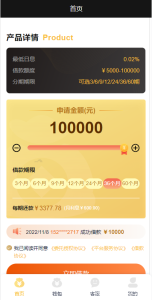
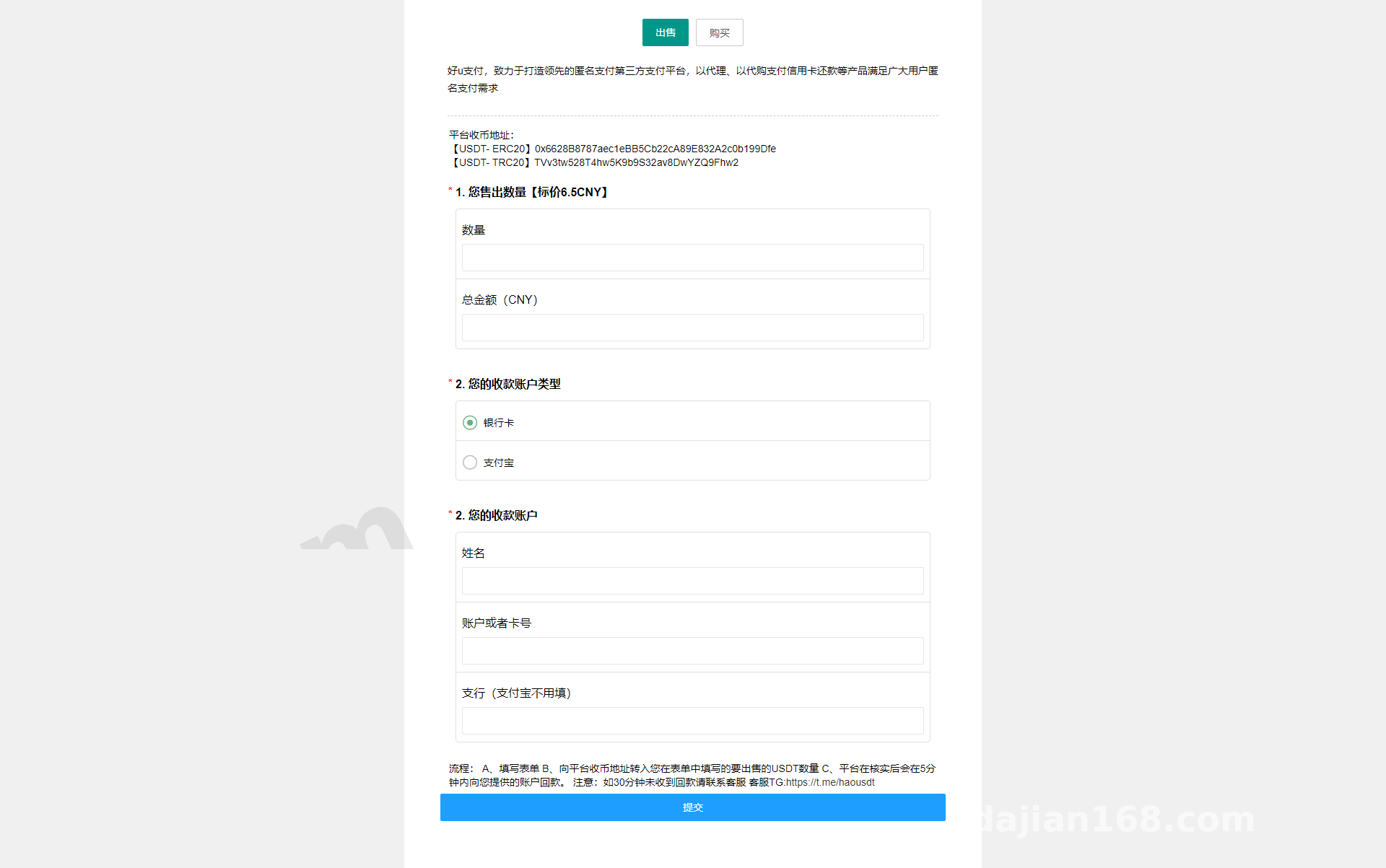
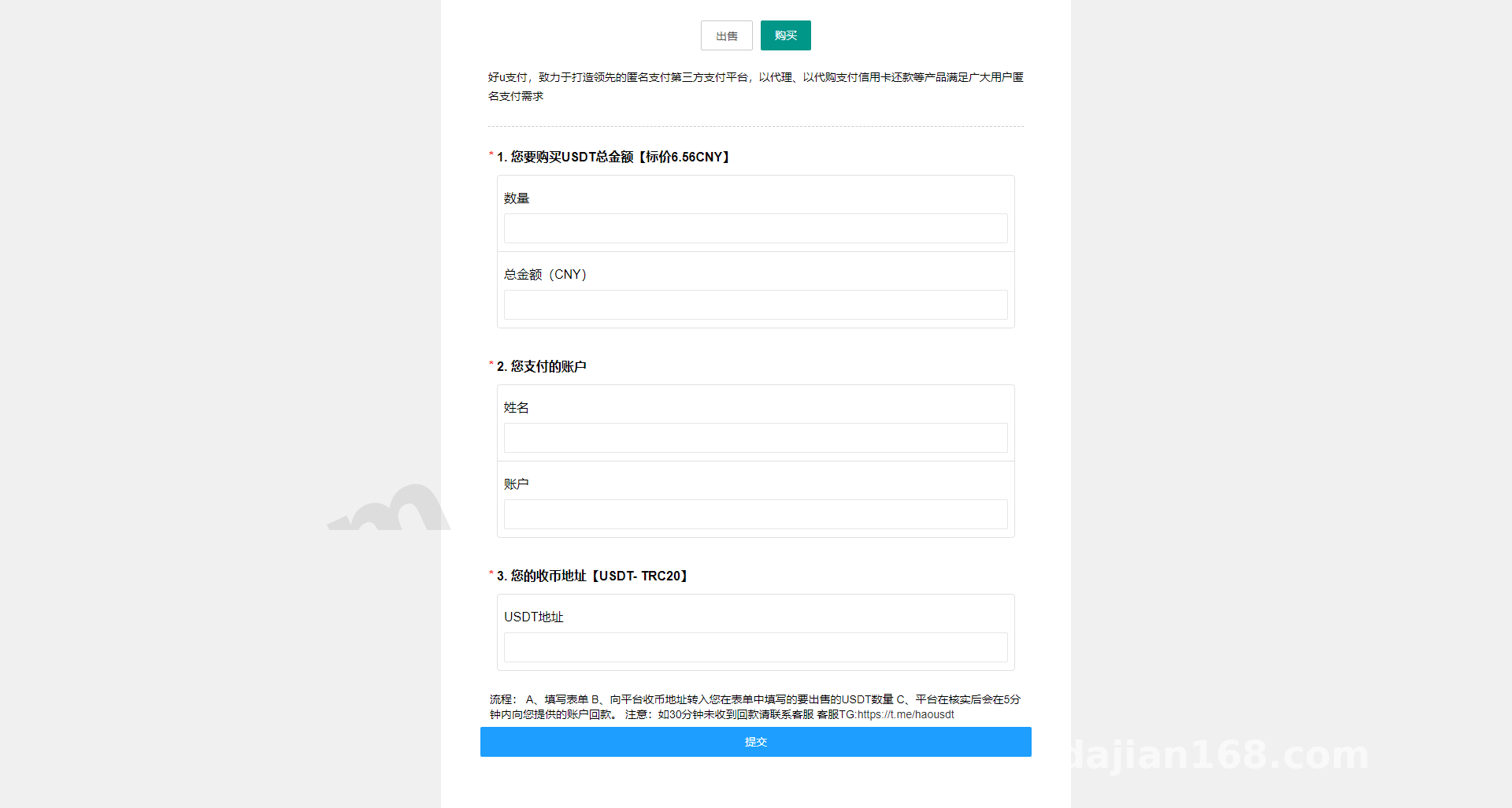
The frontend is a single-page layout. When you open it, you see a price table. The design splits USDT quantities into tiers—like 100–500, 500–2000, 2000–10000, and 10000+. Each tier has its own unit price. The prices are not hard-coded in the page; they’re pulled from the backend database, so any change in the admin panel shows up after a refresh.
When I tested it, I entered 500 in the form, and the page automatically calculated the total based on the matching tier’s unit price. Clicking the submit button sends a POST request to the backend handler with quantity and contact information.
Backend Order Email Notifications
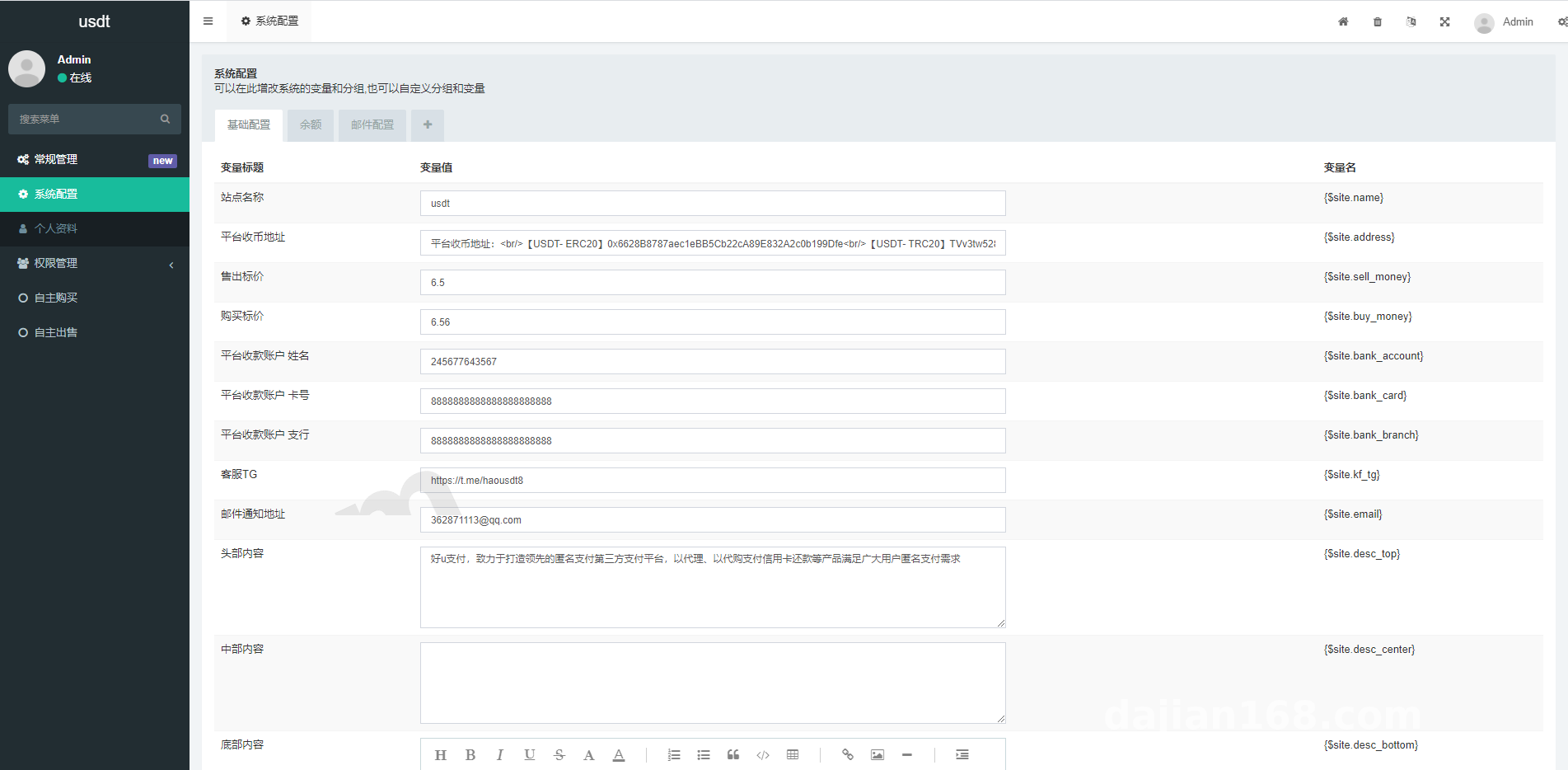
After an order is submitted, the backend PHP script does two things: first, it writes the order into the database orders table; second, it uses the PHPMailer class to send an email to the admin. For my deployment I used QQ Enterprise Mail for SMTP. The sender and recipient mailboxes can be changed in the backend config file. The default is the site notification mailbox, which you simply replace with your own.
The email contains the order number, quantity, contact info, and submission time. The admin can process the request directly after receiving it. The whole flow is clean and closed-loop.
Deployment Environment and Key Steps
PHP Environment and Extensions
To run this system you need PHP 7.2 or above. I used PHP 7.4 with MySQL 5.7. The main extensions are pdo_mysql (database connection), openssl (required for SSL-based SMTP), and mbstring (multibyte character handling). On Baota Panel you can install them with one click. For local debugging, phpStudy or XAMPP works fine.
Database Structure and Import
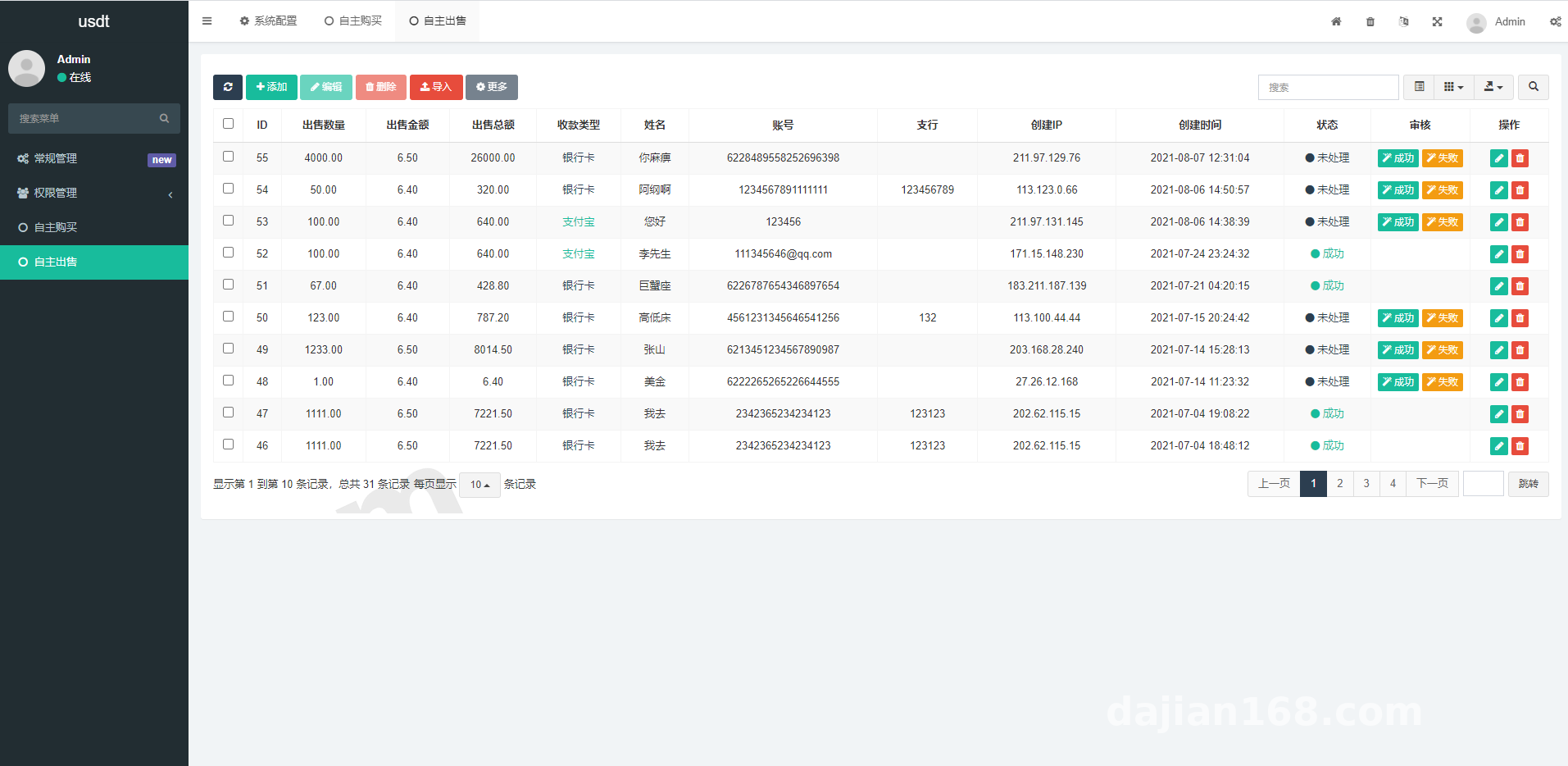
The source package includes an SQL file with two core tables: a price configuration table (storing quantity ranges and unit prices) and an order records table (storing user-submitted orders). After importing into MySQL, remember to update the database username and password in the config file, usually located at include/config.php or in the application directory.
I hit one pitfall: the default database prefix in the source code is otc_, but some people import the SQL directly and then complain that tables don’t exist. That happens because the import SQL and the config prefix don’t match. Either change the table names in the SQL or update the prefix in the config file so both sides align.
SMTP Email Configuration in Detail
SMTP is the part most likely to cause trouble during deployment. The config file needs: SMTP server address (e.g., smtp.qq.com), port (usually 465 for SSL), sender email, sender password (note that QQ Mail requires an authorization code, not the login password), and recipient email. Missing any of these will prevent emails from being sent.
When testing, I recommend using the built-in test email feature in the backend first. Once you receive the test email, you can go live. In one client deployment, emails wouldn’t send because the authorization code was missing; I had the client generate an authorization code in QQ Mail settings and then it worked.
Target Audience and Extension Ideas
Typical Use Cases
This system is well suited for digital asset price simulation demos—showing students how to configure price tiers, how orders flow, and how email notifications work. It also serves as a frontend single-page display template or as a standard teaching example of PHP form submission plus email notification. It should only be used within legal technical learning scenarios.
Secondary Development Suggestions
For those who want to extend it, here are a few directions:
- Add a payment gateway placeholder. Currently it is pure simulation; you could connect a sandbox or test payment API to demonstrate how a production-style checkout flow behaves.
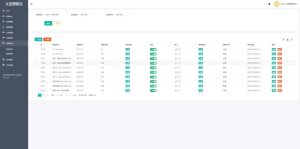
- Add an order management list in the backend, aggregating orders from emails into one page for easier processing.
- Add frontend multi-language switching for cross-border or foreign-trade demo scenarios.
- Replace email notifications with SMS notifications using Alibaba Cloud SMS API for faster reach.
Note: This system is a pure demo version. It is not connected to any live payment network; all prices and quantities are simulated data configured in the backend. This article is for technical education only. Before deployment, please confirm that your intended use complies with all applicable laws and regulations.
FAQ
Q: The SMTP settings look correct but emails still won’t send. How do I troubleshoot?
A: First use telnet to test whether the SMTP port is reachable, e.g., telnet smtp.qq.com 465. If it connects, the network is fine. Next check whether the openssl extension is installed in PHP, because many PHPMailer encryption methods depend on it. Finally, verify that SMTP service is enabled for the sender mailbox; QQ Mail requires enabling it manually in settings.
Q: How many price tiers can be configured in the backend?
A: The source code does not limit the number of tiers; you can add records freely to the price configuration table. However, the frontend uses fixed row styling, and too many tiers will hurt the layout. Keeping it within 5–8 tiers is recommended.
Q: After submitting the frontend form, users see no feedback. How can I improve it?
A: By default the form redirects to thanks.html after submission. To make it friendlier, switch to AJAX async submission, show a loading state on the button, and display a success popup in place without redirecting.
Q: How do I export orders from the database?
A: You can add an export feature in the backend using PHPExcel or PhpSpreadsheet to export the orders table to Excel. If you don’t want to modify the source, you can also export CSV directly through phpMyAdmin or Navicat.
Q: The layout breaks on mobile. How do I fix it?
A: The CSS in the source is basic and mobile adaptation is limited. You can add @media queries to switch the price table to a single column on small screens and make form fields full width, which will keep the layout tidy.
The whole deployment took me about half a day. Most of that time was spent around the SMTP config; the rest of the flow was smooth. As an introductory project for digital asset price simulation demos, the code structure is clear and there is plenty of room for secondary development. Feel free to ask specific questions in the comments.
Disclaimer: This article is for technical education and demonstration only. It is not professional or financial advice. Any real-world deployment must comply with applicable laws and regulations.
#USDT Simulation #OTC Demo #Source Code Setup #PHP Tutorial #Email Notification
-
 Alipay QR Code Scan
-
 WeChat Scan Pay