Building a Multi-Task Distribution System with PHP and UniApp: A Practical Guide to Task Scheduling and Queue Control
Building a Multi-Task Distribution System with PHP and UniApp: A Practical Guide to Task Scheduling and Queue Control
Disclaimer: This article is for technical education and demonstration only. It is not professional or financial advice. Any real-world deployment must comply with applicable laws and regulations.
Recently I helped a friend who runs an overseas business build a task distribution platform. The frontend uses UniApp, the backend is pure PHP, and both sides are fully open source. The requirements were mixed: support multi-language switching, control the execution order of task chains, and split a batch of data into different processing queues based on rules. I’ve documented the deployment process here as a reference for anyone building a similar task scheduling system.
What This System Can Do
In simple terms, it is a “task pipeline” platform. Admins create tasks in the backend, configure execution rules, and frontend users receive tasks and process them in order. The core capabilities in the whole flow are:
• Task-chain queue control: tasks have dependencies — task A must finish before task B starts, and the queue engine dispatches them automatically based on the chain relationship
• Batch data grouping and scheduling: a batch of data comes in, and the system splits it into multiple sub-queues for parallel processing based on configured grouping rules such as region, device type, or user level
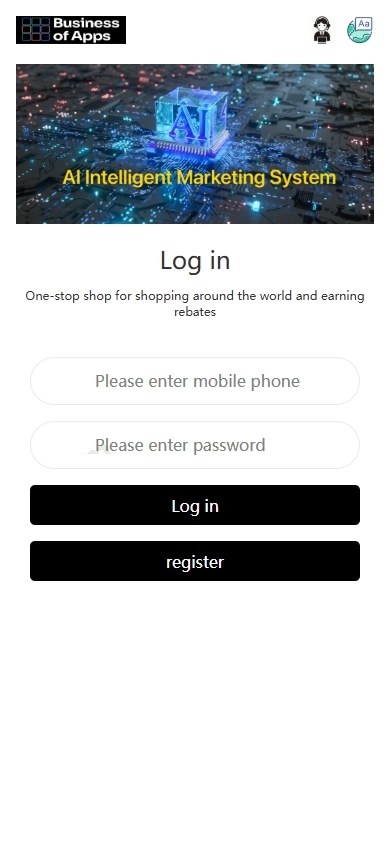
• Multi-language switching: the backend can manage multiple language packs, and the frontend UniApp uses a single codebase to handle switching between a dozen languages
• Task stacking groups: the same user can be attached to multiple task groups at the same time, and completion progress does not interfere across groups
• Real and simulated data blending: you can configure a certain ratio of simulated data flow to mix with real data, making stress testing and demos easier
Frontend Experience
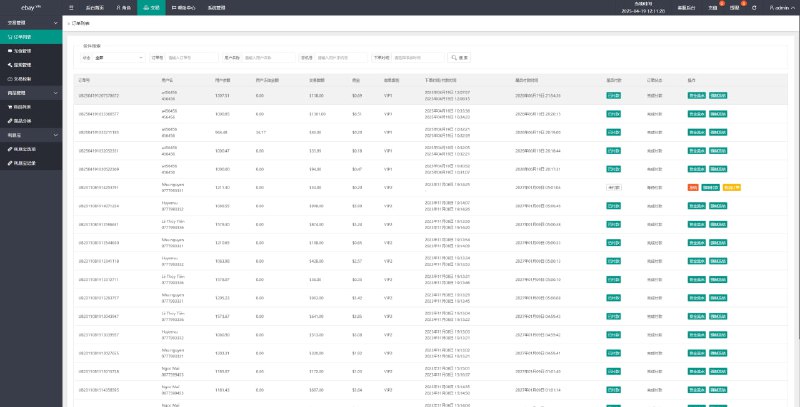
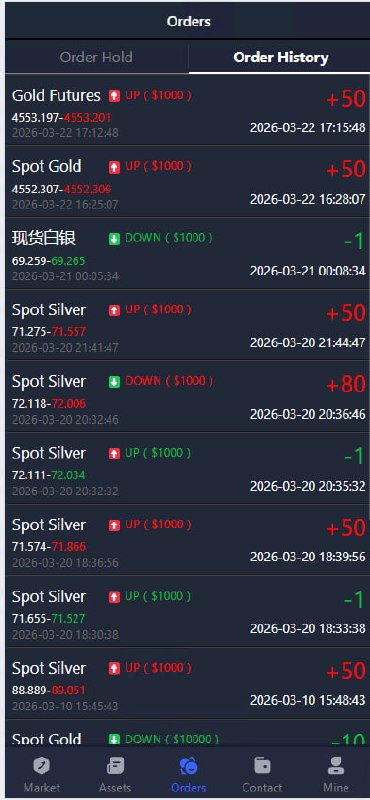
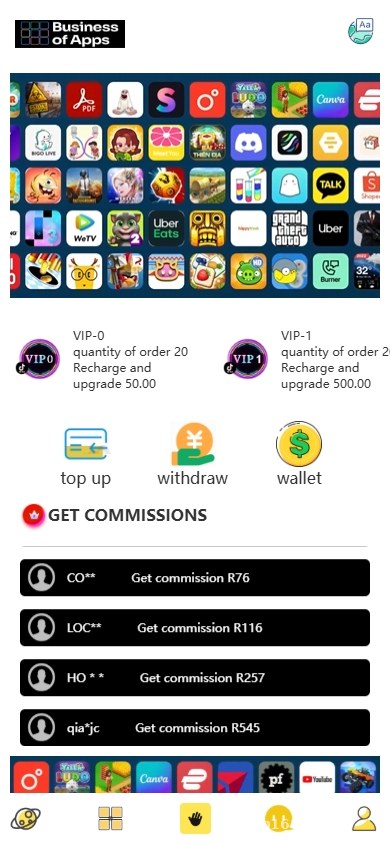
The frontend is built with UniApp, so one codebase covers H5, mini-programs, and apps. I deployed the H5 and Android versions for him; iOS needs a separate build, but the code is shared. The task hall UI is a new card-style layout. After logging in, users see their current task list, completion progress, and history.
Backend Architecture
The backend is PHP, using the ThinkPHP framework (you could also use Laravel — the structure is similar). The database is MySQL, and Redis stores the task queues. For the message queue, I recommend Redis list structures, which are enough; there is no need for a heavy solution like RabbitMQ.
Key Points During Deployment
1. Environment Setup
I recommend PHP 7.4 or 8.0; older versions can have compatibility issues when running queues. MySQL 5.7 or above, Redis 6.x. Several extensions are needed: pcntl (process control), swoole (optional, speeds up queue consumption), and the redis extension. Nginx acts as a reverse proxy; remember to enable path_info mode, because ThinkPHP routing needs it.
A pitfall I hit: the Swoole version must match the PHP version. Swoole 4.x goes with PHP 7, and Swoole 5.x goes with PHP 8 — do not mix them up. Also, the pcntl extension cannot run on Windows, so queue consumer processes must run under Linux.
2. How to Configure Task Chains
The system has a “task chain” concept. Each task can set a prerequisite task ID. When the backend dispatches tasks, the system checks the dependency relationships automatically and builds a task tree. Queue consumers execute according to the tree structure.
For example: registration task → identity verification task → first-task task. These three form a chain. The user must finish registration before receiving the identity verification task, and so on. Backend admins can insert new task nodes or remove a task from the chain at any time.
3. Data Grouping and Scheduling Logic
This was the most complex part of the deployment. The requirement was: every day a batch of data comes in (for example, thousands of user records), and the system must group it by two dimensions, “user level + region,” with each group in its own queue and data processed in FIFO order inside the group.
My implementation idea: when data enters the queue, first read the grouping fields, then route it to the corresponding Redis queue key. Start multiple consumers, each bound to one or several queue keys, consuming in parallel. If a particular queue piles up, you can temporarily launch more processes to digest it.
💡 Deployment tip: manage queue consumer processes with Supervisor. Set process count to CPU cores × 2. Add try-catch in the code, and send failed tasks to a dead-letter queue so they do not block the main queue forever.
4. How to Integrate Multi-Language
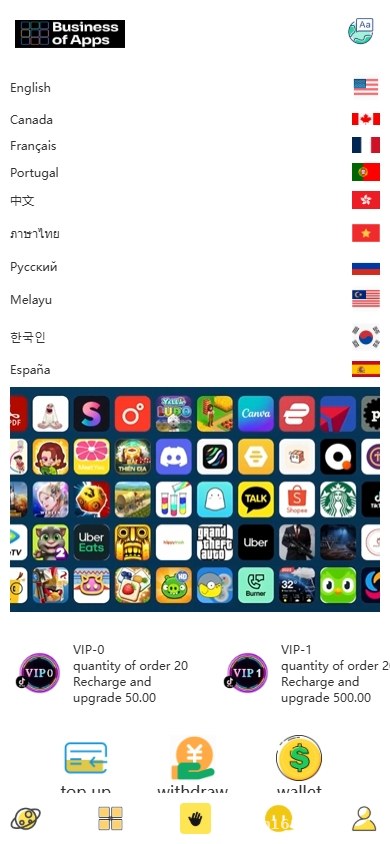
On the UniApp side, I used an i18n solution. Each language pack is a JSON file placed in the frontend project’s lang directory. The backend PHP also has a set of language packs stored in the database. When the API returns error codes and prompt messages, it returns the corresponding language text based on the lang header in the request.
The admin interface is in Chinese, but the frontend user interface can switch freely. I configured six languages for him: English, Chinese, Japanese, Korean, Thai, and Vietnamese, with about 200 text entries each. The translations were generated via the Google Translate API first, then manually reviewed.
Who This System Is For
• Teams running overseas projects: multi-language is handled directly, so you don’t need separate frontends for each language
• Businesses that need task pipelines: such as check-ins, points, levels, and invitation chains that have a required order
• Anyone who needs batch data processing: schedule a batch of data to be distributed to different processing units at fixed times
• People who want to customize it: both frontend and backend are open source, the PHP code is clearly structured, and modifications are not too difficult
Not suitable for: high-frequency real-time communication scenarios like instant messaging. This architecture is better for “task-oriented” business, not “message-oriented” business.

Common Questions
Q: How many dependency levels can a task chain support?
A: Theoretically there is no limit, but in practice I recommend no more than 10 layers. If dependencies are too deep, a single stuck task can block the entire chain. You can set a timeout in the backend, and tasks that exceed the timeout are skipped automatically.
Q: Can the UniApp frontend be packaged directly into an app?
A: Yes. In HBuilderX, you can distribute it as an Android or iOS package. For iOS, a formal release requires an enterprise signature or submission to the App Store; you’ll need to handle the developer account yourself.
Q: Can data grouping rules be changed dynamically in the backend?
A: Yes. The grouping rules are stored in a configuration table in the database and can be changed directly in the backend UI. Changes take effect in real time without restarting the service. But I recommend changing them during low-traffic periods to avoid routing tasks incorrectly while they are being processed.
Q: What happens if a consumer process crashes?
A: Supervisor will automatically start a new process. The task queue is persisted (enable Redis AOF), so tasks that were not consumed during the outage will continue to run after the new process starts, and no data is lost.
Q: Can this source code be used for secondary development?
A: Yes. Both frontend and backend are open source, and the ThinkPHP framework structure is clear. Still, I suggest having some PHP basics before modifying it, and writing unit tests to cover the core logic after customization.
This article is for technical education only. The system is intended for legitimate task scheduling scenarios, and must be used in compliance with applicable laws and regulations. Any illegal or improper use is prohibited.
Disclaimer: This article is for technical education and demonstration only. It is not professional or financial advice. Any real-world deployment must comply with applicable laws and regulations.
#Task Distribution System #PHP Build Notes #UniApp Practical Guide #Task Scheduling #Queue Control
-
 Alipay QR Code Scan
-
 WeChat Scan Pay