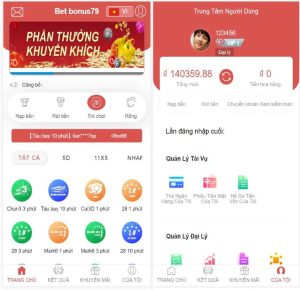
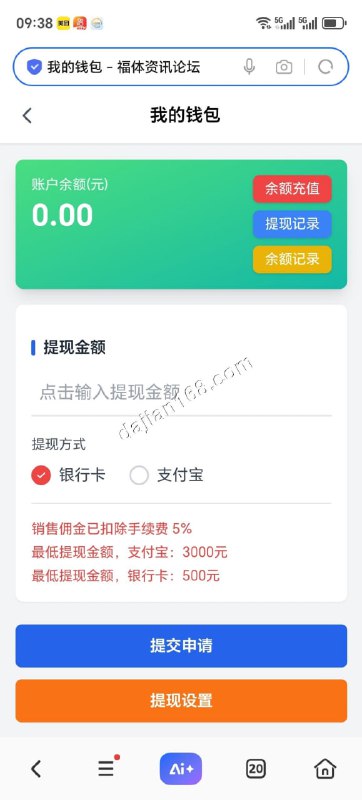
Leyu LEY Probability Simulation Battle System Multi-Language Deployment Guide
Leyu LEY Probability Simulation Battle System Multi-Language Deployment Guide
Disclaimer: This article is for technical education and demonstration only. It is not professional or financial advice. Any real-world deployment must comply with applicable laws and regulations.
I recently helped a client deploy a Leyu LEY probability simulation battle system in multi-language version. After two days of troubleshooting, it’s finally running smoothly. Here’s the full process documented for webmasters who want to set it up themselves.
Feature Walkthrough
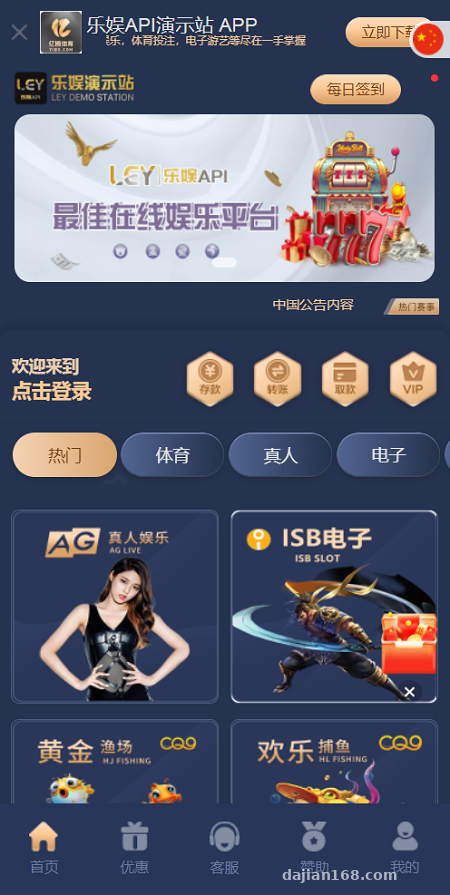
Admin Control Panel
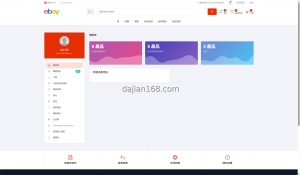
The admin panel is clean and well-organized. User management, data monitoring, and probability parameter configuration all live in one dashboard. I focused my testing on the probability simulation module — parameters can be adjusted in real time, and changes take effect immediately without restarting the service. That’s genuinely convenient.
Multi-Language Configuration
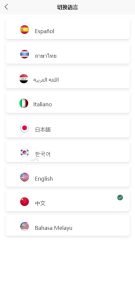
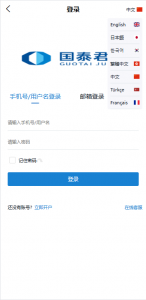
The system comes with built-in language packs for English, Chinese, Japanese, Korean, and more. Switching between them is seamless. There’s a language management entry in the backend where you can upload custom translation files, which is ideal for webmasters targeting overseas markets.
Payment Gateway Integration
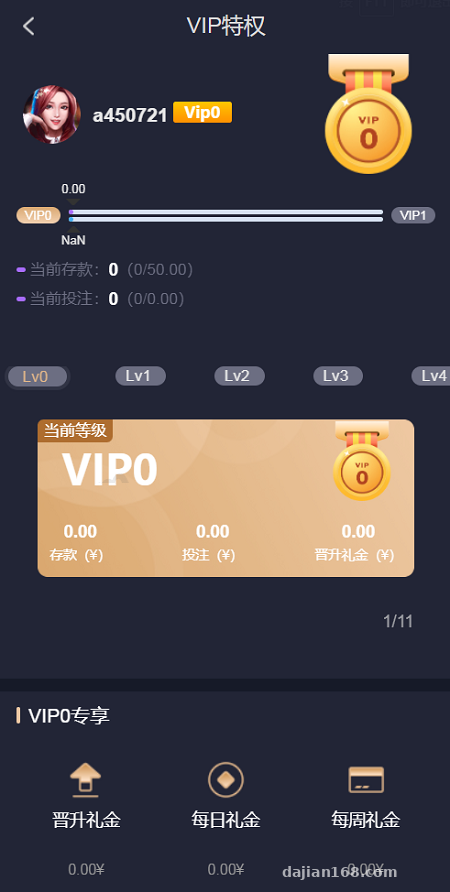
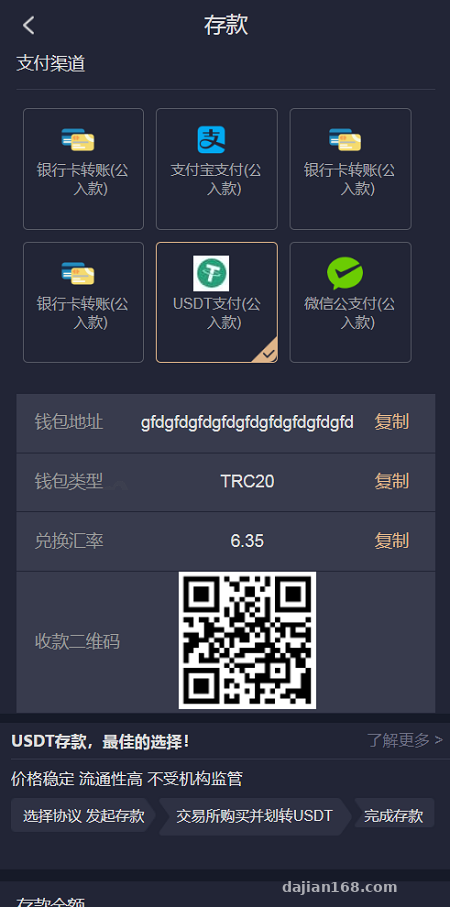
It supports mainstream payment channels, and the integration documentation is thorough. I tested both U-Key payment and USDT flows, and both went through without any hiccups. The backend shows the status of every transaction in real time with live sync.
Secondary Development API
The API documentation is comprehensive, and responses follow standard JSON format. I integrated a third-party data push module in about half an hour. Very developer-friendly.
💡 Highlight: The system supports real-time adjustment of probability parameters. Changes made in the backend take effect immediately without restarting the service, making it well-suited for demo scenarios that require frequent tuning.
Deployment Notes
For the server, I used CentOS 7.9 with an Nginx + PHP 8.0 + MySQL 5.7 stack.
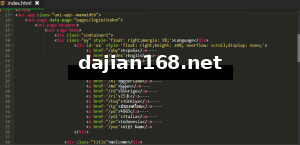
Step one: upload the source code to the server, extract it, and edit the database configuration file with your hostname, username, and password.
Step two: import the database file located in the database folder at the root of the source code.
Step three: configure Nginx pseudo-static rules. The official documentation provides ready-to-use rules — just copy and paste.
Step four: visit the installation page in your browser and follow the prompts to fill in your site information and complete initialization.
Pitfall to avoid: PHP version must be 8.0 or higher. Older versions will throw compatibility errors. Also, disable the open_basedir restriction, or you’ll get file read/write errors.
Who Is This For
This system is suitable for webmasters looking to build probability simulation demos, digital asset showcase platforms, or e-commerce marketing interactive systems. The technical barrier is low — anyone with basic operations and maintenance skills can get it running.
If you need a demo system that allows custom probability parameters, supports multiple languages, and offers easy secondary development, this one is worth considering.
Frequently Asked Questions
Q: The backend won’t open after deployment. What should I do?
A: First, check whether the Nginx pseudo-static configuration is correct. Then verify that the PHP version meets the requirements. Finally, double-check that the database connection details are filled in correctly.
Q: Multi-language switching has no effect?
A: Check whether the language pack files are complete. Confirm that the language code set in the backend matches the filename. Clear your browser cache and try again.
Q: Data doesn’t update after adjusting probability parameters?
A: After making changes in the backend, you need to refresh the cache. Go to the backend settings page and click the clear cache button, or restart the PHP-FPM service.
Disclaimer: This system is provided for technical demonstration and educational purposes only. Please comply with all applicable laws and regulations. This article is for technical education only.
Disclaimer: This article is for technical education and demonstration only. It is not professional or financial advice. Any real-world deployment must comply with applicable laws and regulations.
#system deployment #multi-language #probability simulation #deployment notes #secondary development API
-
 Alipay QR Code Scan
-
 WeChat Scan Pay