ThinkPHP Random Number Demo System: My Deployment Notes on Data Collection and Trend Chart Setup
ThinkPHP Random Number Demo System: My Deployment Notes on Data Collection and Trend Chart Setup
Disclaimer: This article is for technical education and demonstration only. It is not professional or financial advice. Any real-world deployment must comply with applicable laws and regulations.
I recently helped a client deploy a ThinkPHP-based random number demo system, mainly for teaching probability simulation and data collection. The source code was a second-development version: the UI had been rebuilt, a trend chart module added, and the data collection and result publishing pipeline was wired up end to end. It took me two days of fiddling, so I’m writing down the pitfalls I hit to save anyone deploying this later some time.
What It Actually Does: A Hands-On Review
Data Collection and Result Publishing
The core is the collection module. Scheduled tasks pull from public data source APIs at fixed intervals, parse the responses, and write them into a results table, while the frontend lists entries in reverse order by batch number. In my testing, the collection frequency can be configured down to per-minute, with timeout retries and failure logs built in. One thing I want to stress: all data comes from public APIs. Respect the target site’s robots protocol before collecting, stay away from private data, and don’t go anywhere near anything that smells like intrusion.
Trend Chart and Frontend UI
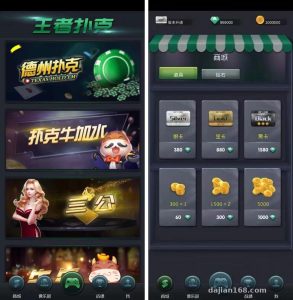
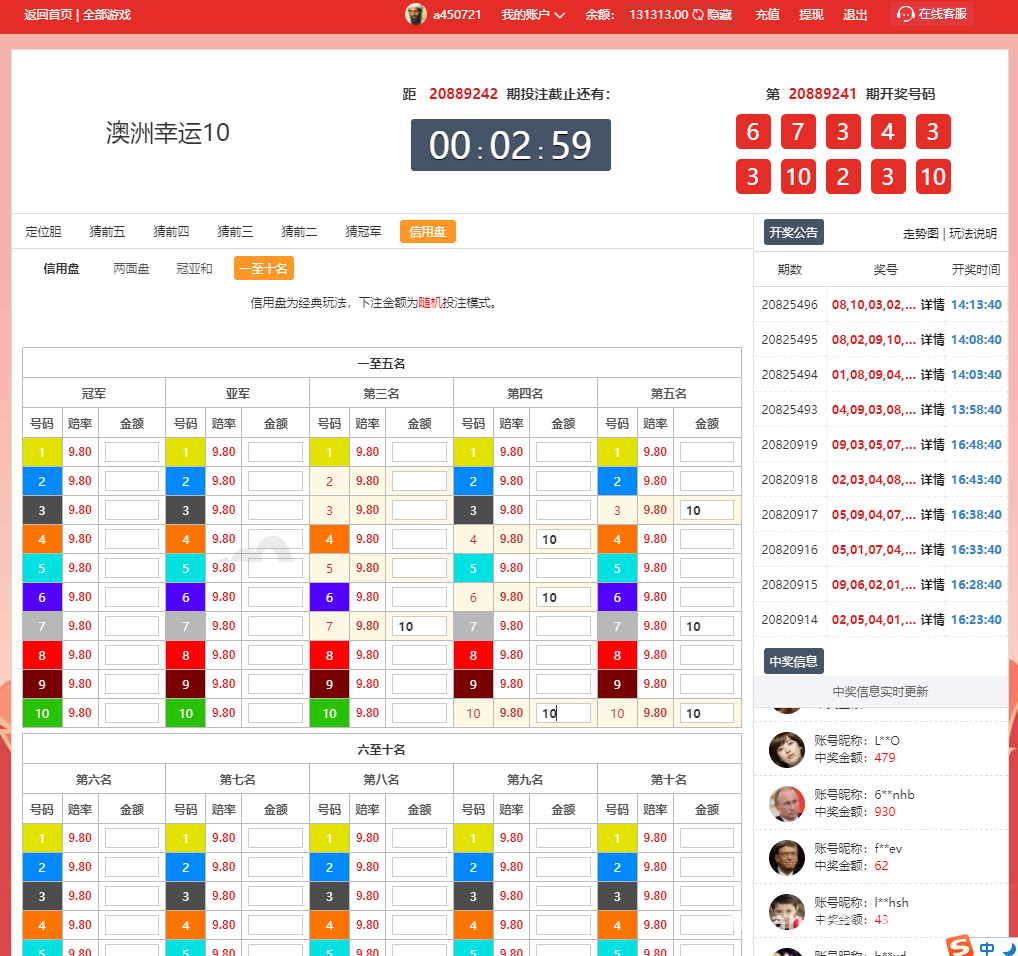
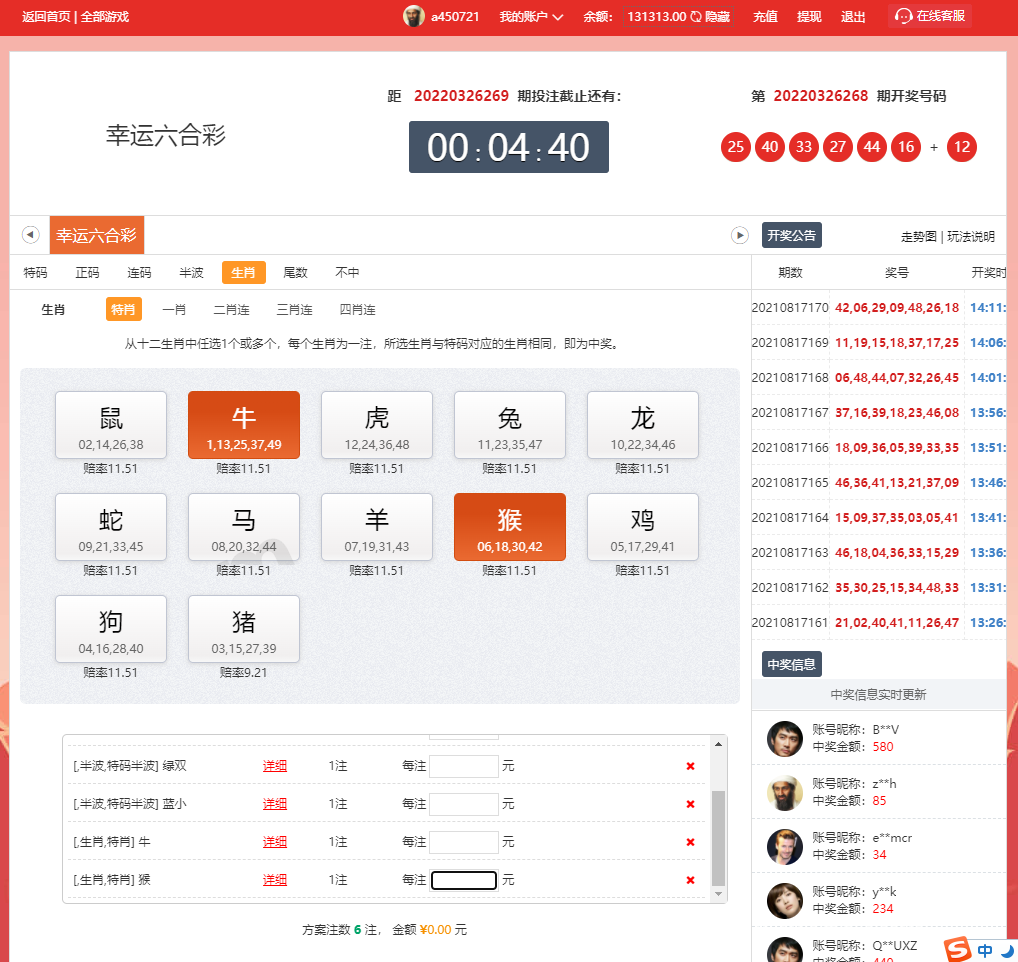
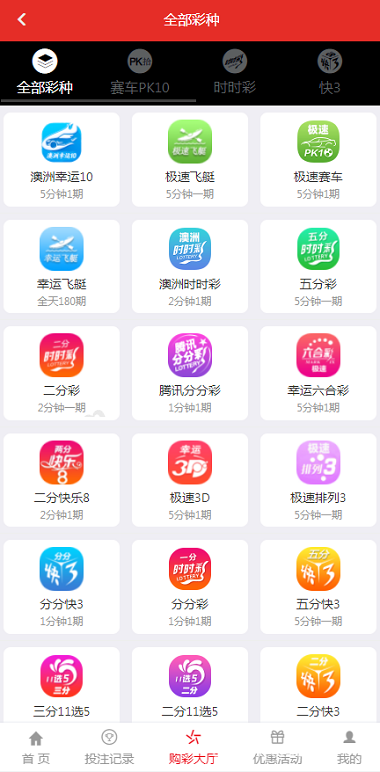
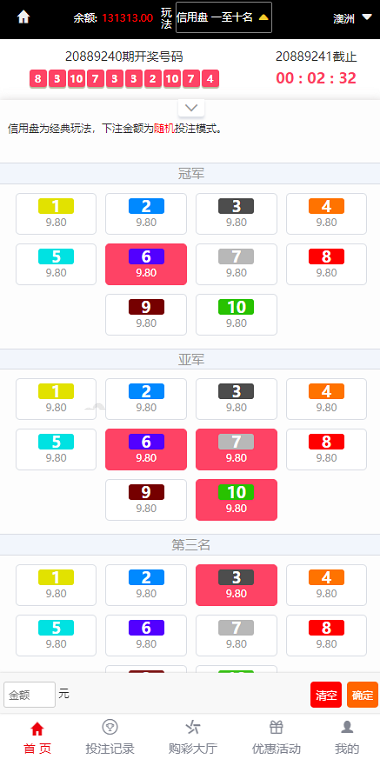
The trend chart is the highlight of this round of customization, rendered with ECharts and supporting time-range switching per data group. The frontend got a full rebuild: mobile adaptation works fine, and I load-tested the first screen at around one second. The data group design is quite flexible—the admin panel lets you add multiple demo data sources freely, say minute-level groups for different time zones or hour-level groups, each with its own collection cycle and publishing rules.
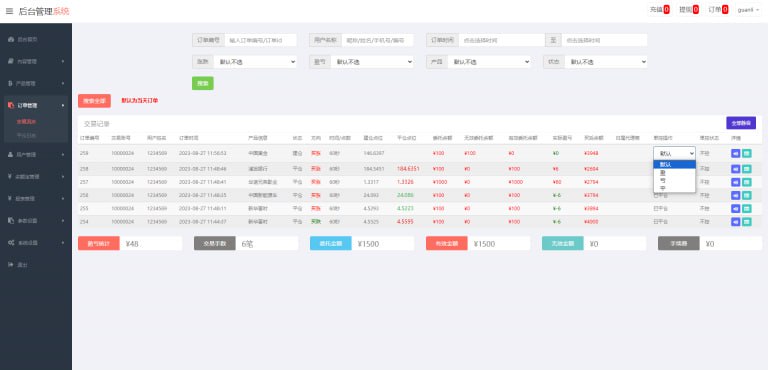
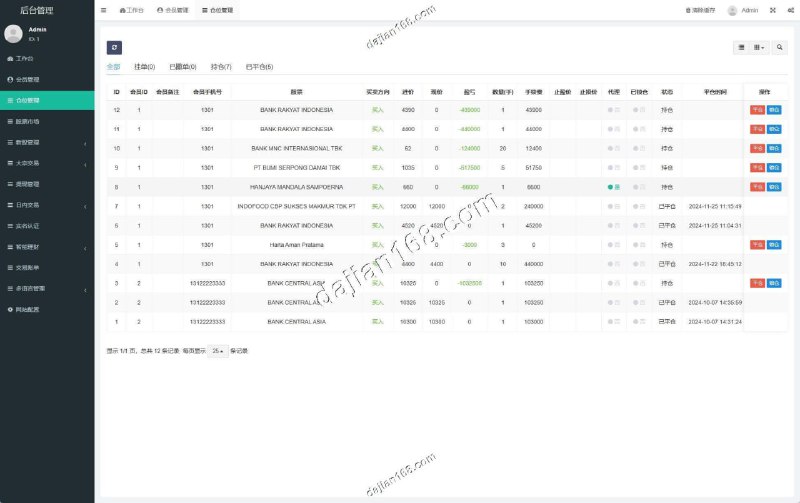
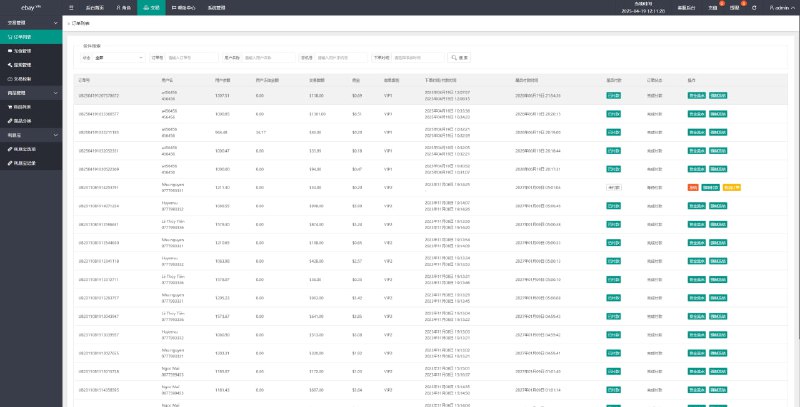
Admin Panel
The backend uses a standard RBAC permission structure with three levels: menus, roles, and administrators. A few practical touches: one-click start/stop for data groups, real-time collection logs, and one-click cache clearing. I changed one piece of logic myself, moving the result publishing push to queue-based async processing so the frontend doesn’t stutter during peak hours.
Deployment Essentials: Environment and Parameters
Base Environment
PHP 7.4 + MySQL 5.7 + Nginx, with the TP framework at 6.x. Remember to configure the thinkphp rewrite rules, or every route 404s. The upload and runtime directories need write permission—755 is enough, so don’t take the lazy route and go straight to 777.
Scheduled Task Configuration
Collection depends on crontab. I set the main collection script to run every minute, plus a compensation task every 5 minutes to catch occasional failures. One gotcha: if the server timezone and the data source timezone don’t match, batches won’t line up. Unify the timezones in both php.ini and MySQL—I’d suggest standardizing on UTC and converting at the display layer.
Payment Interface Integration
The system reserves a payment module, supporting sandbox demo integration with aggregated payment channels and digital asset demo receiving interfaces. For a demo environment, keep it in simulation mode only. Sign-verify the callback URLs and log everything to the database for easier troubleshooting. When connecting third-party channels, check the async notification retry mechanism carefully—I’ve seen cases where a lost callback left order statuses stuck.
Note: always disable real payment channels in a demo environment and keep only sandbox simulation. Collected data is for technical demonstration only. Deployment and use must comply with applicable laws and regulations; any unlawful use is prohibited.
Customization Pitfall Log
If you plan to keep building on this source code, a few things to watch. The collector’s API addresses are centralized in one config file, so don’t go hunting through controllers when swapping data sources. The trend chart’s data API is cached—clear the cache when debugging, or your changes won’t take effect; that one cost me half an hour before it clicked. The language packs live in the extend directory, and adding language entries means updating the language keys in sync. Overall the code structure is reasonably clean, controllers are well layered, and the customization cost is low.
Who This Suits
Three groups will get value out of this system: developers who want to learn TP framework project structure—it works well as a hands-on textbook; teams that need a data collection and visualization demo platform—the collection and trend chart modules can be reused as-is; and freelancers, who can deliver quickly when a client asks for a probability simulation demo site. If your PHP is shaky, brush up on the basics first, since deployment involves command-line work.
FAQ
Q: What if a collection API stops working?
A: Check the collection logs first to identify the error type. Most of the time the target API changed its response structure, and you just need to rewrite the parsing rules. I’d suggest configuring a backup API for each data source with automatic failover when the primary one fails.
Q: Why isn’t the trend chart data updating?
A: Nine times out of ten it’s a cache issue. Clear the runtime cache directory, then check whether the scheduled tasks are running. If collection is fine but the frontend isn’t refreshing, compare the publishing time configuration against the server timezone.
Q: Can I add new demo data groups myself?
A: Yes—just add them under data group management in the admin panel, configuring the collection cycle, publishing rules, and display template. After adding one, run a manual collection once to verify the pipeline before enabling automatic tasks.
As always: this source code is for technical learning and demonstration purposes only. Deployment and use must comply with applicable laws and regulations; any unlawful use is prohibited.
Disclaimer: This article is for technical education and demonstration only. It is not professional or financial advice. Any real-world deployment must comply with applicable laws and regulations.
#ThinkPHP #data collection #deployment notes #PHP customization #random number demo
-
 Alipay QR Code Scan
-
 WeChat Scan Pay