Building a Random Number Probability Simulation System: VR-Style Frontend Deployment and PHP Secondary Development Notes
Building a Random Number Probability Simulation System: VR-Style Frontend Deployment and PHP Secondary Development Notes
Disclaimer: This article is for technical education and demonstration only. It is not professional or financial advice. Any real-world deployment must comply with applicable laws and regulations.
Recently I helped a client deploy a random number probability simulation demo platform, a secondary development built on the Langguan framework. In plain terms, it is a probability simulation system with a VR-style interface — the frontend animations look impressive, and the backend comes with full parameterized configuration. Two days of back-and-forth, plenty of pitfalls along the way, so I have put together these deployment notes to save anyone studying this program some time.
Hands-On Review: What This Program Can Do
Bottom line first: the core is “probability parameters + random number demonstration.” All data are simulated values controlled from the backend, which makes it suitable for teaching demos and algorithm showcases.
Frontend
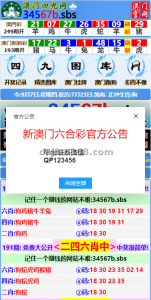
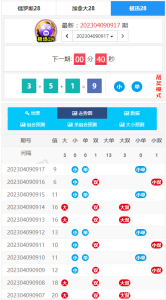
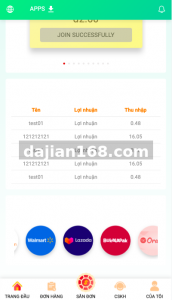
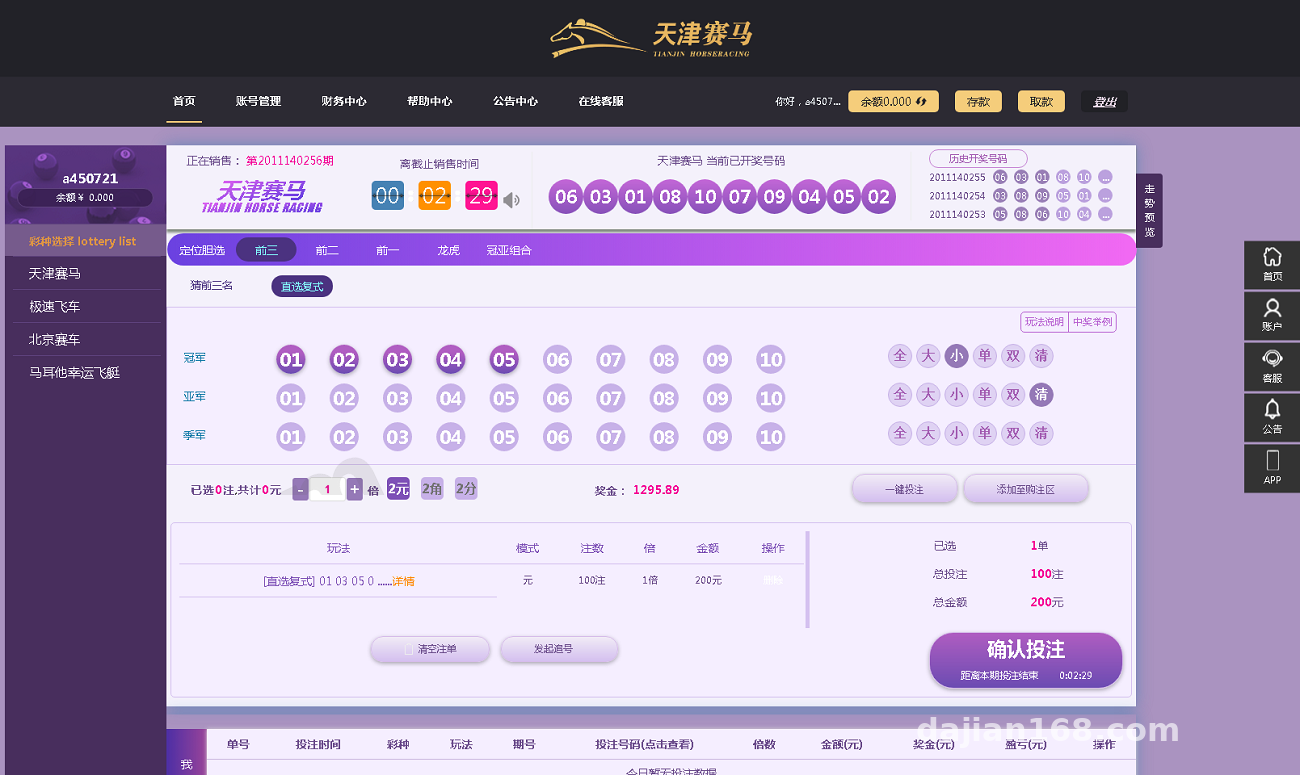
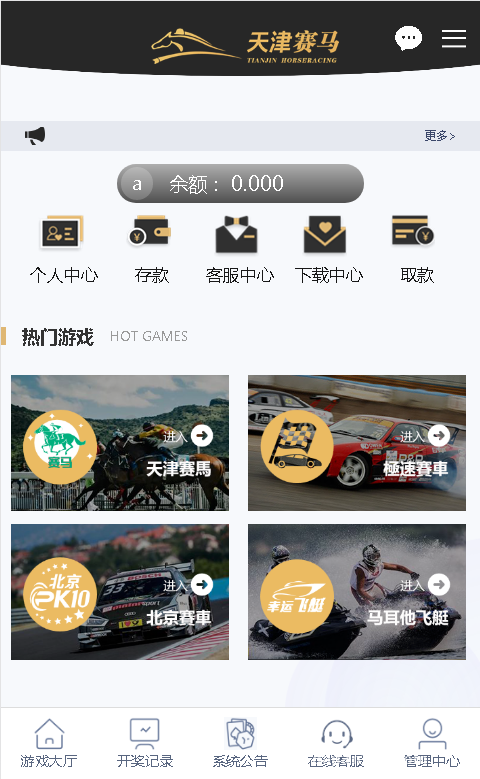
The interface uses 3D flip animations in a VR style. The random number rolling and result display effects are written in CSS3 + JS, smoother than I expected. In my tests the homepage loaded in about 1.2 seconds, with lazy loading on images. It is fully responsive on mobile — no layout breaks in phone browsers, which already puts it ahead of many older programs.

Backend Admin
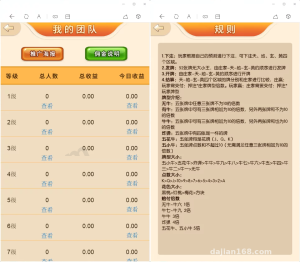
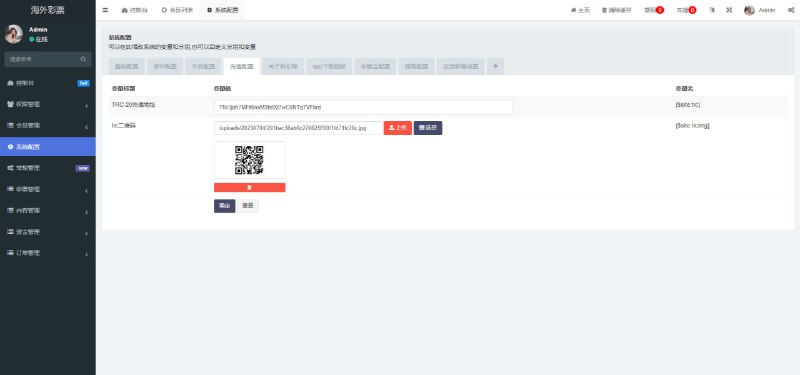
The admin panel sits at /admin with clearly separated modules: probability parameter configuration, where the weight of each random number group can be adjusted from the backend and takes effect immediately without restarting the service; user management runs on a demo points system, covering registration, login, and virtual credit issuance; statistics are aggregated daily and can be exported to Excel; and there is a built-in Chinese-English language pack in the /lang directory — adding a third language is just a matter of copying a file and editing the key-value pairs.
Deployment Essentials: Environment, Parameters, and Pitfalls
Environment Setup
I recommend PHP 7.4 + MySQL 5.7 + Nginx. I tried PHP 8.0 and it does run, but two legacy code patterns threw errors and I had to fix a dozen or so lines to get things working — stick with 7.4 and save yourself the trouble. For URL rewriting, use the ThinkPHP rules; with Nginx, remember to add the rewrite block, otherwise every fixed route returns a 404. That was my first pitfall.
Backend Parameter Tuning
The first thing to do after installation is to go into the backend and adjust the probability parameters — the defaults are balanced demo values. Back up the database before changing anything: the parameter table is linked to the statistics table, and a wrong edit will scramble the charts, which is a pain to recover from.
Handling the Payment Interface
The program reserves a payment interface module, but since the whole system is positioned as a simulation demo, I simply ran the flow in sandbox mode with virtual points and never connected a real channel. The interface code lives in /app/common/pay, built on a standard factory pattern — worth a look if you want to study the integration logic.
Secondary Development Experience
Modifying the Frontend Template
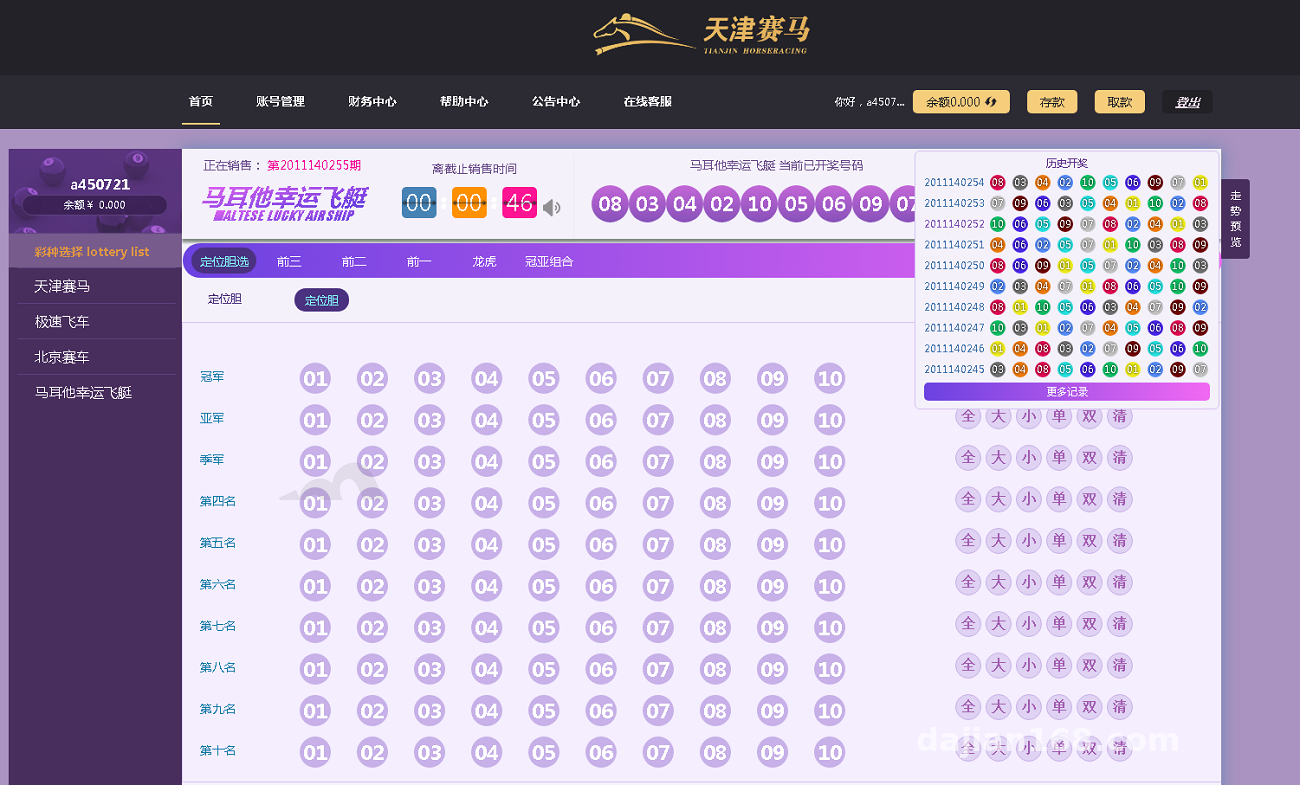
Templates sit in the /template/default directory, and the VR animation core is a handful of JS animation files. The client wanted the primary color changed from blue to deep purple; I only had to edit six color variables in the shared stylesheet — done in half an hour. The variable-based structure is quite well organized.
Interface Extension
The program has a unified API entry point with token signature authentication. I added a simulated external market data interface that pushes simulated market data to the frontend — written and integration-tested in two days. There is no documentation, but the comments are thorough; just follow the controllers.
Who Should Tinker With This
PHP developers who want to learn probability simulation system architecture — the code layering is clean and good for practice; developers who need random number demos or teaching demonstration scenarios; frontend folks looking to borrow VR-style animation techniques. If you plan to use it for anything else, save yourself the effort — this is strictly for technical research and demonstration.
Always back up your database before deployment, especially before changing probability parameters or upgrading the program. This program is for technical learning and simulation demos only; please comply with applicable laws and regulations and never use it for any unlawful purpose.
FAQ
Q: What is the minimum server configuration?
A: 1 core and 2GB of RAM will run it. In my tests it handled around 50 concurrent users without issue; for load testing, start with 2 cores and 4GB, and tune the MySQL connection count separately.
Q: Can it connect to a real payment channel?
A: The interface module is reserved, but the system is positioned as a simulation demo platform. I would recommend running the flow with sandbox mode or virtual points rather than connecting real fund channels, to avoid compliance risks.
Q: Does mobile need a separate build?
A: No. The frontend uses a responsive layout, so the H5 version adapts automatically. If you want an app shell, just wrap it in a WebView and package it — the experience is essentially identical.
Q: Is the source code encrypted?
A: Some core files are encrypted, but the template layer and controller layer are open, so routine secondary development is unaffected. The encrypted files can be decoded with a tool.
All in all, the architecture is not new but gets the job done. As a learning project in the probability simulation and random number demo space, it is a solid pick. If you run into deployment issues, feel free to discuss in the comments.
Disclaimer: This article is for technical education and demonstration only. It is not professional or financial advice. Any real-world deployment must comply with applicable laws and regulations.
#random number demo #probability simulation #system deployment #secondary development #deployment notes
-
 Alipay QR Code Scan
-
 WeChat Scan Pay