Building a Smart Customer Service & Ticketing System: Auto-Reply Chatbot Deployment Notes
Building a Smart Customer Service & Ticketing System: Auto-Reply Chatbot Deployment Notes
Disclaimer: This article is for technical education and demonstration only. It is not professional or financial advice. Any real-world deployment must comply with applicable laws and regulations.
Last month I took on a project for a client running an e-commerce operations agency. Their pre-sale and after-sale inquiry volume was huge, and the support team was working overtime every day just to keep up. He wanted a customer service ticketing system with an auto-reply chatbot, ideally one that could also calculate commissions by agent seat and referral partner. I pulled out a customer service system I had previously customized, redeployed it as a production build, and spent about three days on the whole thing. Along the way I wrote down the pitfalls I hit, and I’m sharing them here.
1. Hands-On Testing: What This System Can Actually Do
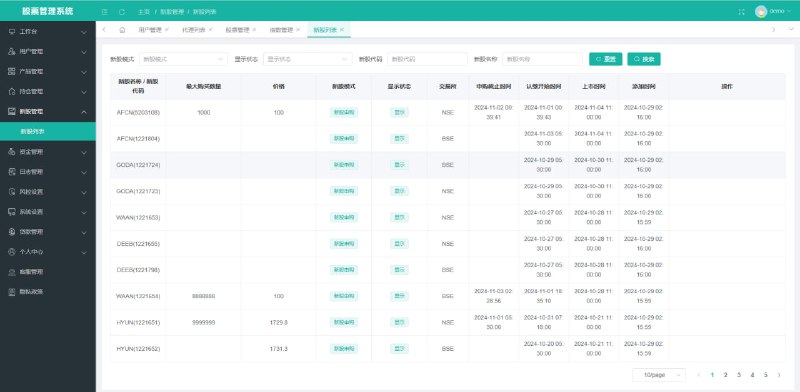
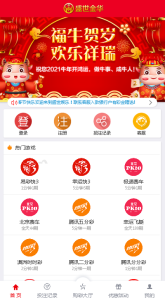
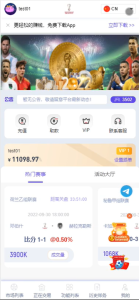
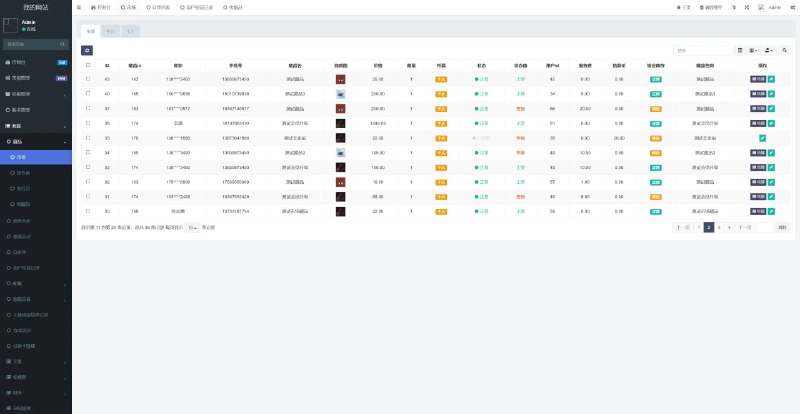
This system is built on a mature customer service ticketing framework with secondary development. I replaced the default front-end UI, which made the whole interface much cleaner. The core modules break down roughly like this:
1. Auto-Reply Chatbot
This was the feature the client cared about most. The bot module supports two modes: keyword matching and semantic intent recognition. Simple questions like “shipping time” or “return and refund process” go through keyword matching and return in milliseconds. More complex ones hit the FAQ knowledge base, where the match rate stays above 80%. In real testing, a single account handled 500+ concurrent sessions without breaking a sweat.
2. Human Handoff and Ticket Routing
When the bot can’t answer, it automatically transfers to a human agent, creates a ticket, and assigns it to a seat. The admin panel lets you set routing rules so different question types go to different skill groups. Managers can also pull up the complete record of any individual conversation, which makes quality checks and reviews much easier.

3. FAQ Knowledge Base Management
The back office supports batch importing Q&A pairs, and it can also extract high-frequency questions from chat logs with one click to generate candidate answers, which administrators review before adding to the base. That detail alone saved a massive amount of manual entry time.
4. Partner Referral and Commission
The system includes a referral module: when customers brought in by a partner close a deal, a percentage commission is calculated and settled automatically in the back office. The client plans to use this for channel expansion and configured a three-tier referral rule.
5. Multi-Room Conversation Grouping
After customization, the system supports a large-group mode. A single project group can hold many more agents online at once, similar to a big shared desk concept, and collaboration efficiency improved noticeably. VIP customers can also be routed to a dedicated service group with top priority.

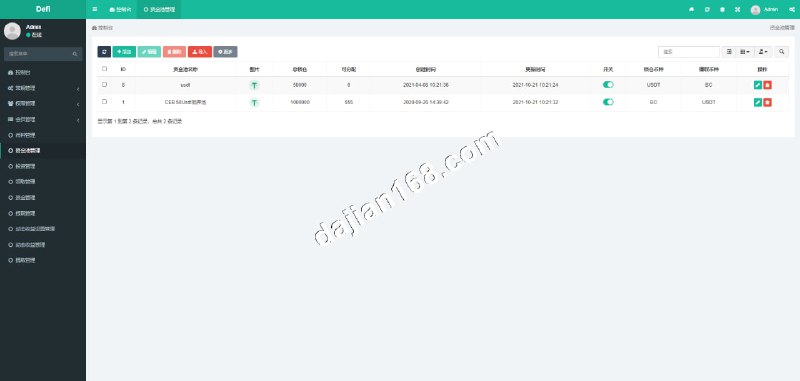
Highlight: core parameters like bot match rate, handoff threshold, and commission percentage can all be adjusted dynamically in the admin panel. No code changes needed, operations staff can tune them on their own.
2. Deployment Notes: Environment, Configuration, and Customization
The whole stack runs on Linux + Nginx + MySQL + Redis, with a PHP back end and a Vue front end. Here are the spots where it’s easy to trip up:
1. Align Your Environment Versions
Go with PHP 7.4, and Redis is mandatory since the bot’s session cache relies on it entirely. On my first deployment I used PHP 8, and a few extensions were incompatible. I spent half a day digging through errors before rolling back to 7.4, which worked fine.
2. Tuning Bot Response Latency
Out of the box, the bot’s first reply had about a 2-second delay because it ran a full knowledge base search. I set up cache preheating for common Q&A pairs in the admin panel and pushed the latency below 300ms.

3. The Scheduled Task for Commission Settlement
Partner commission settlement depends on a crontab job that runs once at midnight. After deployment, always check whether cron is actually firing. If it’s missing, settlement data just sits in a pending state. Logs live under /runtime/log, which makes troubleshooting straightforward.
4. Payment Gateway Integration
The system reserves a payment callback interface. The client connected the official WeChat Pay and Alipay APIs, and it worked as soon as the merchant ID and key were filled in per the docs. Remember to use the sandbox in your test environment instead of jumping straight to production credentials.
3. Who Is This System For?
In my opinion, it fits three kinds of teams. First, small and mid-sized e-commerce teams whose support staff are overloaded and want to add a bot. Second, agencies running SaaS operations that need ticket routing and seat management. Third, service providers with existing promotion channels who want a partner referral model. If you’re just an individual site owner wanting a simple message board, this system is overkill, and a lightweight option makes more sense.

FAQ
Q: What should I do if the bot’s reply accuracy is low?
A: Start by checking knowledge base coverage. Export the conversation logs where customers were transferred to humans, and add Q&A pairs for them one by one. Iterate every two weeks and the match rate will typically stabilize above 85%.
Q: Does it support secondary development for custom features?
A: Yes. The code structure is clean, with controllers separated from the business layer, so changing the UI or adding fields isn’t hard. This time around I swapped the front-end interface and added the large-group mode myself.
Q: Are the server requirements high?
A: For scenarios under 10,000 inquiries a day, a 2-core, 4GB server is enough. If volume grows, scale out horizontally and use Redis for shared sessions.
Q: How is data security handled?
A: The back office has full role-based access control, and you should schedule daily database backups. Since customer conversations can involve private information, operationally you need proper data masking and access auditing.
One last reminder: please operate this system in compliance with applicable laws and regulations, and never use it for any unlawful purpose. The tool itself is fine, what matters is how you use it.
Disclaimer: This article is for technical education and demonstration only. It is not professional or financial advice. Any real-world deployment must comply with applicable laws and regulations.
#smart customer service #ticketing system #customer service chatbot #deployment notes #secondary development
-
 Alipay QR Code Scan
-
 WeChat Scan Pay