Lao Fu Zi Board Game Simulation Collection Source Code Setup: Linux Server Deployment Notes with Room Ticket, Coin & Point Modes
Lao Fu Zi Board Game Simulation Collection Source Code Setup: Linux Server Deployment Notes with Room Ticket, Coin & Point Modes
Disclaimer: This article is for technical education and demonstration only. It is not professional or financial advice. Any real-world deployment must comply with applicable laws and regulations.
I recently helped a friend who runs board game demos deploy this Lao Fu Zi board game simulation collection, a Fengyou secondary-development build. It took two days of fiddling, and I hit plenty of pitfalls, so I’m writing the whole process down to save anyone else who wants to self-host some time.
Bottom line up front: the program is genuinely feature-complete. It has three session modes — room ticket, coin, and point — plus a club module, and the backend has lots of control options. But the Linux server-side config files are scattered, and if you’re not familiar with the environment, it can eat you alive.

Hands-On Testing: How the Three Session Modes Actually Differ
Here’s what I found after actually testing the session design in this collection:
Room Ticket Sessions
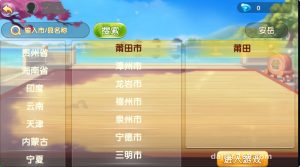
The biggest category by gameplay count. The Ka-Wuxing regional series (Suizhou, Xiangyang, Xiaogan), Changsha, Guangdong, Zhoushan and other regional variants all live here, along with Pao Huzi, Thirteen Water, Fill the Pit, Er-Ba-Gang, and finger-guessing games. The logic is that entering a room consumes a room ticket, which suits a demo-room operations model.
Coin Sessions
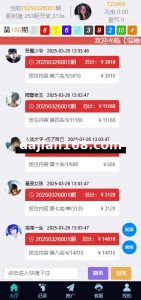
Pao Huzi, classic Niu Niu, card simulation, paper card simulation, Tui Tongzi, San Gong, Baccarat simulation, Hundred-Person Niu Niu, and God of Fortune games settle with coins. Note that the coins here are in-site virtual points, part of a digital asset simulation system, with no real-money channels involved whatsoever — you need to be crystal clear on this before deploying.
Point Sessions
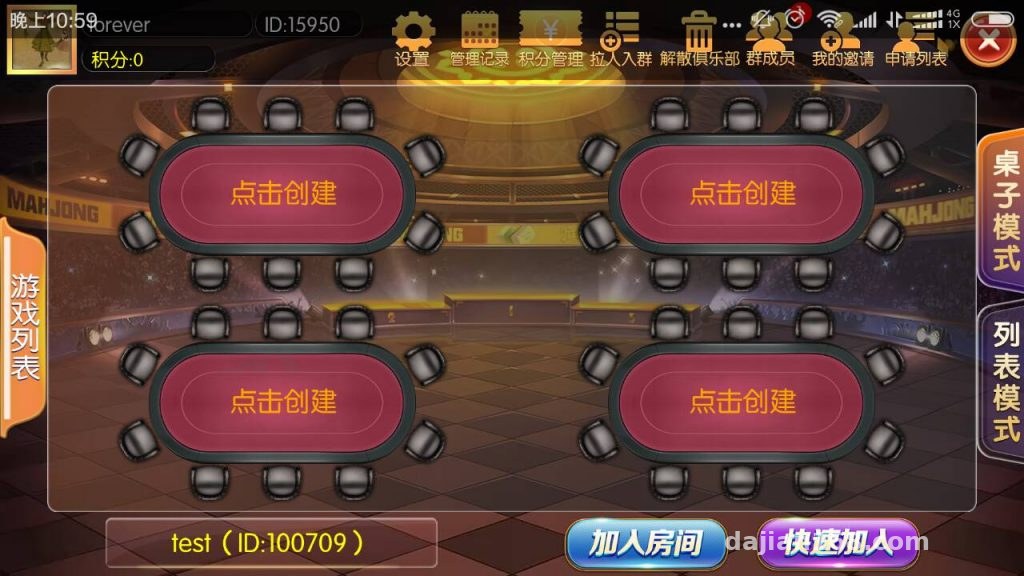
Point sessions are tucked inside the club module. Members can only enter after the group owner credits them points. The backend has a toggle for enabling this mode; I’d suggest keeping it off at first and getting the room ticket mode stable before turning it on.

Deployment Essentials: Don’t Skip These Linux Server Steps
The server side runs on Linux. I used CentOS 7.9, starting at 2 cores / 4 GB RAM; if you expect many users, go 4 cores / 8 GB.
Environment and Dependencies
The dependencies are pretty standard — just install the base runtime, a database, and Redis. I recommend MySQL 5.7 or above, and make sure the charset is utf8mb4, otherwise rare characters in regional gameplay names will turn into mojibake. I tripped on exactly this the first time: the Ka-Wuxing table names threw errors outright.
Ports and Firewall
The server uses multiple ports. Keep the game communication ports separate from the admin panel port, and only open what’s needed in the firewall. If you use BT Panel, remember to also open the ports in the cloud security group — don’t just edit iptables.
Backend Control Options
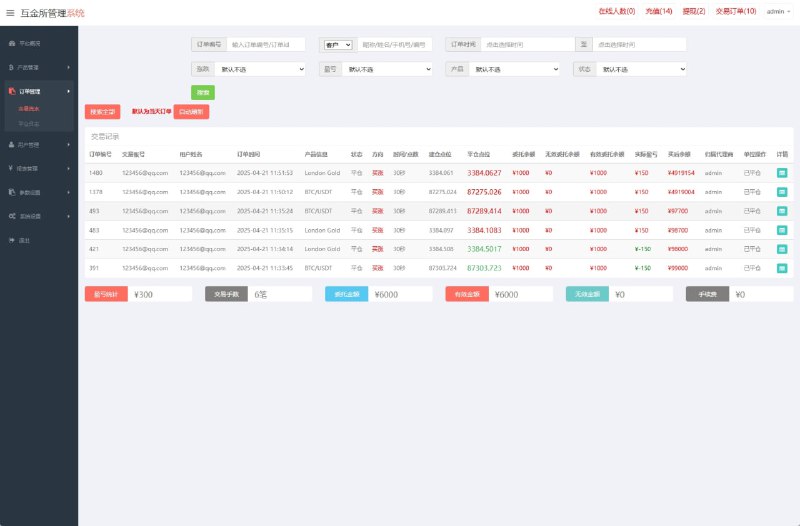
The backend supports toggles for control mode, x-ray view, and win-rate parameters. My advice: in a demo environment, keep all of these off by default and treat them purely as backend configuration features to test. X-ray and win-rate parameters affect demo fairness — leaving them on during a teaching demo just misleads people.
Club Configuration
Enable the club module in the backend first, then create a group and set owner permissions so the owner can credit members and let them into point sessions. Just walk through the flow once during testing; the logic isn’t complicated.
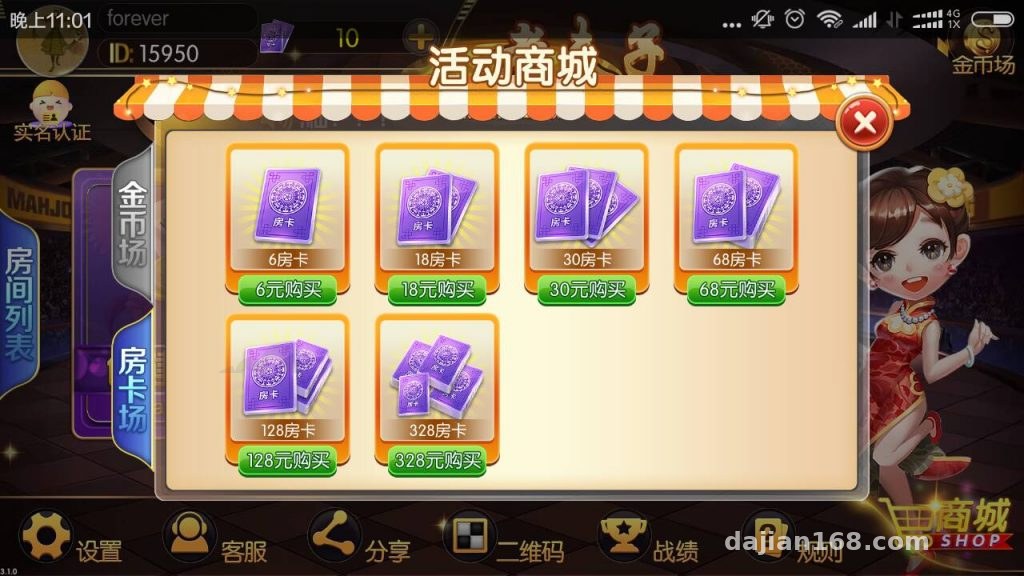
Highlight: one codebase covers thirty-plus board game simulations, with especially rich regional card variants. It’s well suited for gameplay demos and secondary-development practice, and the three session modes can be toggled independently in the backend.
Secondary Development and Who It’s For
This is a Fengyou secondary-development build. The code structure is decent, and swapping UI assets is fairly easy. If you want to rebrand it, you mainly touch frontend resources and basic backend config — the core logic doesn’t need major changes.
Who it suits: first, people doing board game teaching demos — lots of regional variants with ready-made assets; second, developers who want practice with Linux server deployment and multiplayer online architecture — the room management and reconnect logic here are worth studying; third, teams preparing game operations plan demos, since the three session modes map nicely to different operational ideas.
Who it doesn’t suit: if you’re hoping to commercialize it directly for profit, think twice — you’d have to work out the compliance boundaries of a virtual points system yourself. And if you have zero Linux background, practice on a local VM first before touching a real server.
FAQ
Q: What’s the minimum server spec?
A: 2 cores / 4 GB will run it, but if you open thirty-plus game modes simultaneously, go 4 cores / 8 GB with 5 Mbps+ bandwidth — the regional gameplay asset packs aren’t small.
Q: I can’t enter the point sessions. What now?
A: First check whether the point session toggle is on in the backend, then confirm your test account has been credited points by the group owner. Both conditions are required.
Q: Can I add new game modes through secondary development?
A: Yes. The program is already a secondary-development build with reasonable extensibility. Back up all data in a test environment before making changes, then run a full regression test of complete game rounds after editing.
Q: Can coins and room tickets be exchanged?
A: The backend lets you configure an exchange ratio, but as a demo system I’d keep them independent and not link them — the simpler the logic, the fewer things go wrong.
One last reminder: this program may only be used for lawful purposes such as technical study and gameplay demonstration. Deployment and use must comply with all applicable laws and regulations, and any unlawful use is prohibited. If you run into issues during setup, feel free to discuss — see you in the comments.
Disclaimer: This article is for technical education and demonstration only. It is not professional or financial advice. Any real-world deployment must comply with applicable laws and regulations.
#source code setup #board game simulation #Linux deployment #secondary development #deployment log
-
 Alipay QR Code Scan
-
 WeChat Scan Pay