Daheng Interactive Board Game Simulation System Setup Guide: Tea House Points and Partner Revenue Share Deployment Notes
Daheng Interactive Board Game Simulation System Setup Guide: Tea House Points and Partner Revenue Share Deployment Notes
Disclaimer: This article is for technical education and demonstration only. It is not professional or financial advice. Any real-world deployment must comply with applicable laws and regulations.
I recently helped a client deploy a Daheng Interactive operations-edition board game simulation system, and it took me roughly two evenings to get everything running end to end. This codebase has been circulating in developer circles for a while — the feature set is genuinely comprehensive, but there are plenty of pitfalls along the way. Here’s my deployment log, hopefully it saves you some time if you’re setting it up yourself.
Feature Testing: What’s Actually Included
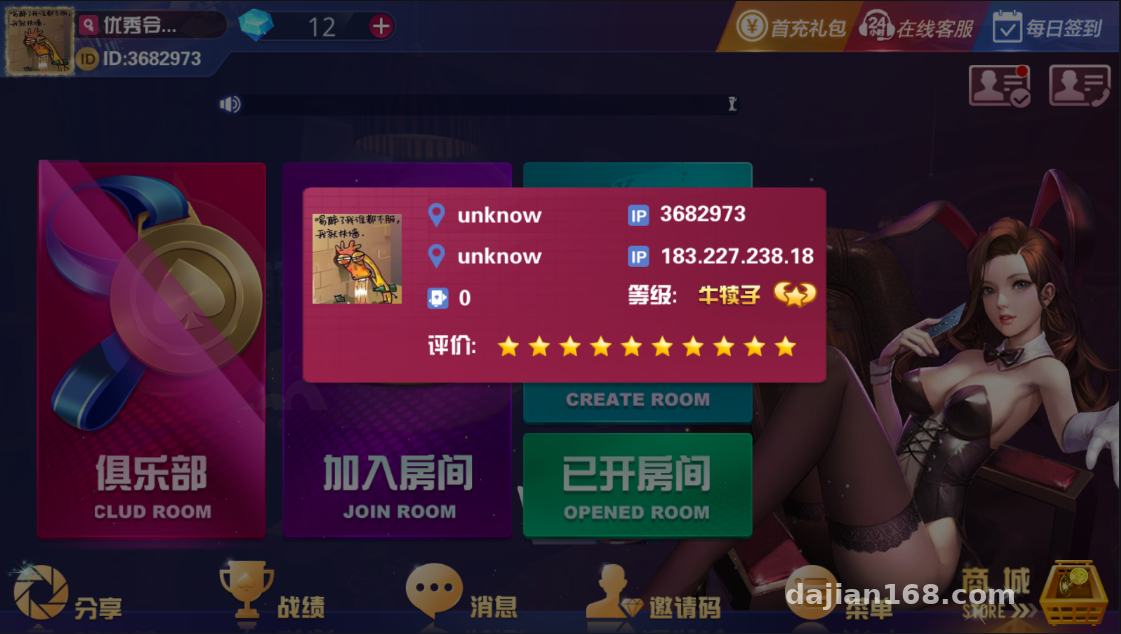
Short version: this isn’t some half-finished product. Frontend, backend, payment interface, and configuration tools are all there. Breaking it down:
Game Modules
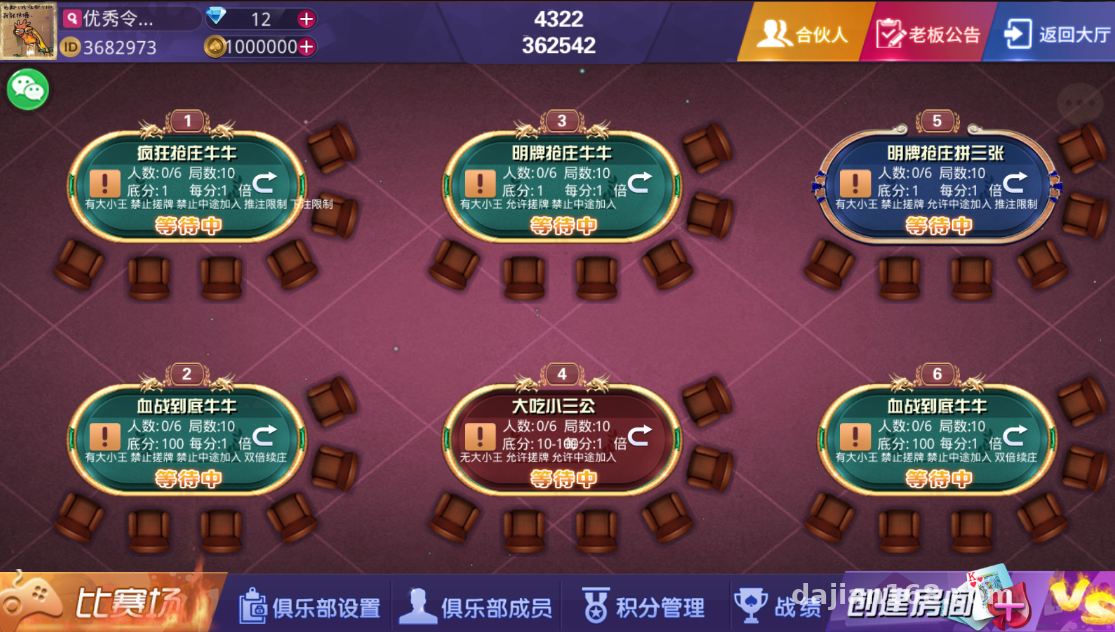
It includes several card-style simulation games, all random-number demo tabletop modules. The game logic is encapsulated on the server side while the client only handles rendering, which is friendly for secondary development. If you want to tweak the table UI or adjust the settlement demo logic, you just modify the server-side configuration — no need to recompile the client.
Tea House and Points System
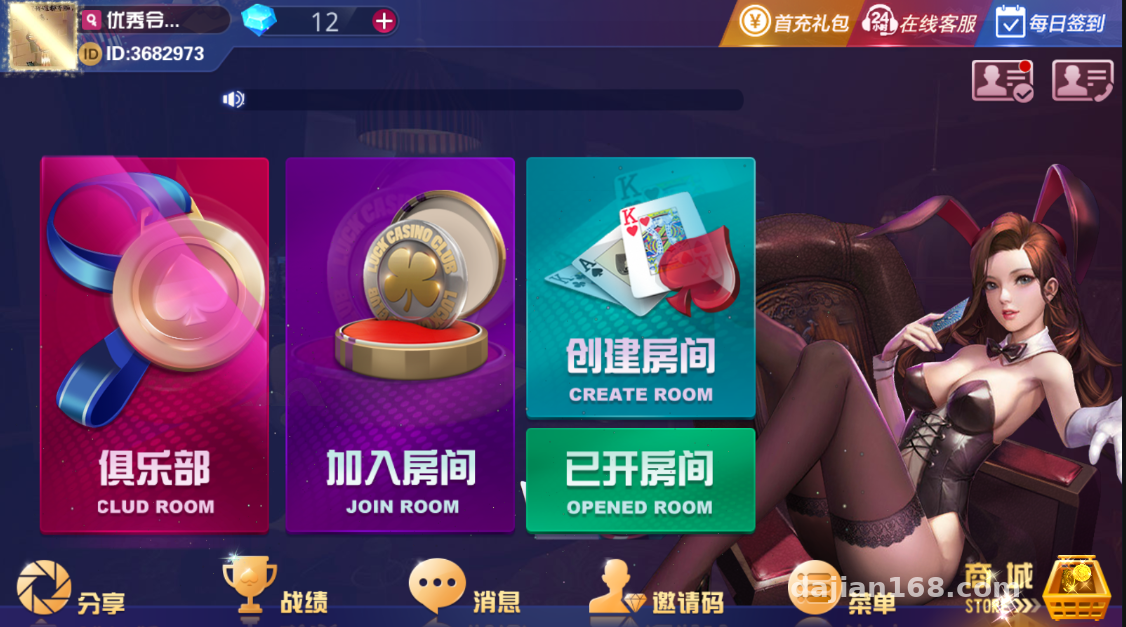
The tea house feature works like a room management system. You can open multiple tea houses, each with its own independent points rules. The points mode uses purely virtual values with no real-money flow involved — make sure this is clearly stated in the admin panel when you deploy.
Partner Revenue Sharing
The admin panel has a partner module where you can set revenue share ratios for different promotion tiers, calculated based on demo points consumption. In my testing, the settlement logs were quite detailed — every entry is traceable. The commission ratio is adjustable in the backend; I’d recommend small-scale testing before opening it up.
Deployment Essentials: My Pitfall Log
The components include a server, Android and iOS clients, a web portal, a payment interface program, configuration tools, and a database. My deployment order was: server first, then database, then client integration testing.
Server Configuration
For the server I’d suggest CentOS 7.9 or Ubuntu 20.04. I started with 2 cores and 4GB RAM — CPU usage stayed low during concurrency testing, but memory is the bottleneck, so 8GB is recommended. Don’t miss any open ports; the configuration tool will tell you which ones are missing, but some ports need to be manually allowed through the firewall.
Payment Interface Integration
The payment program is a standalone module supporting common third-party aggregated interfaces. One reminder here: when integrating, always verify the other party’s credentials are compliant, and keep the interface strictly as a demo channel for points top-ups. The first time I integrated it, I got the callback URL wrong — the logs kept reporting signature verification failures, and it took me half an hour to discover a second-level directory was missing from the path.
Client Packaging
For Android, use the configuration tool to change the server address and resource address, then re-sign and repackage. iOS is more involved — you need your own developer account, and for the testing phase I’d suggest distributing via TestFlight first. When you change the bundle name, update the resource paths at the same time, otherwise you’ll get a white screen when entering the game.
Highlight tip: the whole system ships with its own setup documentation, more detailed than most similar source packages. But the database passwords in the docs are defaults — the very first thing after deployment should be changing all of them. Also, definitely change the default admin panel path, or it’s easy to get scanned.
Admin Controls and Secondary Development
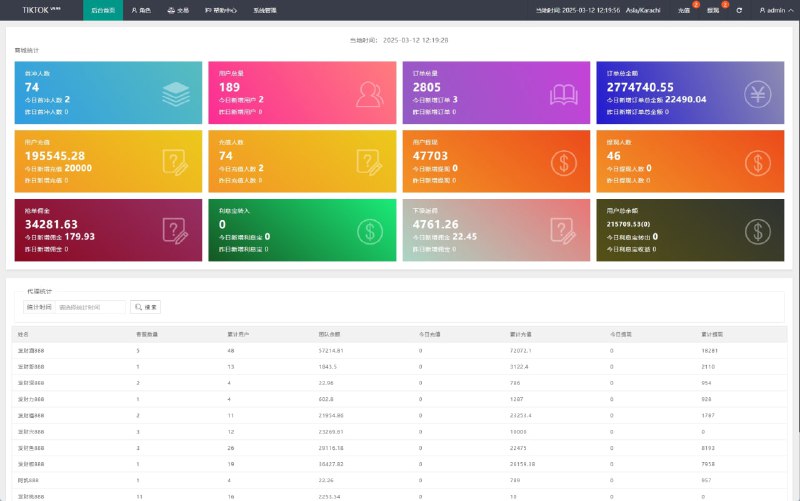
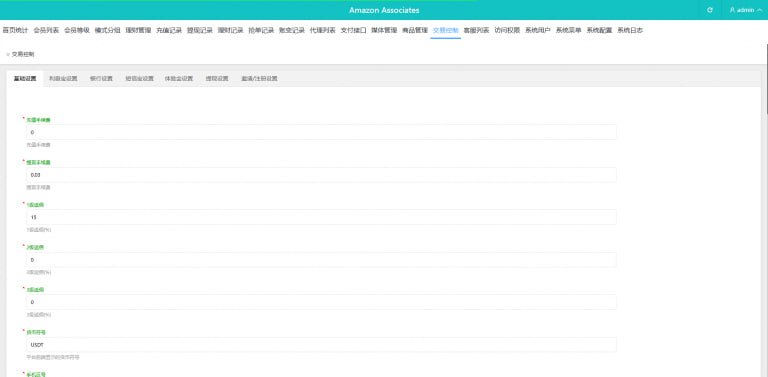
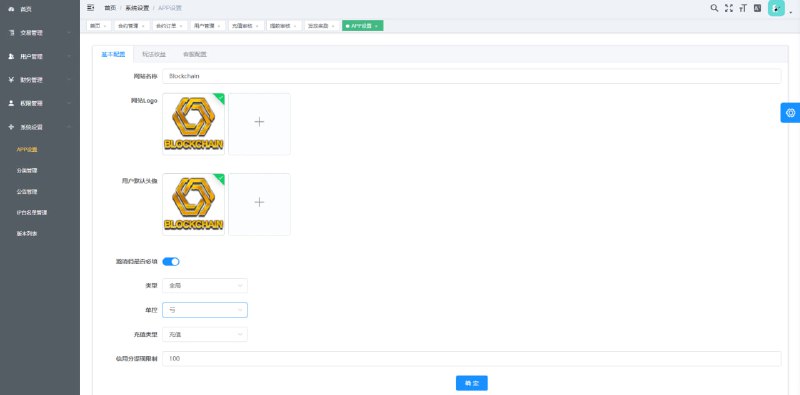
The admin panel has more than I expected: user management, points transaction history, tea house management, partner tiers, announcement push, and data statistics are all included. The statistics reports can be exported daily, which is enough for operations analysis.
For secondary development, the server-side logic is in plain text, so modifying gameplay parameters and settlement demo rules isn’t hard. I added a multi-language switcher for a client — most of the work was frontend text replacement, and the backend API barely changed. If you’re planning deeper modifications, get everything running in a test environment before going to production.
Who This Is For
This codebase suits two groups: development teams that want to build a board game simulation demo project and use it as a framework for secondary development, and experienced operators who want to set up a points-based entertainment platform. Complete beginners shouldn’t jump straight in — you’ll need at least basic Linux skills and database import/export knowledge.
FAQ
Q: What’s the minimum server configuration?
A: 2 cores and 4GB will run it, but it lags once you open many tea houses. For production use, 4 cores and 8GB is recommended, with at least 5M of bandwidth.
Q: Do I have to package the Android and iOS clients myself?
A: Yes. The source package ships as project files — use the configuration tool to change the addresses, then repackage. The iOS side requires a developer account, which is the biggest hurdle.
Q: Could the points mode raise compliance issues?
A: As long as you deploy with virtual points for demonstration only, connect no real-money transactions, clearly label the demo nature in the admin panel, and comply with all applicable laws and regulations while prohibiting any unlawful use, you’re fine.
Q: Is the payment interface mandatory?
A: It runs without it — points can be issued manually from the backend, though the experience is a bit rougher. I’d suggest skipping it during the testing phase and getting the main flow working first.
Overall, this codebase is well polished, with complete documentation and good secondary-development support. Deploy in order, don’t skip steps, and you can have a test environment live within a day. Feel free to reach out if you run into other deployment issues.
Disclaimer: This article is for technical education and demonstration only. It is not professional or financial advice. Any real-world deployment must comply with applicable laws and regulations.
#Source Code Setup #Deployment Log #Board Game Simulation #Points System #Server Configuration
-
 Alipay QR Code Scan
-
 WeChat Scan Pay