Unity3D Sichuan-Style Tile Game Simulation System Setup: Xue Zhan Dao Di Mode Deployment and Server Configuration Notes
Unity3D Sichuan-Style Tile Game Simulation System Setup: Xue Zhan Dao Di Mode Deployment and Server Configuration Notes
Disclaimer: This article is for technical education and demonstration only. It is not professional or financial advice. Any real-world deployment must comply with applicable laws and regulations.
I recently helped a friend working on a tabletop game demo project deploy a Unity3D Sichuan-style tile game simulation system — the full version, with a room ticket mechanism. It took a bit over two days, I hit plenty of pitfalls, so I’m writing the process down to save some time for anyone who wants to build one themselves.
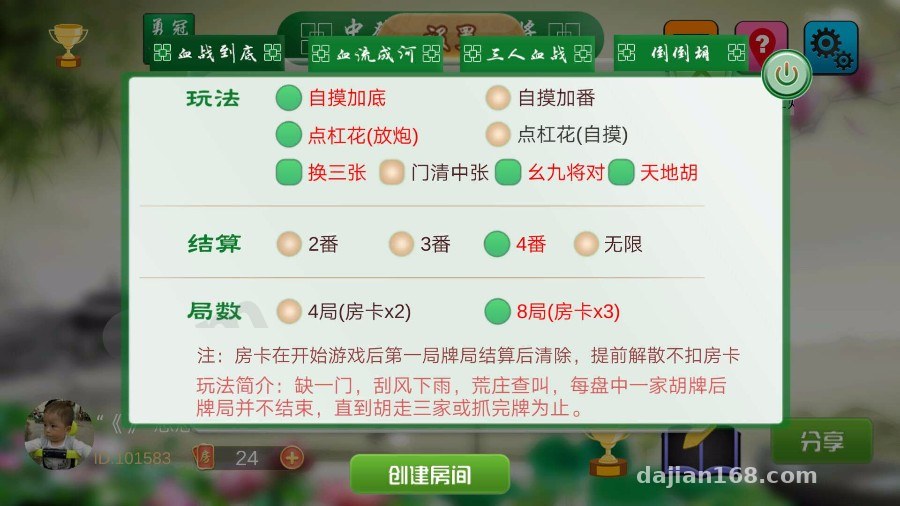
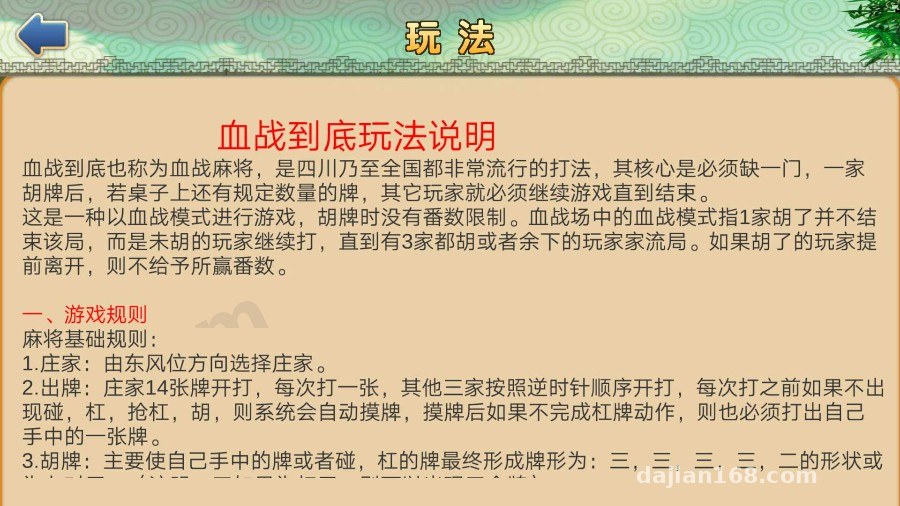
This is a 3D Sichuan-style tile game simulation platform that includes several mode modules: Xue Zhan Dao Di (fight to the end), Xue Liu Cheng He, three-player Xue Zhan, and Dao Dao Hu. The rule configuration is quite complete: options like self-draw bonus, multiplier stacking, discarding on a kong exposure, three-tile swap, concealed hand with middle tiles, terminals-and-pairs, and heaven/earth hands can all be toggled in the backend. Settlement supports 2/3/4 multiplier or unlimited mode, and sessions come in 4-round and 8-round options.
Hands-On Testing: Game Modes and Room Ticket Mechanics
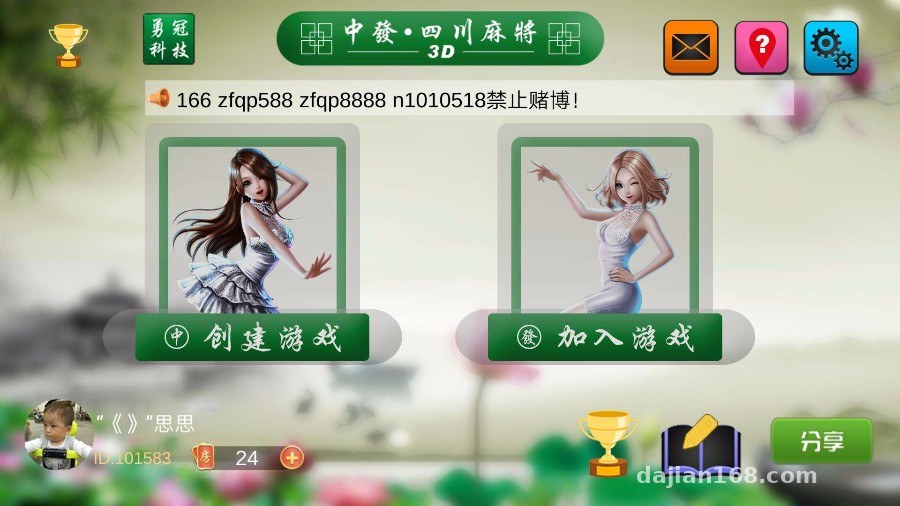
Starting with the client. It’s packaged with Unity3D, with a 3D tabletop view, and both tile animations and sound effects are done. I tested locally on Windows — the frame rate held steady around 60, and the Android build on mobile also ran without errors.
Backend Toggles for Game Rules
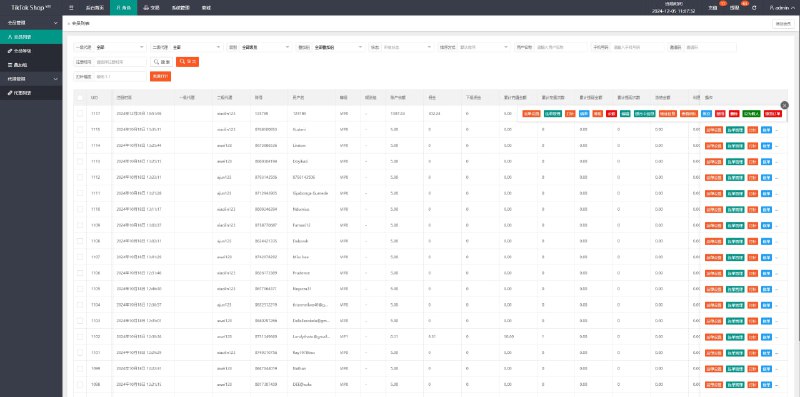
In the backend admin, each game mode maps to a set of rule checkboxes. For example, when enabling Xue Zhan Dao Di, you can independently check three-tile swap, concealed hand with middle tiles, or terminals-and-pairs. Once you change the config, the room creation screen reflects it immediately — no service restart needed. That’s nicely done; I’ve seen systems before where changing config required restarting the process, which made the live experience feel disjointed.
Room Tickets and Points System
The room ticket version means players spend tickets to open a room, and tickets are issued by the backend or earned through a task system. This design fits compliant demo and entertainment scenarios better, with points used only for leaderboard display. The backend lets you configure how tickets are obtained and set daily caps. My advice: tighten these parameters before going live, so test accounts don’t mess up the data.
Deployment Essentials: Environment, Ports, and Database
For the server I went with CentOS 7.9, starting at 2 cores and 4GB RAM — plenty for a demo. The components are roughly:
A Node server runs the game logic, Redis caches room state, MySQL stores user and match history data, and WebSocket runs on a separate port.
Pitfall Log
The first pitfall: the WebSocket port wasn’t opened in the security group, so clients kept failing to connect to rooms — the logs only showed timeouts, and it took me ages to realize it was a firewall issue. The second pitfall: Redis had no persistence configured, so after a service restart all in-progress rooms were simply gone. Adding AOF fixed the recovery on restart.
Also, the backend admin is written in PHP — installing a BaoTa panel with an nginx reverse proxy is the easiest route. Remember to change the default database password, and change the backend admin path too; the default path is far too easy to scan for.
Secondary Development and Localization Tips
The source code structure is fairly clean — Unity-side logic lives in C# scripts, the server is Node. If you want to do secondary development, I suggest first getting the simplest flow working end to end: register → create room → play one round → settle points. Understand that chain thoroughly before touching other modules.
For localization, all the text is centralized in config tables, so adding a language pack isn’t hard. As for payment interfaces, the source code reserves a standard callback location — you can hook it into your own points issuance or membership system. For a demo scenario, I’d recommend just issuing things manually through the backend; it’s the simplest and most stable option.
Highlight: the three-tile swap and Xue Zhan rule configuration in this system is finely grained, making it a great fit for gameplay research or tabletop demo projects. When deploying, sort out Redis persistence and port opening first — it’ll save you most of the troubleshooting time.
FAQ
Q: What’s the minimum server spec?
A: 2 cores, 4GB RAM, 3M bandwidth to start — fine for a demo with up to 10 concurrent users. Add more machines as the crowd grows; keep an eye on the Node process’s CPU usage.
Q: Do I need to repackage the client myself?
A: Depends on your needs. The source includes the Unity project — after changing the logo or UI assets, just rebuild with Unity 2019 or newer. If you don’t change anything, use the prebuilt package as-is.
Q: Can I add my own game rules?
A: Yes. The multiplier-judgment logic is centralized in the server’s rules module. Copy the existing terminals-and-pairs structure and modify the judgment conditions; remember to update the client-side score display to match.
Q: How is data security handled?
A: Back up the database regularly, add an IP whitelist to the backend, and add signature verification to the WebSocket interface. The source code doesn’t include anti-tampering out of the box, so I’d suggest adding a layer yourself.
Overall, this Unity3D Sichuan-style tile game simulation system is well polished — suitable for tabletop demos, gameplay research, or teaching projects. Deployment difficulty is moderate; with some Node and ops basics, you can get it running in a day. One last reminder: please comply with all applicable laws and regulations when using it, and never use it for any unlawful purposes.
Disclaimer: This article is for technical education and demonstration only. It is not professional or financial advice. Any real-world deployment must comply with applicable laws and regulations.
#Unity3D #Source Code Setup #Sichuan Tile Game Simulation #Server Deployment #Tabletop Game System
-
 Alipay QR Code Scan
-
 WeChat Scan Pay