Multi-Game Board-Game Simulation: Room Tickets, Club Mode, and Deployment Notes
Multi-Game Board-Game Simulation: Room Tickets, Club Mode, and Deployment Notes
Disclaimer: This article is for technical education and demonstration only. It is not professional or financial advice. Any real-world deployment must comply with applicable laws and regulations.
Last week, I helped a friend who runs an offline board-game club deploy a multi-game simulation platform. He wanted to move several regional card-style games online for rule demonstrations and points-based matches. There is no real-value settlement—everything runs on a points-only demo system. I spent about two days working through the source code, ran into a few issues, and documented the process so anyone building a similar system can save some time.
1. What This System Includes
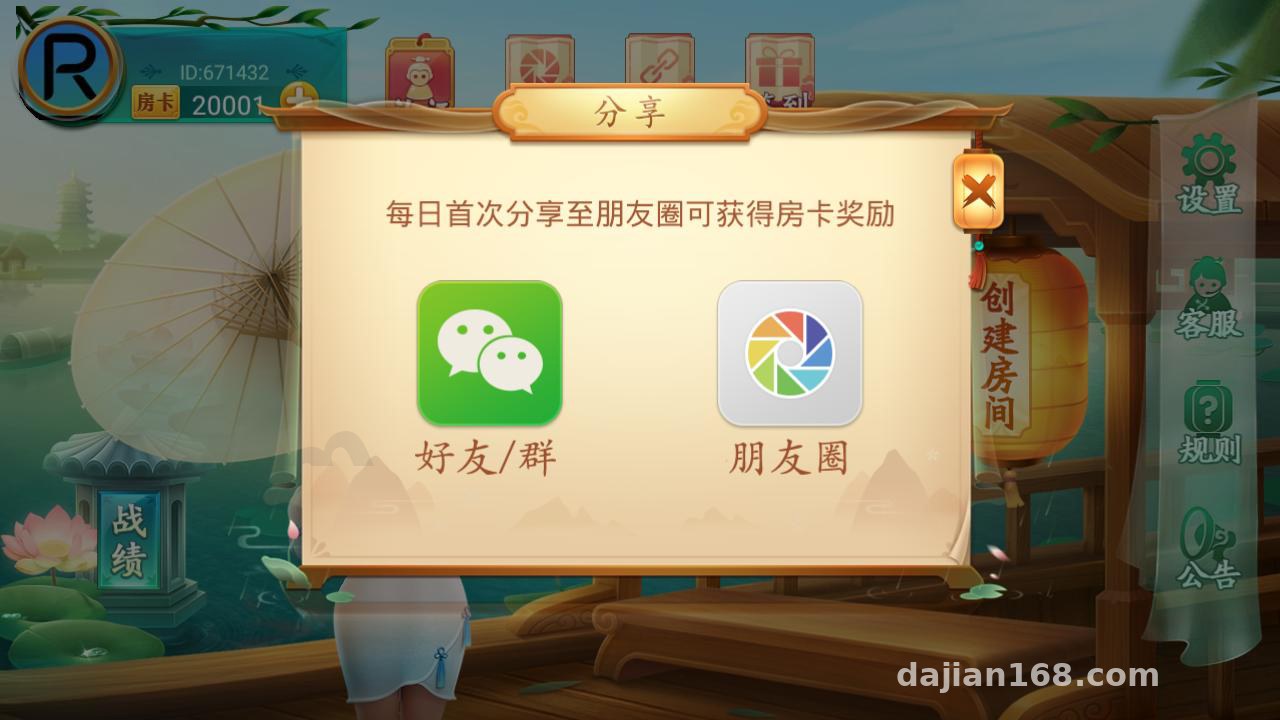
After unpacking the source code, I started by reviewing its structure. The front end consists of a native client and an H5 admin page, while the back end is built with Java. MySQL stores the main data, Redis handles caching, and nginx works as a reverse proxy and static-resource server. The system includes more game modules than I expected. Paohuzi alone has variants for Changsha, Hengyang, and Chenzhou, and there are also rule packages for Thirteen Cards, high-card comparison, Hongzhong tile simulation, Zhuanzhuan tile simulation, Bloody Battle, Blood Flow, Catch the Chicken, Pingyang Taipao, Lingxi, Sanmen, Liuzhou, and Dianpao. Altogether, I counted nearly twenty gameplay options.
Each game is packaged as an independent module. The admin panel can enable or disable modules separately, so unused games can be turned off completely to reduce server load.
Room tickets are the core access mechanism
Rather than using a complex billing system, the platform uses room tickets. Players consume tickets to create rooms, and tickets can be issued by administrators or transferred between players. During testing, I found that the admin panel supports different starting costs for different games. For example, Paohuzi-style rooms can require two tickets, while Thirteen Cards can start at three. The configuration is reasonably flexible. Every ticket transaction is recorded in the back-office ledger, including the user, amount, and timestamp, which makes audits straightforward.
Club and tournament modes
A club works like a dedicated player community. It has independent member management, a points leaderboard, and private rooms. The tournament mode supports scheduled events with configurable entry requirements and a points reward pool. I set up a test event and successfully completed registration, grouping, result processing, and reward distribution without hitting any blockers. This mode is well suited to internal club events.

2. Deployment Environment and Testing Notes
The main takeaway: do not try to run it on an undersized server. My first attempt used a two-vCPU machine with 2 GB of RAM, and memory usage became critical after only three or four rooms were active. Performance became much more stable after I moved to four vCPUs, 8 GB of RAM, and at least 10 Mbps of bandwidth. Around twenty concurrent users ran without any obvious pressure. I used CentOS 7.9, JDK 1.8, MySQL 5.7, Redis 5.0, and nginx for reverse proxying and static-file delivery.
Change the default database and admin settings
The source package ships with a default database password and admin port that are easy to find in public materials, so both must be changed before launch. I moved MySQL to a non-default port, added Basic Auth to the admin address, and restricted access with an IP allowlist. It may feel like extra work, but skipping this step leaves the system wide open. Redis should also be given a password and moved away from the default port. For the admin login API, I added a rate limit that locks an account for ten minutes after five failed attempts.
External credit callback and points integration
The system reserves a callback endpoint for external account-value integration through a generic third-party connector. Because my friend only needed a points-based demo, I disabled the external value-redemption path and switched to manually issued tickets from the admin panel. I also connected the included points-store page as a display-only interface. If you integrate an external credit service, make sure the callback verifies signatures and handles order IDs idempotently. A repeated callback can issue duplicate points—I actually triggered this once during local load testing.
Key strength: the system is highly modular. Every game is packaged as a separate JAR file, so modifying one set of game rules does not require changing the main service. Replacing the corresponding module and restarting is enough, and maintenance is easier than I expected.

3. Custom Development Experience and Target Users
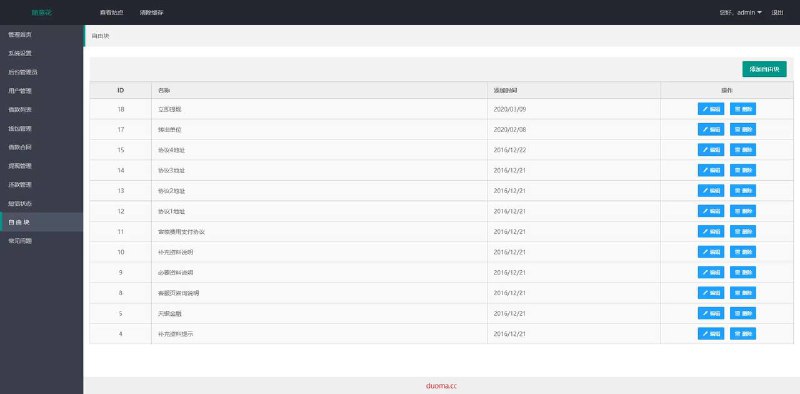
The admin interface is in Chinese and includes the features an operator normally needs: player management with freezing, points adjustments, and ticket distribution; room monitoring with real-time occupancy and status; announcement publishing; and daily statistics reports. For localization, most of the client-facing text is centralized in configuration files. It is not difficult to modify, and I adjusted the login-page copy as a quick test.
The target audience is fairly clear: offline board-game venues that want to add online points-based activities, educators preparing rule-teaching demonstrations, or technical enthusiasts interested in this type of system architecture. Because the core logic is implemented on the server and the client mainly handles presentation, developers who want to study room scheduling and state synchronization can learn a lot from the back-end code.
I made two custom changes myself. I replaced the default points label on the leaderboard with a club-specific title, and I added an on-site countdown notice before each tournament started. Both changes took less than half a day. The code comments are reasonably clear, and the main workflow is easy to locate in the RoomManager and MatchService classes.
Frequently Asked Questions
Question: What is the minimum server configuration?
Answer: A test environment can run on two vCPUs and 4 GB of RAM, but production use should start with four vCPUs, 8 GB of RAM, and at least 10 Mbps of bandwidth. For heavier traffic, consider distributing users across multiple servers. The system supports clustered deployment.
Question: Can I enable only a few of the twenty-plus games?
Answer: Yes. Each game has an independent switch under Game Management. You can also configure its room-ticket cost, player limit, and time limit separately.
Question: Can players transfer room tickets to each other?
Answer: Yes. The admin panel includes a transfer switch. I tested this feature, and every transfer is written to the transaction log with both users, the amount, and the timestamp visible to administrators.
Question: Is the player client native or H5?
Answer: The player client is native, while the admin dashboard is a web application. Building the client requires the appropriate platform-specific signing certificate, which you will need to prepare yourself.
Question: What compliance settings should I check?
Answer: Use the system only in accordance with applicable laws and local regulations. Keep it in points-demo and rule-teaching mode, disable external value settlement, and state clearly in the user agreement that points have no real-world value.
After the full deployment, my overall impression is that this system is more polished than many comparable source packages, especially in its modular design and admin features. Source-code quality can vary significantly between projects, so run a complete test in a virtual machine before putting anything into production. Do not skip that step just to save time. If you have questions, leave a comment below and I will reply when I can.
Disclaimer: This article is for technical education and demonstration only. It is not professional or financial advice. Any real-world deployment must comply with applicable laws and regulations.
#system deployment #board-game simulation #room ticket system #server configuration #source-code customization
-
 Alipay QR Code Scan
-
 WeChat Scan Pay