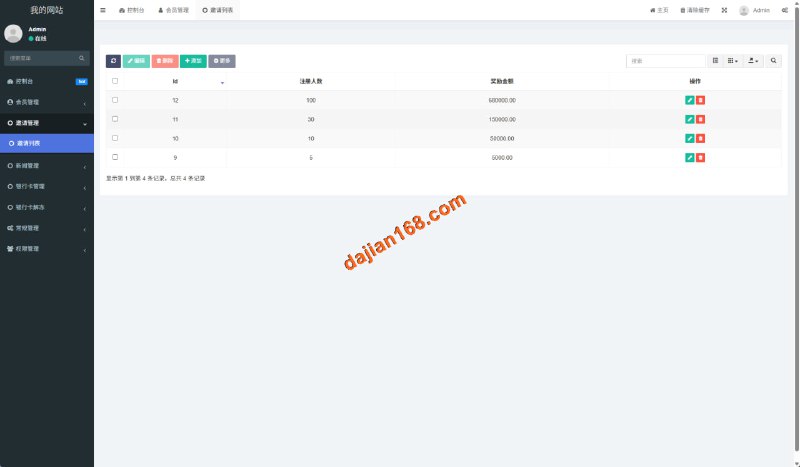
A walkthrough of deploying an open-source Uniapp multi-language social chat system, covering voice/video call configuration, PHP backend essentials, and secondary development experience....

A hands-on record of deploying a uniapp + ThinkPHP data collection and publishing system, covering automated collection, scheduled tasks, and the membership system with real testing notes....

Hands-on notes from a real cross-border ecommerce source code deployment. Covers multi-language storefront setup, payment gateway integration, and logistics API wiring, from architecture to custom development....

A practical record of building a Cocos2d card and board probability module framework, covering multi-game integration, probability algorithm demos, and H5 dual-platform deployment tips — a useful reference for technical readers....

A full walkthrough of building a payment checkout system — WeChat and Alipay API integration, multi-cloud storage architecture, multi-language templates, and a member tier system. Reference build notes for site owners and engineering teams....

A hands-on deployment log for a dark-themed local task distribution system, covering backend controls, a result publishing script, front-end UI customization tests, and lessons learned along the way....
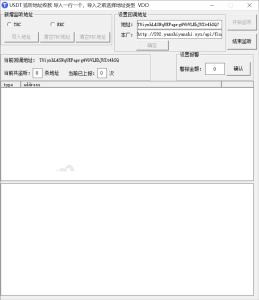
A walkthrough of deploying a multilingual USDT OTC trading system, covering third-party payment integration, language configuration, and hands-on admin panel testing, with lessons learned along the way....
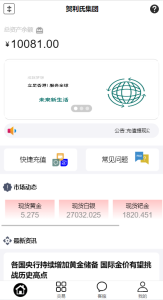
A complete record of deploying a customized financial data visualization system: multi-asset market simulation, room entry thresholds, dual-language support, and hands-on admin panel testing, with environment setup and hard-won lessons....
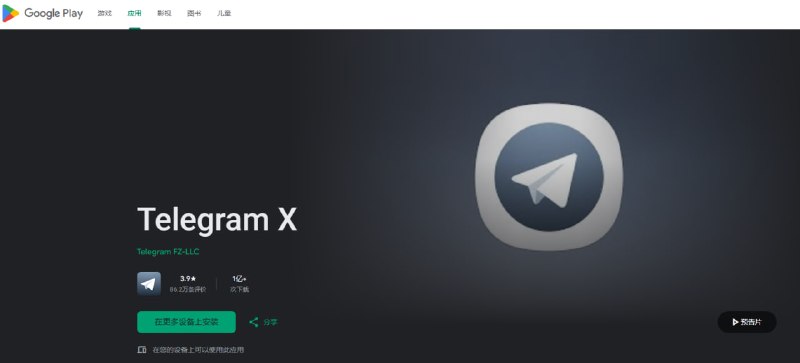
There’s a very simple solution to the issue of Telegram requiring payment to log in. Use an Android phone to download a Telegram X client from Google Play—it’s also officially developed. Logging in with this client is free. If your account was purchased using a virtual phone number service, you can download an Android emulator, install the Google environment package, download Telegram X, log into your account, and then set up an email and two-factor verification. You don’t need to keep the Android emulator running—it essentially serves as a backup for your TG account. Download the Tlegram X client from the Android app store, do not download it from other third-party sources: https://play.google.com/store/apps/details?id=org.thunderdog.challegram #干货 #tg登录 #tg接码...

A hands-on record of building the Guixiangyuan regional card-game demo system from environment setup to room-ticket integration. Server deployment pitfalls and admin panel tests are all in this note....